
NordVPN for Chrome is a browser extension that integrates the popular NordVPN virtual private network (VPN) service directly into your Google Chrome browser. This allows users to seamlessly encrypt their internet traffic and enjoy the benefits of a VPN without needing to manually launch a separate desktop application. This review delves into the features, functionality, pros and cons, and overall user experience of the NordVPN Chrome extension.
How NordVPN for Chrome Works
The NordVPN Chrome extension operates as a bridge between your Chrome browser and NordVPN’s vast server network. Upon installation and login, the extension automatically connects you to a VPN server of your choice (or a server automatically selected by the application based on your preferences). All your browsing activity – including website visits, downloads, and online interactions – is then routed through this encrypted VPN tunnel, masking your IP address and protecting your data from potential surveillance or interception. This means that your internet service provider (ISP), government agencies, or malicious actors cannot easily monitor your online activities.
Unlike the full NordVPN application, which provides system-wide VPN protection for all your applications and online activities, the Chrome extension specifically focuses on securing your browsing experience within the Chrome browser. This streamlined approach makes it particularly convenient for users who prioritize securing their browsing data above all else. However, it is important to note that only traffic generated through Chrome is protected by this extension; other applications on your computer will require the full NordVPN application for similar protection.
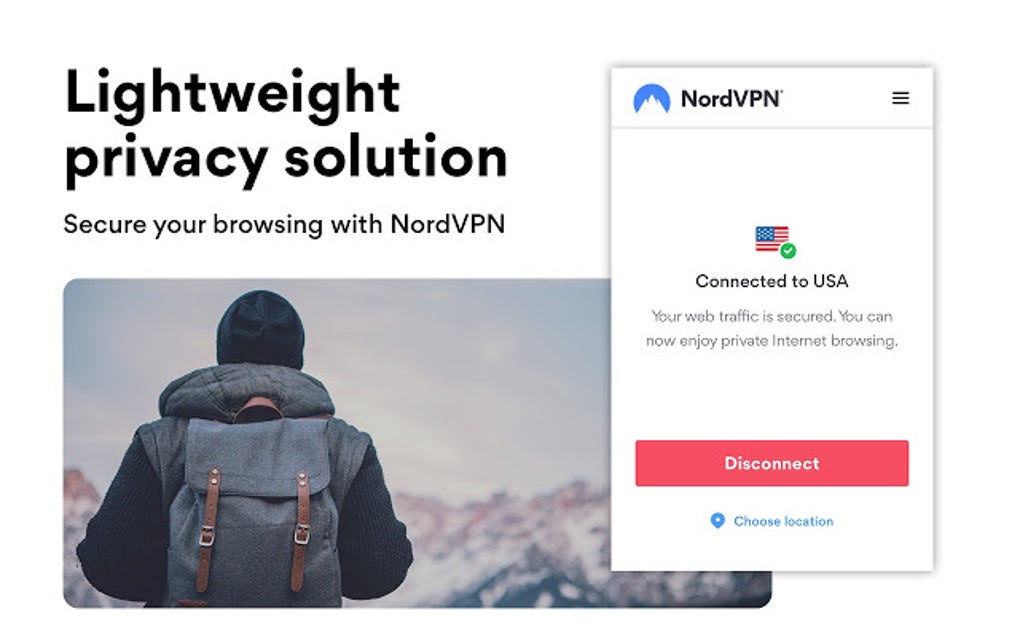
The extension’s seamless integration into Chrome minimizes disruption to your workflow. You can activate and deactivate the VPN connection with a single click, and the extension’s status is clearly indicated in the Chrome toolbar. While you can select specific servers from within the extension’s interface, you also have the option to let the application automatically choose the best server based on factors such as speed and location. This automated selection is often a good starting point, particularly for users who are unfamiliar with VPN configurations.
.jpg)
Features and Functionality
NordVPN for Chrome boasts several key features designed to enhance both your privacy and security:
- Automatic Connection: The extension connects automatically upon launching Chrome, ensuring continuous protection from the moment you begin browsing.
- Simplified Interface: The user interface is intuitive and straightforward, even for users unfamiliar with VPN technology. Essential features are readily accessible, eliminating the need to navigate complex settings menus.
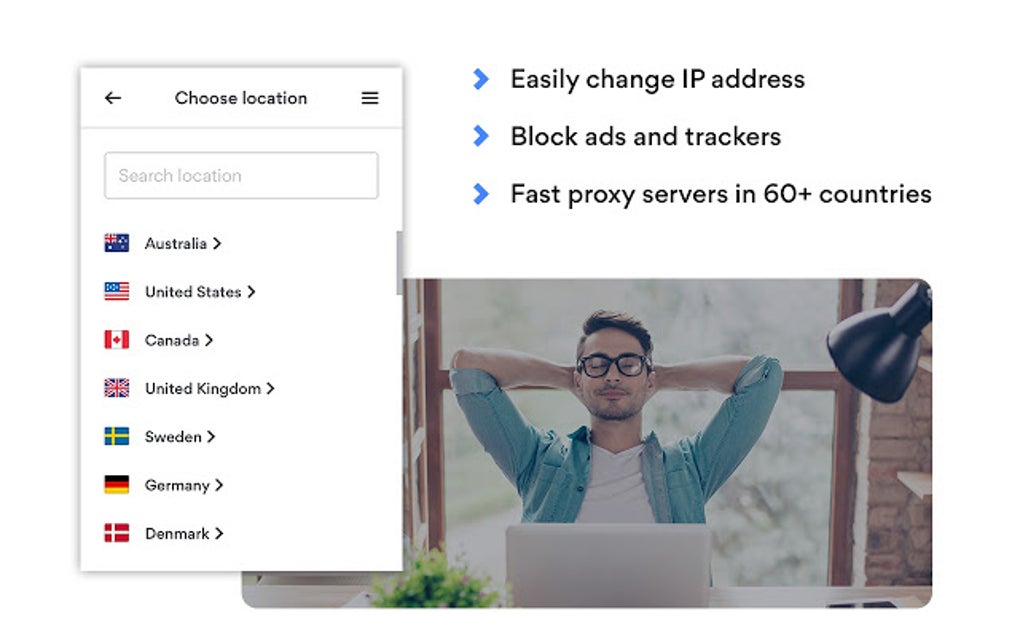
- Extensive Server Network Access: Despite being a browser extension, the NordVPN Chrome extension provides access to NordVPN’s global network of servers, allowing you to choose servers in various countries to bypass geo-restrictions and enhance your online anonymity.
- CyberSec Feature Integration (Often): Many implementations of the NordVPN Chrome extension integrate the NordVPN CyberSec feature, a built-in ad and malware blocker. This adds another layer of protection by preventing access to malicious websites and intrusive advertisements. However, the availability of this feature may depend on the specific version of the extension.
- Encryption: NordVPN uses robust encryption protocols to safeguard your data. This encryption makes it extremely difficult for unauthorized individuals to intercept and decipher your online communications.
Pros and Cons of Using NordVPN for Chrome
While NordVPN for Chrome offers a convenient way to secure your browsing, it’s crucial to weigh its advantages and disadvantages:
Pros:
- Ease of Use: The extension’s user-friendly interface makes it incredibly easy to use, even for those with limited technical expertise. The automatic connection feature further simplifies the process, eliminating the need for manual activation.
- Enhanced Privacy and Security: The extension effectively encrypts your Chrome browsing activity, protecting your data from potential threats. The CyberSec feature (when available) provides additional protection against malware and intrusive ads.
- Accessibility of NordVPN’s Server Network: Provides access to the wide range of servers offered by NordVPN, allowing you to select a server based on your specific needs.
- Always-On Protection: The automatic connection ensures that your browsing activity remains protected from the moment you launch Chrome, which is particularly beneficial for users who might forget to manually activate a VPN.
Cons:
- Limited Scope of Protection: The extension only secures your Chrome browser traffic. Other applications on your computer remain unprotected unless you use the full NordVPN desktop application.
- Potential Conflicts with Other Extensions: The NordVPN Chrome extension may sometimes conflict with other browser extensions, potentially causing functionality issues or instability.
- Overblocking: While the CyberSec feature helps block malicious websites, it may occasionally inadvertently block legitimate websites due to false positives. This is a common issue with many ad and malware blockers.
- Complexity in Configuration: While the extension itself is user-friendly, configuring the extension alongside other Chrome settings or VPN clients can be technically challenging for some users. This might require some troubleshooting and potentially some technical know-how.
- Limited Torrenting Support (Often): The extension’s ability to support torrenting activities might be restricted compared to the full NordVPN application. Access to P2P networks may be limited or unavailable through the Chrome extension alone, with the full application being necessary to use this feature.
NordVPN for Chrome: Is It Right for You?
The NordVPN Chrome extension offers a compelling solution for users seeking a simple and effective way to secure their Chrome browsing. Its ease of use and automatic connection feature are significant advantages. However, it’s essential to acknowledge its limitations. If you need comprehensive system-wide VPN protection, the full NordVPN desktop application is a better choice.
The NordVPN Chrome extension shines when used as a supplementary security measure for those who already use the full NordVPN application or primarily need to secure their web browsing. For users prioritizing ease of use and convenient Chrome-specific VPN protection, the NordVPN Chrome extension is an excellent option. However, users requiring broader protection or advanced VPN features should consider the full NordVPN application for a more robust solution.
Alternative Chrome VPN Extensions
Several alternative VPN extensions for Chrome exist, offering similar functionalities but potentially with different features, pricing, or performance characteristics. Choosing the right extension depends on your specific needs and priorities. Some factors to consider when choosing an alternative include the level of encryption, server locations, ease of use, and overall pricing. Researching various options and comparing their features is crucial before making a decision. It’s also advisable to read user reviews and check for independent security audits to assess the trustworthiness and effectiveness of any VPN extension before installing it.
Conclusion
NordVPN for Chrome provides a user-friendly approach to encrypting your Chrome browser traffic, offering a convenient level of online privacy and security. Its straightforward interface and automatic connection make it accessible to users of all technical skill levels. However, its limited scope of protection and potential conflicts with other extensions must be considered. Ultimately, the suitability of NordVPN for Chrome depends on individual needs and preferences, weighing the convenience against the limitations compared to the full NordVPN application. Users should carefully evaluate their specific requirements before choosing between the extension and the complete VPN client software.
.jpg)
File Information
- License: “Free”
- Version: “2.68.4”
- Latest update: “May 24, 2023”
- Platform: “Windows”
- OS: “Windows 8”
- Language: “English”
- Downloads: “12.3K”


