
Nothing Launcher, a free personalization application developed by Nothing Technology Limited, offers a glimpse into the design philosophy of the upcoming Nothing Phone 1 and its custom operating system, Nothing OS. This minimalist launcher, currently available as a beta version, prioritizes simplicity and ease of use, distinguishing itself from more feature-rich alternatives like Nova Launcher and Microsoft Launcher. While not brimming with advanced features, it provides a clean and intuitive interface, complemented by custom widgets and wallpapers, offering a taste of the Nothing OS experience before the phone’s official release.
A Minimalist Approach to Android Personalization
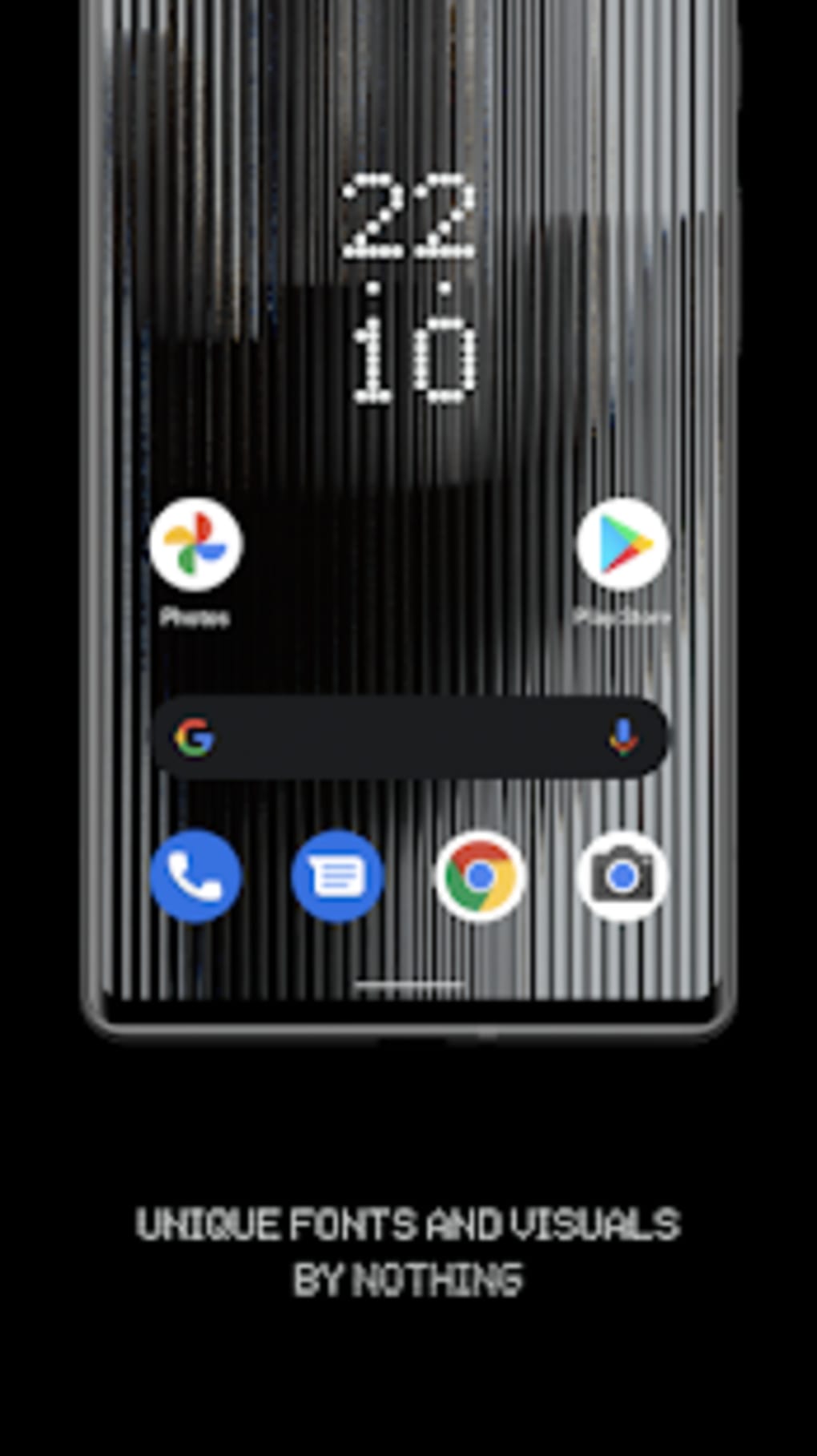
The core appeal of Nothing Launcher lies in its minimalist design. Unlike launchers overloaded with options and customizations, Nothing Launcher focuses on delivering a streamlined user experience. This approach is evident in its clean interface, subtle animations, and straightforward settings menu. The emphasis on simplicity extends to the included widgets and wallpapers, which are designed to be aesthetically pleasing and unobtrusive, complementing rather than overwhelming the overall design. This deliberate minimalism makes the launcher particularly attractive to users who prefer a clean and uncluttered home screen. The launcher’s design aligns perfectly with Nothing’s brand identity, reflecting the company’s focus on creating elegant and functional products.
Key Features and Functionality
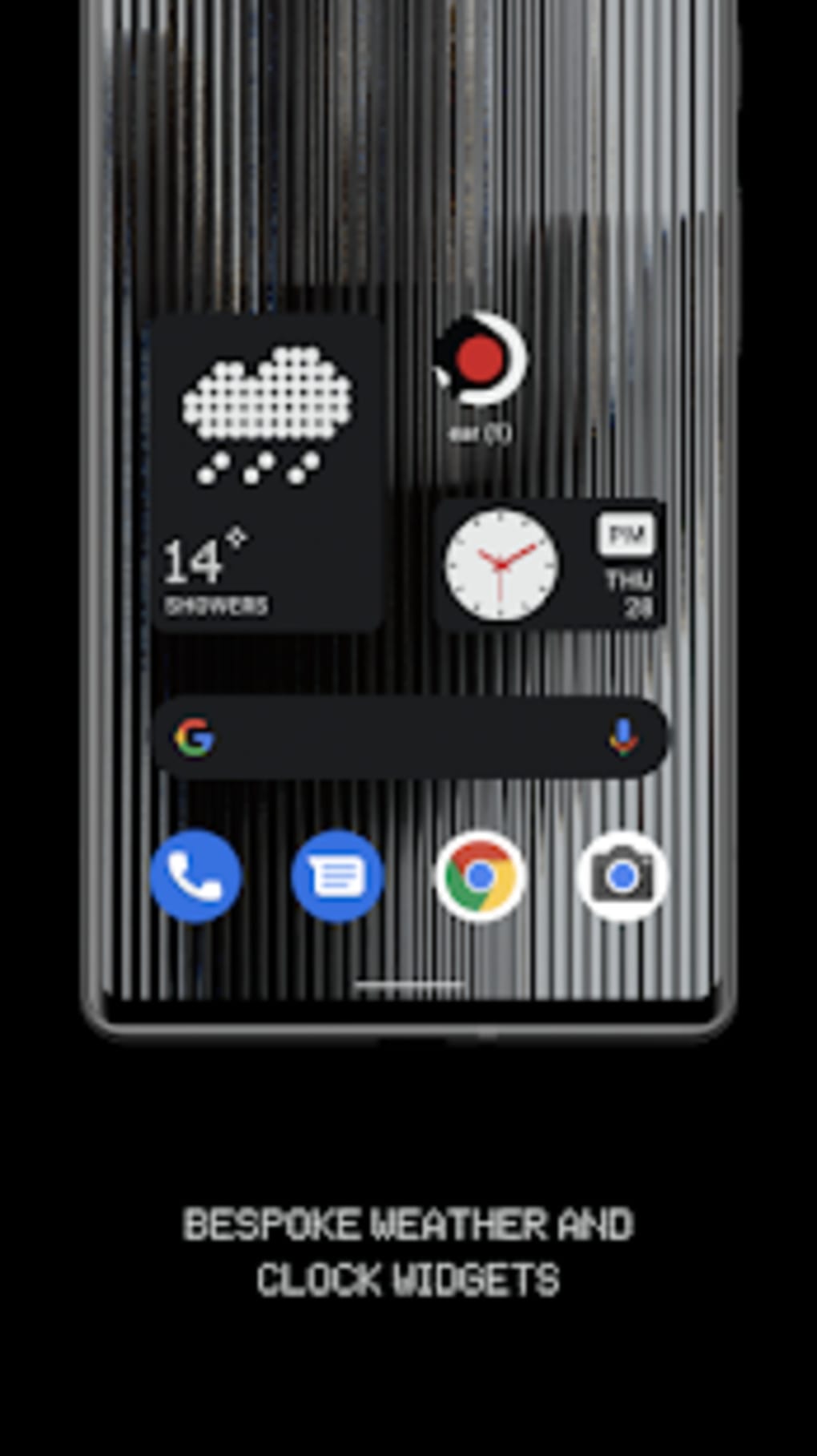
While not as feature-rich as some competitors, Nothing Launcher offers several key features that enhance its appeal:
- Custom Widgets and Wallpapers: The launcher includes a selection of custom widgets and wallpapers designed to match its minimalist aesthetic. These elements seamlessly integrate with the overall design, creating a cohesive and visually appealing home screen experience. The customizability options, while limited, allow for a degree of personalization to match individual user preferences.
-
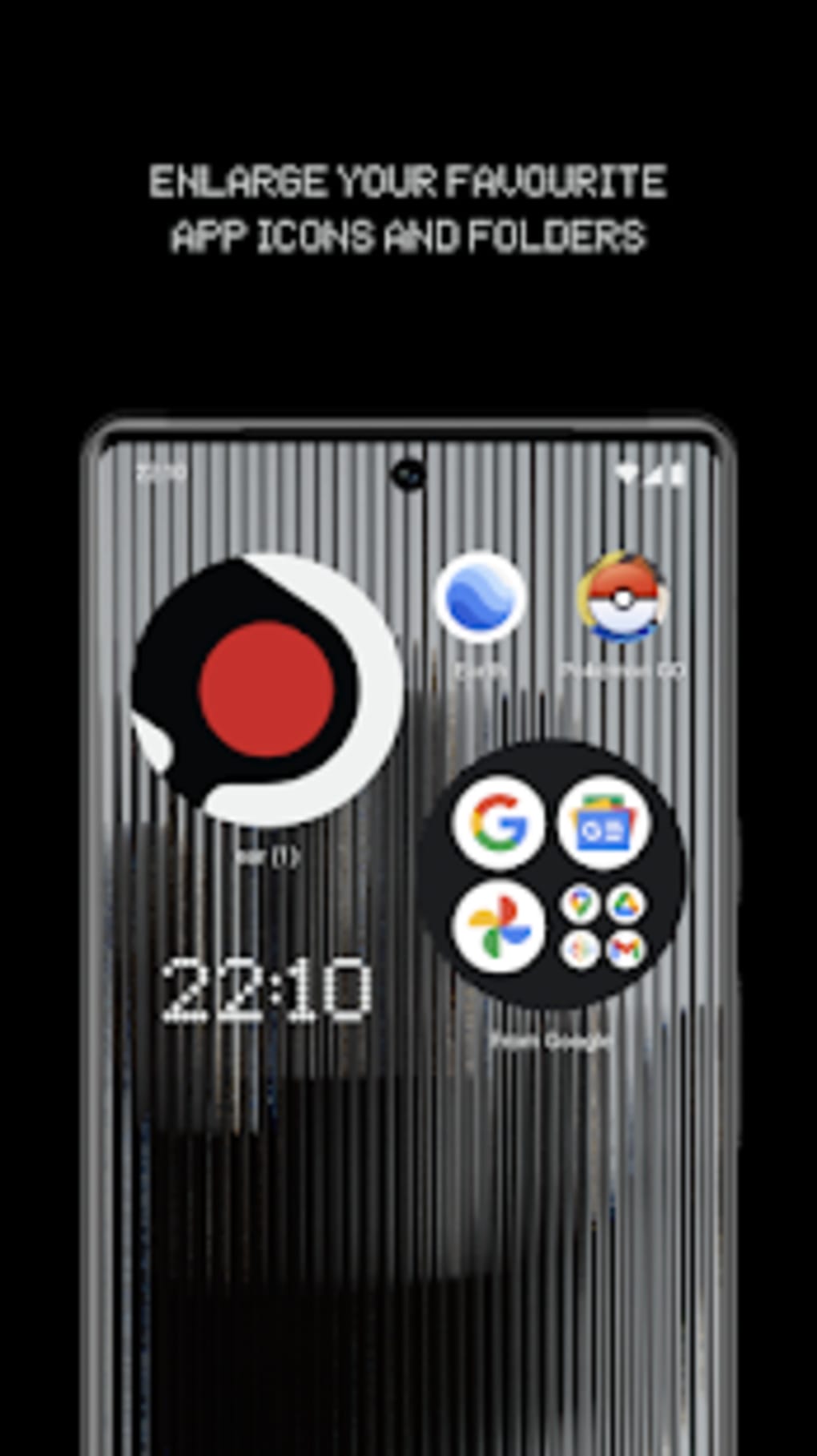
Max Icons and Folders: This unique feature allows users to enlarge home screen icons and folders. This is a practical addition, particularly beneficial for users with visual impairments or those who simply prefer larger icons for improved readability and ease of use. This feature shows a focus on accessibility and caters to diverse user needs.
-
Third-Party Icon Pack Support: For users seeking further personalization, Nothing Launcher supports third-party icon packs. This allows users to tailor the look and feel of their apps to their preferences, adding another layer of customization beyond the default aesthetics. This flexibility caters to those who want to maintain the core simplicity of the launcher while injecting their own style.
-
Configurable App Grid: Users can adjust the app grid layout to their liking, customizing the number of apps displayed per row and column. This option caters to different screen sizes and user preferences regarding icon density and organization. While a relatively standard feature in launchers, its presence highlights the launcher’s focus on providing users with a tailored experience.
-
Wallpaper Scrolling: This less common feature allows users to scroll through their selected wallpapers, offering a subtle but dynamic element to the home screen. It’s a simple addition that adds a touch of visual interest and provides a personalized, ever-changing background.
Despite its streamlined feature set, Nothing Launcher’s core functionality remains robust. It reliably launches apps, handles widgets effectively, and provides a smooth user experience consistent with its minimalist design principles. The launcher functions flawlessly in its intended purpose, acting as a bridge between the user and their applications while maintaining a visually appealing interface.
Device Compatibility and Limitations
Currently, Nothing Launcher’s compatibility is limited to a select range of Android devices. This beta release prioritizes testing and refinement on specific models before broader rollout. The limited compatibility might disappoint some users, however, this approach demonstrates a commitment to thorough testing and ensuring optimal performance before expanding support to a wider range of devices. The targeted approach may also result in a more polished and stable experience for users with compatible devices. The devices currently supported are primarily flagship models from Samsung (Galaxy S21 and S22 series) and Google (Pixel 5 and 6 lines). The specific device list may expand as development progresses and the launcher moves closer to a full release. This limited initial rollout is common for beta software releases, allowing the developers to gather user feedback and address any potential issues before a wider release.
A Beta Release: What to Expect (and Not Expect)
It’s crucial to remember that Nothing Launcher is currently in beta. This implies that some features might be incomplete, others might be missing altogether, and some bugs may be present. Users should manage their expectations accordingly, understanding that this is a work-in-progress. While it delivers on its promise of a minimalist and intuitive experience, it lacks the depth of features present in some established launchers. This is not necessarily a drawback; the focus on simplicity is intentional. Future updates are likely to introduce more features and enhancements, further refining the launcher’s functionality and expanding its capabilities.
The beta stage also serves as valuable feedback loop for Nothing Technology. User reports of bugs, feature requests, and general feedback are essential for the continuous improvement of the launcher. This active development process ensures that the final version will be more robust, stable, and better tailored to user needs.
Comparison to Other Launchers
Compared to more established launchers such as Nova Launcher and Microsoft Launcher, Nothing Launcher occupies a distinct niche. Nova Launcher, for example, offers a vast array of customization options, allowing for near-limitless personalization. Microsoft Launcher integrates deeply with Microsoft services, providing seamless access to various Microsoft tools and features. Nothing Launcher, however, prioritizes a clean and straightforward experience over extensive customization possibilities. It does not attempt to compete directly with feature-rich launchers; instead, it offers a focused alternative appealing to users who value simplicity and elegance above a plethora of options. This approach creates a unique position in the market, catering to a specific segment of users who prefer a clutter-free and aesthetically pleasing launcher.
Conclusion: A Promising Preview
Nothing Launcher, despite its beta status and limited feature set, presents a promising preview of Nothing OS’s design philosophy. Its minimalist approach, coupled with its smooth performance and elegant aesthetics, offers a refreshing alternative to more feature-heavy launchers. While not a complete replacement for existing launchers for most users, it successfully delivers a clean and intuitive experience that aligns perfectly with the Nothing brand’s focus on simplicity and elegance. The current limitations in terms of device compatibility and feature count are justifiable considering its beta status, and future updates promise further improvements and enhancements. For those seeking a streamlined and aesthetically pleasing Android experience, Nothing Launcher is worth exploring. The potential for future development and refinement positions it as a strong contender in the Android launcher market, particularly for those who appreciate clean design and a less cluttered interface.
File Information
- License: “Free”
- Latest update: “August 9, 2025”
- Platform: “Android”
- OS: “Android 15.0”
- Language: “English”
- Downloads: “86K”
- Download Options: “Google Play”


