
NoxPlayer is an Android emulator designed to bring the mobile gaming experience to your PC. It aims to provide users with a smooth, stable, and user-friendly platform for playing mobile games on a larger screen, offering a superior alternative to playing directly on a smartphone or tablet. This in-depth review explores the features, performance, and overall user experience of NoxPlayer, examining its strengths and weaknesses to determine its suitability for various users.
Superior Mobile Gaming on PC: Performance and Features
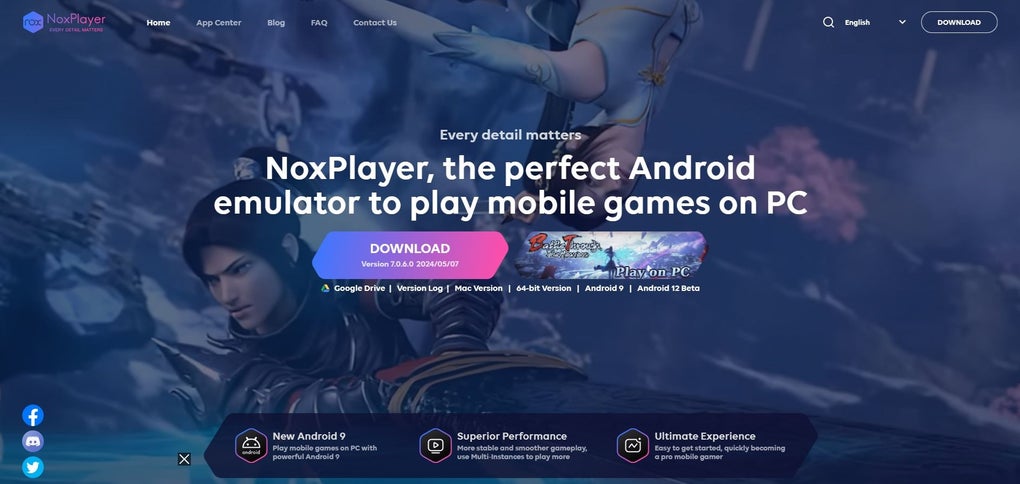
NoxPlayer’s core selling point is its promise of superior mobile gaming on a PC. This is achieved through several key features and optimizations. The emulator boasts a fully optimized Android 9 environment, a relatively recent Android version known for its stability and performance. This provides a foundation for smoother gameplay compared to emulators running older Android versions, which can often experience lag, crashes, or compatibility issues. The result is a significantly improved gaming experience, reducing the frustrations often associated with laggy or unstable emulators. Users report a noticeable difference in frame rate and responsiveness compared to playing directly on a mobile device, particularly in demanding games.
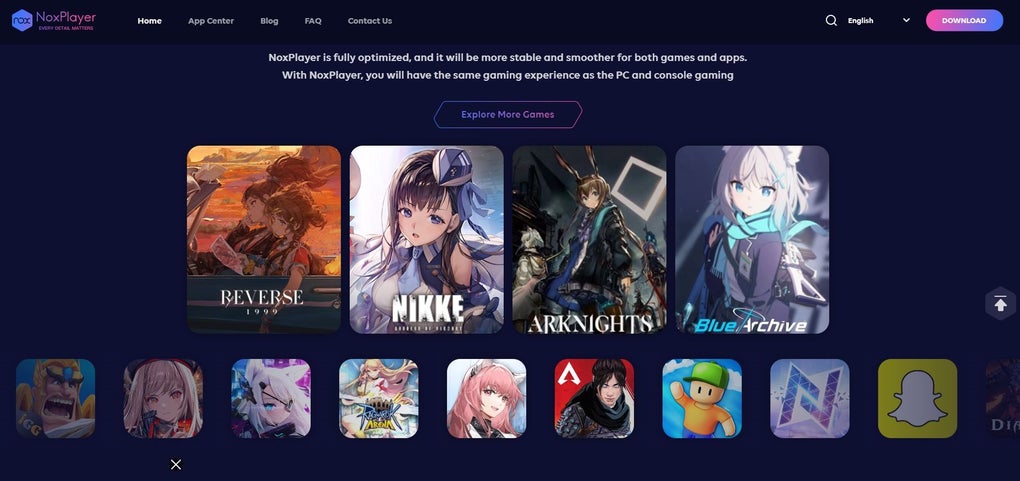
The emulator’s ease of use is another prominent feature. The interface is designed to be intuitive and accessible, even for users unfamiliar with Android emulators. The setup process is straightforward, and the controls are customizable, allowing players to tailor the experience to their preferences. This ease of use extends beyond initial setup; navigating menus, managing applications, and adjusting settings are all designed for simplicity and efficiency, eliminating the steep learning curve that can deter some users from adopting emulators.
Beyond basic emulation, NoxPlayer incorporates features geared towards enhancing the gaming experience. While specific features might vary based on updates, many users highlight the keyboard and mouse support as a significant advantage. This allows players to use familiar PC controls for mobile games, improving precision and overall control compared to touch screen controls. Multi-instance capabilities are also often mentioned, enabling users to run multiple instances of the emulator simultaneously, useful for tasks such as running multiple game accounts or testing different game configurations. Additionally, macro recording functionalities, available in some versions, allow for automating repetitive tasks within games, saving time and effort.
Target Audience: Mobile Gamers and Beyond
While NoxPlayer is primarily marketed towards mobile gamers, its potential applications extend beyond this niche. While the primary benefit is undoubtedly the enhanced gaming experience for mobile titles, the emulator could also be useful for mobile application developers. Testing applications on a larger screen with PC peripherals can be advantageous during the development process, providing a more comprehensive testing experience.
Furthermore, users interested in accessing Android applications on a PC, without the necessity of game-specific functionalities, might find NoxPlayer a suitable solution. This could include users who rely on specific Android apps unavailable on desktop platforms. However, it’s crucial to acknowledge that NoxPlayer is fundamentally an Android emulator; its strengths lie in optimizing the Android environment. Users expecting the full functionality of a conventional PC operating system should look elsewhere.
The streamlined design of NoxPlayer prioritizes ease of use and performance, potentially to the detriment of some features found in more comprehensive emulators. While this streamlined approach benefits the average mobile gamer, users requiring advanced customization or specialized functionalities may find other emulators better suited to their needs.
Comparison with Alternative Android Emulators
NoxPlayer stands in a competitive market of Android emulators, each offering distinct features and strengths. Direct comparisons with competitors like BlueStacks, MEmu Play, and LDPlayer are essential to understand NoxPlayer’s place within the landscape. While a detailed comparison is beyond the scope of this review, general observations highlight some key differences. Some emulators might offer more advanced features, such as enhanced virtualization capabilities or support for more niche hardware, while others may focus on specific areas like compatibility or customization.
The choice of emulator ultimately depends on individual needs and priorities. Factors to consider include performance requirements, desired features, compatibility with specific games or applications, and personal preferences regarding user interface and control schemes. NoxPlayer’s relatively user-friendly approach makes it accessible to a wider range of users, while more feature-rich emulators may cater to experienced users seeking advanced control and customization.
Limitations and Potential Drawbacks
Despite its strengths, NoxPlayer isn’t without its limitations. Some users report occasional compatibility issues with certain games or applications. While the emulator generally boasts strong performance, certain demanding games might still experience occasional lag or performance drops, depending on the PC’s hardware specifications.
Furthermore, the focus on gaming optimization might mean that certain features found in other emulators, geared towards broader Android usage, are absent or less developed. While NoxPlayer excels at running games, users requiring extensive customization options or specialized tools for managing Android applications might find other emulators more versatile.
Finally, the software’s reliance on an internet connection for some updates and features can be a potential drawback for users with limited or unreliable internet access. While the emulator itself can operate offline once installed, access to certain updates and features might be restricted without a consistent connection.
Conclusion: A Strong Contender in the Emulator Market
NoxPlayer presents a compelling option for users seeking a user-friendly and efficient Android emulator, specifically for mobile gaming. Its strengths lie in its optimized Android 9 environment, intuitive interface, and ease of use, offering a significant improvement in performance and accessibility compared to playing directly on a mobile device. The benefits of keyboard and mouse support, multi-instance capabilities, and macro recording (where available) significantly enhance the gaming experience.
However, users should consider its limitations. Compatibility issues with certain games or applications, occasional performance drops in demanding titles, and the potentially limited features compared to more comprehensive emulators should be weighed against its strengths. Ultimately, the decision of whether NoxPlayer is the right emulator depends on individual needs and priorities. For those prioritizing a smooth, stable, and user-friendly experience primarily focused on mobile gaming, NoxPlayer proves a strong contender in the crowded emulator market. For users requiring more advanced features or broader Android application support, exploring alternative options may be warranted.
File Information
- License: “Free”
- Version: “7.0.6.2”
- Latest update: “July 29, 2025”
- Platform: “Windows”
- OS: “Windows 11”
- Language: “English”
- Downloads: “30.3K”
- Size: “598.93 MB”


