
NXPowerLite Desktop is a file compression utility designed to significantly reduce the size of various file types, making them easier to share via email or store efficiently. This review delves into the software’s features, performance, ease of use, and compares it to alternative solutions. We’ll explore its strengths and weaknesses to help you determine if NXPowerLite Desktop is the right file compression tool for your needs.
Key Features and Functionality
NXPowerLite Desktop excels at compressing a wide range of file formats, including PDF, Microsoft Office documents (Word, Excel, PowerPoint), and JPEG images. Its strength lies in its ability to effectively compress files that traditional zip utilities struggle with, resulting in smaller file sizes without significant quality loss. This makes it particularly beneficial for users frequently dealing with large files, especially those containing complex formatting or high-resolution images. Beyond simple compression, NXPowerLite offers several key features:
-
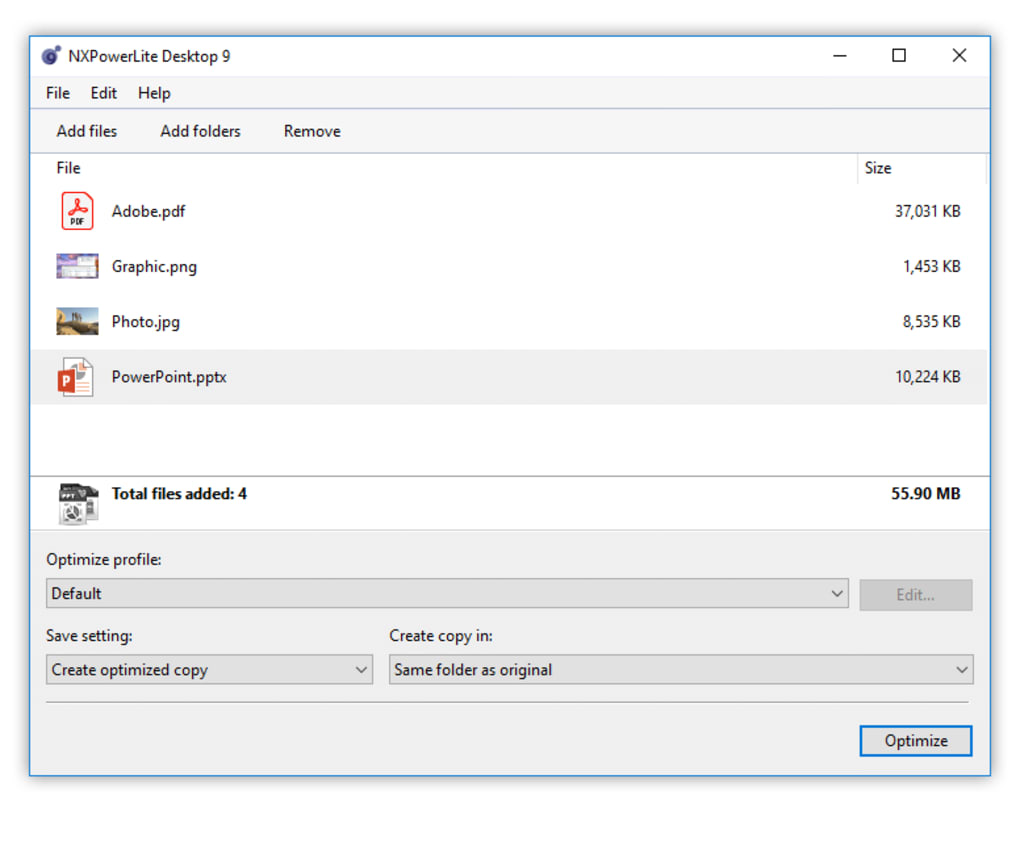
Batch Processing: Users can compress multiple files simultaneously, saving considerable time and effort when dealing with large numbers of documents. This batch processing capability is a significant advantage for increased efficiency.
-
Outlook and Lotus Notes Integration: The software seamlessly integrates with popular email clients like Outlook and Lotus Notes, automatically compressing email attachments before sending. This automated process minimizes the size of outgoing emails, ensuring faster transmission and reduced bandwidth consumption.
-
Right-Click Context Menu Integration: For added convenience, NXPowerLite adds options to the Windows right-click context menu. This allows for quick and easy compression of selected files directly from Windows Explorer, streamlining the workflow and eliminating the need to navigate to the NXPowerLite application itself.
-
Multiple Compression Levels: Offering various compression levels allows users to balance file size reduction with processing time. A higher compression level results in a smaller file size but may take longer to process. This flexibility caters to individual needs and priorities.
-
Easy-to-Use Interface: The program boasts a user-friendly interface, making it accessible to users of all technical skill levels. The intuitive design ensures that even users with limited computer experience can easily navigate the program and utilize its features.
Performance and Efficiency
NXPowerLite Desktop consistently delivers impressive compression ratios, particularly on files that resist compression using standard algorithms. Tests have shown significant reductions in file sizes, particularly for PDF documents and Microsoft Office files with embedded images or complex formatting. This performance is a key selling point for users who need to reduce file sizes dramatically.
The speed of compression is another notable aspect of the software’s performance. While compression time varies depending on the file size and chosen compression level, NXPowerLite generally performs the task efficiently, avoiding lengthy processing times that can impede productivity. The software is optimized to balance compression effectiveness and speed, ensuring a smooth user experience.
System Requirements and Compatibility
NXPowerLite Desktop is currently compatible with 64-bit Windows operating systems. While this limits its accessibility to users with older 32-bit systems, the vast majority of modern Windows computers support 64-bit architecture. The software’s compatibility with various versions of Windows ensures broad accessibility among the target user base.
The program’s resource usage is relatively minimal, making it suitable for use even on systems with limited resources. It doesn’t consume excessive amounts of CPU or RAM, ensuring smooth operation without significantly impacting system performance.
User Experience and Interface
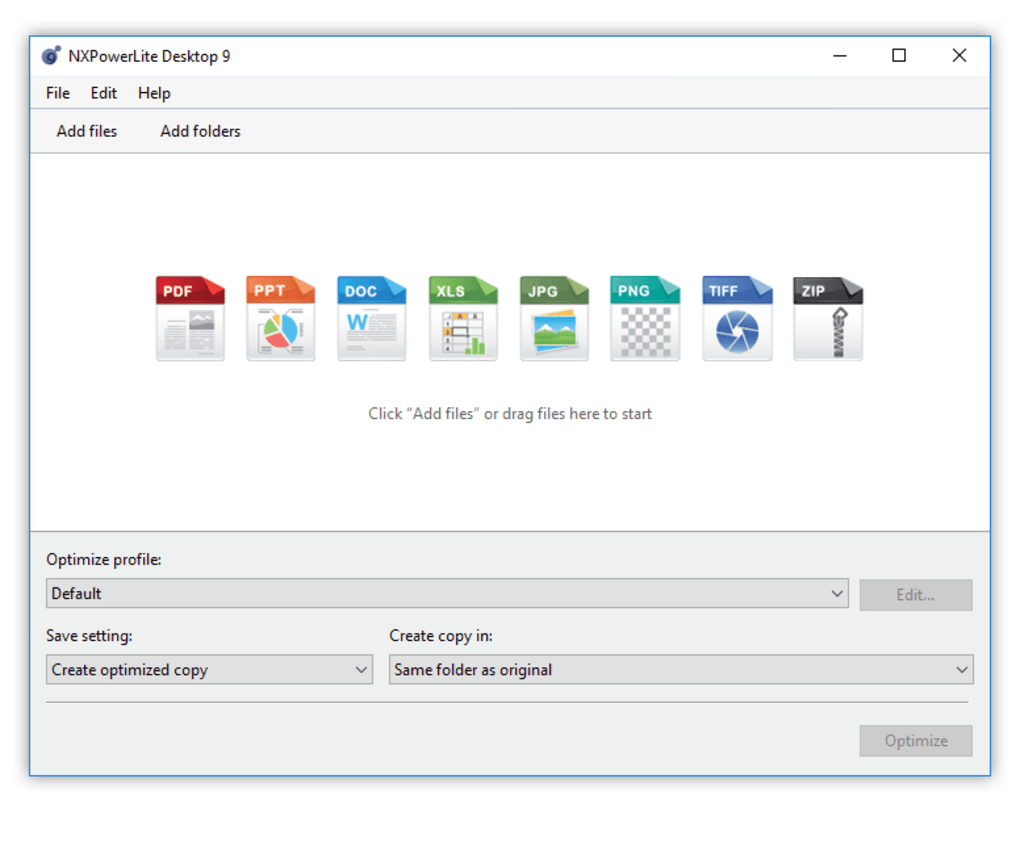
NXPowerLite Desktop’s user interface is generally considered simple and easy to navigate. The straightforward design minimizes the learning curve, enabling users to quickly become proficient in using the software’s core functions. The interface’s intuitive nature is a considerable strength, contributing to the software’s user-friendliness.
However, some users have commented that the interface appears somewhat dated compared to more modern software designs. While functionality remains paramount, a visual refresh could improve the overall user experience. This aesthetic aspect is a minor drawback that doesn’t compromise functionality.
The integration with email clients is a significant positive aspect of the user experience. The automated compression of attachments directly from Outlook or Lotus Notes streamlines the email process, saving considerable time and effort. However, the software’s integration with other email clients might be limited, potentially requiring manual compression for users of less common email applications.
Comparison with Alternative Software
Several alternative file compression applications exist, each offering its unique strengths and weaknesses. Direct comparisons are crucial for evaluating NXPowerLite’s position in the market.
-
7-Zip: A highly popular and free, open-source file archiver, 7-Zip excels at compressing various file types using various algorithms. However, it may not achieve the same level of compression as NXPowerLite, especially on files resistant to standard compression techniques. 7-Zip is a strong competitor, offering versatility and cost-effectiveness but lacking NXPowerLite’s specialized compression for specific file types.
-
WinRAR: Another widely used commercial archiver, WinRAR is known for its robust features and strong compression capabilities. Like 7-Zip, it offers broad compatibility but may not match NXPowerLite’s effectiveness in compressing specific file formats, such as PDF or Microsoft Office documents. WinRAR is a robust choice, providing ample features but is not as specifically optimized for the types of files NXPowerLite targets.
-
FILEminimizer Office: This application directly competes with NXPowerLite, focusing on compressing Microsoft Office documents. FILEminimizer offers a similar level of compression but might not offer the same broad compatibility with other file types. This makes the choice dependent on the specific types of files needing compression.
-
ORPALIS PDF Reducer: Specifically designed for PDF compression, ORPALIS PDF Reducer provides effective compression for PDF files. Similar to NXPowerLite, it excels in this niche but lacks the broad file format compatibility of other general-purpose archivers. This is a strong specialized competitor but only for PDF files.
The choice between these alternatives depends on specific needs. NXPowerLite’s strength lies in its ability to efficiently compress a range of file types, particularly those that are difficult to compress with standard archiving software, along with its email integration. Other applications might offer broader functionality but might not achieve the same compression ratios, especially for specific file types.
Conclusion
NXPowerLite Desktop is a powerful and user-friendly file compression tool, especially effective for users frequently sending large email attachments or needing to optimize storage space for specific file types like PDFs and Microsoft Office documents. Its strengths lie in its intuitive interface, efficient compression algorithms, particularly for files resistant to standard compression, and its integration with popular email clients. While some might find the interface slightly dated and its compatibility limited to 64-bit systems, its overall performance and ease of use make it a strong contender in the file compression market. The decision to use NXPowerLite Desktop should be based on whether its strengths in specific file types and email integration outweigh the preferences for broader compatibility or a more modern interface.
File Information
- License: “Trial version”
- Latest update: “July 9, 2025”
- Platform: “Windows”
- OS: “Windows 8”
- Language: “English”
- Downloads: “21K”
- Size: “52.45 MB”


