
Octopus – Gamepad, Mouse, Keyboard Keymapper is a free Android utility application developed by CZ Phoenix Studio that bridges the gap between mobile gaming and the precision of traditional PC peripherals. This comprehensive tool allows users to seamlessly connect keyboards, mice, and gamepads to their Android devices, transforming the mobile gaming experience into something far more akin to console or PC gaming. The app’s versatility and customizability extend to a wide range of games and playing styles, opening up new possibilities for mobile gamers.
Seamless Peripheral Integration for Enhanced Mobile Gaming
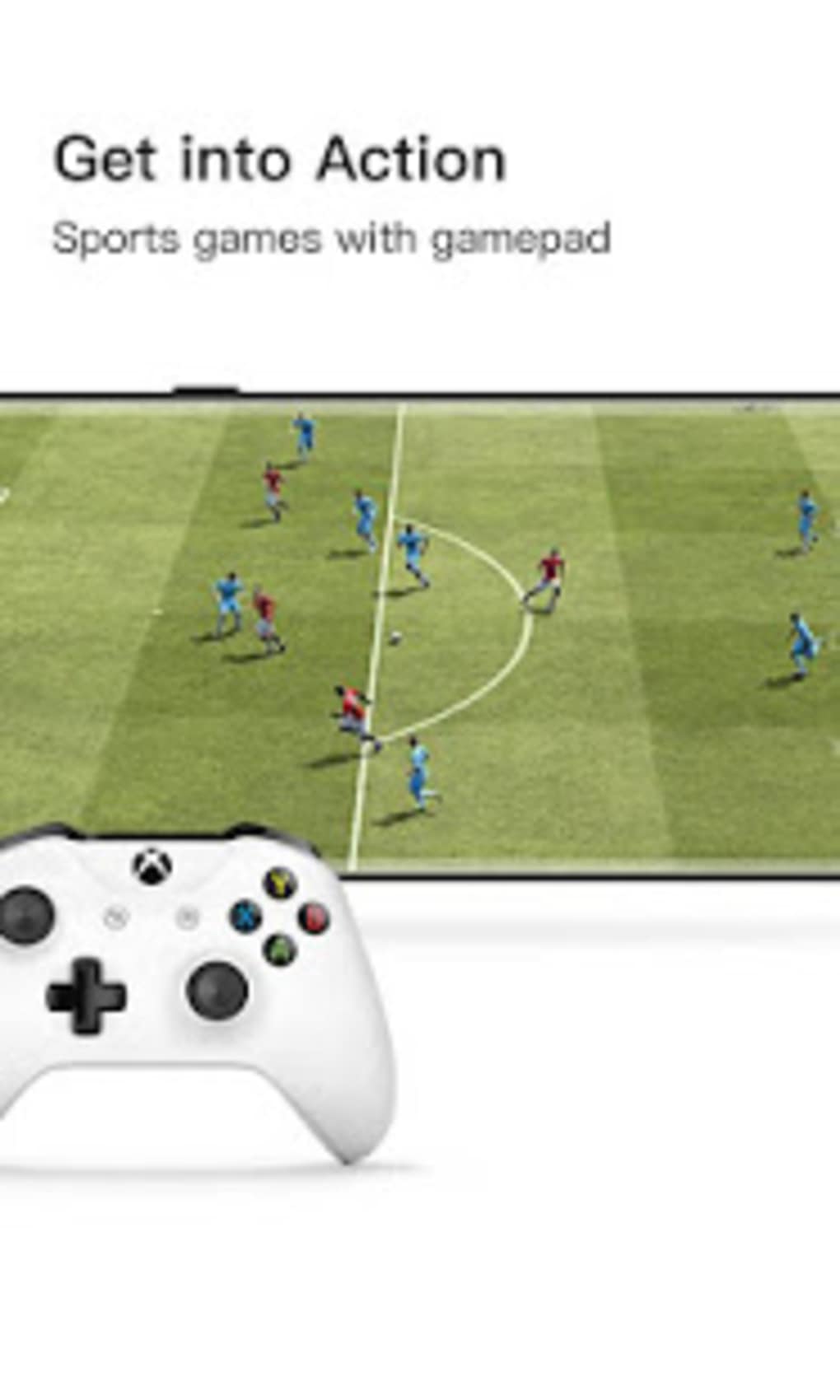
The core functionality of Octopus lies in its ability to flawlessly integrate various peripherals. Whether you prefer the precision of a mouse and keyboard for strategy games, the immersive control of a gamepad for action titles, or a combination thereof, Octopus offers the flexibility to tailor your setup to your preferred gaming style and the specific demands of the game. This eliminates the limitations often associated with touchscreen controls, particularly in games requiring precise aiming, quick reflexes, or complex commands. The app supports a wide array of peripherals, ensuring compatibility with most popular gamepads, keyboards, and mice currently available on the market.
Broad Game Compatibility and Customizable Keymapping
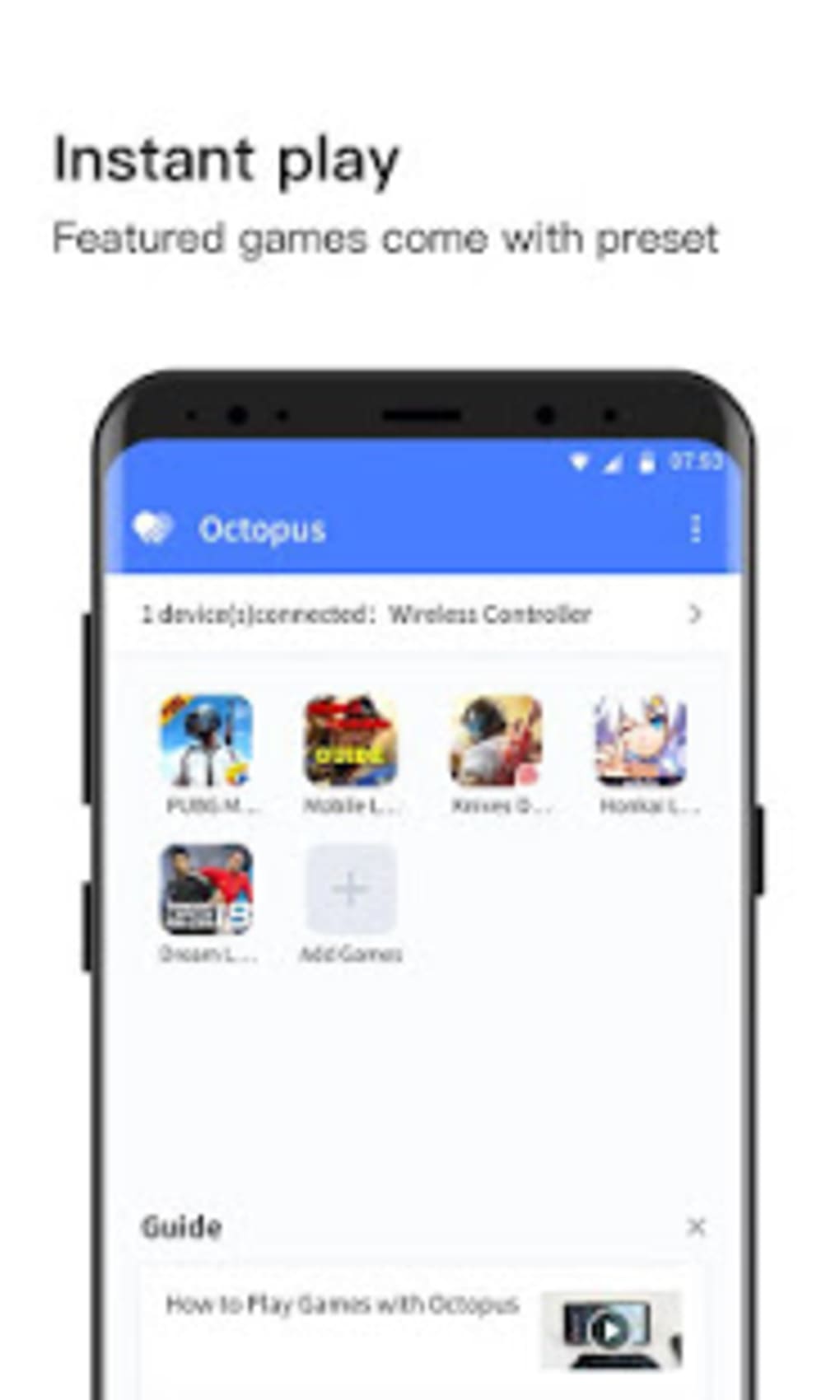
Octopus boasts extensive compatibility with a vast library of mobile games, encompassing various genres including first-person shooters (FPS), battle royale games, massively multiplayer online battle arenas (MOBAs), role-playing games (RPGs), and many more. This wide-ranging compatibility extends to titles such as Call of Duty Mobile, PUBG Mobile, Genshin Impact, and Honkai Impact, among countless others. The application doesn’t alter the core gameplay mechanics of these games; instead, it enhances the control scheme, allowing players to maintain the original game experience while enjoying significantly improved precision and control.
A key feature of Octopus is its customizable keymapping. Users can assign specific functions to individual keys or buttons on their peripherals, creating personalized control schemes optimized for their preferred play style and the nuances of each game. This level of customization is particularly beneficial for complex games with numerous actions and commands. For less tech-savvy users, pre-set key configurations are available for a range of popular games, enabling quick setup and immediate gameplay without the need for extensive configuration. This balance of customization and convenience makes the app accessible to a broad spectrum of users, from casual gamers to seasoned esports competitors.

Advanced Features and Modes for Optimized Gameplay
Octopus’s features extend beyond simple peripheral connectivity and keymapping. The app incorporates a built-in screen recorder, a feature particularly valuable for content creators and streamers who wish to share their gameplay footage with their audiences. This eliminates the need for separate screen recording software, streamlining the content creation process. The ability to record gameplay directly through the app is a significant benefit, ensuring a seamless integration into the overall gaming experience.
Furthermore, Octopus offers multiple control modes to cater to diverse gameplay preferences. Users can effortlessly switch between gamepad mode and keyboard/mouse mode depending on the game’s requirements or personal preference. Each mode is designed to optimize control for specific game genres, enhancing the overall usability and enjoyment. This versatility is crucial, allowing players to adapt their control scheme based on the demands of the game without compromising their gaming experience. Calibration options are also included, ensuring optimal responsiveness and precision across different peripherals.
Addressing Potential Drawbacks and Limitations
While Octopus offers numerous advantages, it is important to acknowledge some limitations. User reviews have reported instances of the application freezing, particularly upon initial launch. This instability, though reported by some users, doesn’t negate the overall positive impact the app provides to improve the mobile gaming experience. While these glitches are infrequent enough not to seriously hinder gameplay for most users, it’s crucial for developers to address these issues through future updates to enhance the app’s reliability and stability. Regular updates are essential to ensure continued improvement and the resolution of any reported bugs.
Octopus: A Versatile Tool for Enhancing Mobile Gaming Experiences
Octopus – Gamepad, Mouse, Keyboard Keymapper is more than just a simple peripheral connector; it’s a powerful tool that significantly enhances the mobile gaming experience. Its extensive peripheral support, customizable keymapping, multiple control modes, built-in screen recorder, and broad game compatibility transform the way users interact with mobile games. While occasional glitches may occur, the advantages offered by this free application far outweigh its limitations.
The app’s customizability allows players to tailor their setup to their specific needs and preferences, maximizing their performance in their favorite games. The ability to seamlessly switch between different peripherals and control modes adds to the app’s flexibility, making it a versatile tool for any mobile gamer. For users seeking to enhance their mobile gaming experience and gain a competitive edge, Octopus represents a valuable addition to their arsenal. The app’s potential to improve the mobile gaming experience is undeniable and presents a compelling case for its use.
Comparing Octopus to Alternative Applications
Several alternative applications offer similar functionality to Octopus, each with its own strengths and weaknesses. A direct comparison highlights the unique aspects of Octopus and helps determine its suitability for specific users. For example, some alternative applications might offer more streamlined interfaces, while others may prioritize compatibility with a narrower range of peripherals. Octopus distinguishes itself through its comprehensive feature set, broad game compatibility, and high degree of customization. The built-in screen recorder, multiple control modes, and preset key configurations for various games set it apart from many competitors. However, the relative stability and ongoing development of these competing apps should be considered alongside Octopus.
Future Improvements and Development
Continued development and improvement of Octopus are crucial to maintain its competitiveness and address any remaining issues. Addressing reported instances of freezing or instability is a priority for developers to enhance user experience. Expanding peripheral compatibility and adding support for more games will further increase the app’s appeal and usefulness. Regular updates with bug fixes and new features will solidify Octopus’s position as a leading peripheral mapping tool for mobile gaming.
Conclusion: A Game Changer for Mobile Gaming
Octopus – Gamepad, Mouse, Keyboard Keymapper represents a significant advancement in mobile gaming technology. Its ability to seamlessly integrate various peripherals, coupled with its extensive customization options, transforms the mobile gaming experience from one often hampered by touch screen limitations to a more refined and immersive experience that approaches that of PC or console gaming. While some minor issues may require attention, the app’s benefits undeniably improve the mobile gaming experience for many users. Its versatility, broad game compatibility, and innovative features make it a valuable tool for mobile gamers of all skill levels, regardless of genre preference. Its ongoing development ensures a commitment to improvement and a future that promises even greater functionality and reliability.
File Information
- License: “Free”
- Latest update: “May 15, 2024”
- Platform: “Android”
- OS: “Android 13.0”
- Downloads: “453.5K”
- Size: “15.59 MB”
- Download Options: “APK, Google Play”
- Filename: “com-chaozhuo-gameassistant-64728-67582995-844ec5106ec7fc1de9eb023ae24da4fa.apk”


