
The Old Photo Recovery App is a free utility application designed for Android devices. This data recovery tool aims to help users retrieve lost photos, videos, and other files that have been accidentally deleted. Its ease of use and support for various file types make it a popular choice among users seeking to recover precious digital memories. However, like all data recovery software, its success is not guaranteed, and understanding its limitations is crucial. This review delves into the app’s features, strengths, weaknesses, and provides a balanced perspective for potential users.
Functionality and Features
The Old Photo Recovery App boasts a straightforward and user-friendly interface. Its primary function is to scan internal and external storage for lost or deleted files. The app employs a simple one-tap operation to initiate the scanning process, making it accessible even to users with limited technical expertise. Once the scan is complete, the app presents a categorized list of recoverable files, allowing users to preview them before initiating the recovery process. This preview functionality is a significant advantage, enabling users to selectively recover only the desired files, thus saving time and storage space.
Beyond photos, the app extends its recovery capabilities to other file types, including videos, audio files, and documents. This versatility makes it a more comprehensive data recovery solution compared to applications focusing solely on photo recovery. In addition to multimedia files, the app also claims the ability to recover deleted phone contacts and their associated information, although the success rate for this function might be lower compared to recovering readily available file types on the phone’s storage.
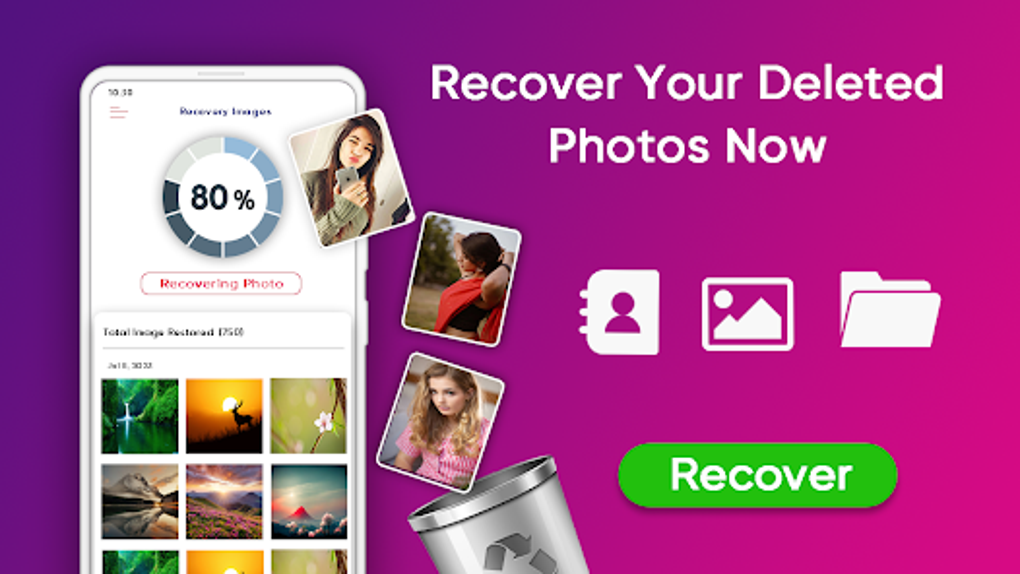
The app’s support for both internal and external storage significantly broadens its applicability. Users can recover lost files from their device’s internal memory as well as from external SD cards or other connected storage devices. This flexibility is a key strength, catering to users with various storage configurations.
User Experience and Interface
The Old Photo Recovery App’s design prioritizes simplicity and ease of use. The intuitive interface requires minimal navigation, making it ideal for users who are not technologically proficient. The one-tap scan initiation and the clear presentation of recoverable files contribute to a smooth user experience. The preview function allows users to quickly assess the quality and relevance of the recoverable files before committing to the recovery process, further enhancing the user experience and minimizing potential disappointment.
The app’s design avoids unnecessary complexity, presenting only the essential options and information. This streamlined approach minimizes the learning curve and ensures that the recovery process is straightforward and efficient. While a minimalist approach is generally welcomed, some users might prefer more advanced options, such as detailed scan settings or the ability to filter by specific file types beyond the basic categories provided.
Success Rate and Limitations
It’s crucial to acknowledge that the Old Photo Recovery App, like any other data recovery software, cannot guarantee the complete recovery of all lost files. The success rate depends on several factors, including the nature of the file deletion, the time elapsed since deletion, and the extent of overwriting on the storage device. If a file has been completely overwritten by new data, its recovery becomes virtually impossible. The longer the time elapsed since deletion, the higher the probability that the file’s data has been overwritten, leading to a lower recovery success rate.
The app’s ability to recover deleted contacts also presents a notable limitation. Contact information is often stored in a complex database, making its recovery more challenging compared to recovering simple files. The success rate for contact recovery might be lower and significantly dependent on the phone’s operating system, the specific applications used to manage contacts, and the extent of data overwrite.
Despite these limitations, the Old Photo Recovery App remains a valuable tool for recovering lost files. Its ease of use and the preview function provide a tangible advantage, allowing users to attempt recovery with minimal effort and selectively recover only the desired files. The app serves as a useful first step in data recovery efforts, and users should not be overly discouraged if recovery is not entirely successful.
Comparison with Alternative Apps
Several alternative photo recovery apps are available on the Google Play Store, each with its own set of features and capabilities. While direct comparisons require in-depth testing and analysis of each app’s performance under various scenarios, some general differences can be observed. Some competing apps may offer more advanced features such as deep scan options, more granular file filtering, or support for a wider range of file formats. Others might have a more visually appealing interface or offer cloud backup integration.
However, the Old Photo Recovery App’s simplicity and ease of use remain a significant advantage over many competitors. While some advanced apps might offer superior recovery rates in certain scenarios, the user-friendliness of the Old Photo Recovery App makes it an ideal choice for users prioritizing ease of use over potentially marginal increases in recovery rates. The choice of app ultimately depends on individual user needs and preferences, weighing the balance between advanced features and ease of use.
Conclusion
The Old Photo Recovery App presents a viable solution for recovering accidentally deleted photos, videos, and other files on Android devices. Its user-friendly interface, support for various file types, and the ability to preview recoverable files before recovery are its primary strengths. While the app cannot guarantee the recovery of all lost data, its ease of use and relatively high recovery success rate in many cases make it a valuable tool for users facing data loss. It serves as an efficient and accessible first step for data recovery attempts, offering a straightforward and convenient way to retrieve lost digital memories. However, users should always remember that data recovery is not a guaranteed process, and the success rate depends on several factors beyond the control of the app itself. Understanding these limitations is crucial for realistic expectations and effective use of the application.
File Information
- License: “Free”
- Version: “1.10”
- Latest update: “July 31, 2024”
- Platform: “Android”
- OS: “Android 13.0”
- Language: “English”
- Downloads: “28.7K”
- Download Options: “Google Play”


