
On-screen rulers have become invaluable tools for various tasks, offering a convenient way to measure objects on your computer screen. This comprehensive guide explores the functionality, applications, and advantages of on-screen rulers, focusing primarily on the popular “On-screen Ruler” application for Windows, while also considering similar tools available across different platforms and operating systems. We’ll delve into its features, explore its pros and cons, and provide insights into its practical use across various fields.
On-Screen Ruler: Features and Functionality
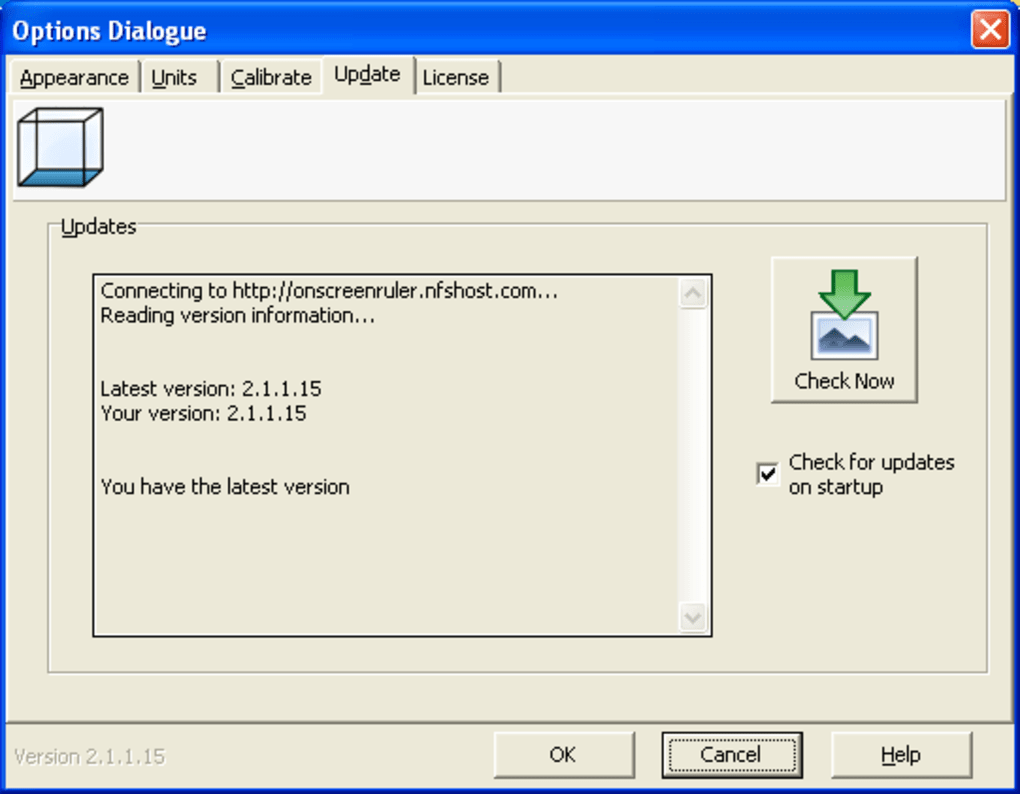
On-screen Ruler, a free application available for Windows and other platforms (including Android), serves as a virtual ruler that accurately measures objects displayed on your screen. This digital tool eliminates the need for physical rulers, providing a convenient and precise measurement solution. Its core features include:
-
Multiple Unit Support: The software allows users to select their preferred units of measurement, offering flexibility for different tasks and preferences. Options typically include centimeters, inches, pixels, picas, and percentages. This adaptability makes it suitable for a wide range of applications, from graphic design to web development.
-
Customizable Appearance: On-screen Ruler allows for customization of its visual presentation. Users can adjust the appearance of the ruler to better suit their needs and preferences, enhancing usability and integration within their workflow.
-
Calibration Options: Accurate measurements are critical, and On-screen Ruler addresses this by incorporating calibration features. This allows users to adjust the ruler’s proportions to perfectly match their screen’s resolution and physical dimensions. Proper calibration ensures accurate measurements, regardless of screen size or resolution.
-
Orientation Flexibility: The ruler can be easily switched between horizontal and vertical orientations, providing versatility for measuring objects of varying shapes and positions on the screen. This adaptability is particularly helpful in scenarios requiring both width and height measurements.
-
Simple and Intuitive Interface: On-screen Ruler boasts a user-friendly interface designed for ease of use. The application is straightforward to navigate and operate, minimizing the learning curve and maximizing productivity.
-
Free and Widely Available: On-screen Ruler is freely available for download, making it an accessible and cost-effective solution for users across various skill levels and budgets.
Advantages of Using an On-Screen Ruler
The benefits of utilizing an on-screen ruler are significant and span across multiple domains. Here are some key advantages:
-
Convenience and Accessibility: The most significant advantage is its ease of use and accessibility. Unlike physical rulers, an on-screen ruler is always readily available, eliminating the need to search for or retrieve a physical measuring tool. This convenience is particularly beneficial in situations demanding quick measurements.
-
Precision and Accuracy: When properly calibrated, on-screen rulers offer a high degree of precision and accuracy in measurements. This eliminates potential errors associated with using physical rulers, particularly in scenarios requiring precise measurements.
-
Versatility Across Platforms: On-screen ruler applications are often available across multiple platforms, making it adaptable to different computing environments and workflows.
-
Cost-Effectiveness: Free, readily available on-screen ruler applications provide a cost-effective alternative to purchasing and maintaining physical rulers, especially beneficial for individuals or businesses on a budget.
-
Integration with Digital Workflows: On-screen rulers seamlessly integrate into digital workflows, enhancing productivity and efficiency in tasks involving screen measurements. This is particularly valuable in fields like graphic design, web development, and image editing.
Applications of On-Screen Rulers: Beyond Basic Measurement
While the primary function is measuring objects on the screen, the application of on-screen rulers extends significantly beyond basic measurement. They prove useful in a diverse range of fields, including:
-
Graphic Design: In graphic design, precise measurements are crucial. On-screen rulers enable designers to accurately measure elements within their designs, ensuring consistency, alignment, and proper scaling. This precision significantly improves design quality and professional output.
-
Web Development: Web developers rely on accurate measurements for creating responsive and visually appealing websites. On-screen rulers help in determining the size and positioning of elements, facilitating the creation of user-friendly interfaces.
-
Image Editing: Precise measurements are essential in photo and image editing. On-screen rulers facilitate accurate cropping, resizing, and element placement, leading to high-quality image manipulation.
-
Software Development: In software development, on-screen rulers aid in the design and layout of user interfaces, ensuring elements are properly positioned and sized for optimal usability.
-
Education: On-screen rulers can be a valuable educational tool, helping students learn about measurements and spatial reasoning in a digital environment. This interactive approach enhances learning and understanding.
-
Accessibility: For individuals with visual impairments, on-screen rulers can provide a useful tool for navigating and measuring elements on the screen, enhancing their digital experience.
-
General Productivity: Even in everyday computer usage, an on-screen ruler can be helpful for measuring text sizes, determining image dimensions, and planning layouts.
Limitations of On-Screen Rulers
Despite their numerous advantages, on-screen rulers do have limitations:
-
Calibration Requirement: Accurate measurements depend on proper calibration. Incorrect calibration can lead to inaccurate measurements. Users must ensure proper calibration is done to ensure accuracy.
-
Screen Resolution Dependency: The accuracy of measurements is influenced by the screen’s resolution. Measurements taken on high-resolution screens may differ slightly from those on lower-resolution screens.
-
Limited Functionality Compared to Physical Rulers: On-screen rulers typically lack some functionalities of physical rulers, such as measuring curved objects or three-dimensional objects directly. Their capabilities are limited to on-screen objects and measurements.
On-Screen Ruler Alternatives and Cross-Platform Solutions
While On-screen Ruler provides a robust solution for Windows users, various alternative applications offer similar functionality across different platforms. These alternatives often include additional features or cater to specific needs. Some popular examples include built-in ruler tools within image editing software like Adobe Photoshop or GIMP, specialized measurement tools within CAD software, and various browser extensions offering on-screen ruler functionalities.
Conclusion: The Value of On-Screen Rulers in the Digital Age
On-screen rulers have become essential tools in the digital age, offering a convenient, precise, and cost-effective way to measure objects displayed on computer screens. Their applications span a wide range of fields, from graphic design and web development to education and accessibility. While limitations exist, the benefits of on-screen rulers significantly outweigh the drawbacks, making them invaluable assets for users across various domains. The availability of both standalone applications and integrated tools ensures that accurate measurement remains readily accessible in the digital world. By understanding the features, applications, and limitations, users can effectively leverage on-screen rulers to enhance their productivity and improve the quality of their work.


