
Open File Viewer is a Windows application designed to simplify the process of opening and viewing various file types. This review will delve into its functionality, strengths, weaknesses, and compare it to alternative solutions available in the market. While it promises a unified approach to file viewing, its limitations and user experience warrant a closer look before deciding if it’s the right choice for your needs.
Functionality and Features
Open File Viewer’s core functionality centers around its ability to open and display files of numerous formats within a single application. This eliminates the need to install multiple viewers for different file types, streamlining the user experience for those who frequently handle diverse documents, images, and other files. The program boasts compatibility with a wide array of file extensions, including, but not limited to, image formats (JPEG, PNG, GIF, etc.), document formats (PDF, DOC, XLS, etc.), and potentially many more. The user simply selects the file they wish to view, and Open File Viewer handles the rest.
However, it’s crucial to understand that Open File Viewer primarily focuses on viewing, not editing. It lacks built-in editing capabilities for most file types. Users who require editing features will need to utilize separate applications for that purpose. This limitation is a significant consideration, particularly for users who frequently require both viewing and editing functionality within the same workflow.
User Interface and Experience
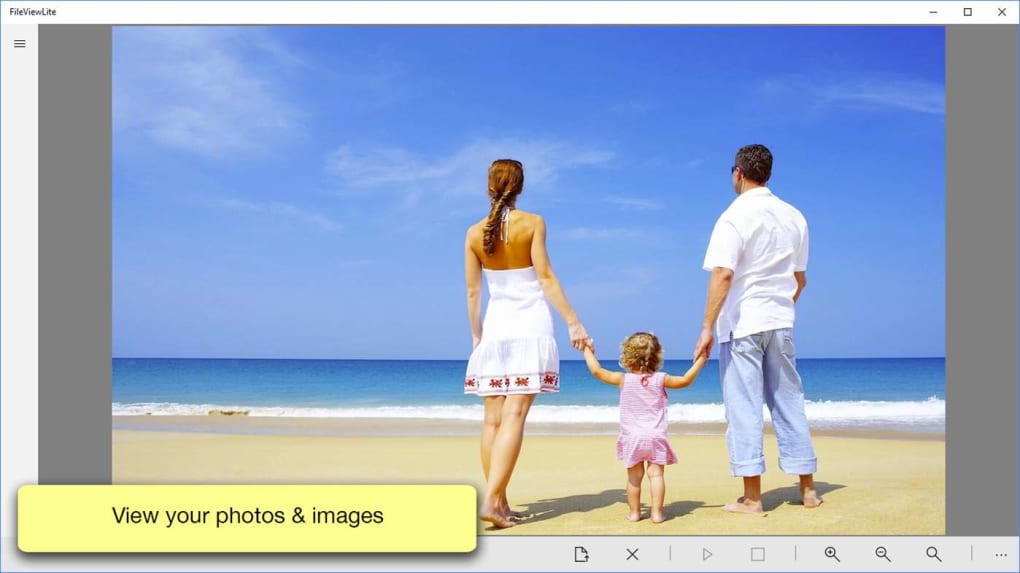
The user interface (UI) is a point of contention for many users. While the functionality is straightforward, the design is often described as “clunky.” This suggests a less-than-intuitive navigation system or a lack of visual appeal that could impact usability. The absence of detailed feedback on the UI’s shortcomings prevents a more concrete assessment, but user comments highlight a need for potential improvements in aesthetics and user-friendliness. A more modern and streamlined interface would significantly enhance user experience.
The ease of use, or lack thereof, directly correlates to the overall user experience. A cumbersome interface can hinder productivity and lead to frustration. While the core function of opening and viewing files is simple, a smoother, more intuitive interface could significantly improve the program’s appeal.
Pricing and Availability
Open File Viewer follows a freemium model. The basic version is free to download, allowing users to experience the core functionality. However, significant features are locked behind a paywall. This model is common among software applications, but it raises questions about the value proposition of the paid version. Users need to assess whether the added features justify the cost. Transparency regarding the features included in the free versus paid versions is critical for informed decision-making.
Comparison with Alternative Applications
Several alternative applications offer similar, and often superior, file viewing capabilities. Some of these applications, like Universal Viewer and File Viewer Lite, also provide free versions with various features. Others, offering more advanced functionalities, may come with a price tag. The choice depends on individual needs and budget constraints. A detailed comparison table outlining features and pricing would benefit potential users.
Consider the following aspects when comparing Open File Viewer to competitors:
- Feature Set: A comprehensive comparison of features, including support for various file types, editing capabilities (if any), and extra tools.
- User Interface: Evaluating the intuitiveness and ease of use of each application’s interface.
- System Requirements: Considering the minimum system requirements to ensure compatibility with different operating systems and hardware configurations.
- Pricing and Licensing: Comparing the cost, licensing models (free, freemium, paid), and value proposition of each application.
- Security and Privacy: Assessing the security measures and privacy policies of each application to ensure user data is protected.
- Community Support and Documentation: The availability of user forums, help documentation, and updates.
This comparative analysis would highlight Open File Viewer’s advantages and disadvantages relative to its competitors, empowering users to make an informed decision.
Strengths and Weaknesses
Strengths:
- Wide File Format Support: The program’s ability to handle numerous file types is a key strength, simplifying the process of viewing diverse documents and multimedia content.
- Single Application Solution: Consolidating numerous file viewers into one application reduces system clutter and simplifies the user experience. This is particularly beneficial for users who frequently deal with various file types.
- Free Basic Version: The availability of a free version allows users to try the application and evaluate its suitability before committing to a purchase.
Weaknesses:
- Limited Editing Capabilities: The absence of editing features is a significant drawback for users who require both viewing and editing capabilities within a single workflow.
- Clunky UI: The reportedly clunky user interface detracts from the user experience and can lead to frustration.
- Freemium Model Limitations: The limitations imposed by the freemium model may restrict access to essential features, hindering the application’s overall usefulness for certain users.
- Lack of Transparency: A clearer description of the features offered in the paid version versus the free version would increase transparency and aid user decision-making.
- Inadequate User Reviews: The lack of available user reviews prevents a comprehensive assessment of real-world user experience.
Conclusion
Open File Viewer presents a simple concept: consolidate file viewing capabilities into a single application. While its ambition is laudable, the execution falls short in several areas. The clunky UI and limited functionality in the free version create a less-than-ideal user experience. While its ability to open and display a wide range of file types is commendable, the lack of editing features and the questionable value proposition of the paid version raise serious concerns. Potential users should carefully weigh the pros and cons, compare it with alternative solutions, and assess whether the application’s strengths outweigh its weaknesses before deciding whether to install it. Improvements in the user interface, increased transparency in the freemium model, and the addition of even basic editing capabilities could significantly enhance the application’s competitiveness. Until these improvements are implemented, Open File Viewer remains a middle-of-the-road option with potential, but hampered by its current limitations.
File Information
- License: “Free”
- Version: “varies-with-device”
- Latest update: “July 15, 2022”
- Platform: “Windows”
- OS: “Windows 10”
- Language: “English”
- Downloads: “15K”


