
Opera Mini has carved a significant niche in the mobile browsing landscape, distinguishing itself with its emphasis on speed and data efficiency. This detailed exploration delves into the features, functionality, and overall user experience of this popular browser, examining its strengths, weaknesses, and suitability for various users.
Unmatched Speed and Data Compression: The Core of Opera Mini
Opera Mini’s claim to fame lies in its innovative approach to data compression and content optimization. Unlike traditional browsers that directly render web pages, Opera Mini utilizes a proxy server. This server processes web pages before they reach your device, significantly reducing their size and rendering time. This process involves several key steps:
-
Content Fetching: Opera Mini fetches the website’s HTML, CSS, and JavaScript code through its proxy servers.
-
Compression and Optimization: The servers then compress and optimize this code, reducing its overall size. This includes shrinking images to fit smaller mobile screens without compromising quality significantly.
-
Reformatting for Mobile: The content is then reformatted to suit the smaller screen sizes commonly found on mobile devices.
- Delivery in Opera Binary Markup Language (OBML): Finally, the compressed and optimized content is delivered to your device using OBML, a proprietary markup language designed for faster processing. This results in page load times that are up to three times faster compared to traditional browsers in low-bandwidth environments.
This unique approach makes Opera Mini exceptionally effective in environments with limited bandwidth or slow internet connections. Users can experience a remarkably faster browsing experience, even on networks where other browsers struggle. The browser can shrink websites to as little as 10% of their original size, dramatically reducing data consumption. Opera Mini transparently handles this process, so users don’t have to manually adjust settings or interfere with the process.
Intuitive Interface and User-Friendly Design
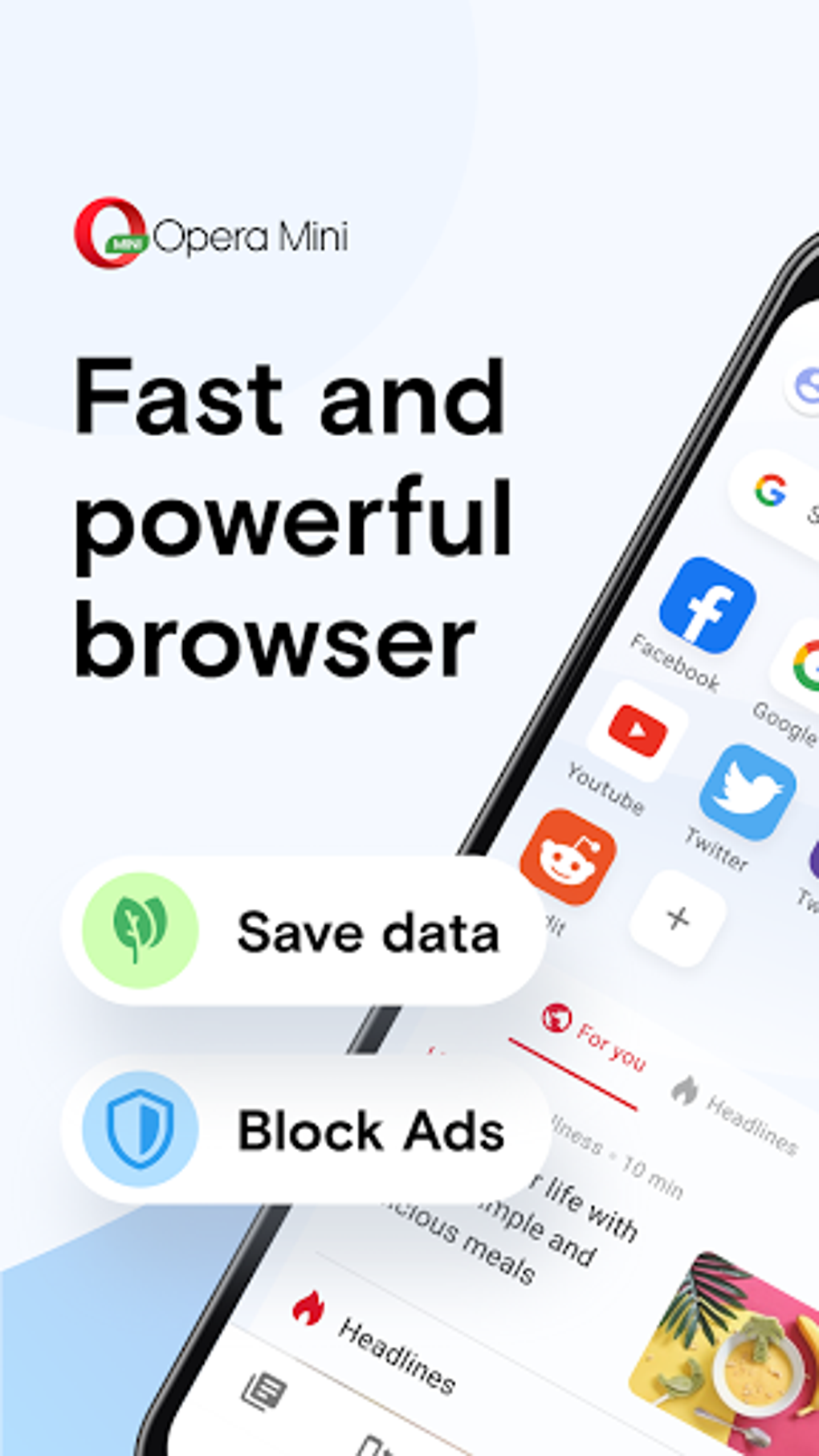
Opera Mini boasts a clean and intuitive interface that prioritizes ease of use. The home page provides quick access to common functions and features, including a search bar, QR code scanner, and quick access to frequently visited websites. The design is simple, prioritizing clarity over complex layouts, ensuring a smooth browsing experience.
Key aspects of its user-friendly design include:
-
Simplified Settings: The settings menu is well-organized and easy to navigate, allowing users to quickly customize their browsing experience. Options include adjusting font sizes, enabling or disabling night mode, and selecting preferred search engines.
-
Gesture Controls and Swipe Support: Opera Mini supports various gestures for intuitive navigation, making it quicker to switch between tabs, access settings, or perform other common actions.
-
Customizable Layout: Users can customize their home page layout, choosing between different designs to personalize their browsing environment.
-
Night Mode: A built-in night mode reduces screen brightness for comfortable nighttime browsing. This feature helps reduce eye strain and promotes better sleep patterns.
-
Discover Section: The home screen includes a “Discover” section showcasing local news and other relevant content. Users can customize this section to receive recommendations based on their interests.
-
Private Tab Support: The inclusion of private tabs allows users to browse anonymously without saving browsing history or cookies on their device.
The browser provides a consistent, efficient experience, whether one uses a few tabs or multiple ones simultaneously. The design remains streamlined, preventing clutter and maintaining an easy-to-navigate layout.
Advanced Features Enhancing the Browsing Experience
Beyond its core functionality, Opera Mini offers a range of advanced features designed to enhance user experience and provide additional value:
-
Unparalleled Data Savings: Opera Mini’s data compression capabilities lead to significant data savings, often reaching up to 90%. This is a substantial advantage for users with limited data plans or those in areas with poor network connectivity. The browser provides clear data usage statistics, allowing users to monitor their savings effectively.
-
Native Ad Blocker: An integrated ad blocker eliminates disruptive pop-up advertisements, improving browsing speed and preventing unwanted interruptions. This enhances the browsing experience and contributes to faster page loading times.
-
Smart Download Manager: Opera Mini’s download manager allows for background downloads, enabling users to download multiple files concurrently without hindering their browsing activity. It also features automatic download resumption upon network recovery, ensuring reliable downloads even with intermittent connectivity issues.
-
Offline File Sharing: Opera Mini allows for exceptionally fast file sharing (200 times faster than Bluetooth) with nearby Opera Mini users, even without an internet connection. This feature is especially useful for situations where data connectivity is limited or unavailable.
-
Integrated VPN: Opera Mini includes a built-in VPN service, providing enhanced privacy and security during browsing. This is a valuable feature for users concerned about their online security and privacy, safeguarding their online activities from prying eyes.
System Requirements and Availability
Opera Mini is designed for compatibility and efficiency. It works optimally on Android devices running Android 10 or later, with a recommended minimum of 2GB of RAM for optimal performance. The browser is entirely free to download and use, eliminating any financial barriers to accessing its features.
Comparison with Alternative Browsers
While Opera Mini excels in data saving and speed, it’s essential to consider alternatives. Other browsers may offer a wider range of extensions or specific features not found in Opera Mini. Some noteworthy alternatives include:
-
Phoenix Browser: Known for its speed, video download capabilities, and emphasis on privacy.
-
Safari: Apple’s default browser, typically found on iOS and macOS devices, offering a strong ecosystem integration.
-
Chrome: Google’s widely-used browser, boasting a vast extension library and cross-device synchronization.
-
Firefox: Mozilla’s privacy-focused browser, emphasizing user privacy and control over personal data.
The choice of browser depends on individual needs and priorities. If data saving and speed are paramount, Opera Mini is a strong contender. However, users requiring extensive extension support or specific features might find other browsers more suitable.
Who Should Use Opera Mini?
Opera Mini is an ideal choice for several user groups:
-
Users with Limited Data Plans: The browser’s significant data savings make it perfect for users on restrictive data plans or in areas with expensive mobile data.
-
Users in Areas with Slow Internet Connections: Its ability to optimize web pages for faster loading makes it a valuable option for users in areas with slow or unreliable internet access.
-
Users Who Value Speed and Efficiency: Those seeking a fast and efficient browsing experience will appreciate Opera Mini’s optimized rendering and data compression.
-
Users Concerned about Privacy: The built-in VPN and private browsing mode cater to users who prioritize online privacy and security.
Conclusion
Opera Mini offers a compelling blend of speed, data efficiency, and ease of use. Its unique approach to data compression and content optimization makes it a valuable tool for users who prioritize speed and data savings. While some users may find its extension library limited compared to other browsers, Opera Mini’s strength lies in its ability to deliver a streamlined and efficient browsing experience, especially in challenging network conditions. The addition of features like the built-in VPN further enhances its appeal for users seeking privacy and security alongside efficiency. For those seeking a fast, data-efficient, and user-friendly mobile browser, Opera Mini deserves serious consideration.
File Information
- License: “Free”
- Latest update: “July 20, 2025”
- Platform: “Android”
- OS: “Android 13.0”
- Language: “English”
- Downloads: “5.7M”
- Download Options: “Google Play”


