
Orbit is a lightweight Windows application designed to improve access to frequently used software and applications. By providing a centralized hub, Orbit aims to streamline workflow and reduce the time spent navigating file directories to launch programs. While simple in its core functionality, Orbit’s impact on productivity depends heavily on individual user needs and preferences. This review will delve into Orbit’s features, pros and cons, and ultimately assess its value as a productivity tool in the modern computing landscape.
Orbit’s Core Functionality: Streamlining Application Access
Orbit’s primary function is to aggregate frequently used applications, making them readily accessible from a single, easily launched interface. This approach bypasses the conventional method of navigating folders and executable files to launch programs. Instead, Orbit presents a curated list of applications, often customizable by the user, allowing for quick access to essential tools like web browsers, email clients, productivity suites, and other commonly used software. This is particularly beneficial for users who frequently switch between multiple applications during their workflow, eliminating the need for repeated navigation and minimizing interruptions.
The software’s simplicity is its strength. It doesn’t attempt to be a comprehensive application manager or system optimizer; its focus remains solely on providing rapid access to selected programs. This minimalist approach contributes to its lightweight nature, ensuring minimal impact on system resources. This is a significant advantage over more resource-intensive applications that might compete for processing power and memory, ultimately hindering rather than enhancing productivity.
The ease of installation and unassuming nature of Orbit further contributes to its usability. It’s designed not to interfere with other running applications or system processes, allowing users to seamlessly integrate it into their existing workflow. The quick installation process minimizes the disruption to ongoing tasks, a crucial consideration for productivity-focused users.
Interface and User Experience: A Look at Orbit’s Design
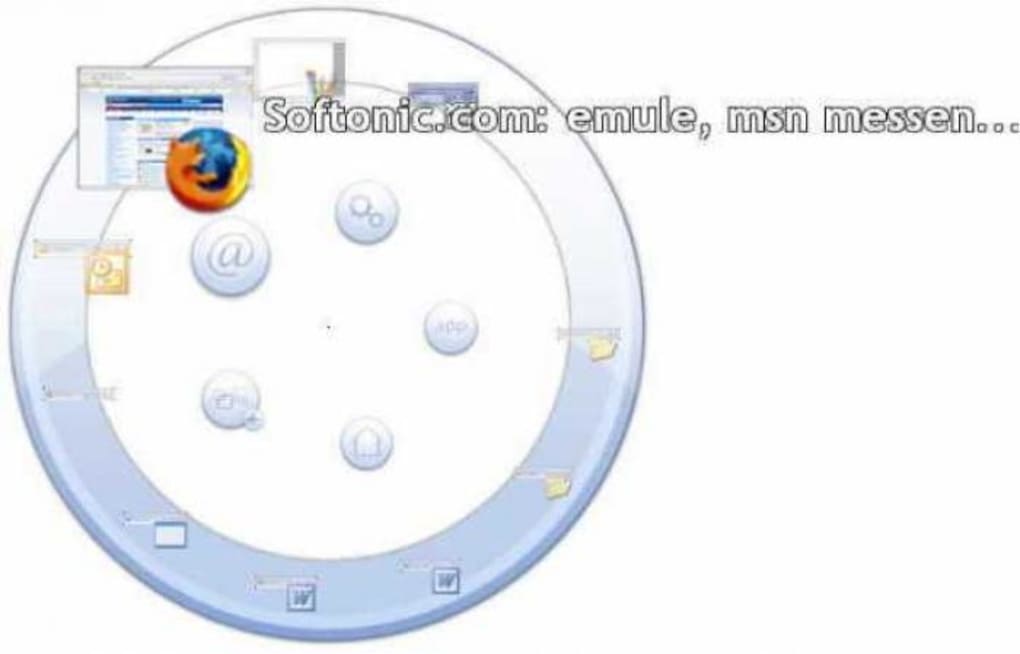
Orbit’s user interface is arguably its weakest point. Reports suggest the interface is outdated and lacks the modern aesthetic and intuitive design found in many contemporary applications. This dated appearance might deter users accustomed to sleek, modern interfaces. However, the simplicity of the interface can also be seen as a positive attribute by users who prioritize functionality over visual appeal. The lack of complexity in the design ensures ease of use, even for users less familiar with computer applications.
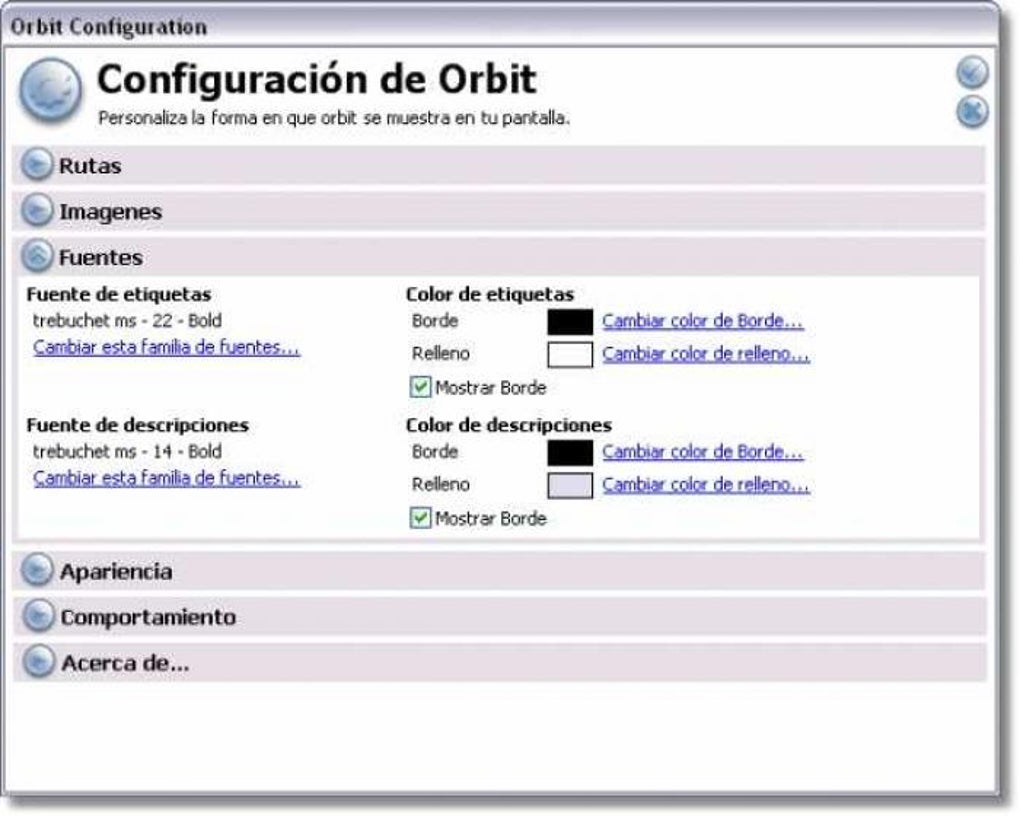
The absence of detailed customization options within the interface may also be perceived as a limitation. While the ability to select and organize frequently used applications is present, the lack of advanced features like grouping, theming, or extensive customization options restricts the degree of personalization. This lack of customization might lead some users to prefer alternative application launchers that provide a more tailored experience.
The overall user experience is streamlined and focused on immediate access to applications. However, the dated visual design and limited customization features detract from the overall aesthetic appeal and potentially restrict the appeal to a niche user base.
Orbit’s Strengths: Simplicity, Speed, and Minimal Resource Consumption
Orbit excels in its simplicity and efficiency. Its core strength lies in its ability to provide quick access to commonly used applications without overwhelming the user with complex features or demanding significant system resources. The program’s lightweight nature contributes significantly to its speed and responsiveness, making it an ideal choice for users with older or lower-powered systems. This is particularly valuable in situations where system performance might otherwise be compromised by resource-intensive software.
The minimal impact on system performance is a key advantage. The program remains unobtrusive while running in the background, leaving system resources available for other applications and tasks. This contributes to a smooth and efficient overall computing experience, unburdened by the resource hogging that can plague more ambitious application managers.
Furthermore, the straightforward installation process is another notable advantage. The ease of installation ensures quick setup and minimal user intervention, allowing users to get up and running within minutes. This simple implementation fosters quick integration into established workflow routines, making it ideal for users who need a quick and easily implemented solution.
Orbit’s Weaknesses: Dated Interface and Limited Functionality
Despite its efficiency, Orbit’s limitations are primarily centered on its user interface and functional scope. The dated appearance of the interface is a significant drawback, potentially impacting the user experience negatively for those seeking a more visually appealing application launcher.
The lack of robust customization options restricts the degree of personalization available to the user. Users accustomed to highly customizable application managers might find Orbit’s limited options restrictive. This restriction might hamper efforts to fully tailor the application to individual user needs and preferences.
Furthermore, the absence of additional features, such as smart search functionality, advanced organization tools, or integrated system monitoring, limits its overall utility compared to more feature-rich alternatives. While Orbit performs its core function admirably, its limited capabilities could prove insufficient for users with more complex application management requirements.
Conclusion: Orbit’s Niche and Potential User Base
Orbit caters to a specific niche of users: those who prioritize speed, simplicity, and minimal resource consumption above extensive customization and advanced features. It’s a viable option for users who primarily need a straightforward method for quick application access without the overhead of more complex application launchers. Its lightweight nature makes it a good choice for users with less powerful computers or those who prefer a minimal impact on system performance.
However, its dated interface and limited features might deter users seeking a visually appealing or feature-rich application launcher. For users who require advanced organization capabilities, smart search functionalities, or extensive customization options, Orbit’s limitations may outweigh its advantages. Ultimately, Orbit’s suitability depends on individual user needs and preferences, but it undeniably provides a simple and efficient solution for accessing commonly used applications. The choice of whether to utilize Orbit hinges on balancing the need for speed and simplicity against the desire for a more visually appealing and feature-rich experience.
File Information
- License: “Free”
- Version: “0.3.5”
- Latest update: “September 16, 2019”
- Platform: “Windows”
- OS: “Windows ME”
- Language: “English”
- Downloads: “38.8K”
- Size: “1.88 MB”


