
Overlay2 is a unique application designed to create a semi-transparent, floating image window that functions as a versatile overlay for other applications. Imagine having a reference image, design layout, or even a 3D model effortlessly superimposed on your current workspace, allowing for precise comparisons, positioning checks, and enhanced creative control. This innovative software, initially developed to meet a specific need in a photo studio environment, has evolved into a valuable tool across diverse creative fields.
The Genesis of Overlay2: A Photographer’s Need
The story of Overlay2 begins in a London photo studio. The developer, faced with the daily challenge of aligning photographs with design layouts or comparing shots against reference images, found a significant gap in available software. Existing tools lacked the flexibility and seamless integration needed for this precise workflow. The requirement wasn’t simply to view two images side-by-side; it was to have one image dynamically positioned, resized, and adjusted in transparency over another, functioning as a truly interactive overlay. This crucial need spurred the creation of Overlay2, initially for macOS and subsequently for Windows.
Functionality and Features: A Seamless Overlay Experience
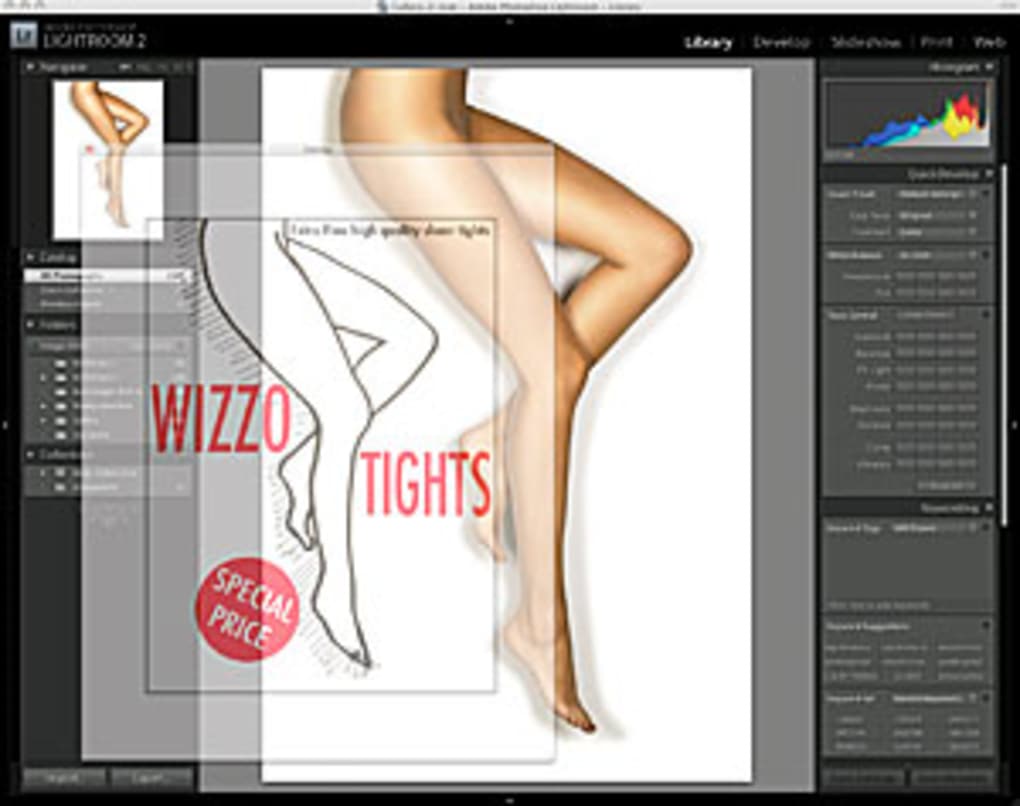
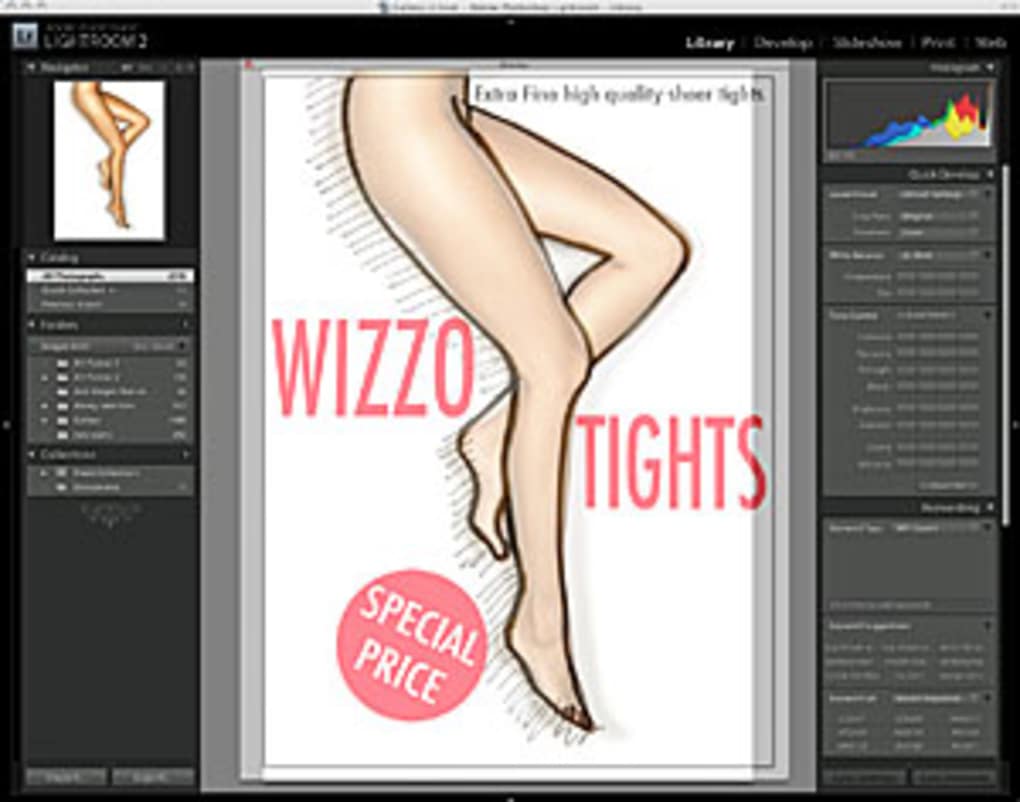
Overlay2 offers a surprisingly straightforward yet powerful approach to managing floating image windows. Its core function is to allow users to open and position any image file as a semi-transparent layer on top of their active application window. This seemingly simple functionality unlocks a wide array of possibilities across multiple disciplines.
The software’s key features contribute to its efficiency and versatility:
-
Dynamic Positioning and Resizing: The Overlay2 window can be freely moved and resized, allowing users to perfectly align the overlaid image with the underlying application’s content. This precision is crucial for tasks requiring pixel-perfect matching or accurate positional referencing.
-
Opacity Control: Adjusting the transparency of the overlay is crucial. Users can seamlessly vary the opacity, enabling them to view the underlying application’s content clearly while still maintaining the overlaid image as a visible guide. This allows for balanced visibility and avoids obscuring important details within the primary application.
-
Rotation: The overlaid image can be rotated, offering an added degree of control for aligning images or designs with varying orientations. This feature proves extremely useful in tasks involving perspective matching or aligning images with different angles.
-
Saving and Printing: Overlay2 allows users to save or print the composite image, preserving the final result of their overlay work. This facilitates creating composite images for clients, incorporating the overlaid reference into documentation, or simply creating a visually comprehensive record of the alignment process.
-
Cross-Platform Compatibility: While initially developed for macOS, Overlay2’s Windows version extends its usability to a wider range of users and applications. This cross-platform compatibility broadens the potential user base and allows for consistency across different operating systems.
-
Integration with Various Applications: Overlay2’s strength lies in its ability to work seamlessly with practically any Windows software. It’s not restricted to photo editing software; users can leverage its functionality over video editing software, 3D modelling programs, or even web browsers—making it a versatile addition to any creative or technical workflow.
Applications Across Diverse Fields
Overlay2’s versatility extends beyond its initial use case in photography. The software’s ability to create a dynamic, adjustable overlay makes it invaluable in various fields:
-
Photography: As its origin story illustrates, Overlay2 excels in photography workflows. Photographers can overlay design layouts, reference images, or even previous shots onto their current work in real-time, ensuring perfect composition, accurate perspective, and consistent stylistic elements across multiple shots.
-
Graphic Design: Graphic designers can use Overlay2 to overlay client feedback, design guidelines, or reference images onto their work, ensuring adherence to design specifications and client preferences. The real-time feedback loop provided by Overlay2 contributes to more efficient design iteration and fewer misunderstandings.
-
Video Editing: Overlay2 allows video editors to position and adjust reference materials or storyboards over their video timeline, streamlining the editing process and ensuring consistency with the intended creative vision. This improves efficiency and accuracy during post-production.
-
3D Modeling: 3D modelers can use Overlay2 to overlay reference images or blueprints onto their 3D workspace, facilitating accurate modeling and maintaining consistency with physical measurements or design specifications.
-
Architectural Design: Architects can use Overlay2 to overlay existing site surveys or images of existing structures onto their design models, ensuring that new designs integrate smoothly with their environment.
-
Medical Imaging: While not specifically designed for this purpose, the fundamental functionality of Overlay2 could be adapted for comparing or overlaying medical images to aid in diagnosis or surgical planning. This is a potential use case that highlights the software’s fundamental adaptability.
User Experience and Interface
While detailed screenshots or interface walkthroughs are not directly provided in the original text, it’s reasonable to infer that the interface aims for simplicity and ease of use. Given the software’s focus on its core functionality – the dynamic overlay – the interface likely prioritizes intuitive controls for positioning, resizing, opacity adjustment, and rotation. Complexity is likely avoided to ensure that the user focus remains on the creative process rather than navigating a complicated user interface. This emphasis on user-friendliness reflects the software’s development rooted in practical, everyday needs.
Limitations and Potential Improvements
While Overlay2 provides a valuable solution, it’s crucial to acknowledge potential areas for improvement. The current version’s last update was in February 2015, suggesting a lack of recent development. Future versions could incorporate several enhancements:
- Updated Interface: A modern interface redesign could enhance the user experience. Incorporating current design best practices would improve accessibility and usability.
-
Enhanced File Support: Expanding the range of supported image formats could improve compatibility and broaden the software’s appeal. Adding support for vector graphics would be particularly beneficial for design-oriented workflows.
-
Advanced Features: Advanced features like layer masking, blending modes, or the ability to create multiple overlay layers would expand the software’s creative capabilities significantly, making it more competitive with other professional-level image editing software.
-
Collaboration Tools: Integrating collaborative features, such as real-time co-editing capabilities, would be valuable for team-based projects.
-
Multi-monitor Support: Optimized support for multi-monitor setups would further enhance the productivity of users working with multiple displays.
Conclusion: A Powerful Tool for Precise Creative Control
Overlay2, despite its age and limitations, remains a valuable tool for those requiring precise control over image overlays. Its simplicity, flexibility, and cross-application compatibility make it a unique addition to any creative or technical workflow. While future updates incorporating enhancements and expanded functionality would undoubtedly enhance its capabilities, the core functionality of Overlay2 remains a powerful and unique solution for tasks demanding precise image alignment and comparison. Its enduring value lies in addressing a fundamental need in various fields, offering a simple yet effective solution for a problem that other software often fails to address directly. The longevity of Overlay2, despite its lack of recent updates, speaks to the enduring value of its core functionality.
File Information
- License: “Trial version”
- Version: “2”
- Latest update: “February 17, 2015”
- Platform: “Windows”
- OS: “Windows 8.1”
- Language: “English”
- Downloads: “2.6K”
- Size: “4.11 MB”


