
Cisco Packet Tracer is a powerful and versatile network simulation software developed by Cisco Systems. It serves as a crucial component of the Cisco Networking Academy, providing students and network professionals with a robust platform to learn, practice, and experiment with various networking concepts and technologies without the need for expensive physical hardware. This comprehensive guide explores the features, benefits, and limitations of Cisco Packet Tracer, examining its role in education, professional development, and its place within the broader landscape of network simulation tools.
Understanding Cisco Packet Tracer’s Functionality
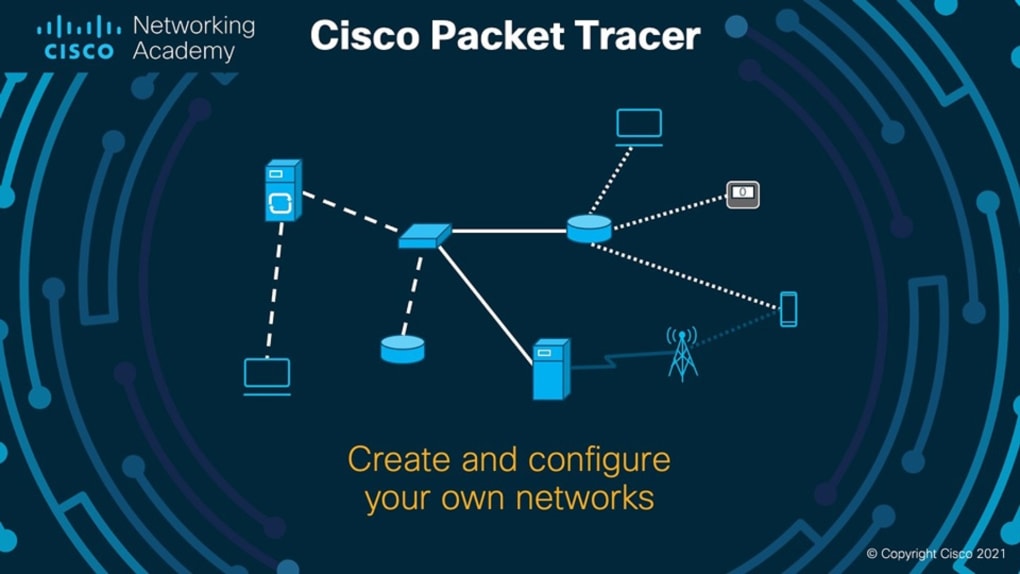
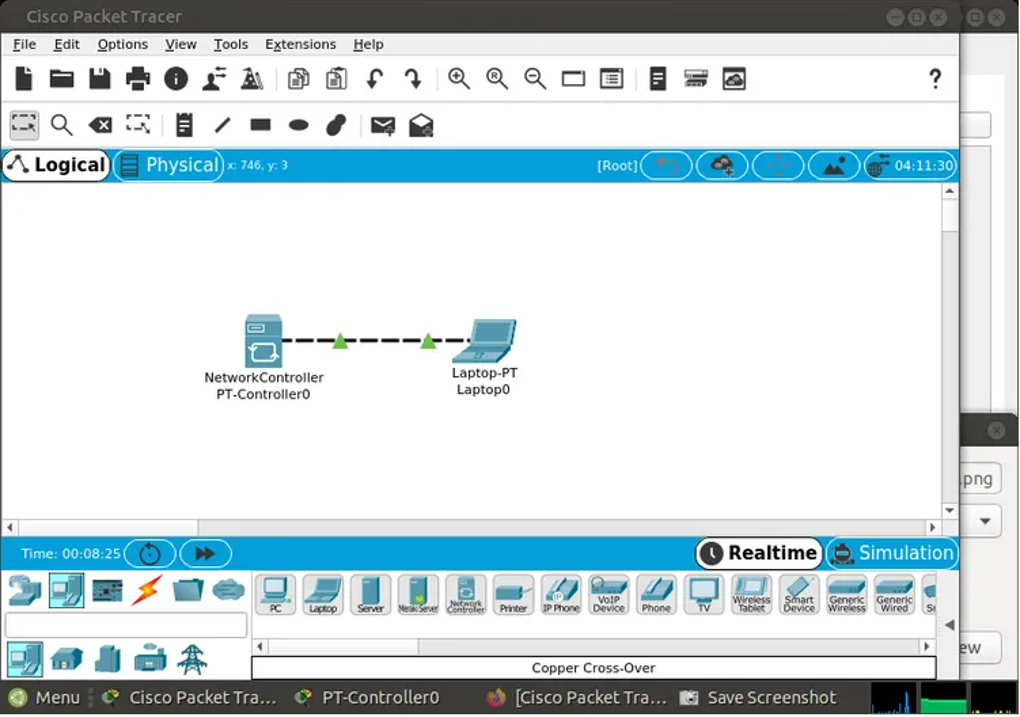
At its core, Cisco Packet Tracer is a visual simulation environment that allows users to design, configure, and troubleshoot virtual networks. This involves creating and connecting various network devices, including routers, switches, end devices (computers, servers, etc.), and wireless access points. Users can configure the settings of these devices, mimicking real-world network configurations and observing the resulting behavior. This hands-on approach significantly enhances understanding of networking principles and allows for experimentation without the risk of disrupting a live network.
The software’s strength lies in its ability to simulate a wide range of networking protocols and technologies. Users can explore concepts such as routing protocols (RIP, OSPF, EIGRP), switching technologies (VLANs, STP), network security (firewalls, access control lists), and wireless networking (802.11 standards). Packet Tracer provides a visual representation of data packets moving through the network, offering invaluable insight into network traffic flow and performance. This visualization is particularly helpful for beginners who are new to network concepts, making complex topics more accessible and understandable.
Key Features and Capabilities
Cisco Packet Tracer’s features extend beyond basic network simulation. The software offers a suite of tools designed to facilitate both individual and collaborative learning:
-
Realistic Network Simulation: Packet Tracer provides a remarkably accurate simulation of real-world network equipment and protocols. This high fidelity allows users to practice complex configurations with confidence, replicating scenarios they might encounter in professional settings.
-
Extensive Device Library: The software boasts a vast library of virtual network devices, mirroring those commonly found in enterprise networks. This enables users to experiment with different equipment combinations and configurations, adapting their designs to meet varying network needs.
-
Integrated Troubleshooting Tools: Packet Tracer includes powerful diagnostic tools that aid in identifying and resolving network issues. Users can monitor network traffic, analyze packet captures, and use various diagnostic commands to pinpoint problems within the simulated network.
-
Customizable Learning Activities: Educators can leverage Packet Tracer’s capabilities to create customized learning activities, tailored to specific curriculum requirements. This allows for the development of engaging and effective hands-on exercises that reinforce theoretical knowledge.
-
Collaboration Features: The software facilitates collaborative learning by allowing multiple users to work on the same network simulation simultaneously. This is particularly beneficial in classroom settings, where students can work together to solve problems and share their knowledge.
-
Regular Updates and Improvements: Cisco regularly updates Packet Tracer, incorporating new features, improving performance, and adding support for newer network technologies. This ensures that the software remains relevant and current with the latest industry trends.
-
API Integration (API v3): The recent addition of API v3 enhances Packet Tracer’s functionality by allowing for integration with other applications and systems. This opens up possibilities for automated testing, customized reporting, and integration into broader learning management systems.
-
Streamlined Web Interface and Swagger UI: These improvements enhance the user experience, making the software more intuitive and easier to navigate. The Swagger UI provides a user-friendly interface for exploring and interacting with the API.
-
Zstd Compression: This feature optimizes the software’s performance, resulting in faster loading times and improved overall responsiveness.
Cisco Packet Tracer in Education and Training
Cisco Packet Tracer has become a staple in networking education and training programs worldwide. Its user-friendly interface, comprehensive features, and realistic simulations make it an ideal tool for students of all levels, from beginners to advanced learners. Its integration into the Cisco Networking Academy curriculum further underscores its importance in preparing students for industry certifications, such as the CCNA (Cisco Certified Network Associate).
The software’s ability to visually demonstrate complex networking concepts greatly aids learning. Concepts such as routing protocols, which can be abstract and challenging to grasp theoretically, become tangible and easily understandable when visualized within Packet Tracer’s simulation environment. This makes the learning process more interactive and engaging, significantly improving knowledge retention and comprehension.
Furthermore, the ability to create and modify network configurations without risk allows students to experiment freely, explore different approaches, and learn from their mistakes. This hands-on experience is invaluable in developing practical networking skills and building confidence in problem-solving.
The software’s versatility also allows educators to adapt it to diverse learning styles and teaching methodologies. The platform supports individual learning, collaborative projects, and instructor-led demonstrations, catering to a wide range of teaching preferences and student needs.
Advantages and Disadvantages of Using Cisco Packet Tracer
While Cisco Packet Tracer offers significant benefits, it’s important to acknowledge its limitations:
Advantages:
- Accessibility: The software is freely available for educational purposes, making it accessible to a wide range of students and institutions.
- Ease of Use: The intuitive interface makes it relatively easy to learn and use, even for individuals with limited prior networking experience.
- Comprehensive Features: The software offers a wide range of features, covering a broad spectrum of networking concepts and technologies.
- Visual Learning: The visual representation of network traffic and device configurations greatly enhances understanding.
- Real-World Simulation: The realistic simulation environment allows for realistic practice and problem-solving.
- Regular Updates: The software is constantly being updated, ensuring it remains relevant and aligned with the latest industry standards.
Disadvantages:
- Limited Real-World Experience: While the simulation is highly realistic, it cannot fully replace hands-on experience with physical network hardware. The nuances and unexpected issues encountered in real-world deployments are not perfectly replicated.
- Oversimplification: Some complex networking scenarios might be oversimplified in the simulation, potentially leading to incomplete understanding.
- Not Suitable for Advanced Users: Experienced network engineers might find the software’s capabilities limited compared to more advanced simulation tools, such as GNS3.
- Dependence on Cisco Technologies: The software predominantly focuses on Cisco networking equipment and technologies, potentially limiting exposure to other vendors and their products.
Conclusion
Cisco Packet Tracer is a valuable tool for learning and practicing networking concepts. Its user-friendly interface, comprehensive features, and realistic simulations make it an excellent resource for students, educators, and networking professionals alike. While it doesn’t replace the need for hands-on experience with physical hardware, it provides a safe and efficient environment for mastering fundamental networking principles and building a strong foundation for a successful career in networking. The software’s continued development and incorporation of features like API v3 demonstrate Cisco’s commitment to keeping it at the forefront of network simulation technology. However, it’s crucial to remember that it’s a learning tool, and practical experience with real-world networks remains essential for complete mastery of the field.
File Information
- License: “Free”
- Latest update: “November 26, 2024”
- Platform: “Windows”
- OS: “Windows 8.1”
- Language: “English”
- Downloads: “551.2K”


