/images/avatar.png

Volume 2: An Advanced Windows Volume Control

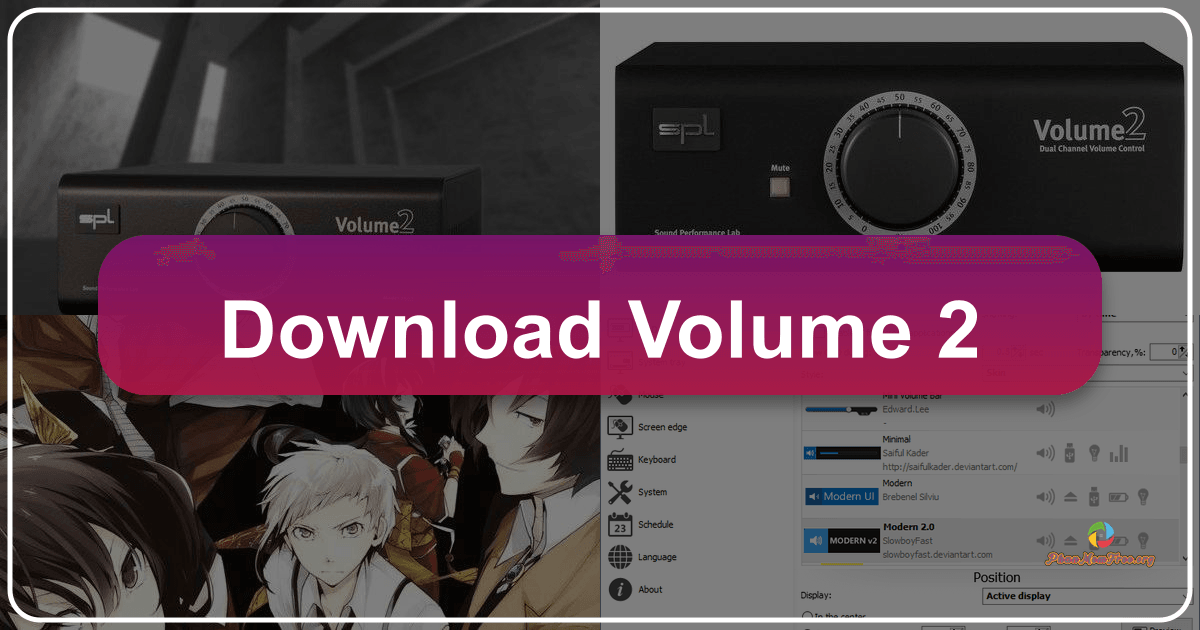
Volume 2 is a powerful and versatile audio control application designed to replace the standard Windows volume control. Offering a comprehensive suite of features beyond basic volume adjustment, it provides users with a highly customizable and efficient way to manage their audio experience. This in-depth review explores its capabilities, advantages, disadvantages, and overall effectiveness as a comprehensive audio management solution.

Enhanced Volume Control and Customization

Volume 2 goes far beyond the limitations of the standard Windows volume control. It offers a more intuitive and refined approach to audio management, providing users with several methods for adjusting volume levels. Instead of the traditional slider, Volume 2 introduces a rotating wheel for volume control using the mouse, allowing for precise and incremental adjustments. This visual representation makes it easy to grasp the current volume level at a glance. Furthermore, the program supports hotkeys, allowing for quick volume adjustments without needing to interact directly with the on-screen interface. This feature is particularly useful for users who frequently need to change volume quickly, such as during gaming or video calls.

Focus To-Do: A Comprehensive Review of the Free Productivity App

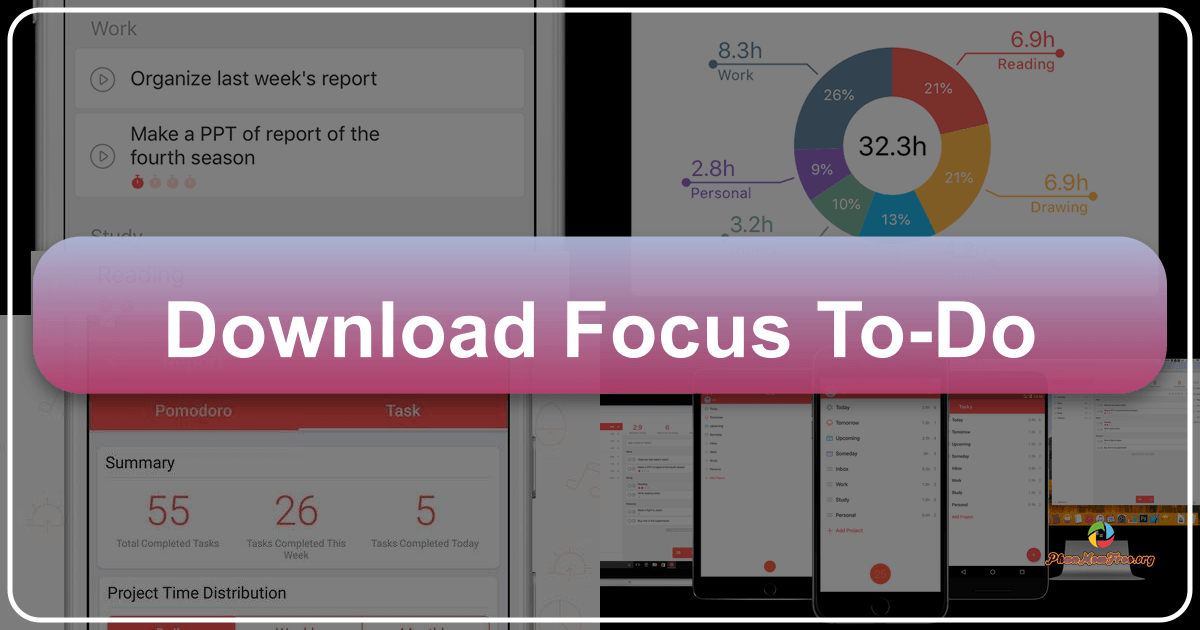
Focus To-Do is a free productivity application for Windows developed by Super Element. Categorized as business and productivity software, it aims to help users effectively manage their time and boost overall productivity. This in-depth review will explore its features, usability, strengths, and weaknesses, providing a comprehensive assessment of its value for students, professionals, and anyone seeking to enhance their work efficiency.

Core Functionality: Task Management and Time Blocking

At its heart, Focus To-Do functions as a robust task manager. Users can create, organize, and prioritize tasks, assigning deadlines and tracking progress. This core functionality forms the foundation of the app’s productivity enhancement capabilities. The ability to set deadlines fosters a sense of urgency, helping users stay on track and avoid procrastination. The progress tracking feature provides a visual representation of accomplishments, offering positive reinforcement and motivation.

Don't Sleep: Preventing Unexpected Computer Shutdowns

Don’t Sleep is a free utility designed to keep your computer running continuously, preventing it from entering sleep mode, activating power-saving features, or automatically shutting down due to inactivity. While seemingly simple in its function, it proves incredibly useful in specific situations, particularly when dealing with older software or lengthy processes. This detailed review explores its functionality, benefits, drawbacks, and potential alternatives.

How Don’t Sleep Works: Keeping Your System Active

Don’t Sleep operates using a straightforward mechanism: it actively monitors your system for signs of impending sleep or screen saver activation. Upon detecting such an event, it cleverly signals the operating system that crucial tasks are underway, effectively preventing the system from entering a low-power state. This continuous “activity” signal fools the system into remaining awake, ensuring uninterrupted operation. This is especially valuable when running older applications that may not interact seamlessly with modern power management features, potentially leading to unexpected interruptions or crashes. The constant communication with the operating system ensures that even if the computer appears idle, Don’t Sleep actively maintains its operational state.

Finding Frankie: A Thrilling Parkour Horror Experience

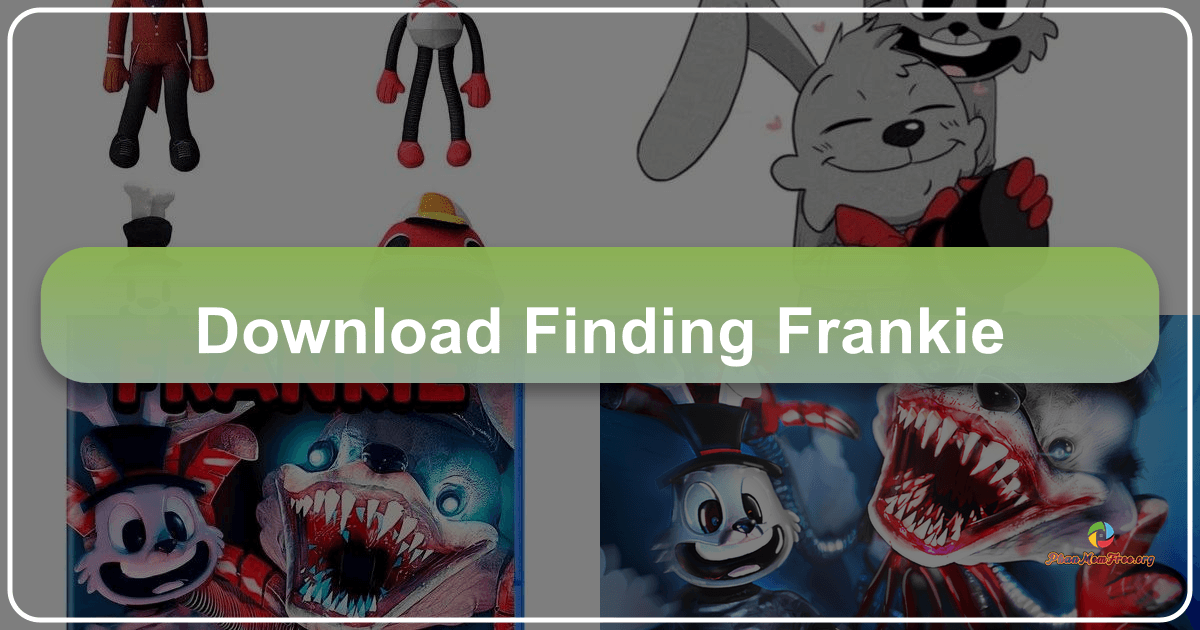
Finding Frankie plunges players into a high-octane, parkour-fueled horror game that cleverly blends adrenaline-pumping gameplay with a chilling narrative. This isn’t your typical jump-scare horror; instead, it delivers a constant sense of tension and dread as players navigate treacherous obstacle courses while evading the relentless pursuit of Frankie, a seemingly innocent cereal mascot turned terrifying villain. The game’s unique blend of parkour mechanics and horror elements creates a truly unforgettable experience, albeit one that some might find slightly brief.

Toilet Chronicles: A Hilariously Trapped Adventure

Toilet Chronicles is a premium, first-person horror-comedy adventure game developed by Madi Abdykarimov for PC. It plunges players into the unexpectedly terrifying and absurd world of a public restroom, where escape becomes the ultimate objective. Unlike action-packed games that focus on combat, Toilet Chronicles prioritizes narrative and exploration, creating a unique and darkly comedic experience. The game’s unusual setting—the seemingly mundane yet inherently unsettling public restroom—immediately sets it apart from its contemporaries, transforming a typically unpleasant experience into a compelling and bizarre gaming adventure.

Mullvad Browser: A Deep Dive into Privacy-Focused Browsing

The digital landscape is increasingly fraught with threats to online privacy. From targeted advertising to sophisticated tracking mechanisms, our online activities are constantly monitored and analyzed. In this environment, the Mullvad Browser emerges as a powerful tool for reclaiming control over personal data and navigating the internet securely. This browser, developed by the renowned VPN provider Mullvad, prioritizes user privacy above all else, offering a unique blend of security features designed to protect users from the ever-growing dangers of online surveillance.