
iPhoneBrowser: A Comprehensive Review
iPhoneBrowser is a Windows-based application designed to provide seamless access to files stored on your iPhone or iPod Touch. Acting essentially as a file manager, it allows users to browse, transfer, and manage data between their iOS device and their Windows PC, effectively transforming the mobile device into an external hard drive. This review will delve into its functionality, user experience, pros and cons, and comparisons with alternative applications.
Functionality and Interface
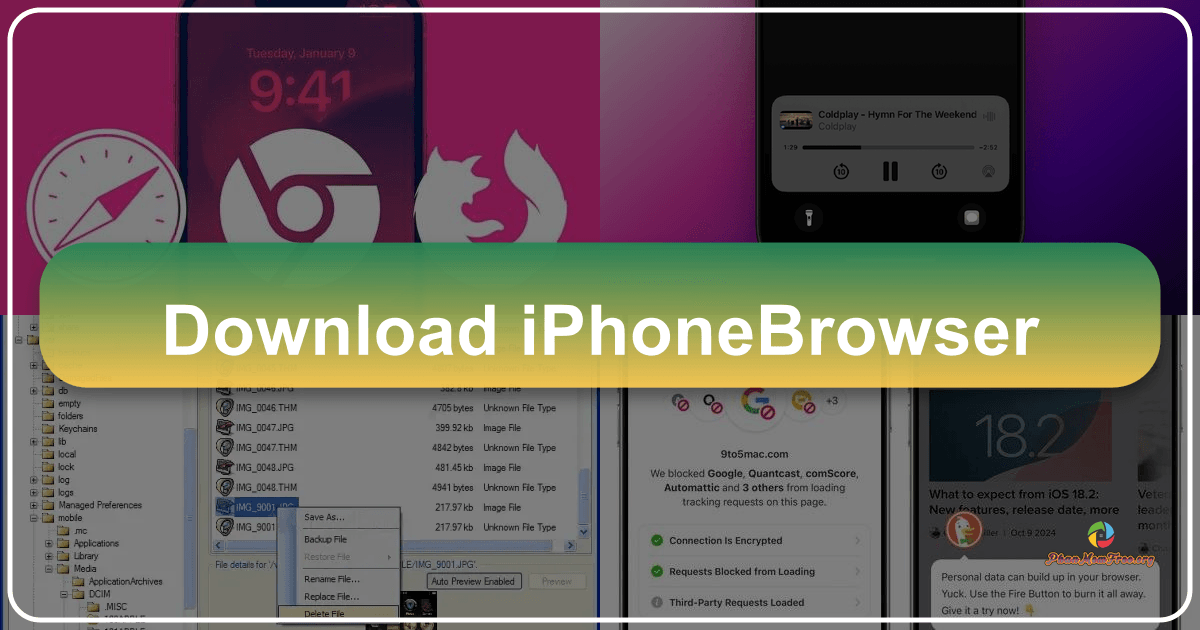
iPhoneBrowser presents a straightforward, user-friendly interface reminiscent of traditional file managers like Windows Explorer or Total Commander. The dual-pane layout efficiently displays the directory structure of your iOS device on the left, while the selected files or folders are shown on the upper right. A preview pane at the lower right allows for quick visual checks of images and text files before transferring or performing other actions. This intuitive layout simplifies navigation and file management, making it accessible to both novice and experienced users.