
/images/avatar.png

Agario Bots: A Deep Dive into Automated Agar.io Gameplay

Agar.io, the wildly popular online multiplayer game, pits players against each other in a battle for survival, where the goal is to grow your cell as large as possible by consuming smaller cells and avoiding being consumed by larger ones. The strategic depth, coupled with its simple mechanics, has made Agar.io a global phenomenon. However, the competitive nature of the game has also spurred the development of “bots”—automated programs designed to play the game autonomously, often with enhanced capabilities exceeding those of human players. This exploration delves into the world of Agario bots, examining their functionality, development, ethical implications, and impact on the game’s ecosystem.


Cool Screen Recorder: A Comprehensive Review

Cool Screen Recorder is a free screen recording software designed for Windows 10. While not as feature-rich as some professional-grade alternatives, it offers a straightforward and user-friendly approach to capturing screen activity, making it a viable option for casual users and those needing simple screen recording functionality. This review will delve into its capabilities, ease of use, and limitations, providing a comprehensive assessment of its suitability for various needs.

Ease of Use and Interface

Cool Screen Recorder prioritizes simplicity. The interface is clean and intuitive, devoid of overwhelming options or complex settings. This minimalist approach is beneficial for users who are unfamiliar with screen recording software, allowing them to quickly start recording without a steep learning curve. The primary controls—start recording, stop recording, and selecting the recording area—are easily accessible and clearly labeled. This user-friendly design makes it ideal for those who need a quick and easy solution for capturing screen content without extensive configuration. However, this simplicity also means a lack of advanced features that power users might desire. The absence of extensive customization options could be a drawback for users needing finer control over recording parameters.

FreePDF: A Comprehensive Guide to the Free PDF Editor

FreePDF is a versatile and user-friendly PDF editor developed by SoftMaker Software GmbH. It offers a robust suite of features for creating, editing, viewing, printing, and annotating PDF documents, all without any cost. This makes it a compelling alternative to paid software like Foxit PDF Editor and Nitro Pro, offering a significant portion of their functionality at no price. Its intuitive interface caters to both novice and experienced users, making it an accessible tool for personal and professional use. This comprehensive guide will delve into the features, capabilities, and benefits of FreePDF, exploring its strengths and weaknesses to help you determine if it’s the right PDF solution for your needs.

TeXworks: A Comprehensive Guide to This Free and Open-Source LaTeX Editor

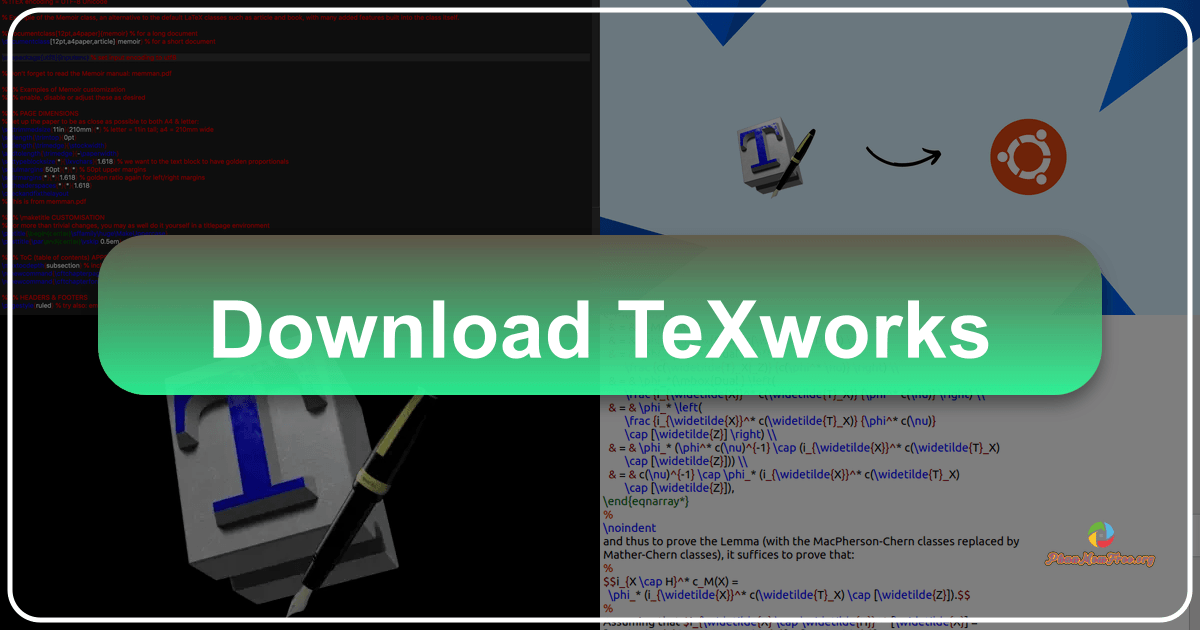
TeXworks is a free and open-source productivity application designed for authoring TeX documents. Supporting LaTeX, ConTeXt, and XeTeX, it provides a streamlined environment for creating and managing scientific and technical documents. Inspired by TeXShop, a popular Mac application, TeXworks offers a user-friendly interface accessible to both experienced TeX users and beginners alike. This guide delves into the features, capabilities, and advantages of TeXworks, exploring its strengths and limitations.

A User-Friendly Interface for TeX Document Authoring

TeXworks distinguishes itself through its intuitive and clean interface. The application’s design prioritizes ease of use, making it a readily accessible tool for individuals with varying levels of technical expertise. The central editing area is spacious and uncluttered, promoting a comfortable writing experience. This focus on simplicity doesn’t compromise functionality; instead, it enhances the user experience by providing a clear and efficient workflow.

Cudo Miner: A Comprehensive Review of the Cryptocurrency Mining Management Software

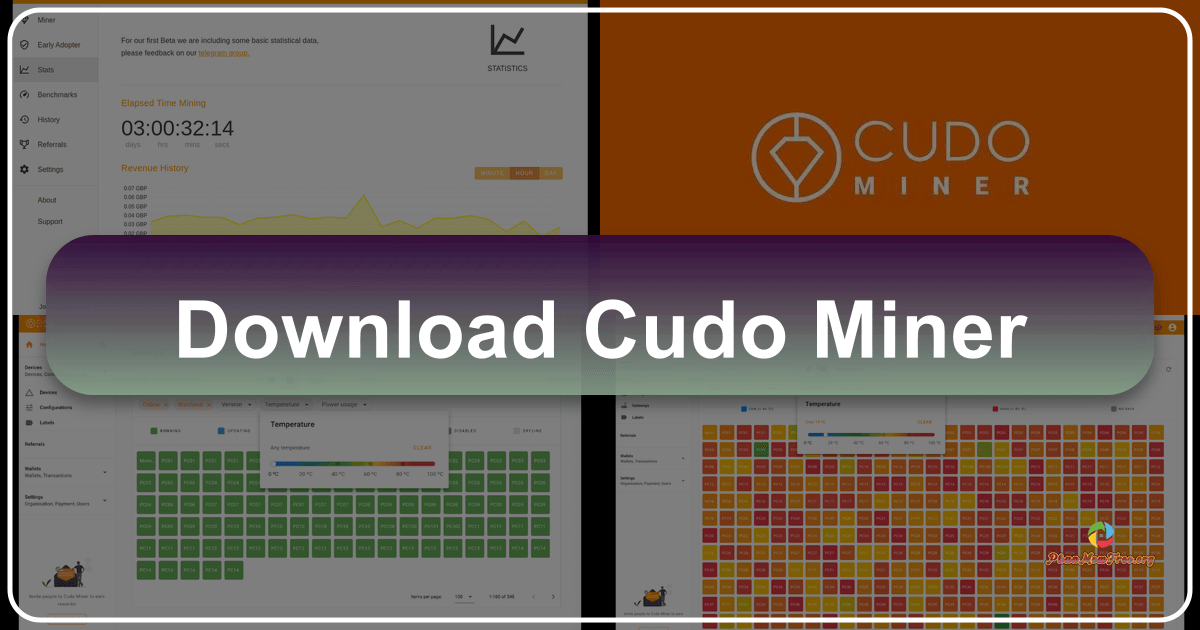
Cudo Miner is a free productivity application designed to streamline and enhance cryptocurrency mining operations. It functions as a central management system, allowing users to oversee and optimize multiple mining rigs from a single location, eliminating the need for constant physical interaction with each individual setup. This centralized control extends to both desktop computers and mobile devices, granting users the flexibility to manage their mining operations from anywhere with an internet connection. While Cudo Miner focuses on the management aspect of cryptocurrency mining, it’s crucial to understand its limitations and target audience before considering its use. This review will delve into the features, advantages, disadvantages, and overall suitability of Cudo Miner for various users.

Super Smash Bros. Crusade: A Fan-Made Fiesta of Fighting

Super Smash Bros. Crusade is a free, indie fighting game developed by three dedicated fans of the iconic Nintendo franchise. This passion project, built from the ground up without any official Nintendo code, offers a unique and surprisingly robust experience for those yearning for more Smash Bros. action, or those seeking a fresh take on the classic formula. While it may lack the polish of its official counterpart, Crusade’s charm lies in its dedicated community, continuous development, and surprisingly deep gameplay.