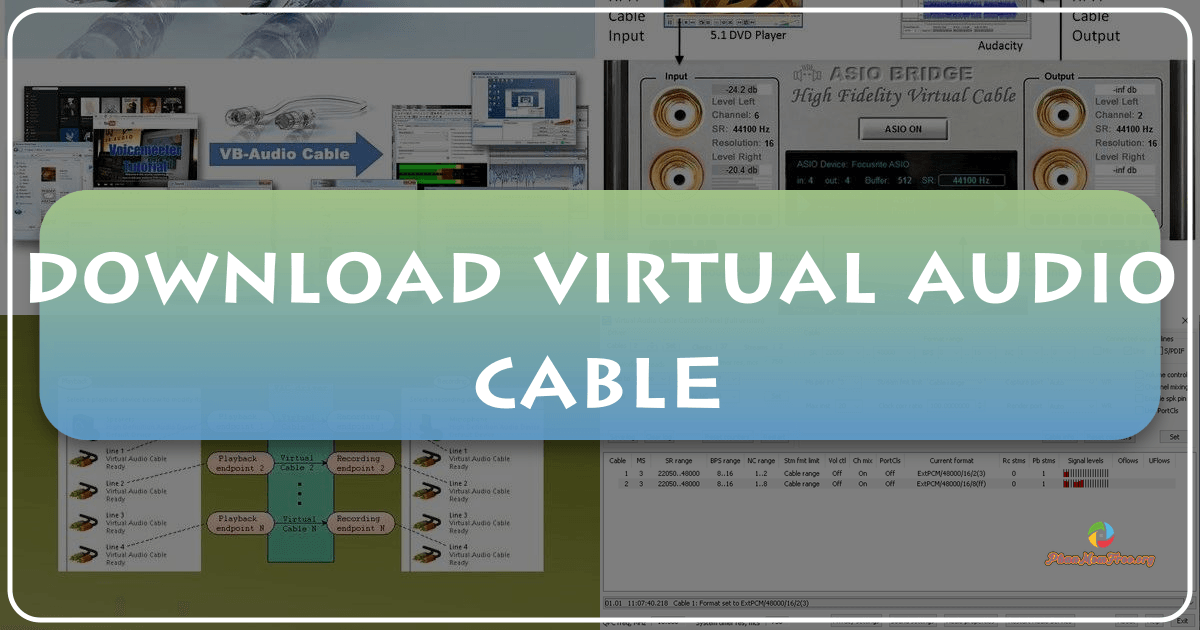
Virtual Audio Cable (VAC) is a Windows audio utility that acts as a virtual bridge, enabling seamless audio file transfers between multiple applications. It transcends the limitations of standard audio routing, offering a flexible and powerful solution for recording, processing, and mixing audio streams from diverse sources. This in-depth analysis will explore VAC’s functionality, advantages, limitations, and its place within the broader landscape of Windows audio management tools.
What is Virtual Audio Cable?
At its core, Virtual Audio Cable functions as a versatile audio driver, creating a network of virtual audio devices that connect disparate applications. Imagine it as a sophisticated sound mixer, but instead of physical inputs and outputs, it uses virtual “cables” to route audio signals. These virtual cables consist of input and output ports. An application, such as a music player or synthesizer, uses the output port to transmit its audio signal. This signal is then received through the input port of another application, such as an audio editor, sound analyzer, or effects processor. This process allows for real-time audio transfer and manipulation without the need for physical connections or intermediate file saving. The beauty of VAC lies in its ability to maintain bit-perfect sound quality during these transfers, ensuring no degradation of the original audio signal.