/images/avatar.png

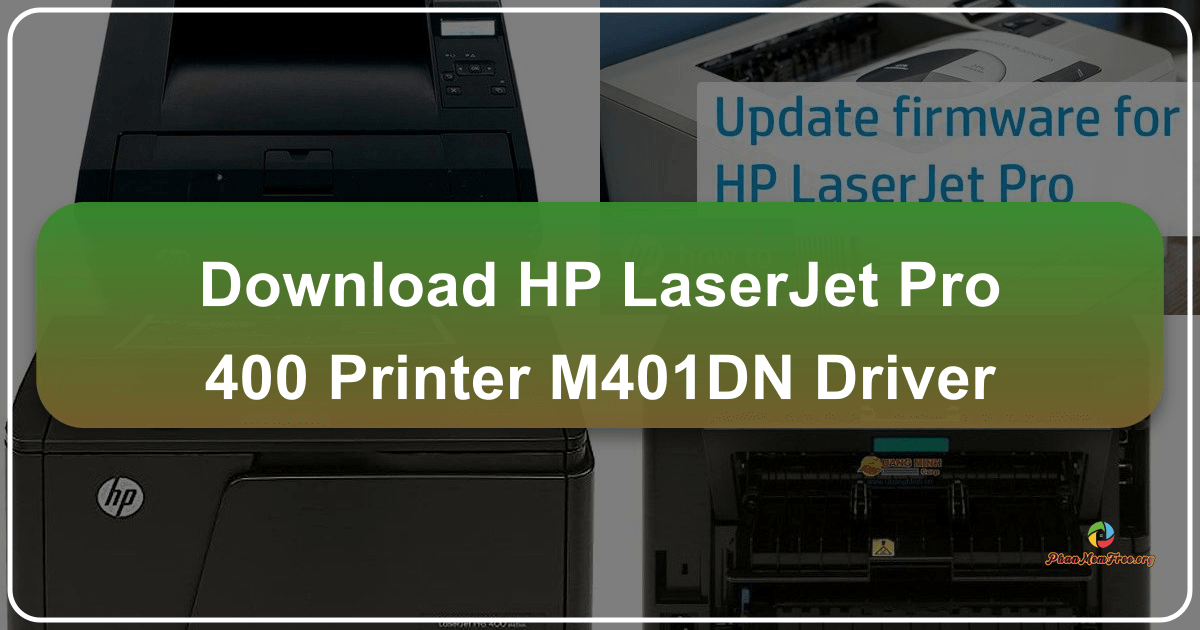
HP LaserJet Pro 400 Printer M401dn Driver: A Comprehensive Guide

The HP LaserJet Pro 400 Printer M401dn is a monochrome laser printer designed for small to medium-sized offices. Its compact design and robust features make it a popular choice for businesses requiring reliable and efficient printing solutions. This guide provides a detailed overview of the printer, its functionalities, driver installation, troubleshooting, and frequently asked questions.

Printer Overview and Features

The HP LaserJet Pro 400 M401dn stands out for its efficient performance and user-friendly design. It’s a cost-effective solution catering to the needs of businesses that prioritize high-quality monochrome printing without the complexities and expense of color printing. Key features include:
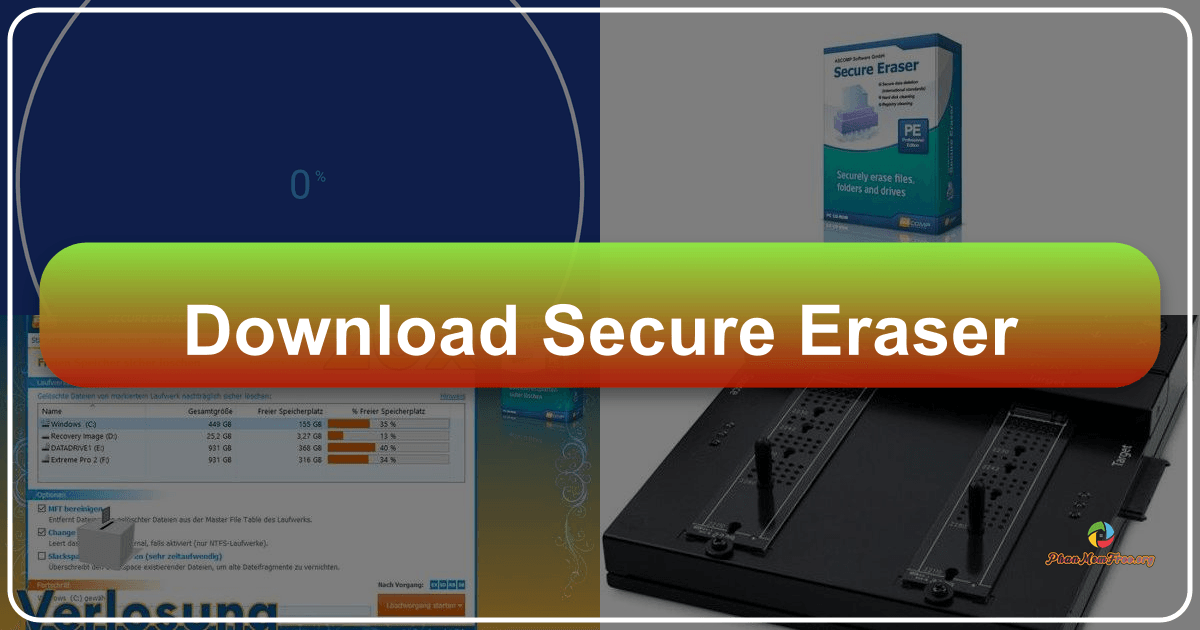

Secure Eraser: A Deep Dive into Secure File Deletion for Windows

Secure Eraser is a freeware utility designed for the secure and permanent deletion of files on Windows systems. Unlike simply moving files to the Recycle Bin, which leaves them recoverable, Secure Eraser employs various data deletion standards to overwrite file data, making recovery virtually impossible. This detailed review will explore its features, functionality, security implications, and comparison to alternative solutions.

Understanding Secure Data Deletion: Why You Need Secure Eraser

In today’s digital world, data security is paramount. Simply deleting a file doesn’t guarantee its complete removal. Deleted files often remain on the hard drive, residing in unallocated space until overwritten by new data. Sophisticated data recovery tools can easily retrieve this information, potentially exposing sensitive personal or business data to unauthorized access. This is where Secure Eraser steps in. By implementing multiple data deletion algorithms, it ensures that deleted files are irrecoverable, protecting your privacy and sensitive information.

Hitman 2: Silent Assassin – A Masterclass in Stealth, Revisited

Hitman 2: Silent Assassin, released in 2002 by IO Interactive and Eidos Interactive, stands as a significant entry in the celebrated Hitman franchise. A direct sequel to the groundbreaking Hitman: Codename 47, it refined the stealth-action gameplay that defined its predecessor, introducing a wider player base to the chilling world of Agent 47. While its age is evident by today’s standards, Hitman 2: Silent Assassin remains a compelling experience, showcasing the hallmarks of the series that continue to resonate with players even decades later. Its influence is undeniable, paving the way for future installments like Hitman: Contracts and Hitman: Blood Money, and solidifying Agent 47’s place in video game history.

Infinite Pizza: A Cheesy Arcade Adventure

Infinite Pizza is a captivating arcade game available on Windows that transports players to a whimsical world crafted entirely from pizza. This isn’t your average pizza-themed game; Infinite Pizza offers a unique blend of strategy and arcade-style gameplay, challenging players to navigate a boundless, cheesy landscape using nothing but a pizza cutter wheel and a tomato sauce maker. The game’s vibrant graphics and playful atmosphere create an immersive experience suitable for players of all ages, promising endless hours of entertainment.

MP4 Downloader: A Comprehensive Review

MP4 Downloader is a software application designed to simplify the process of downloading videos from a wide array of websites. While it offers a convenient interface and several useful features, it also presents some drawbacks that potential users should consider before installing. This review will delve into both the strengths and weaknesses of MP4 Downloader, providing a balanced perspective to help you decide if it’s the right tool for your needs.

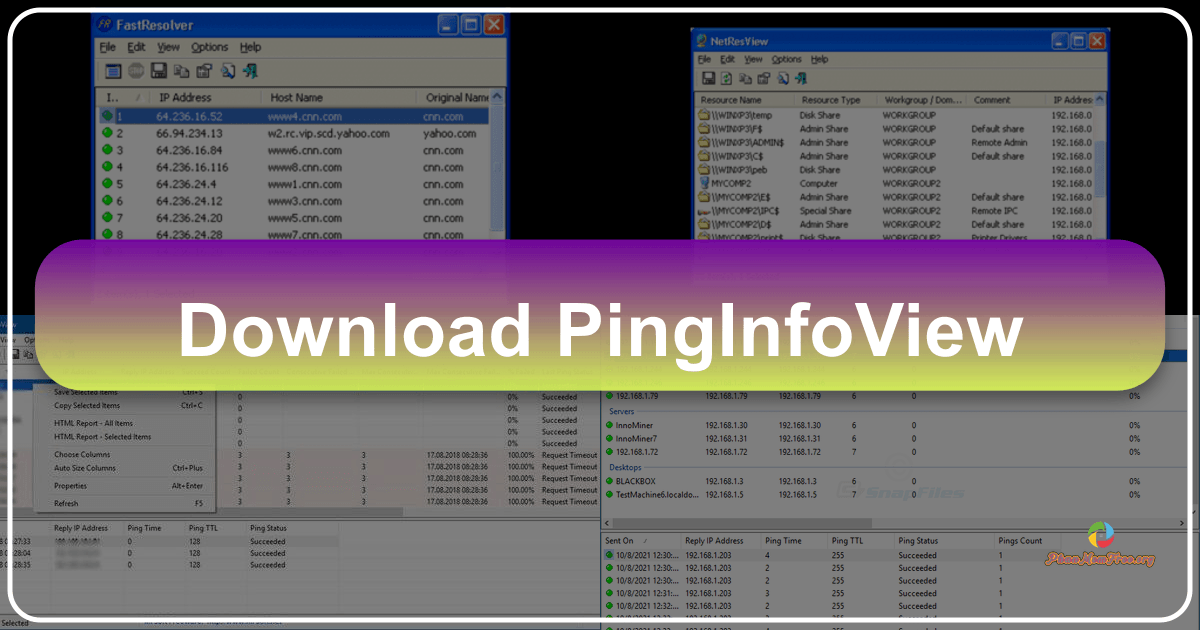
PingInfoView: A Comprehensive Guide to This Free Network Utility

PingInfoView is a free, lightweight utility developed by NirSoft, designed to simplify the process of pinging multiple IP addresses and hostnames simultaneously. This powerful network tool allows users to efficiently test network latency and data transfer speeds, providing valuable insights into network performance. This guide delves into the functionalities, usage, advantages, and limitations of PingInfoView, equipping you with the knowledge to effectively utilize this valuable resource.

Understanding Ping and PingInfoView’s Role

Before exploring PingInfoView’s functionalities, it’s crucial to understand the concept of “ping.” A ping is a network diagnostic command used to test the reachability of a host on an IP network. It sends a request (ICMP echo request) to the target host, and if the host is reachable and operational, it responds with an ICMP echo reply. The time it takes for this exchange to occur is measured in milliseconds (ms) and represents the latency, or delay, in the network connection. This latency is a crucial indicator of network performance, affecting various applications like online gaming, video conferencing, and file transfers. Higher latency results in slower response times and a potentially poor user experience.