/images/avatar.png

UnHackMe: Unmasking Hidden Threats and Fortifying Your Digital Defenses

In the vast and often treacherous landscape of digital technology, where innovation constantly pushes boundaries, malicious software lurks, eager to exploit vulnerabilities and compromise user privacy and system integrity. From the earliest days of computing, securing digital assets has been a paramount concern, giving rise to an entire industry dedicated to cybersecurity. While traditional antivirus programs serve as the first line of defense, a sophisticated breed of malware often evades their detection, embedding itself deep within a system’s core. This is where specialized tools like UnHackMe step in, offering a unique and potent solution against persistent and stealthy threats.

The Dude: A Comprehensive Guide to MikroTik's Network Monitoring Tool

The Dude, developed by MikroTik, is a powerful and versatile network monitoring application designed to simplify and enhance network management. Unlike many network monitoring tools that require extensive technical expertise, The Dude offers a user-friendly interface coupled with robust functionality, making it accessible to both novice and experienced network administrators. This guide will delve into the features, capabilities, and overall effectiveness of The Dude, exploring its strengths and weaknesses to provide a comprehensive understanding of this valuable network management tool.

OP AutoCliker: A Comprehensive Review of the Free Auto-Clicking Software

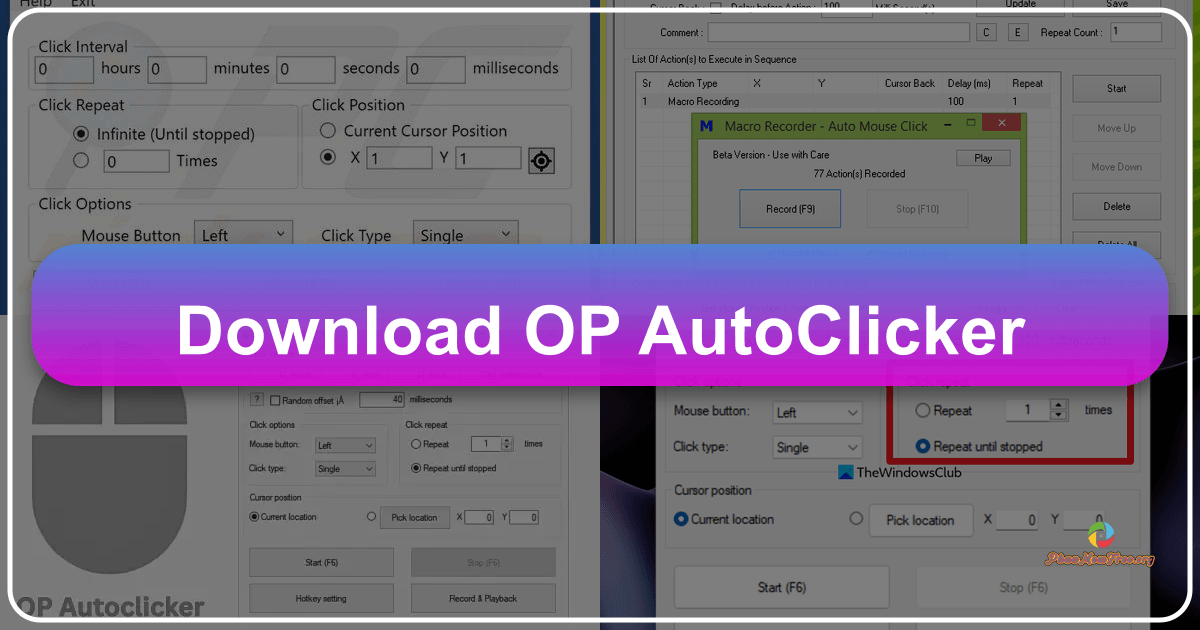
OP AutoCliker is a free auto-clicking utility application developed by Mouse Tool. Designed for Windows, this program simulates mouse clicks, automating repetitive tasks and freeing up users from tedious clicking routines. Its primary function is to automate clicks at user-defined speeds and intervals, proving useful in various scenarios, from gaming to software testing and data entry. This review delves into its features, usability, pros, cons, and alternatives.

Understanding OP AutoCliker’s Functionality

At its core, OP AutoCliker mimics human mouse clicks. It can perform single or double clicks with the left, right, or middle mouse button. Users have complete control over the click frequency, specifying the number of clicks per second and the time interval between each click (often set in milliseconds for precision in applications like clicker games). This allows for precise automation tailored to specific needs.

Driver Booster Pro: A Comprehensive Review of the Driver Update Utility

Driver Booster Pro is a powerful driver update utility designed to streamline the process of keeping your PC’s drivers up-to-date. This comprehensive review delves into its features, functionality, user interface, and overall performance, exploring its strengths and weaknesses to help you determine if it’s the right tool for your needs. We’ll also compare it to similar software and examine its value proposition in the crowded market of driver management tools.

Bing Wallpaper: A Simple Yet Effective Way to Enjoy Stunning Daily Images

Bing Wallpaper is a free wallpaper application developed by Microsoft for Windows PCs. This personalization tool offers a curated selection of high-quality images sourced from the Bing homepage’s daily featured wallpapers. The application provides a streamlined way to access and set these visually appealing backgrounds, making it a straightforward alternative to more feature-rich wallpaper applications. Its simplicity and focus on delivering beautiful imagery make it a compelling option for users seeking a hassle-free way to personalize their desktop.

Torrent Stream: A Comprehensive Review of the P2P Streaming Media Player

Torrent Stream was a multimedia player application that combined the functionality of a popular media player like VLC with the capability to stream content via the BitTorrent protocol. While the application is no longer actively developed or supported, understanding its features and capabilities provides insight into the evolution of P2P streaming technology. This review examines Torrent Stream’s strengths and weaknesses, its user experience, and its place within the broader landscape of media players and streaming solutions.