
Palmstore presents itself as a free mobile utility application designed to streamline the process of downloading apps onto Android devices. Functionally similar to more established platforms like Google Play, Aurora Store, and TapTap, Palmstore offers a curated collection of free applications categorized for easy browsing. However, its capabilities extend beyond just apps, mirroring other comprehensive stores by including movies, music, and e-books within its offerings. A notable feature is the absence of a mandatory signup process, allowing users immediate access to its services.
Palmstore’s Functionality and User Interface
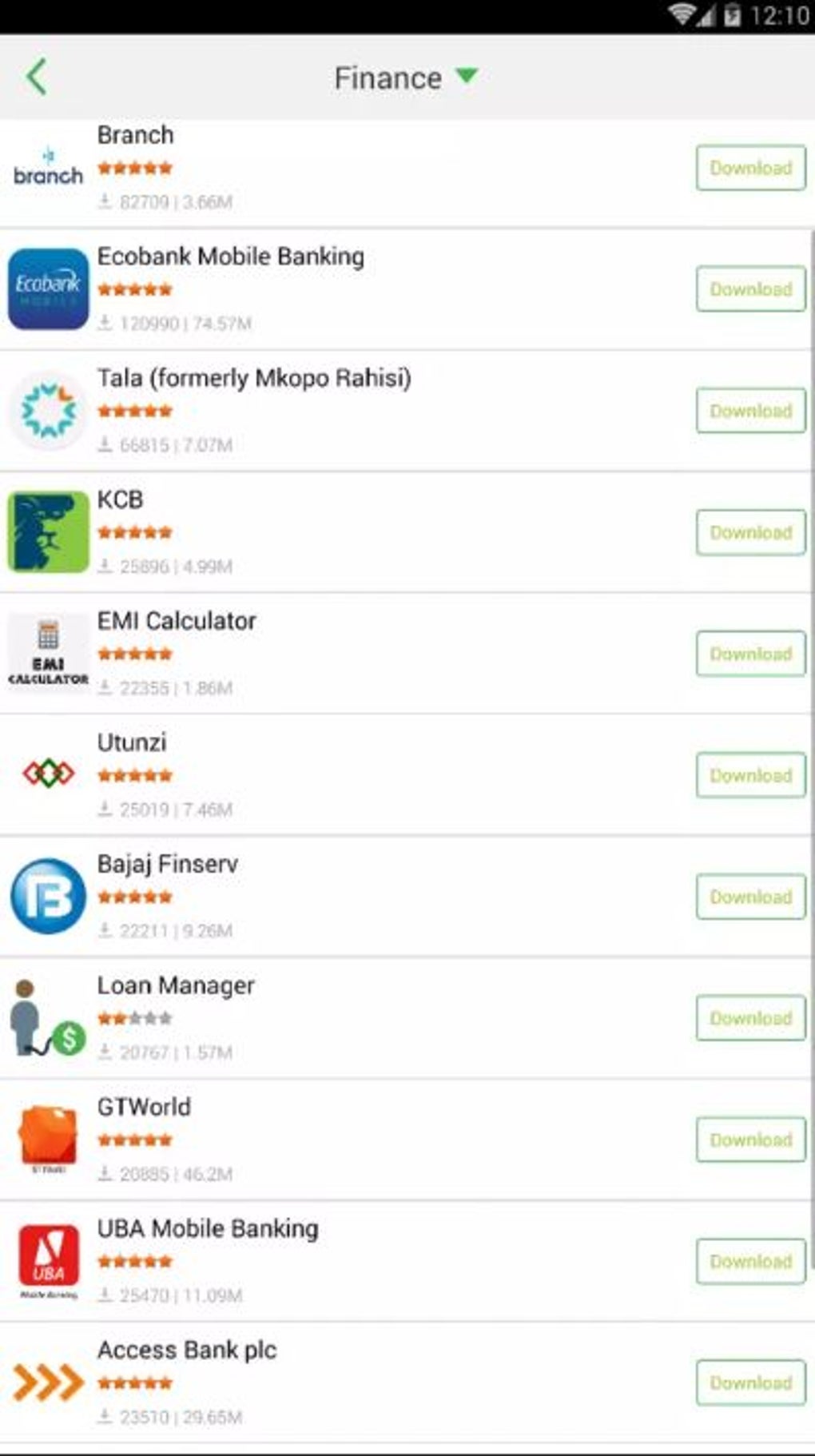
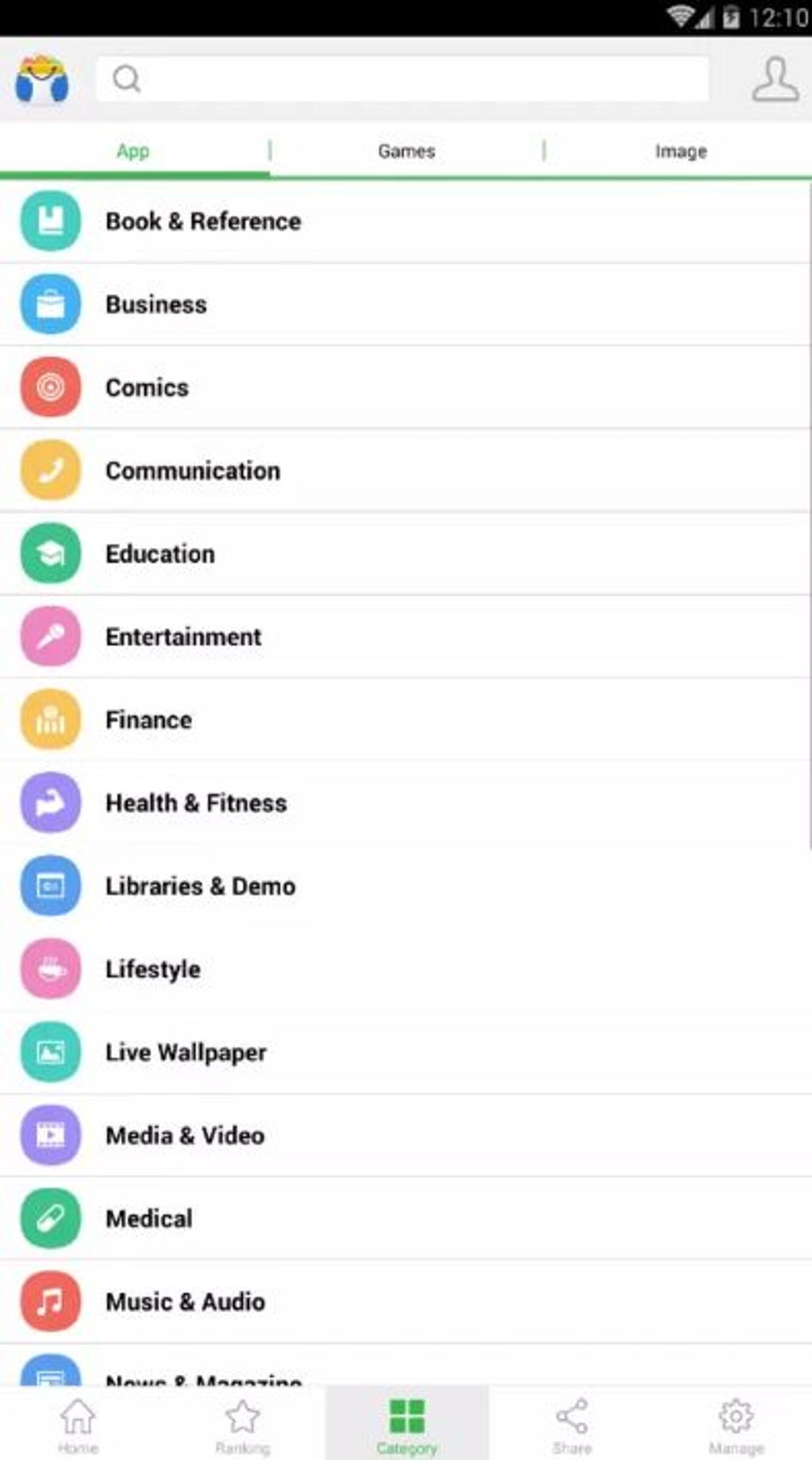
Palmstore positions itself as a viable alternative app store for users seeking options beyond the dominant players in the market. While not open-source like some competitors, it provides a platform for developers to publish and promote their applications. Its global reach is evident in the broad range of app categories and the diverse selection of downloadable media. The user interface is straightforward, employing a four-section main menu situated at the bottom of the screen: Home, Games, Apps, and Fun.
The “Home” section functions as a showcase for featured and promoted applications and content, highlighting what Palmstore considers its most attractive offerings at any given time. The “Games” section, further subdivided into “Featured,” “Hot,” “New,” and “Category,” provides a curated selection of video games. Similarly, the “Apps” section mirrors this structure, organizing non-gaming applications into the same subcategories. Lastly, the “Fun” section redirects users to an external website, expanding the range of content available beyond the core app store.
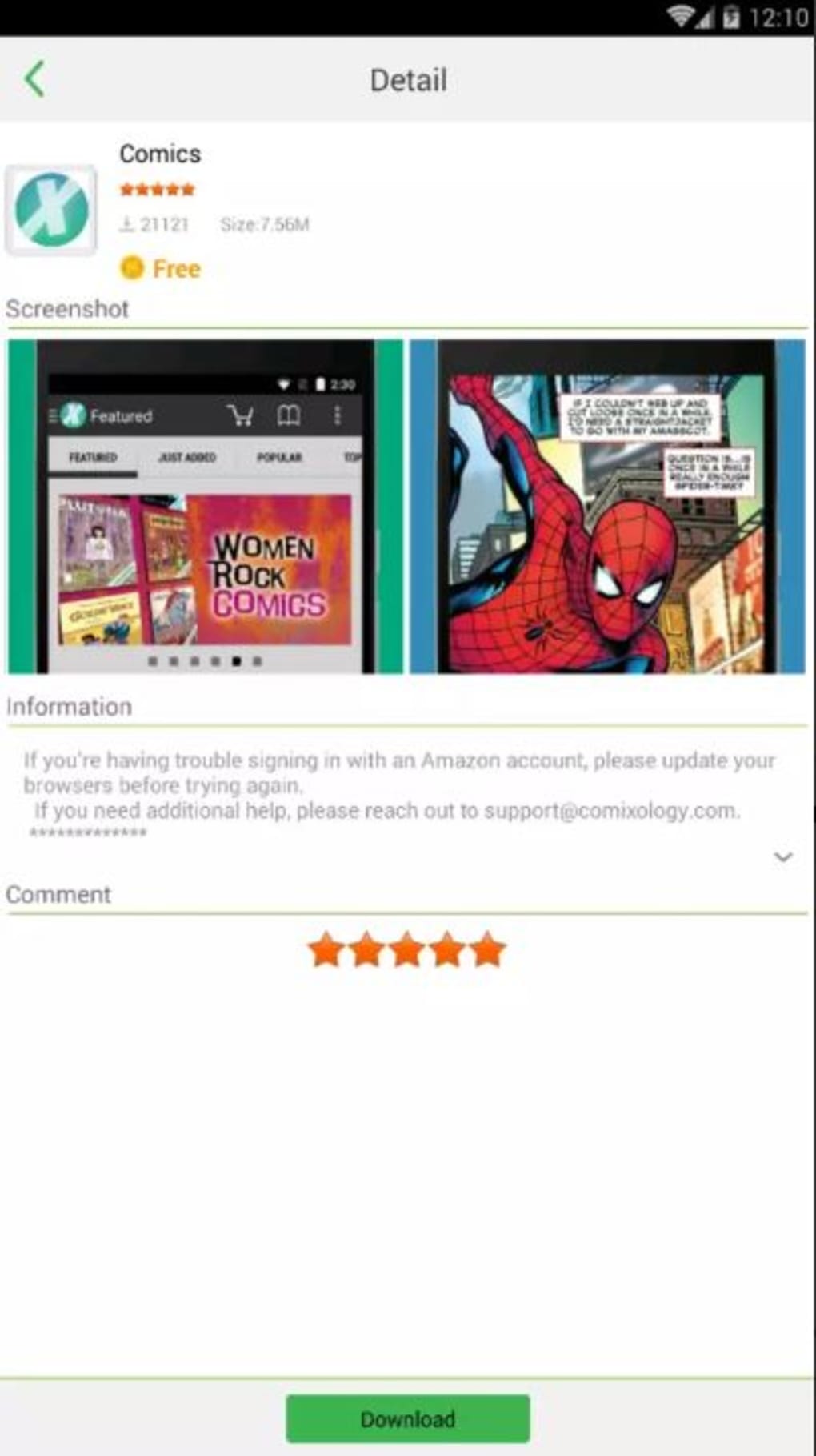
The overall user experience is designed to be intuitive, closely resembling the familiar navigation of other established app stores. This familiarity reduces the learning curve for users transitioning from other platforms. Beyond core app browsing and download functionality, Palmstore integrates additional tools such as a “Boost” function (likely for system optimization) and a junk file cleaner. A prominent pop-up display featuring trending apps further enhances user engagement and encourages immediate downloads.
Palmstore’s Strengths and Weaknesses
Palmstore’s primary strength lies in its simplicity and ease of navigation. The predominantly free app selection caters to budget-conscious users and those seeking cost-effective software solutions. The inclusion of extra utilities like the boost function and junk file cleaner adds practical value, enhancing the overall user experience. Furthermore, the availability of titles not found on competing platforms provides a unique selling proposition, attracting users seeking less common or niche applications.
However, Palmstore’s limitations are also significant. A considerable drawback is the frequently reported detection of the application as potentially harmful by various antivirus programs. This raises serious security concerns for users, casting doubt on the safety and trustworthiness of the platform. Moreover, the comparatively smaller catalog of available apps significantly restricts user choice, making it less comprehensive than established competitors. This limited selection may prove frustrating for users seeking a wide variety of applications.
The reliance on free applications, while advantageous for users, may also discourage developers from actively supporting the platform due to limited monetization opportunities. This could further contribute to the already limited catalog and potentially hinder long-term growth and sustainability. The absence of robust user reviews further impacts the trust and reliability of the platform.
Comparison with Other App Stores
Compared to major app stores like Google Play, Palmstore presents a stark contrast. Google Play boasts a vast, rigorously vetted catalog, advanced security measures, in-app purchase capabilities, and a robust developer support ecosystem. While Palmstore offers ease of access and a curated selection of free apps, it lacks the comprehensive security checks, developer support mechanisms, and the vast library of Google Play.
Aurora Store, a free alternative to the Google Play Store, offers similar functionality but with a key difference: it focuses on circumventing Google’s restrictions, enabling access to apps that might not be available in certain regions. Palmstore, however, lacks this specific function. TapTap, another alternative, focuses on a community-driven approach to app discovery, featuring user reviews and ratings that Palmstore lacks. This community aspect fosters transparency and user trust, something Palmstore noticeably omits.
Other alternative app stores like Blackmart and One Store also present distinct characteristics. Blackmart’s reputation is often marred by security concerns and legality issues, while One Store concentrates on Korean applications, limiting its global appeal. These platforms underscore the diverse landscape of alternative app stores, each with its own strengths and weaknesses. Palmstore, in comparison, struggles to compete on features, security, and comprehensiveness.
Palmstore’s Future and User Recommendations
Palmstore’s long-term viability depends on addressing its key weaknesses. Improving security measures to mitigate the frequent detection of malicious content is paramount. Expanding the app catalog through aggressive developer outreach and improved monetization models is equally crucial. Implementing a robust user review system will boost transparency and build user trust. If these issues remain unaddressed, Palmstore’s future as a viable alternative app store remains questionable.
For users considering Palmstore, a cautious approach is advised. The potential security risks necessitate careful consideration. While the simplicity and free apps are attractive features, the limited catalog and lack of robust security checks are significant drawbacks. Users should weigh the benefits against the risks before using the platform. More established and secure alternatives, despite potential costs or restrictions, may provide a safer and more comprehensive app experience. It’s crucial to prioritize security and reliability when choosing an app store, and Palmstore’s current state falls short in this aspect. Therefore, unless you have a very specific need for an app unavailable elsewhere and are willing to accept the associated risks, it’s recommended to opt for more established and secure alternatives.
File Information
- License: “Free”
- Version: “6.7.8”
- Latest update: “July 20, 2021”
- Platform: “Android”
- OS: “Android 4.1.2”
- Language: “English”
- Downloads: “439.7K”
- Size: “6.32 MB”
- Download Options: “APK, Google Play”
- Filename: “palmstore.apk”


