
Paper by WeTransfer, formerly known as Paper by FiftyThree, is a digital note-taking and sketching application that has earned a reputation for its intuitive interface and responsive design. Initially designed for the iPad, its evolution has led to a robust mobile version for iPhones, solidifying its place as a favorite among digital creatives and productivity enthusiasts. This review explores the strengths and weaknesses of Paper by WeTransfer, examining its features, user experience, and overall effectiveness as a tool for capturing ideas and enhancing productivity.
Intuitive Interface and User Experience
The core philosophy behind Paper by WeTransfer is simplicity. The app’s design is minimalistic and clutter-free, prioritizing a streamlined user experience. Upon launching the application, users are presented with a clear view of their notebooks, each easily selectable with a simple tap. The interface is designed for intuitive navigation. Swiping smoothly transitions between pages within a notebook, providing a seamless, almost physical, feel to the digital note-taking process. A double tap expands the current page to full screen, freeing up the maximum space for sketching, writing, or drawing. This responsive design caters to both casual note-takers and those requiring a larger canvas for more detailed creations.
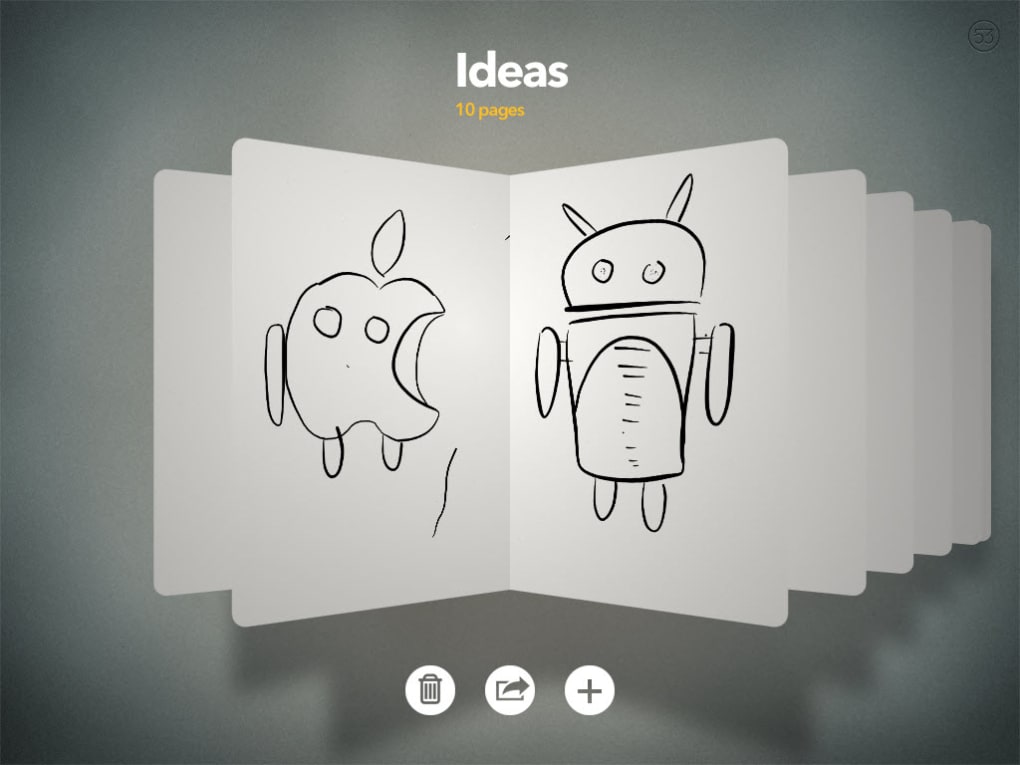
The app excels in its responsiveness to user input. Whether using a finger or a stylus, Paper by WeTransfer accurately captures strokes and gestures. This precision is vital for sketching, and the application adeptly translates strokes into legible script, making it a valuable tool for both artistic expression and note-taking. The multi-touch functionality adds further convenience, allowing users to effortlessly manage multiple notebooks, quickly undo mistakes using rewind functionality, and access the toolbar at the bottom of the screen. This combination of intuitive gestures and precise input provides a natural and comfortable experience that minimizes distractions.
Precision and Functionality: Capturing Ideas with Ease
Paper by WeTransfer shines in its ability to accurately reflect the nuances of hand-drawn strokes. Unlike some digital note-taking apps that struggle to translate the subtleties of pressure and speed, Paper by WeTransfer adeptly renders these variations, resulting in natural-looking sketches and writings. This accuracy enhances the creative process, allowing users to express themselves with more precision and fluidity. The app’s capacity to translate handwritten text into legible script is particularly noteworthy. This feature is incredibly helpful for taking meeting notes, brainstorming sessions, and other instances where quick note-taking is paramount.
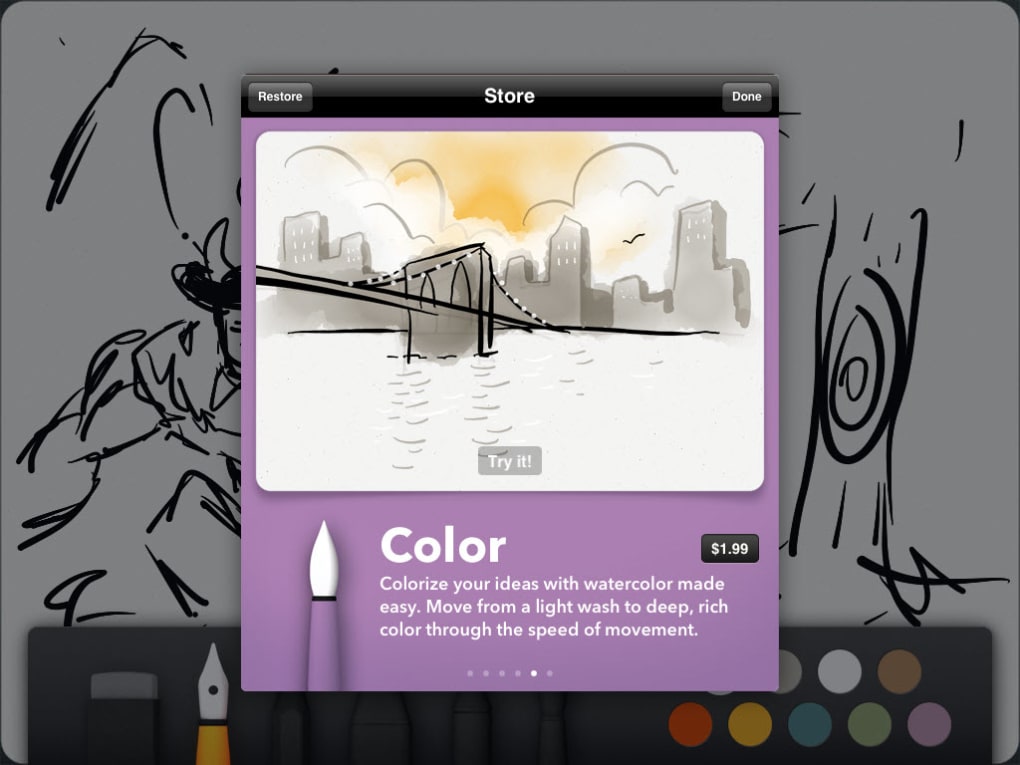
While the core functionality of Paper by WeTransfer is provided free of charge, additional brushes, tools, and features are available through in-app purchases. This approach allows users to start with a basic, yet powerful, set of tools, gradually expanding their creative arsenal as needed. The availability of these optional additions ensures that Paper by WeTransfer caters to users with varying levels of artistic skill and note-taking requirements. The flexibility this provides is a significant advantage for both casual and serious users.
Beyond Note-Taking: Flexibility and Versatility
Although primarily designed as a digital notebook, Paper by WeTransfer’s capabilities extend beyond simple note-taking. The range of available tools allows it to be used for various tasks, from creating detailed sketches and illustrations to designing complex diagrams and mind maps. The ability to incorporate different colors, textures, and brush strokes significantly enhances the creative possibilities of the app. This versatility positions Paper by WeTransfer as a valuable asset for students, professionals, and artists alike.
The simplicity and ease of use of Paper by WeTransfer make it particularly suitable for brainstorming sessions. The ability to quickly jot down ideas, sketch diagrams, and make annotations allows for a fluid creative process. This fluidity fosters better idea generation and enhances collaboration when working with others. The app’s ability to easily manage and organize multiple notebooks is crucial for anyone working on several projects simultaneously. This efficient organization helps to maintain clarity and productivity in even the most demanding environments.
Comparison with Alternative Apps
While Paper by WeTransfer excels in several aspects, it’s crucial to compare it to alternative digital note-taking and sketching apps available on the market. Apps like Adobe Illustrator Draw offer a more sophisticated set of tools aimed at professional illustrators. These apps often prioritize advanced features and precision, potentially at the cost of user-friendliness. Conversely, other apps may focus on simplicity but lack the precision and responsiveness of Paper by WeTransfer. Endless Paper and similar apps may offer an equally intuitive user experience but may lack the advanced features and customization options available in Paper by WeTransfer. The choice ultimately depends on individual needs and preferences.
The key differentiator for Paper by WeTransfer lies in its blend of simplicity and powerful features. It strikes a balance between user-friendliness and functionality, making it accessible to both novice and experienced users. Its responsive design, precision in stroke capture, and legible handwriting recognition set it apart from many competitors. While some users might find the cost of additional in-app purchases a drawback, the functionality of the core application is more than adequate for many users.

Conclusion: A Powerful Tool for Creative Expression and Productivity
Paper by WeTransfer is a highly effective and intuitive digital notebook and sketching application. Its simple yet powerful design enhances both creativity and productivity. The app’s responsive nature, precise stroke capture, and effortless page management make it a joy to use. Whether you’re a student taking notes, a professional sketching ideas, or an artist creating illustrations, Paper by WeTransfer provides a seamless and effective platform for digital creation. While the additional features available through in-app purchases add significant value, the core functionality of the free version remains exceptionally robust and sufficient for many users. Its balance of simplicity, functionality, and precision makes Paper by WeTransfer a strong contender in the ever-growing field of digital note-taking and sketching applications. The ease of use makes it accessible to a broad range of users, from casual note-takers to professional artists. The app’s consistent updates and ongoing improvements are further evidence of its dedication to providing a high-quality user experience. Overall, Paper by WeTransfer stands as a testament to the power of simplicity combined with a deep understanding of user needs in the digital realm.
File Information
- License: “Free”
- Version: “5.5.9”
- Latest update: “July 25, 2025”
- Platform: “iPhone”
- OS: “iOS 16.4”
- Language: “English”
- Downloads: “49K”


