
In an increasingly digital world, managing our multiple online identities and digital lives has become a constant challenge. From juggling work and personal social media accounts to optimizing gaming experiences across various profiles, the demand for seamless digital compartmentalization has never been higher. Enter Parallel Space, a groundbreaking application developed by LBE Tech that has redefined how Android users interact with their devices. This powerful utility app, available for free download on platforms like PhanMemFree.org, allows users to clone existing applications, enabling them to run multiple instances of the same app simultaneously. This capability transforms a single smartphone into a hub of unparalleled multitasking, enhanced privacy, and personalized digital expression.
Parallel Space isn’t just another utility; it’s a paradigm shift in mobile device management. At its core, it addresses the fundamental limitation of many mobile apps: the inability to log into more than one account at a time. Whether it’s a social networking platform, an instant messaging service, or a popular mobile game, most apps are designed with a single-user login in mind. Parallel Space shatters this limitation, offering a virtualized environment where cloned apps can operate independently, each with its own separate account. This intricate dance of digital identities is orchestrated seamlessly, all without requiring users to constantly log in and out, or resort to carrying multiple physical devices.
The impact of Parallel Space on daily digital life is profound. Imagine a scenario where a business professional can manage their corporate WhatsApp account and their personal one from the same device, receiving notifications and responding to messages on both without any overlap or confusion. Consider a dedicated mobile gamer who can run two instances of their favorite RPG, nurturing different characters or participating in multiple events simultaneously to maximize their progress. For social media enthusiasts, it means keeping personal profiles distinct from public or business-related pages, ensuring that different facets of their online presence remain organized and separate. Parallel Space facilitates a more balanced and efficient digital lifestyle, empowering users to be truly present in all their online domains.
The Multitasking Revolution: Balancing Life and Play with Parallel Space
The primary allure of Parallel Space lies in its revolutionary approach to multitasking. For years, Android users have yearned for a robust solution to run multiple accounts of the same application. Parallel Space delivers this capability through its sophisticated cloning mechanism, transforming a single device into a versatile tool for managing diverse digital personas. The ability to access multiple accounts simultaneously fundamentally changes the way users engage with their smartphones, offering a level of convenience and efficiency previously unimaginable.
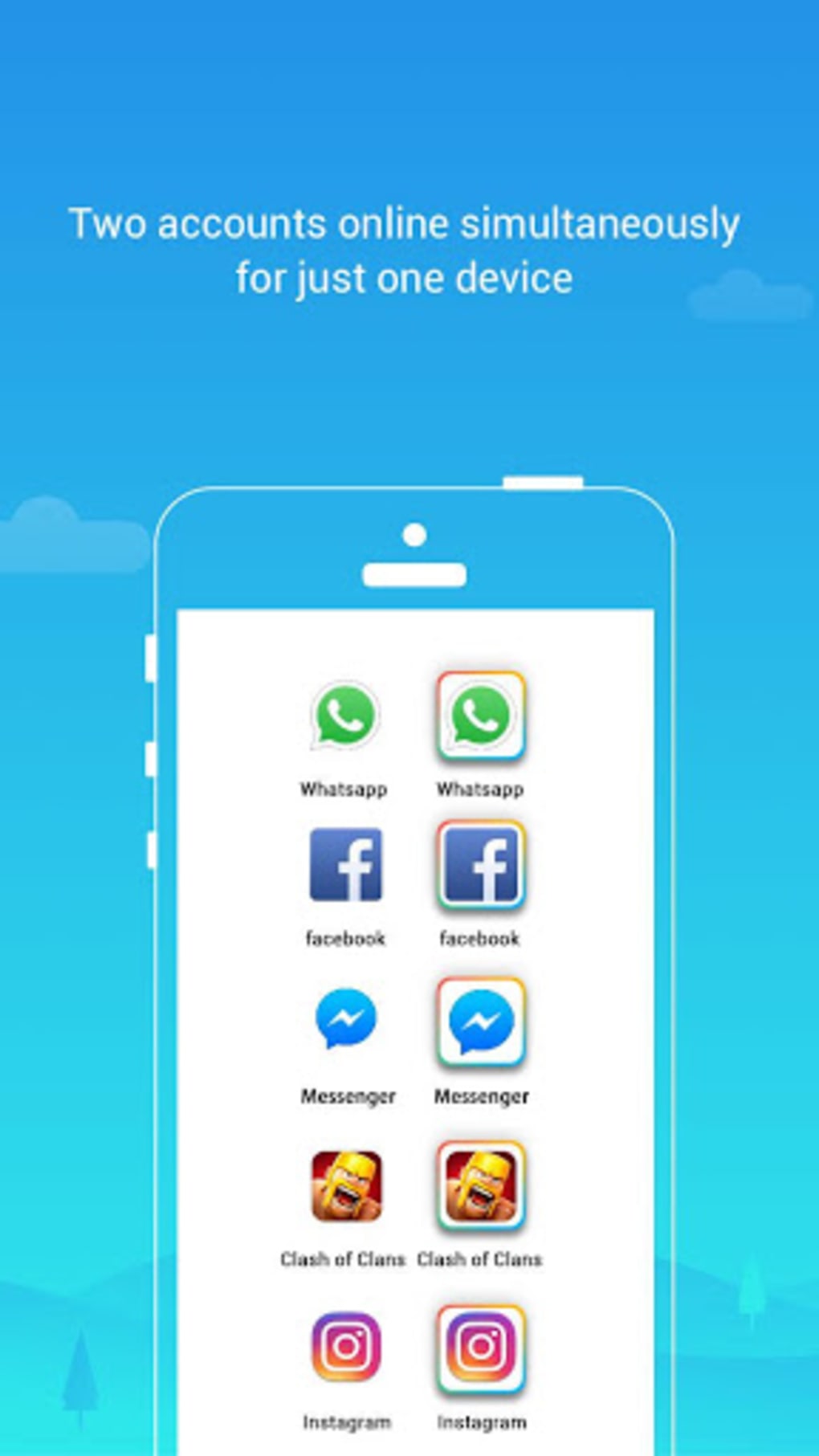
At the heart of this multitasking prowess is the concept of simultaneous access. Parallel Space creates an isolated environment, a “parallel space” if you will, where a cloned version of an app can exist and operate independently of its original counterpart. This means you can have two WhatsApp accounts active at the same time, two Facebook profiles, or two instances of a mobile game. The implications for various user segments are immense:
-
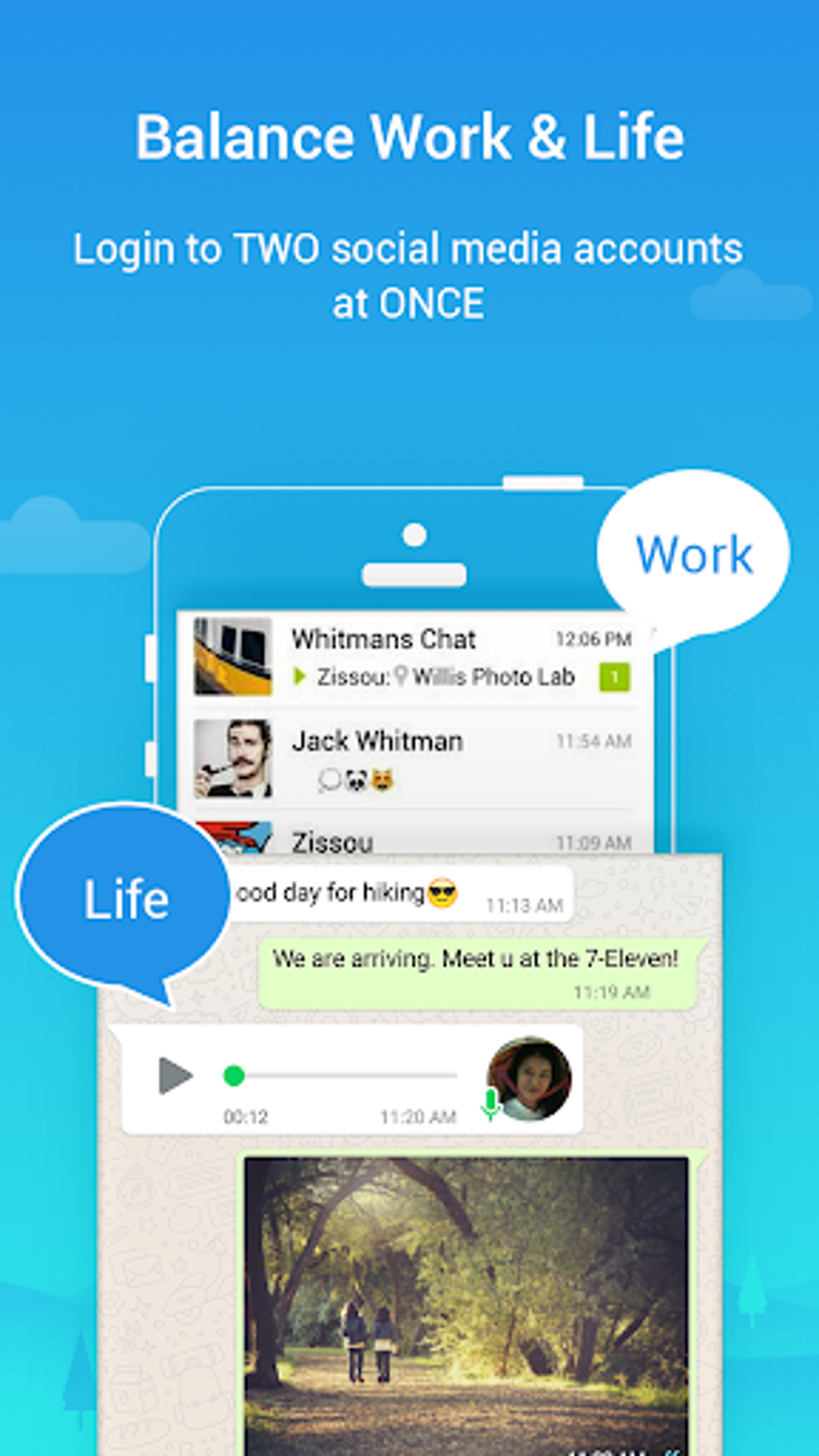
For the Professional: In today’s hybrid work environments, many individuals use their personal devices for both work and personal communication. Parallel Space allows professionals to keep their work-related social media, messaging, and email accounts entirely separate from their personal ones. This not only enhances focus but also ensures a clean separation of data and notifications, preventing the constant context-switching that often plagues modern professionals. Imagine having a dedicated work messaging app and a personal one, each with its own contacts and conversations, accessible instantly from the same screen. This capability fosters better work-life balance and reduces digital clutter.
-
For the Avid Gamer: Mobile gaming has evolved into a sophisticated ecosystem, often requiring significant time investment to progress. Many games offer incentives for multiple accounts, or players simply enjoy exploring different playstyles with separate characters. Parallel Space doubles the gaming experience by allowing users to run two instances of the same game. This means managing multiple game accounts, leveling up different characters simultaneously, participating in concurrent in-game events, or even playing with oneself in certain cooperative titles. This feature is a game-changer for serious mobile gamers, providing an edge in efficiency and enjoyment. As stated in the original content, users can “double your gaming experience and have more fun,” and even “play two games at the same time like a professional.”
-
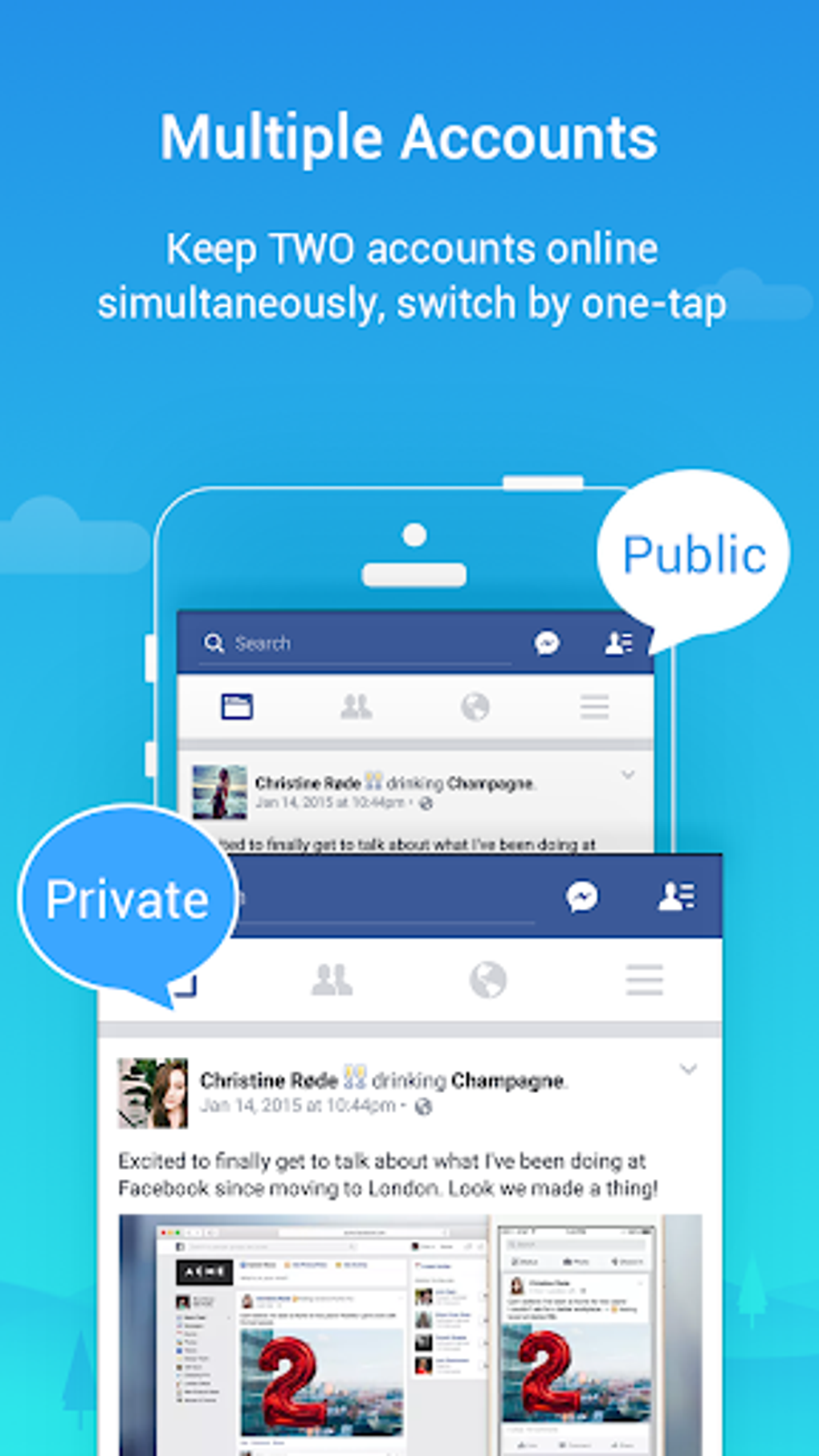
For the Social Butterfly: Social media is an integral part of modern life, and many individuals maintain multiple profiles for different purposes – a public profile for wider networking, a private one for close friends and family, or even dedicated profiles for specific hobbies or communities. Parallel Space enables effortless management of these diverse social identities. Users can switch between accounts with a simple tap, ensuring they engage with the right audience in the right context without the hassle of repeated logins. This promotes digital etiquette and allows for a more nuanced and controlled online presence.
The convenience of Parallel Space extends beyond mere functionality; it’s about the fluidity of the user experience. The app’s intuitive switching function allows for rapid transitions between accounts, ensuring that managing multiple digital lives feels natural and effortless. Notifications from both the original and cloned apps arrive in a unified manner, yet their separation within Parallel Space maintains clarity. This seamless management across accounts is a core strength, making the complexity of running multiple instances feel surprisingly straightforward.
However, it’s important to acknowledge certain limitations, particularly regarding social accounts that rely heavily on unique identifiers. As the source material highlights, “users can’t run two accounts with the same mobile number.” This is a fundamental restriction imposed by the service providers themselves, not by Parallel Space. Attempting to do so will prompt a verification message to that mobile number, underscoring the necessity of having distinct phone numbers for separate accounts on such platforms. Despite this, the vast majority of apps are supported, allowing for broad applicability of the cloning feature.
Beyond Cloning: Enhanced Privacy and Personalized Expression
While multitasking is Parallel Space’s headline feature, the application extends its utility far beyond simply running multiple accounts. It offers a robust suite of tools for enhancing user privacy and enabling deep personalization, transforming the device into a truly individualized digital sanctuary. These features cater to a growing demand for control over one’s digital footprint and the desire to express individuality through device aesthetics.
Incognito Installation: Your Secret Digital Space
One of the most compelling privacy features of Parallel Space is its “Incognito Installation” mode. This innovative function allows users to make specific apps “invisible” on their device’s main interface. When an app is installed within the incognito space, it won’t appear on the home screen, app drawer, or recent apps list. Instead, it resides exclusively within the Parallel Space environment, accessible only through the Parallel Space app itself.
This feature is invaluable for individuals who wish to keep certain applications private from prying eyes. Whether it’s a sensitive financial app, a dating profile, a private messaging client, or a personal diary, the ability to hide these apps offers a significant layer of discretion. The original content succinctly puts it: “Any personal apps are hidden from prying eyes as they are kept in the app’s secret space.” In an age where smartphones are often shared or left unattended, this secret space ensures that sensitive information and personal activities remain confidential. It empowers users to maintain a clear boundary between what’s publicly visible on their device and what they choose to keep private.
Robust Security Lock for Added Protection
Complementing the Incognito Installation, Parallel Space also provides an option to add a security lock. This feature allows users to protect access to the Parallel Space environment itself, or even specific cloned apps within it, with a password, PIN, or pattern. This acts as an additional barrier, ensuring that even if someone gains access to the device, they cannot access the hidden apps or multiple accounts without the correct authentication.
This dual layer of protection – invisibility combined with a security lock – creates an incredibly secure environment for sensitive applications. It’s a proactive measure against unauthorized access, giving users peace of mind that their private digital activities are well-guarded. For those who prioritize digital security and privacy, this feature alone makes Parallel Space an indispensable tool.
Customizable Themes: Express Your Individuality
Beyond its functional advantages, Parallel Space recognizes the importance of personalization in the user experience. The app includes its own “theme store,” offering a comprehensive list of customizable themes that users can apply to their cloned apps. This allows for a unique aesthetic expression, distinguishing cloned apps from their original counterparts and lending a fresh look to the device’s interface.
Users can assert different styles to their device’s apps with just a tap, transforming the visual identity of their cloned applications. This feature isn’t just about aesthetics; it also serves a practical purpose. By applying distinct themes or icons to cloned apps, users can visually differentiate between their multiple accounts, making it easier to identify which instance of an app they are currently using. For example, a user might apply a professional theme to their work-related cloned apps and a more vibrant, casual theme to their personal ones. This visual cues enhance usability and contribute to a more organized digital workspace. The ability to “integrate customizable themes of the cloned apps to stand out from everyone else” adds a layer of fun and personal flair to the highly functional nature of the app.
Under the Hood: The MultiDroid Virtualization Engine and Resource Management
To fully appreciate the capabilities of Parallel Space, it’s essential to understand the technology that powers it. The app is not merely a shortcut creator or a simple wrapper; it leverages a sophisticated underlying platform known as “multiDroid,” which is described as “the first application virtualization engine on Android.” This innovative engine is the technological bedrock that enables the seamless operation of multiple app instances.
How MultiDroid Works
Application virtualization, in the context of Parallel Space, involves creating an isolated, virtual environment on the Android device. When an app is “cloned” using Parallel Space, it isn’t copied in the traditional sense. Instead, Parallel Space creates a virtualized instance of the app within its own sandboxed environment. This environment provides the cloned app with its own set of resources, including a virtual storage space, a virtual network interface, and its own process ID, effectively tricking the app into believing it’s running on a separate device.
This virtualization allows the cloned app to operate independently, maintaining its own data, settings, and login credentials, completely separate from the original app. This isolation is crucial for preventing conflicts between different instances of the same app and ensuring that data from one account doesn’t leak into another. It’s a highly efficient and stable method for achieving true multi-account functionality on a single device. The robustness of this engine is a key highlight, emphasizing that Parallel Space is “Powerful and stable, while easy to use.”
Understanding Permissions and Privacy
Because Parallel Space acts as a virtual container for other applications, it requires certain permissions on the host device. These permissions are not for Parallel Space itself to collect personal data, but rather to facilitate the operation of the apps running inside it. As the original content clarifies, “the permissions required by Parallel Space are applied by all the apps running inside.” For instance, if an app running within Parallel Space needs access to your device’s camera, Parallel Space must first have camera permission itself to then grant it to the cloned app.
The developers, LBE Tech, emphasize that Parallel Space “won’t collect personal information to secure users’ privacy.” This is a critical point of reassurance for users concerned about data security. The app acts as a conduit, passing necessary permissions to the virtualized apps, but does not inherently harvest personal user data from these operations. Users are encouraged to verify this by checking the app’s permissions and understanding that any data accessed is done so by the cloned apps, not by Parallel Space itself.
Resource Management and Optimization
A common concern when running multiple applications, especially cloned instances, is the impact on device resources such as memory, battery life, and data usage. Parallel Space is designed to be efficient in this regard. The app itself has a relatively small footprint, and the resources consumed are primarily those used by the applications running inside Parallel Space.
The original content directly addresses this: “When it comes to memory space, battery capacity and data usage, the app doesn’t consume much device resources. Users can verify it by viewing the app’s ‘Storage’ and ‘Task Manager’, under the ‘Settings’ section.” This transparency allows users to monitor the resource consumption of their cloned apps, ensuring that the multitasking benefits don’t come at an unacceptable cost to device performance.
However, users must be mindful of a few operational considerations:
- Whitelisting in Booster Apps: To ensure timely message delivery and notification reception for social networking apps running in Parallel Space, users are advised to “add Parallel Space to white list or exceptional list in booster apps.” Many Android devices and third-party utility apps employ aggressive battery optimization or task killers that might inadvertently suspend Parallel Space and, by extension, the apps running within it. Whitelisting prevents this, allowing Parallel Space to operate smoothly in the background.
- Potential for Short Attention Span: While listed as a “con” in the original article, this point is more of a user-side consideration than a flaw in the app itself. The ability to juggle multiple accounts simultaneously can, for some, lead to increased digital fragmentation and a shorter attention span. This is less a technical limitation of Parallel Space and more a psychological challenge inherent in hyper-connectivity, prompting users to manage their digital habits responsibly.
- App Compatibility: Although “almost most apps are supported,” there might be rare instances where specific, highly customized, or deeply integrated applications may not function perfectly within the virtualized environment. The developers continually work to expand compatibility, but it’s a dynamic landscape.
Conclusion: A Powerful Tool for the Modern Android User
Parallel Space stands out as a unique and indispensable utility for Android users navigating the complexities of their digital lives. Its core functionality of cloning apps to enable simultaneous multiple account access addresses a fundamental need for both convenience and efficiency. Whether you’re a professional seeking to compartmentalize work and personal communication, an avid gamer aiming to optimize your progress across multiple profiles, or a social media enthusiast managing diverse online identities, Parallel Space offers a robust and elegant solution.
Beyond its powerful multitasking capabilities, the app’s commitment to user privacy and personalization elevates it further. Features like Incognito Installation and the Security Lock provide peace of mind, allowing users to safeguard sensitive applications and maintain discretion over their digital activities. The customizable themes, though seemingly aesthetic, enhance the user experience by offering visual distinction and a touch of individuality to cloned apps.
Powered by the pioneering multiDroid virtualization engine, Parallel Space delivers its features with remarkable stability and efficiency, ensuring that the benefits of multi-accounting don’t come at the expense of device performance. While minor considerations like distinct mobile numbers for certain social apps and whitelisting in booster apps exist, these are largely external factors rather than inherent limitations of Parallel Space itself.
In essence, Parallel Space isn’t just an app; it’s a gateway to a more organized, private, and personalized Android experience. It empowers users to take control of their digital presence, allowing them to balance their diverse online roles with unparalleled ease. For anyone looking to unlock the full potential of their Android device, manage multiple accounts effortlessly, protect their privacy, and express their unique style, Parallel Space, available for download on platforms like PhanMemFree.org, represents a truly transformative solution. It’s a testament to how innovative software can fundamentally enhance our interaction with technology, opening up new dimensions of productivity and personal freedom in the palm of our hands.
File Information
- License: “Free”
- Latest update: “November 21, 2024”
- Platform: “Android”
- OS: “Android 13.0”
- Language: “English”
- Downloads: “593.9K”
- Size: “36.12 MB”
- Download Options: “APK, Google Play”
- Filename: “com-lbe-parallel-intl-10910-69285484-f9cf77961888c9951082a41cb6926693.apk”


