
Password Corral is a free, straightforward password manager designed for Windows users. While the name might seem unconventional, its functionality is surprisingly handy, offering a simple solution to the ever-growing problem of remembering numerous online passwords. This review will explore its features, ease of use, strengths, and weaknesses to determine its suitability for everyday users.
Core Functionality and Features
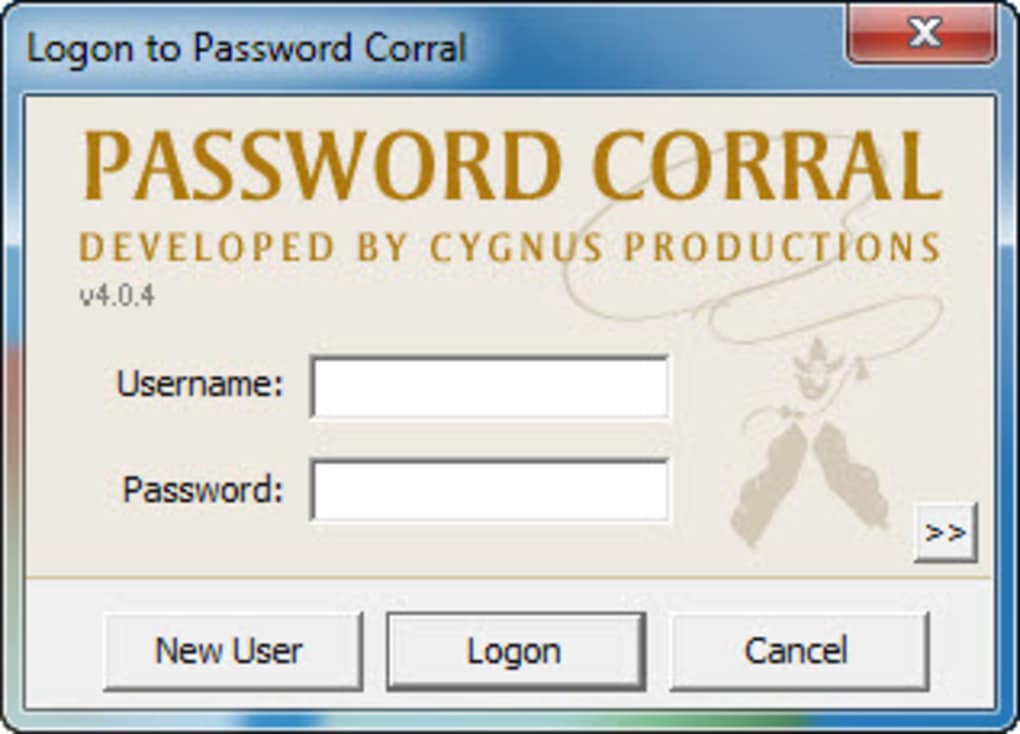
At its heart, Password Corral functions as a centralized database for all your passwords. The core concept is straightforward: all your login credentials are stored securely within a single, encrypted database, protected by a master password. This means you only need to remember one password – your master password – to access all your other login details. The encryption adds an extra layer of security, protecting your data even if the database file is compromised.
The interface is designed for simplicity. Users can organize their passwords into custom groups, making it easy to categorize and manage numerous accounts. Each entry within a group includes fields for:
- Username: The username associated with the specific account.
- Password: The password itself, securely stored within the database.
- Web Address (URL): The website or application associated with the login credentials.
- Email Address: An optional field to further identify the account.
- Notes/Custom Field: A flexible field for additional information specific to the account. This could include security questions, account numbers, or other relevant details.
This comprehensive approach ensures that all essential information is readily available in one place. Furthermore, the option to set an expiration date for each password entry is a significant benefit for security-conscious users, prompting regular password changes for enhanced protection.
The ability to export the Password Corral database in multiple formats adds flexibility. This allows users to back up their data, transfer it to different devices, or migrate to another password manager if needed. This transferability is a crucial factor for maintaining data accessibility and reducing the risk of data loss.
Ease of Use and User Experience
Password Corral’s strength lies in its simplicity. The intuitive interface makes it incredibly easy to use, even for users who are not tech-savvy. The process of adding, editing, and managing passwords is straightforward and requires minimal effort. The clear organization of groups and entries ensures that finding the required information is quick and painless. This streamlined approach removes the complexity often associated with password management software, making it accessible to a broader user base.
However, the simplicity also presents some limitations. The lack of a built-in password generator is a notable omission. While users can manually enter passwords, the absence of a dedicated password generator hinders the creation of strong, randomly generated passwords, a critical element of robust online security. The inclusion of a robust password generator would have significantly enhanced the overall security profile of the application.
Another area for improvement is the help file’s accessibility. The documentation appears to be unavailable for Windows 7 and Vista users, which is a significant drawback for users still utilizing these older operating systems. Providing comprehensive documentation and support for a broader range of Windows versions is crucial for broader user adoption.
Security Considerations
The encryption employed by Password Corral is a crucial element of its security architecture. This encryption safeguards the stored password database, preventing unauthorized access to sensitive user information. The use of a strong, unique master password is paramount to maintaining this security. Users should adopt strong password practices, employing a combination of uppercase and lowercase letters, numbers, and symbols to create a password that is resistant to brute-force attacks.
However, the lack of advanced features found in more sophisticated password managers represents a potential vulnerability. Features such as multi-factor authentication (MFA) and advanced encryption algorithms could further strengthen the security posture of Password Corral. The absence of these features leaves the application somewhat vulnerable to potential attacks, particularly if the master password is compromised. The developer should consider incorporating these advanced security measures in future updates.
Comparison with Other Password Managers
Compared to other password management solutions, Password Corral occupies a specific niche. It excels in its simplicity and ease of use, making it an ideal choice for users who prioritize a straightforward approach to managing their passwords. However, users requiring advanced features such as password generators, multi-factor authentication, or cross-platform compatibility might find its functionality limited.
More robust password managers offer features like browser extensions for seamless password auto-filling, cloud synchronization for cross-device access, and advanced security features like biometric authentication. While Password Corral’s simplicity is appealing, users with more complex password management needs should consider these more feature-rich alternatives. The trade-off is between simplicity and comprehensive functionality.
Conclusion: Who is Password Corral For?
Password Corral is a valuable tool for users who prioritize simplicity and ease of use in their password management solution. Its straightforward interface and intuitive design make it incredibly easy to learn and use, regardless of technical proficiency. The ability to organize passwords into custom groups and export the database adds to its practicality.
However, the lack of a built-in password generator and limited availability of the help file represent notable shortcomings. Furthermore, the absence of advanced security features found in more comprehensive password managers means it may not be suitable for users with heightened security concerns or complex password management requirements.
In conclusion, Password Corral is a viable option for users seeking a simple, easy-to-use password manager for basic password management needs. However, users with more demanding requirements should explore more feature-rich alternatives. The choice depends largely on the individual’s needs and priorities regarding simplicity versus advanced features and robust security.
File Information
- License: “Free”
- Latest update: “December 13, 2023”
- Platform: “Windows”
- OS: “Windows 98 SE”
- Language: “English”
- Downloads: “8.6K”
- Size: “804.97 KB”


