
PC Alarm Clock is a simple yet effective utility that transforms your personal computer into a customizable alarm clock. This straightforward application allows you to start your day with your favorite music, setting the stage for a more personalized and enjoyable wake-up experience. Instead of relying on the default system sounds, you can choose from a library of MP3 files or other audio formats, effectively turning your PC into a versatile alarm system. This extends beyond simple audio; the program also supports video files as alarm triggers, offering a more visually engaging start to your day.
Setting up Your Perfect Alarm
The configuration process for PC Alarm Clock is intuitive and designed for ease of use. Users can easily select their preferred audio or video file, adding a personal touch to the alarm experience. The program’s strength lies in its versatility; it’s not just a morning alarm. You can schedule alarms for various events throughout the day, serving as a reminder for appointments, deadlines, or simply as a timed alert for breaks.
Beyond media selection, PC Alarm Clock provides options for further customization. Users can add a personalized message that will appear upon the alarm’s activation, providing a further degree of personalization. This is helpful for adding important reminders or motivational messages to start the day on a positive note. Furthermore, the ability to schedule recurring alarms eliminates the need for manual re-entry, adding a layer of convenience that streamlines the alarm-setting process. The repeating alarm feature allows for a consistent wake-up schedule, or for setting recurring reminders for important tasks.
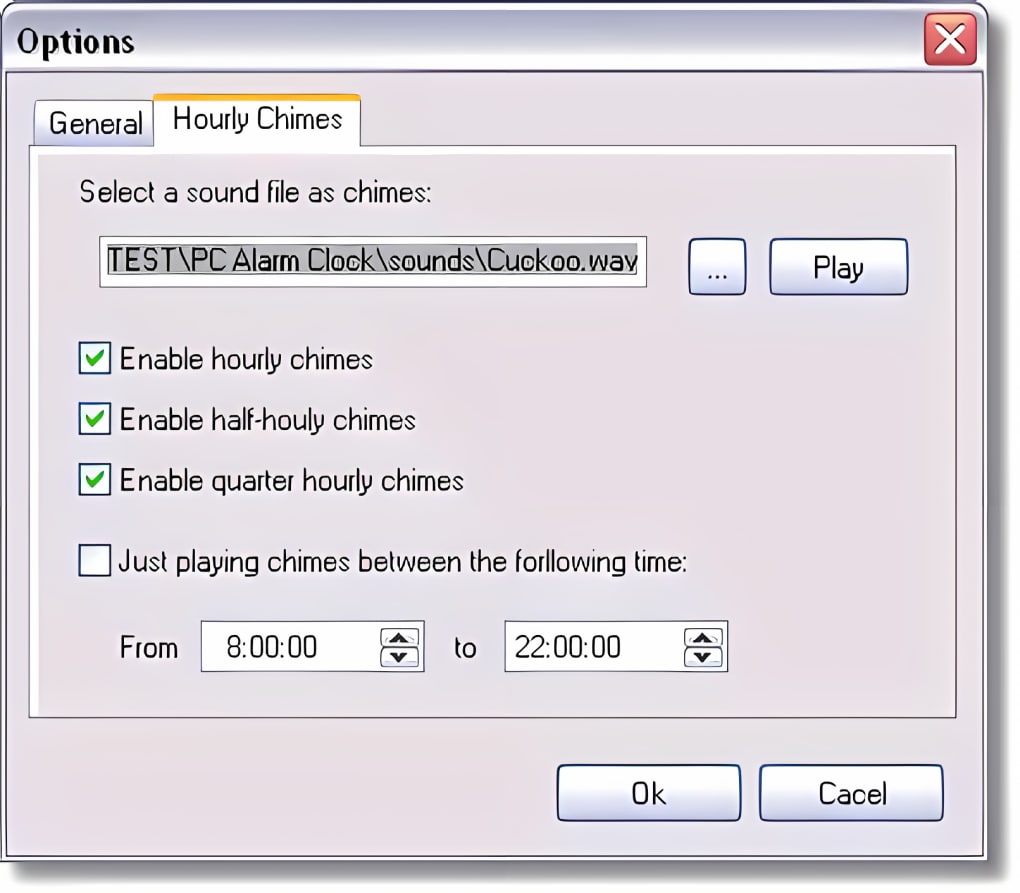
User Experience and Interface
The user interface of PC Alarm Clock is praised for its simplicity and ease of navigation, even for users with limited technical experience. The core functions are easily accessible, allowing users to quickly set and adjust alarms without unnecessary complexity. This intuitive design focuses on providing a straightforward and efficient way to manage alarms, without sacrificing functionality. The uncomplicated layout minimizes the learning curve, making it accessible to a broad user base.
While some users have commented on the visual aesthetics, emphasizing a desire for a more modern design, the focus on functionality seems to outweigh aesthetic concerns for many. The primary goal – to provide a reliable and easy-to-use alarm clock application – has been successfully achieved. The simplicity of the interface prioritizes usability and efficiency.
Advanced Features and Functionality
While the core functionality is simple and straightforward, PC Alarm Clock offers several hidden depths which contribute to its overall utility. The support for various audio and video formats ensures compatibility with a wide range of user preferences and media collections. This flexible approach to media selection is a key feature for many users. The range of compatible file types eliminates the need for format conversion before utilizing the application, ensuring a seamless and convenient user experience.
The inclusion of a customizable message adds a personal touch, beyond simply the auditory or visual alarm. This feature allows for greater personalization, and enables users to include specific reminders or messages that complement the alarm. The functionality isn’t limited to simple reminders; it can include motivational messages, task lists, or any text-based information deemed relevant.
The repeating alarm option provides a consistent, hands-free approach to scheduling alerts. This feature provides significant time-saving benefits for users who require regular reminders. It simplifies the alarm management process, avoiding the need to repeatedly set the same alarm. The system also allows for flexibility in setting the repeat frequency, accommodating various scheduling needs.
Comparison with Alternative Alarm Clock Software
PC Alarm Clock exists within a competitive market of alarm clock software, many of which offer a broader array of features and more visually appealing interfaces. However, PC Alarm Clock’s strength lies in its simplicity and ease of use. While other applications may offer more advanced features like internet connectivity, weather updates, or integration with other applications, PC Alarm Clock focuses on providing a fundamental alarm clock function efficiently and effectively. This laser focus on the core function makes it a powerful tool for users who don’t require extensive additional features.
This simplicity makes it a valuable choice for users who prioritize functionality and ease of use over advanced, potentially distracting, features. The streamlined design reduces complexity and ensures quick and easy alarm setting. This contributes to the app’s usability, particularly for users unfamiliar with complex software interfaces. The trade-off of fewer features is often considered worthwhile by users who value simplicity and reliability.
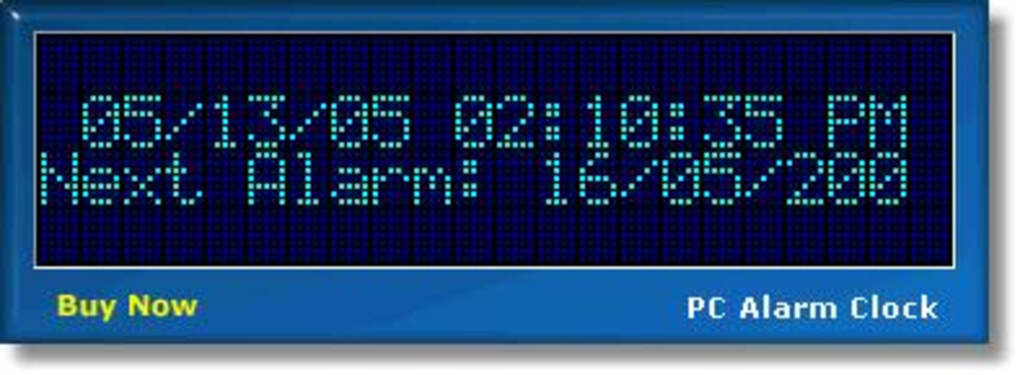
User Reviews and Feedback
User reviews offer a valuable insight into the real-world experience with PC Alarm Clock. While overwhelmingly positive, there are also criticisms. Some users have pointed out the dated appearance of the interface, requesting an update to the visual design. However, the functionality remains a central point of praise, with many users emphasizing the ease of use and reliability of the application.
Some negative reviews cite issues with uninstalling the software, highlighting potential problems with the program’s uninstaller, while others mention occasional issues with the alarm functionality on certain operating systems. These negative reviews, however, are largely outweighed by positive experiences with the app’s core features. This suggests that while there are areas for improvement, the overall functionality and reliability are frequently noted.
The consistently positive feedback regarding the simplicity and effectiveness of the alarm functionality validates PC Alarm Clock’s design priorities. The application successfully achieves its primary purpose: providing a reliable and user-friendly alarm clock for personal computers. This success is reflected in the considerable number of downloads the application has achieved.
Conclusion
PC Alarm Clock, despite its somewhat dated appearance, continues to provide a reliable and straightforward alarm clock solution. Its strength lies in its simplicity, ease of use, and core functionality, catering to users who value efficiency and minimal complexity. While advanced alarm clock applications offer a plethora of additional features, PC Alarm Clock remains a strong contender, offering a robust and trouble-free experience for its target users. Those seeking a simple, reliable, and customizable alarm clock for their PC will find PC Alarm Clock a valuable tool. Its focus on core functionality and intuitive design prioritizes user experience, making it a compelling option within a competitive market.


