
PC Inspector File Recovery is a free, powerful data recovery tool designed for personal computers. It stands out among other freeware options for its robust capabilities and ability to recover data even in challenging situations, such as severe system crashes or hardware failures. This comprehensive guide will delve into its features, advantages, limitations, and provide an overview of user experiences.
Key Features and Functionality
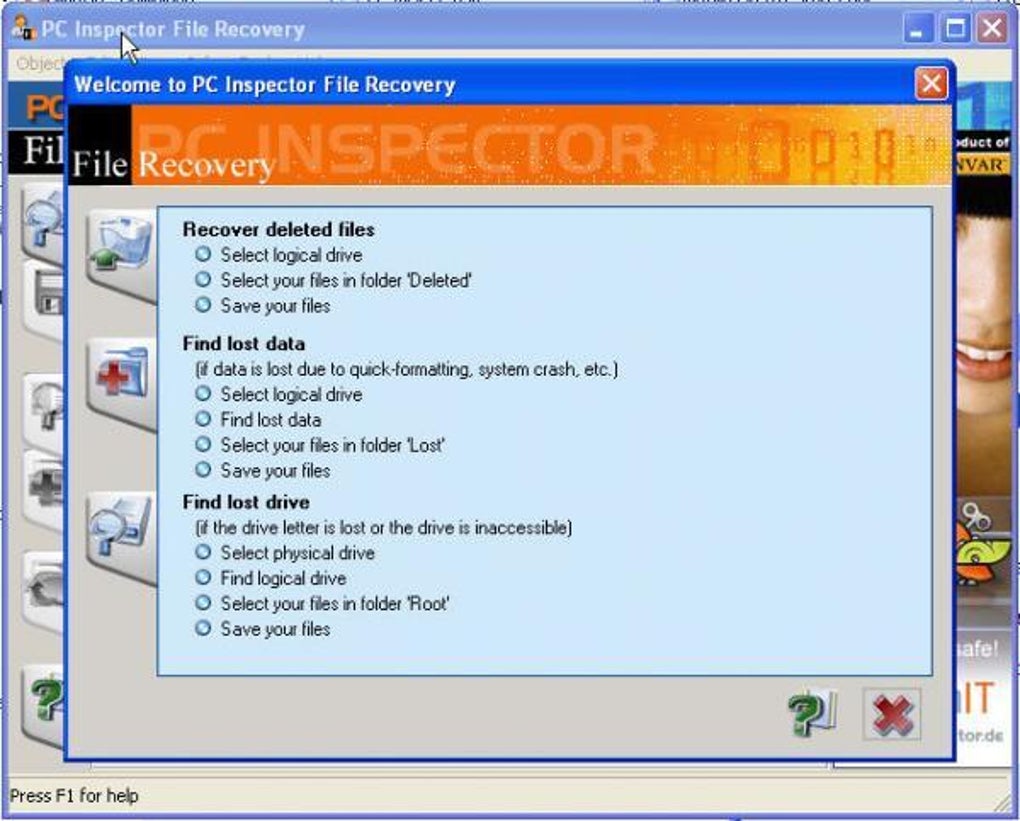
PC Inspector File Recovery’s primary function is the retrieval of lost or corrupted data from hard drives and other storage media. Its strength lies in its ability to handle scenarios where other data recovery software might fail. This freeware program offers a surprisingly comprehensive set of tools, comparable in many respects to commercial options.
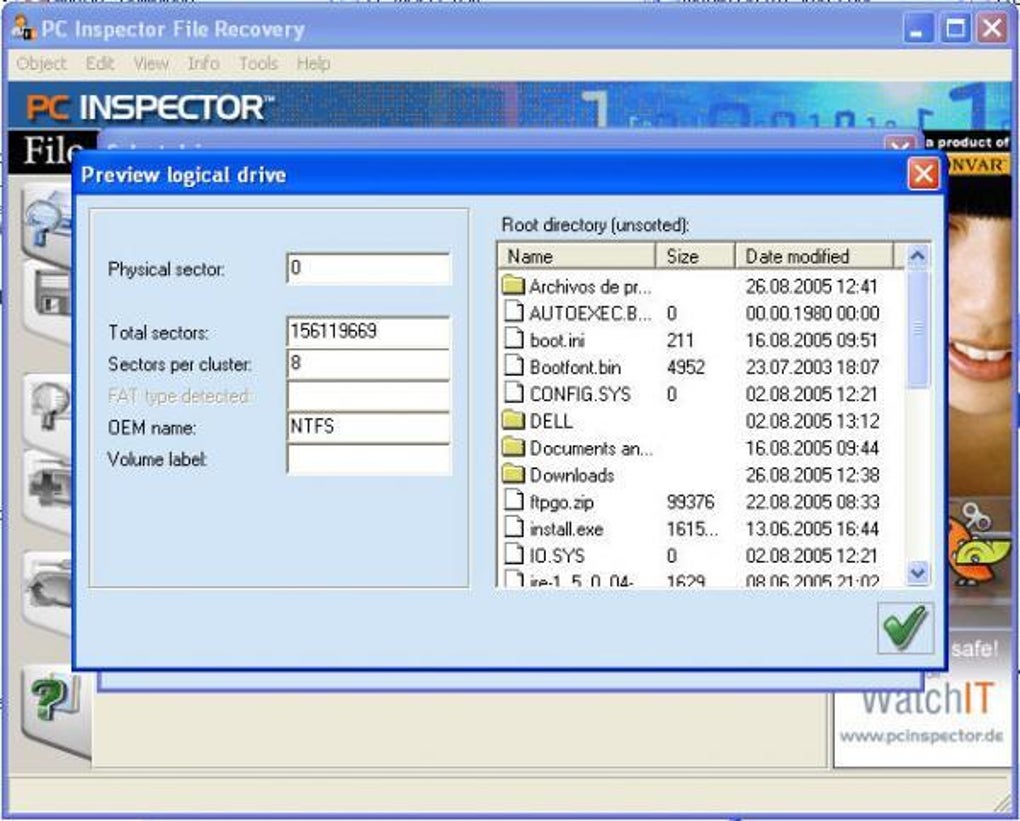
One of its key advantages is its ability to identify and recover partitions even when their header information is missing. This is a significant accomplishment, as partition headers are crucial for the operating system to locate and access data. Damage or loss of these headers often renders data inaccessible to other recovery tools. PC Inspector File Recovery cleverly circumvents this issue, significantly increasing its recovery success rate.
The software also supports a wide range of file systems, including FAT12, FAT16, FAT32, and NTFS. This broad compatibility ensures that it can work effectively with various storage devices and operating systems. This flexibility is a major selling point, as many free data recovery tools are limited in the file systems they can handle. Furthermore, the program recovers files while preserving their original timestamps. This metadata retention is invaluable for maintaining data integrity and facilitating the organization of recovered files.
The ability to recover files from network drives is another notable feature. This is particularly useful in office environments where data may be spread across multiple computers on a shared network. In situations where a virus or malware attack has compromised a network, PC Inspector File Recovery can prove instrumental in recovering vital information from affected drives. The program also supports a wide array of file formats, including common image types (.BMP), video files (.AVI, .MOV), audio files (.MID), and many more. This means that the program isn’t just limited to recovering document files but has the capacity to retrieve a broad spectrum of media.
Advantages of Using PC Inspector File Recovery
The foremost advantage of PC Inspector File Recovery is its freeware status. Unlike many other data recovery programs that offer limited free trials or require costly licenses for full functionality, PC Inspector File Recovery is entirely free to download and use, making it an accessible option for users of all budgets. This open accessibility removes a significant barrier to entry for individuals who may be facing data loss and lack the financial resources for expensive recovery software.
Beyond its cost-effectiveness, PC Inspector File Recovery’s ability to recover partitions even with damaged boot sectors or FAT tables sets it apart. This capability is a testament to its robust recovery algorithms, ensuring that users can retrieve their data even in situations where the file system structure is severely compromised. The preservation of original timestamps during file recovery is also a crucial advantage, enabling users to more easily organize and locate recovered files. This feature aids in maintaining the chronological integrity of data, which is often critical in many scenarios.
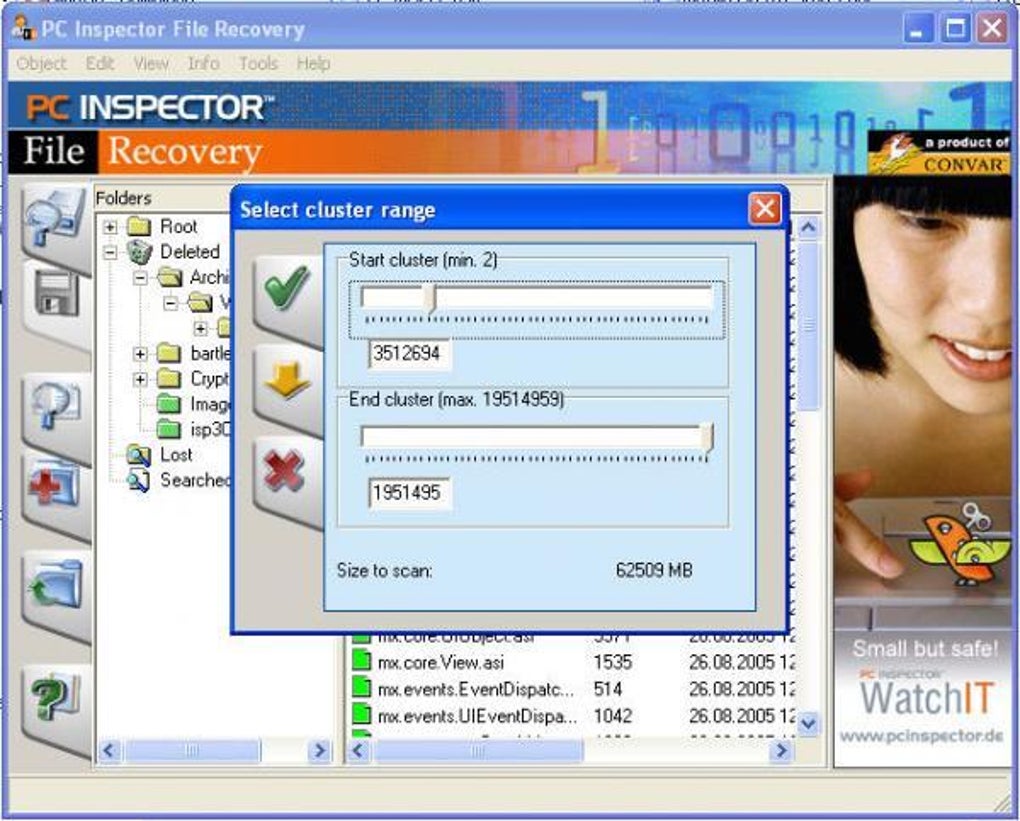
Its broad support for various file systems and file formats adds another layer of versatility. Users can recover data from various storage devices and file types, making it a truly all-in-one solution for various data loss scenarios. Its capacity to recover files from network drives expands its utility to office and multi-computer environments, where data loss can have far-reaching consequences.
Limitations of PC Inspector File Recovery
Despite its strengths, PC Inspector File Recovery does have certain limitations. One significant drawback is its inability to detect viruses. While it effectively recovers data from infected drives, it doesn’t offer any virus scanning or removal capabilities. Users should ensure they have a reliable antivirus solution in place before and after using PC Inspector File Recovery to prevent further infection.
Another limitation is its inability to address BIOS-related errors. BIOS issues can prevent the operating system from accessing the hard drive, rendering data recovery efforts futile. If the underlying problem is a faulty BIOS, PC Inspector File Recovery won’t be able to resolve it, and other troubleshooting steps would be needed.
While the program boasts a wide range of file system and format compatibility, it might not support every single file type in existence. Extremely obscure or recently developed formats may not be recognized or recovered. This is a common limitation across many data recovery tools.
User Reviews and Experiences
User reviews of PC Inspector File Recovery are mixed, reflecting the complexities of data recovery and the diverse nature of data loss scenarios. While many users praise its effectiveness in recovering lost files and its freeware status, others report that the software was unable to recover their data. Some reviews highlight the ease of use and intuitive interface, while others express frustration with the software’s complexity or lack of detailed instructions.
Positive reviews often emphasize the program’s effectiveness in retrieving data from seemingly irrecoverable situations. Users have reported successfully recovering files after system crashes, accidental deletions, and even hard drive failures. The program’s ability to recover data where other solutions failed has garnered significant praise.
Negative reviews often center around the program’s limitations, such as its inability to detect viruses or resolve BIOS issues. Some users have also experienced difficulties in using the software, citing a lack of clear instructions or an unintuitive interface. In many cases, these difficulties are likely linked to the technical nature of data recovery, and may be due to the user’s limited technical expertise.
Alternatives to PC Inspector File Recovery
Numerous alternative data recovery software options are available, both free and commercial. Recuva, a popular freeware option, offers a user-friendly interface and effective data recovery capabilities. Other programs such as TestDisk, a powerful command-line tool, provide advanced recovery options for experienced users. Commercial options like Recover My Files or EaseUS Data Recovery Wizard offer more features and support but come with a price tag.
The choice of a data recovery tool depends heavily on individual needs and technical skills. PC Inspector File Recovery excels as a free and robust option, especially for users comfortable with a slightly steeper learning curve. If ease of use is a priority, or if the data loss scenario involves sophisticated issues like BIOS errors, other solutions may be more appropriate.
Conclusion
PC Inspector File Recovery is a valuable and free data recovery tool with notable strengths and limitations. Its capacity to recover partitions with damaged headers, coupled with its support for a wide array of file systems and formats, makes it a powerful option for users facing data loss. However, its inability to detect viruses and address BIOS-related errors underscores the importance of preventive measures and a cautious approach to data management. Users should weigh its pros and cons carefully and consider alternative solutions if their data loss scenario requires more advanced capabilities or a simpler interface. Ultimately, PC Inspector File Recovery offers a compelling solution for those seeking a free and capable data recovery tool. It’s a powerful tool in the right hands, capable of retrieving data when other simpler options might fail. Remember that successful data recovery often depends not only on the software used, but also on the specific circumstances of data loss.
File Information
- License: “Free”
- Latest update: “October 14, 2024”
- Platform: “Windows”
- OS: “Windows 2000”
- Language: “English”
- Downloads: “114.6K”
- Size: “6.42 MB”


