
PC Wizard, a once-popular system analysis utility, aimed to provide users with a comprehensive understanding of their computer’s hardware and performance capabilities. While the original software is no longer available for download due to reasons that remain unclear (potentially discontinuation, security concerns, or other unforeseen circumstances), its legacy offers valuable insight into the capabilities and limitations of such tools. This article will explore the features and functionality of PC Wizard, analyzing its strengths and weaknesses, and considering its place within the broader landscape of system analysis software.
Unveiling the Inner Workings of Your PC
PC Wizard’s primary function was to dissect the various components of a computer system, revealing detailed information about its hardware and software configurations. Upon launching the application, users would observe a period of detection as PC Wizard systematically identified the installed hardware. The software’s interface, characterized by a user-friendly layout, employed a left-hand navigation panel allowing users to explore different system categories. This intuitive design facilitated easy access to key information, allowing users of various skill levels to access data quickly.
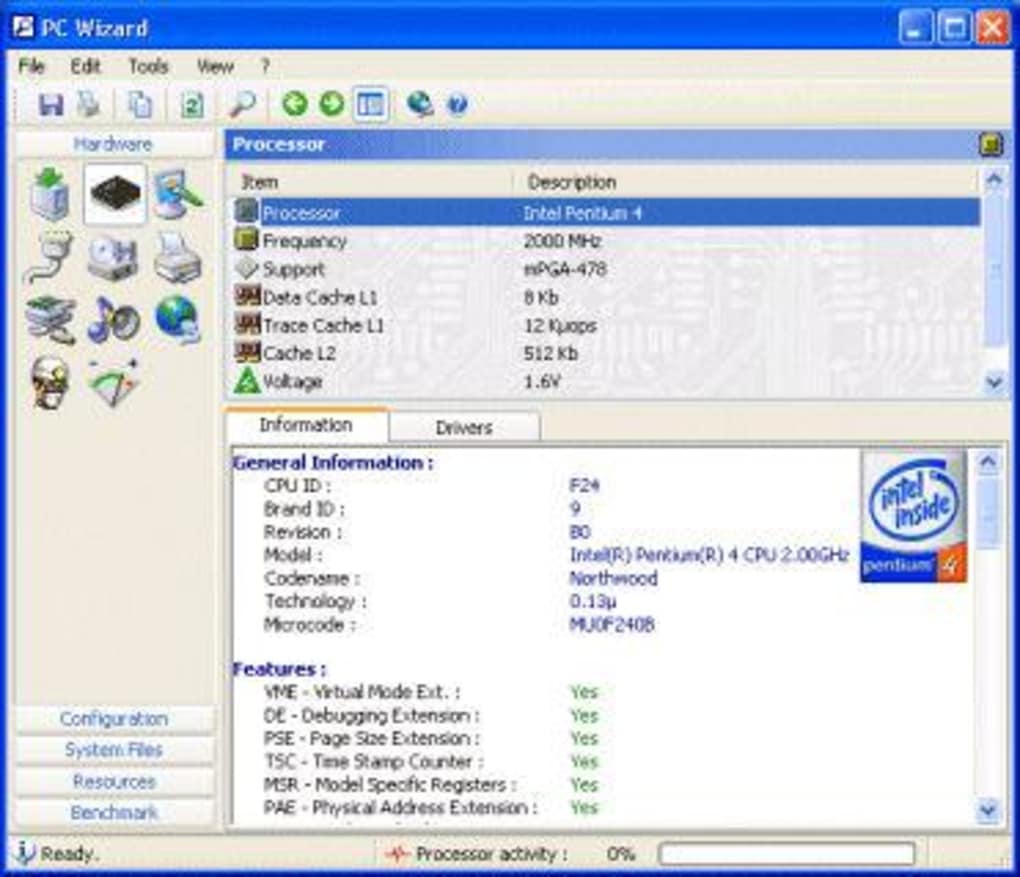
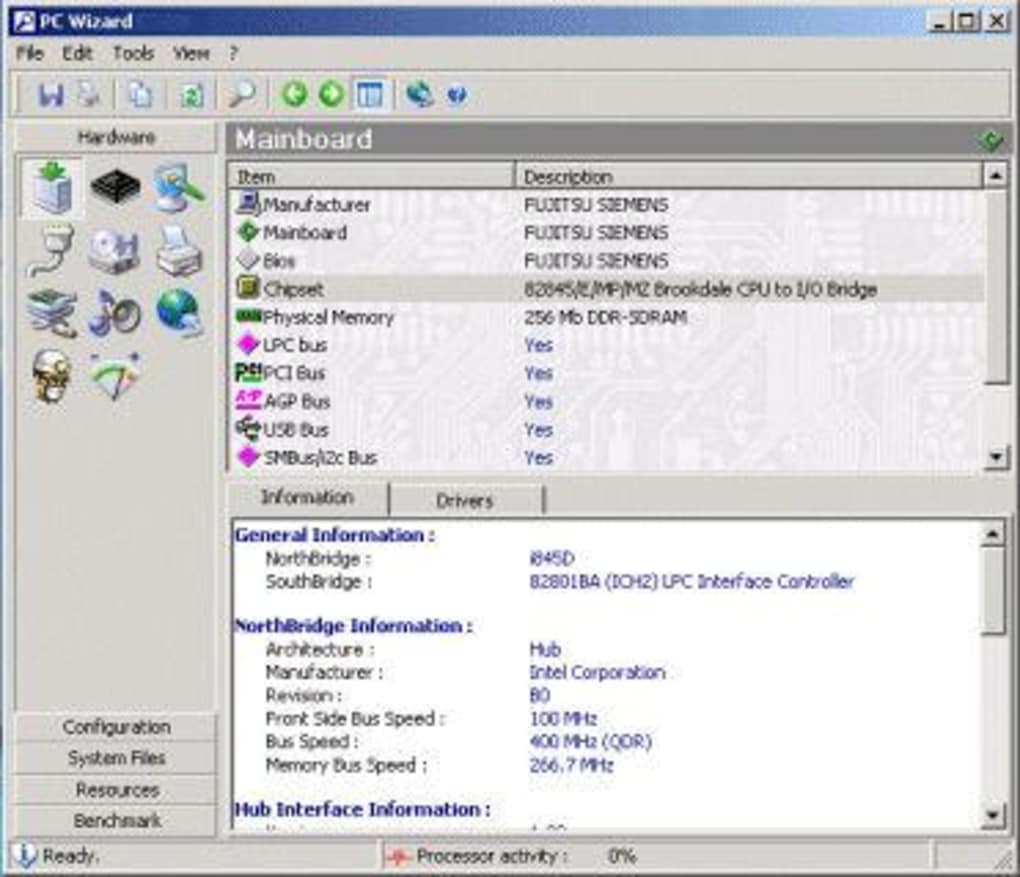
The software went beyond simply listing components. It delved into the intricacies of the system, providing details about ports, drivers, processors, and system files. It even extended its analysis to encompass the configuration of external elements, such as internet connection settings and Control Panel configurations. This comprehensive approach provided a holistic view of the computer’s operational environment. While the large icons offered clarity regarding which aspects of the system were being examined, some users might have preferred a more explorative interface, akin to a file explorer window, to permit granular selection of specific elements for analysis.
Benchmarking and Performance Evaluation
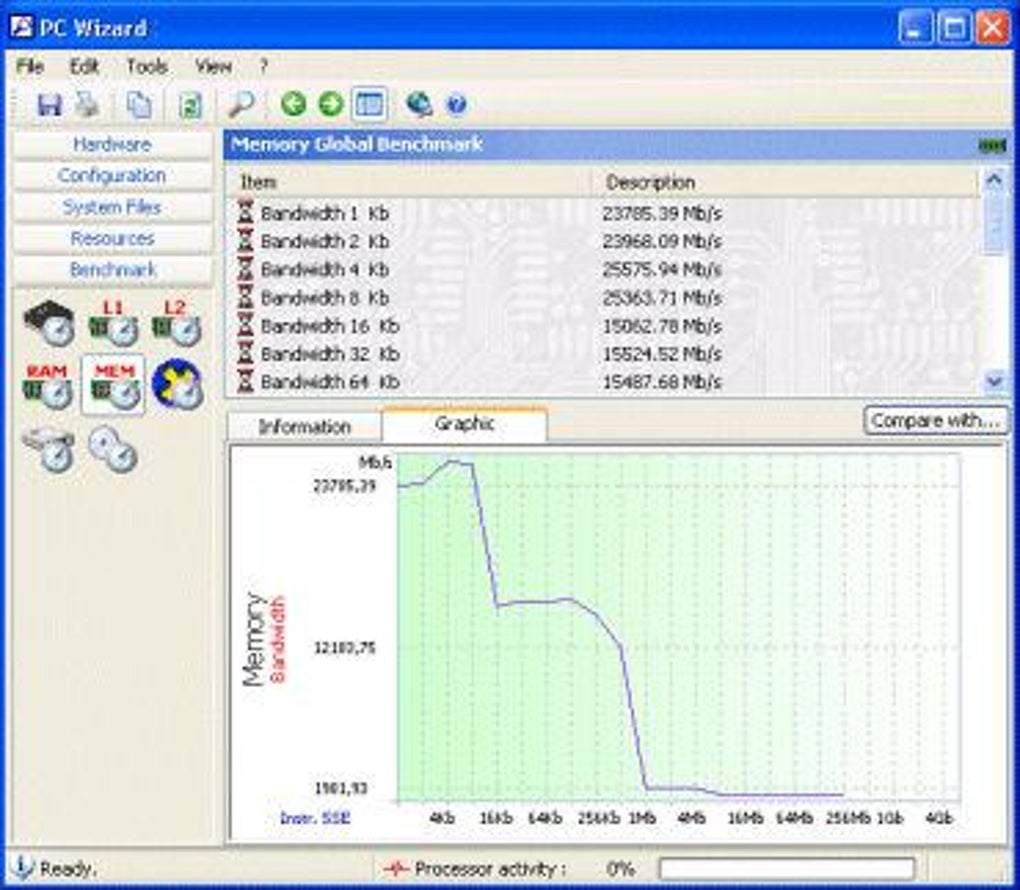
A crucial aspect of any effective system analysis tool is its benchmarking capabilities, and PC Wizard excelled in this area. The software offered a robust suite of benchmarking tools, encompassing a wide range of system components. Users could assess the performance of processors, cache memory, RAM, and multimedia functionalities, including DirectX, MP3 compression, and video processing.
The results of these benchmark tests were presented in two formats: numerical lists and easily digestible graphs. This dual presentation allowed users to gain both a precise understanding of their system’s performance metrics and a visual representation of their system’s strengths and weaknesses. A particularly useful feature was the “compare with” functionality, which enabled users to compare their processor’s performance against established benchmarks and known models. This feature allowed for informed comparisons against widely recognized standards, promoting a clear understanding of system capabilities relative to the industry standard.
However, the depth of information provided by PC Wizard’s benchmarking tools could present a challenge for novice users. The detailed nature of the data demanded a level of technical understanding that might not have been readily available to individuals with limited technical expertise. Consequently, the application might have been better suited for experienced users or those with a strong foundation in computer hardware and performance analysis. While a somewhat less technical overview might have broadened the appeal of the software, the level of detail was undoubtedly attractive to the target audience of more experienced system analysts and enthusiasts.
Limitations and Missing Features
Despite its comprehensive approach to system analysis, PC Wizard was not without its limitations. One notable drawback was its limited scope regarding security and resource information. While the software meticulously documented hardware and performance data, it seemed to fall short in providing detailed analysis concerning system security or resource utilization beyond basic performance benchmarking. The lack of a granular file explorer-style interface was another potential shortcoming, potentially hindering efficient navigation through the numerous system components. This omission likely reduced the overall ease of use and potentially hampered the user experience for those seeking a very specific detail.
The software also lacked an element of user engagement or interactivity. While the multicolored visual display during the video benchmark offered a fleeting moment of engagement, this was largely absent from the other aspects of the program. The design prioritised functionality and data accuracy over visual appeal and user engagement, potentially making it less appealing to a broader audience.
Target Audience and User Experience
PC Wizard’s technical nature meant it was better suited for experienced users comfortable navigating detailed system information. Beginners may have found the sheer volume of technical data overwhelming and difficult to interpret, thus hindering effective engagement with the software. However, this technical depth was also its strength, appealing directly to the needs of more advanced users and those with a specific interest in hardware performance and meticulous system configuration knowledge.
The absence of an intuitive visual interface or an interactive experience could also present a barrier to entry for novice users, further reinforcing the software’s target audience as being advanced users and enthusiasts. This focus on data and functionality, albeit at the expense of enhanced visual design, ultimately catered to those seeking detailed and precise system analysis.
PC Wizard Alternatives and Successors
Given the unavailability of PC Wizard, several alternative applications offer similar functionality. Programs like CPU-Z, AIDA64, and Speccy offer comprehensive system information and benchmarking capabilities, often with a more user-friendly interface and broader scope, potentially bridging the gaps that existed in PC Wizard’s design. These applications provide more modern interfaces, often incorporating interactive visualizations to further enhance the user experience.
The market for system analysis software has evolved significantly since PC Wizard’s heyday. Modern tools often incorporate additional features, such as real-time monitoring, automated reporting, and advanced troubleshooting capabilities, building upon the foundation laid by earlier tools such as PC Wizard.
Conclusion: A Legacy of Detailed System Analysis
PC Wizard, despite its unavailability, leaves a legacy as a powerful utility for those seeking deep insights into their PC’s hardware and performance. While its technical nature and limited scope in some areas might have restricted its appeal to a broader audience, its thorough benchmarking capabilities and detailed analysis of system components catered perfectly to a niche market of tech-savvy users. Modern alternatives have built upon this foundation, offering enhanced user interfaces and expanded functionalities to meet the ever-evolving demands of system analysis. The limitations of PC Wizard highlight the continuous evolution of software design, emphasizing the importance of user experience alongside technical proficiency in the realm of system analysis tools.
File Information
- License: “Free”
- Latest update: “September 21, 2022”
- Platform: “Windows”
- OS: “Windows ME”
- Language: “English”
- Downloads: “988.2K”
- Size: “7.82 MB”


