
pdanet is a software application that transforms your Android smartphone into a powerful modem, providing a convenient way to connect your computer to the internet. This comprehensive guide explores the functionalities, advantages, and potential drawbacks of using pdanet, offering a detailed look at its features and user experience.
Effortless Internet Connectivity Through USB Tethering
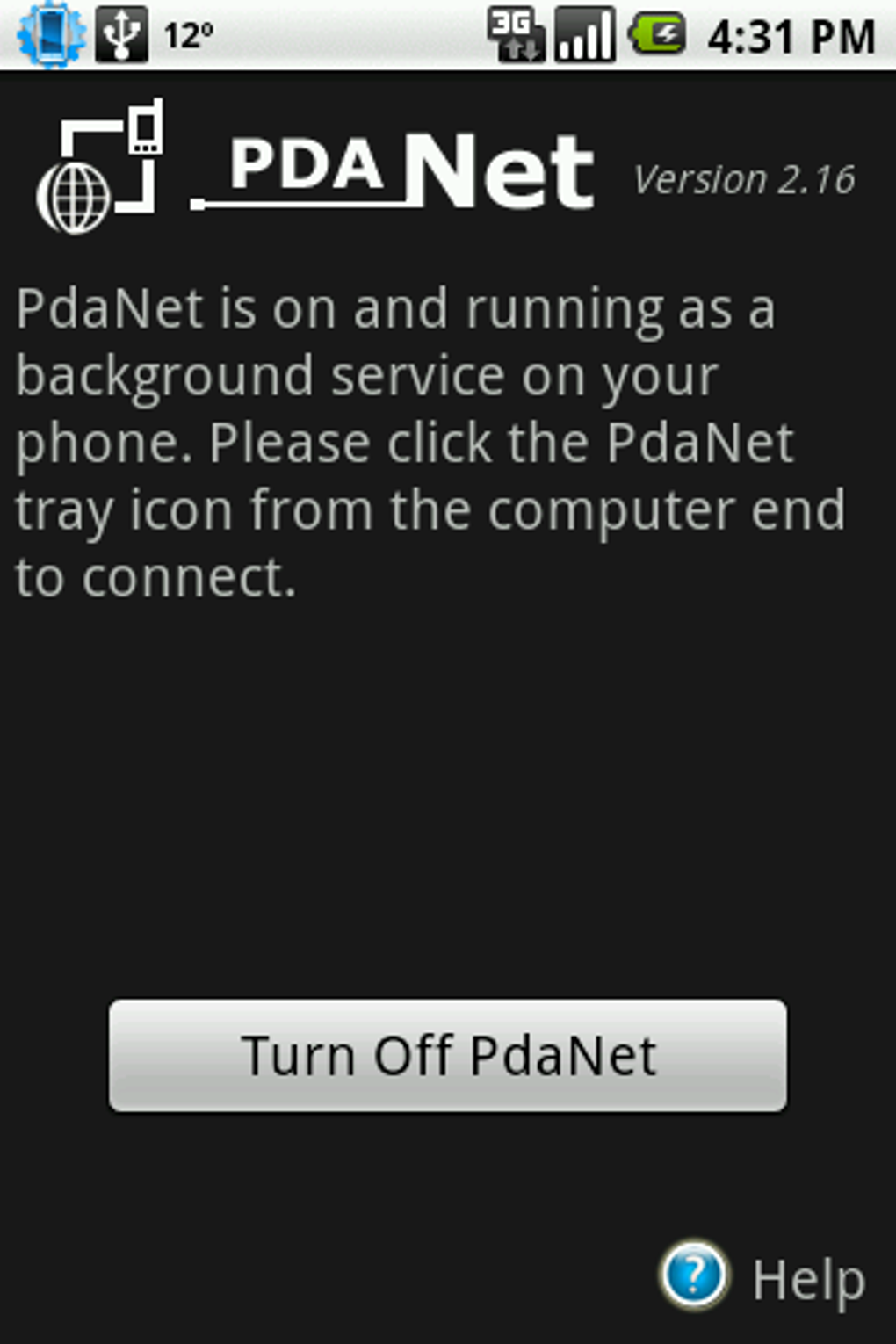
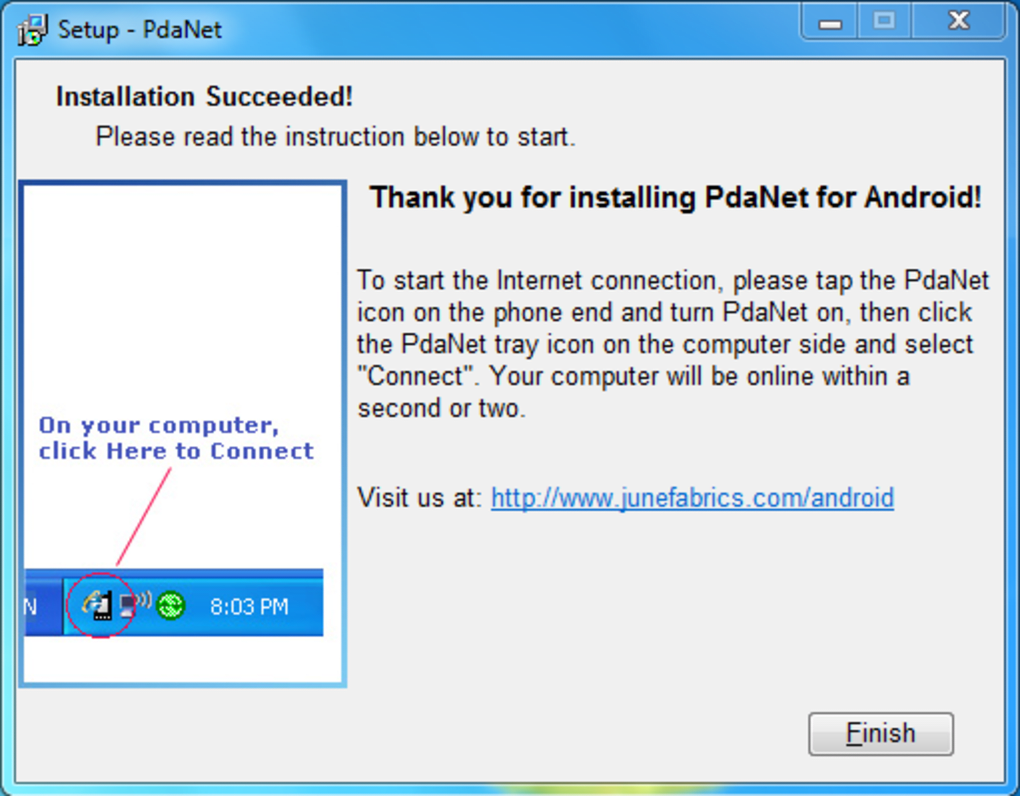
One of pdanet’s primary functions is USB tethering. This feature allows you to connect your computer to your Android device via a USB cable, effectively using your phone’s data connection to provide internet access to your computer. The setup process is designed for simplicity, guiding users through the installation of both the desktop client on their PC and the mobile client on their Android phone. While generally straightforward, some users might need to install additional driver software if their device isn’t automatically recognized by pdanet. Once connected, a system tray icon provides real-time feedback on the connection status.
The convenience of USB tethering is undeniable. It eliminates the need to hunt for Wi-Fi hotspots, particularly beneficial in areas with limited or unreliable wireless network access. Whether you’re working on a laptop in a remote location or need internet access on a netbook away from home, pdanet offers a reliable solution. The immediate connection established through the USB cable ensures a stable and consistent internet experience, eliminating the intermittent connectivity issues often associated with Wi-Fi.
Beyond the basic tethering functionality, pdanet offers a range of customizable settings to optimize the user experience. Options such as auto-connect upon USB cable attachment, display of a network connection icon, and the ability to use Google DNS servers demonstrate the app’s flexibility in accommodating individual user preferences. These adjustable parameters enable users to tailor their internet connection according to their specific needs and network configuration.
Understanding the Potential Drawbacks and Legal Considerations
While pdanet offers a compelling solution for internet connectivity, it’s crucial to acknowledge potential drawbacks and legal implications. A significant concern revolves around the terms and conditions of your mobile phone contract. Many mobile network operators explicitly prohibit or restrict tethering, often charging extra fees for data usage exceeding the limits specified in your plan. Using pdanet to tether without explicitly agreeing to the terms of your contract with your provider could lead to additional charges or even contract termination. Therefore, thoroughly reviewing your contract’s specifics is vital before using pdanet or any similar tethering application. Understanding your data usage limits and potential overage charges is crucial to avoid unexpected costs.
The risk of exceeding your data allowance is amplified when using pdanet for extended periods, particularly when downloading large files or streaming high-definition content. The increased data consumption associated with tethering necessitates careful monitoring of your data usage to prevent unforeseen expenses. Many providers offer data usage monitoring tools within their mobile apps, allowing you to track your consumption in real-time and prevent overages.
Performance, Updates, and User Reviews
pdanet consistently receives updates to improve performance and address connection issues. These updates aim to enhance the overall user experience by improving stability, fixing bugs, and optimizing resource usage. Regular updates are crucial in maintaining the app’s functionality and ensuring compatibility with the latest Android operating systems and mobile devices. The developers regularly release updates to address user-reported problems, ensuring the stability and reliability of the connection.
User reviews often highlight pdanet’s ease of use and its effectiveness in providing a reliable internet connection when Wi-Fi is unavailable. Many users appreciate the simplicity of the setup and the convenience of having internet access on their laptops or computers using their phone’s data plan. However, negative reviews sometimes mention connection instability, particularly with certain Android versions or phone models. These issues often highlight the variability of tethering performance across different hardware and software configurations.
The overall user experience with pdanet is largely positive, with many users finding it a reliable and cost-effective solution for internet connectivity on their computers. The ease of use, coupled with the ability to bypass the need for Wi-Fi, makes it an attractive option for many users. However, the potential for compatibility issues and the necessity of checking your mobile contract before use are crucial points to consider.
Exploring Alternatives and Future Outlook
While pdanet provides a convenient tethering solution, several alternative applications offer similar functionality. Some alternatives might offer additional features such as Wi-Fi tethering or different connection protocols. Comparing features and user reviews across various tethering apps allows users to select the application that best suits their individual needs and device compatibility.
The future of pdanet and similar tethering applications is intertwined with the evolving landscape of mobile technology and internet connectivity. The increased adoption of 5G technology may further enhance the speed and reliability of tethered connections. As mobile data plans continue to evolve, including unlimited data options and improved tethering provisions, the need for workaround applications like pdanet may decrease. However, for users in areas with limited network infrastructure or those needing a reliable fallback internet connection, pdanet and similar applications will likely remain a valuable resource. The app will continue to adapt to the changing landscape of mobile technology, potentially incorporating new features and improving existing functionalities. Staying updated on the app’s development through regular updates ensures access to the latest performance enhancements and bug fixes.
In conclusion, pdanet offers a simple yet powerful solution for tethering your Android phone to your computer. Its ease of use and ability to provide internet access on the go are significant advantages. However, users must carefully consider the potential drawbacks, particularly concerning mobile data usage and contract terms. Thorough research and careful consideration of alternatives will help users determine if pdanet is the optimal solution for their specific needs and circumstances.
File Information
- License: “Free”
- Latest update: “July 11, 2023”
- Platform: “Windows”
- OS: “Windows XP”
- Language: “English”
- Downloads: “691K”
- Size: “4.04 MB”


