
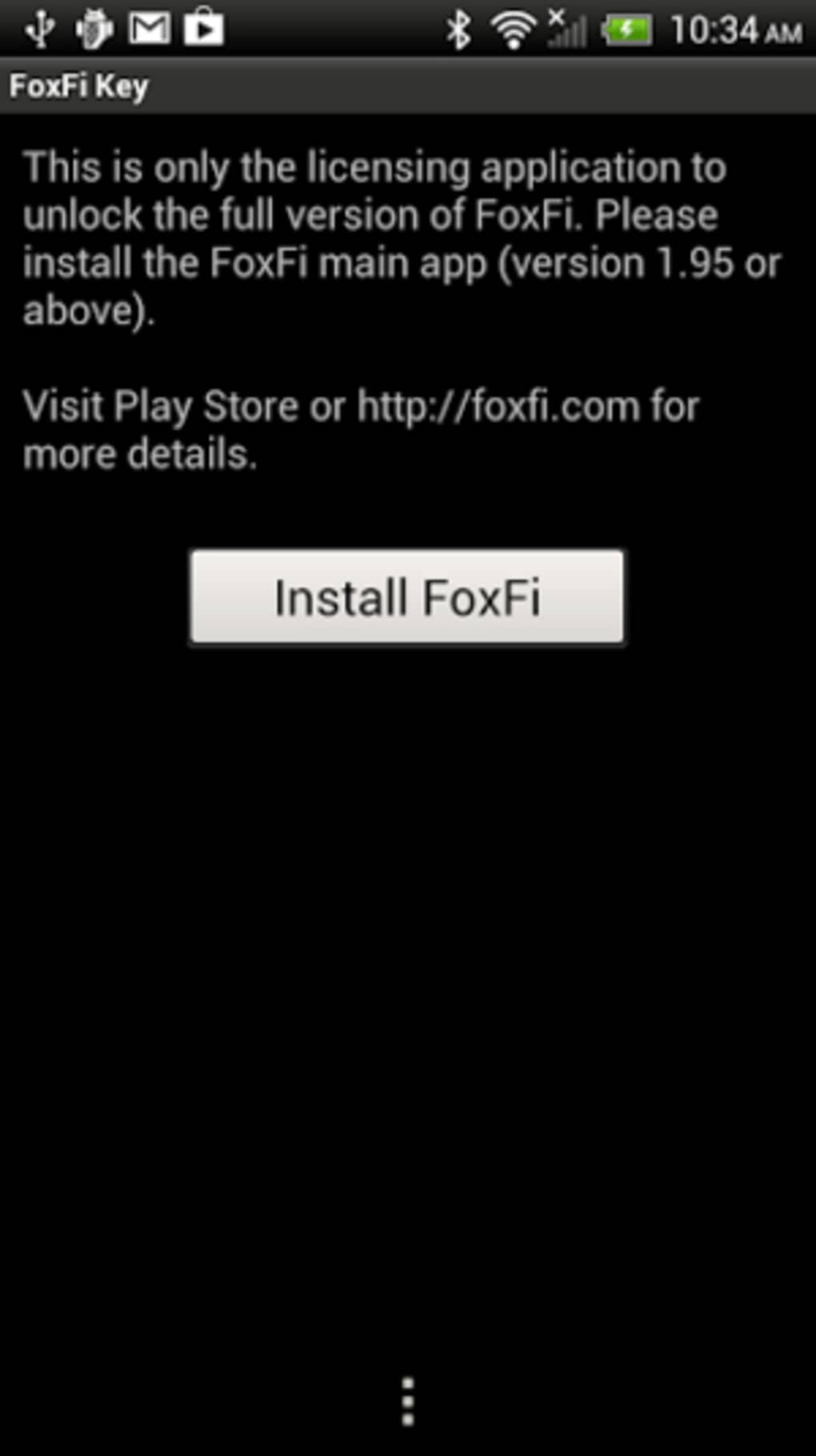
FoxFi Key (supports PdaNet) is a premium Android application developed by FoxFi Software that serves as a licensing key for both the FoxFi and PdaNet applications. This key unlocks advanced functionalities, transforming your Android device into a versatile internet hotspot capable of connecting other devices via Wi-Fi, USB tethering, or Bluetooth. While powerful, it’s crucial to understand its strengths and limitations before use. This guide delves into the features, benefits, drawbacks, and alternatives to FoxFi Key.
Understanding FoxFi Key’s Functionality
At its core, FoxFi Key acts as an unlock for the full potential of PdaNet and FoxFi. These applications allow you to share your Android device’s internet connection with computers, tablets, game consoles, and other devices. This eliminates the need for expensive mobile data tethering plans, providing a cost-effective solution for accessing the internet on multiple devices simultaneously. Before using FoxFi Key, you must install either PdaNet or FoxFi (or ideally, PdaNet+ which combines both) on both your Android device and the device you wish to connect. Configuring proxy settings on the receiving device is also necessary to route internet traffic through your Android device. This setup process, while straightforward for tech-savvy users, can prove challenging for beginners.
Key Features and Capabilities
FoxFi Key boasts several key features that make it a compelling option for users needing flexible internet sharing:
-
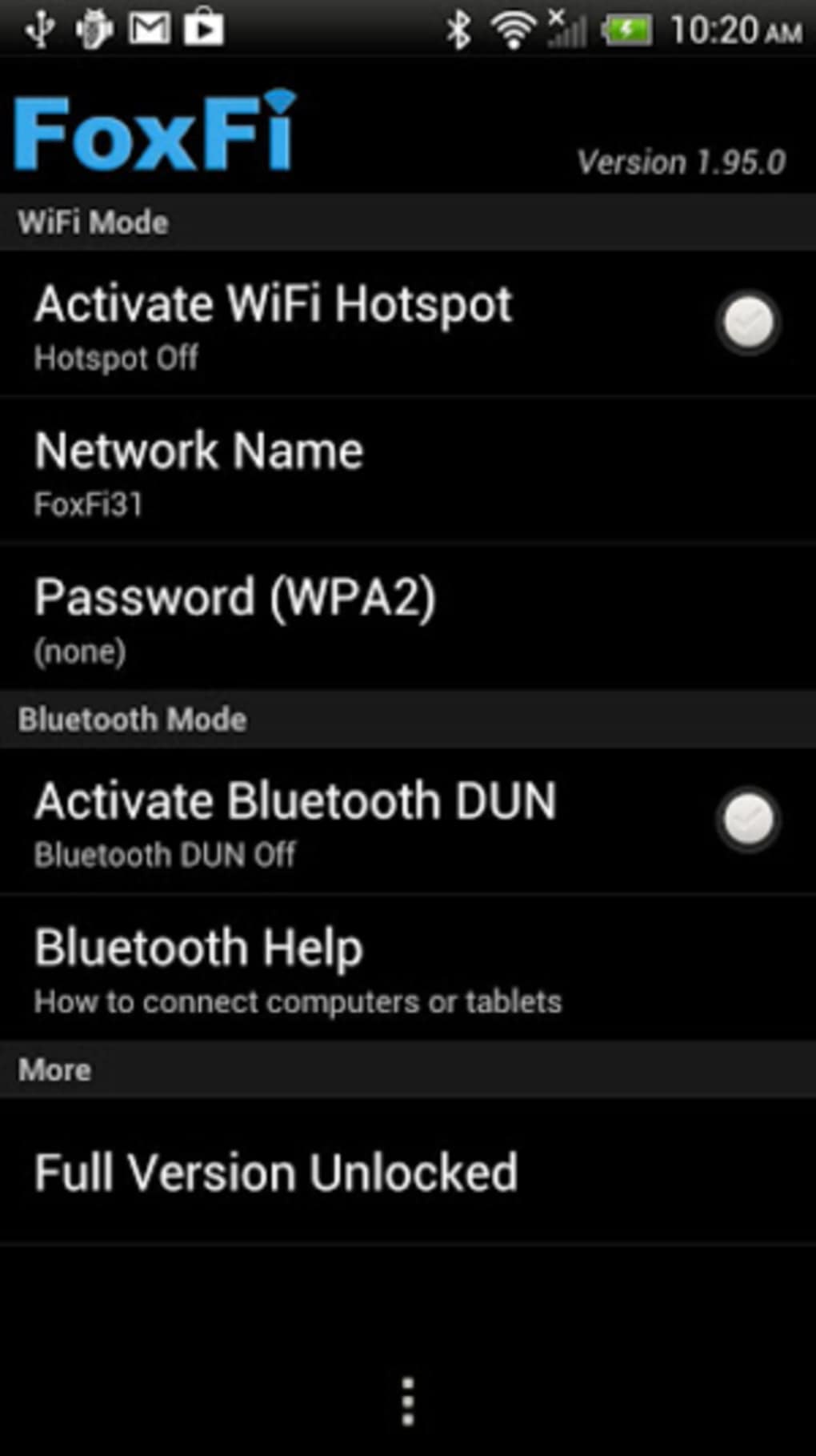
Multi-Connection Support: The app facilitates connections via three distinct methods: Wi-Fi, USB tethering, and Bluetooth. This versatility allows for optimal connection depending on the device and situation. Wi-Fi offers wireless convenience, USB tethering provides a stable, high-speed connection, and Bluetooth serves as a viable alternative when other options are unavailable.
-
Enhanced Security Features: Security is paramount when sharing your internet connection. FoxFi Key leverages the WPA2 standard, incorporating AES encryption to protect your network from unauthorized access. Setting a strong, unique password further strengthens this security layer. This is especially important for safeguarding sensitive data transmitted across the network.
-
Broad Device Compatibility: FoxFi Key’s compatibility extends beyond just computers and tablets. It seamlessly integrates with various devices, including gaming consoles such as PlayStation, Xbox, and Wii, as well as e-readers like Kindle and Nook. This broad compatibility makes it a practical solution for users with diverse device ecosystems.
-
USB Tethering Support: The USB tethering mode within PdaNet+ (recommended in conjunction with FoxFi Key) boasts widespread compatibility across almost all Android phones. This ensures reliable internet sharing regardless of your Android device’s model or specifications. This method generally offers superior speeds and stability compared to Wi-Fi tethering.
-
WiFi Hotspot Functionality (FoxFi): While FoxFi’s Wi-Fi hotspot functionality is a notable feature, its compatibility is more limited than USB tethering. This mode transforms your phone into a dedicated Wi-Fi hotspot, but its operational compatibility varies across Android devices.
Advantages and Disadvantages of Using FoxFi Key
While FoxFi Key offers significant advantages, it also presents certain challenges:
Advantages:
- Cost Savings: Avoids expensive mobile data tethering plans, saving substantial money over time.
- Convenience: Provides a readily available internet connection for multiple devices without relying on public Wi-Fi networks.
- Versatility: Offers multiple connection methods (Wi-Fi, USB, Bluetooth) to cater to various devices and scenarios.
- Strong Security: Implements WPA2 encryption to protect network security and data transmission.
- Wide Compatibility: Works with a vast range of devices, from computers and tablets to game consoles and e-readers.
Disadvantages:
- Complexity of Setup: The initial configuration process can be daunting for users unfamiliar with network settings and proxy configurations.
- Limited Wi-Fi Hotspot Compatibility: The FoxFi Wi-Fi hotspot mode’s compatibility is restricted to certain Android devices.
- Requires Additional Software: Necessitates the installation of either PdaNet or FoxFi (or the integrated PdaNet+), adding another layer to the setup.
- Potential for Battery Drain: Sharing your device’s internet connection can lead to increased battery consumption, requiring more frequent charging.
- Performance Dependence on Mobile Data Plan: The speed and reliability of the shared internet connection are entirely dependent on the quality and bandwidth limitations of your mobile data plan.
Alternatives to FoxFi Key
Several alternative applications provide similar functionalities, each with its strengths and weaknesses:
-
PdaNet: A free, open-source alternative that offers similar functionality to FoxFi but without the licensing key requirement. However, it may have slightly limited features compared to the full FoxFi Key experience.
-
FoxFi (WiFi Tether w/o Root): A free version of FoxFi that provides basic Wi-Fi tethering functionality without requiring root access to your Android device. However, it likely lacks the advanced features and security enhancements found in the full FoxFi Key version.
-
EasyTether: This paid app provides tethering capabilities, but its pricing and feature set should be evaluated relative to FoxFi Key.
-
NetShare: This option provides similar hotspot functionalities, but again, it’s essential to compare its features and price point with FoxFi Key before deciding.
Other applications like WiFi Map, Free WiFi Passwords Hotspots by Instabridge, and Speedtest by Ookla focus on locating and testing Wi-Fi networks rather than creating a personal hotspot. They are not direct replacements but offer complementary functionality.
Choosing the Right Solution
The optimal solution depends on your specific needs and technical expertise. If you require the full range of features, robust security, and wide device compatibility, FoxFi Key, coupled with PdaNet+, is a powerful choice despite its initial setup complexity. However, if you’re on a budget or prioritize simplicity, PdaNet or FoxFi (WiFi Tether w/o Root) might be suitable alternatives. Carefully weigh the pros and cons of each option before making a decision. Consider your technical skills, budget, and the specific devices you intend to connect when choosing between FoxFi Key and its alternatives. Remember to check reviews and ratings of alternative applications to ensure they meet your requirements and maintain a satisfactory level of security and performance.
File Information
- License: “Full”
- Version: “1.20”
- Latest update: “October 18, 2023”
- Platform: “Android”
- OS: “Android 13.0”
- Language: “English”
- Downloads: “23.1K”
- Download Options: “Google Play”


