
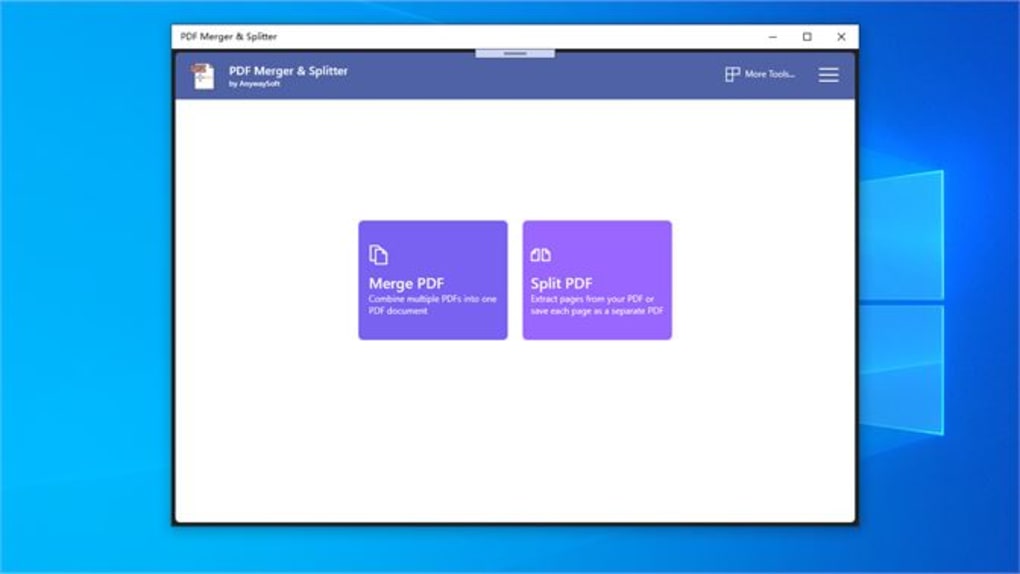
PDF Merger & Splitter is a versatile Windows application designed to streamline your PDF management. This tool offers a robust suite of features for merging, splitting, and manipulating PDF documents with ease and efficiency. Whether you need to combine multiple PDFs into a single document, extract specific pages, or remove unwanted sections, this software provides a user-friendly interface and powerful functionalities to accomplish your tasks quickly. This guide will delve into the key features and benefits of PDF Merger & Splitter, examining its capabilities and demonstrating its practical applications.
Merging PDF Documents: Combining Files Seamlessly
One of the core functionalities of PDF Merger & Splitter is its ability to merge multiple PDF files into a single, unified document. This is particularly useful when working with large projects or when consolidating related documents for easier distribution or archiving. The software supports the merging of numerous PDF files simultaneously, significantly reducing the time and effort required compared to manual methods.
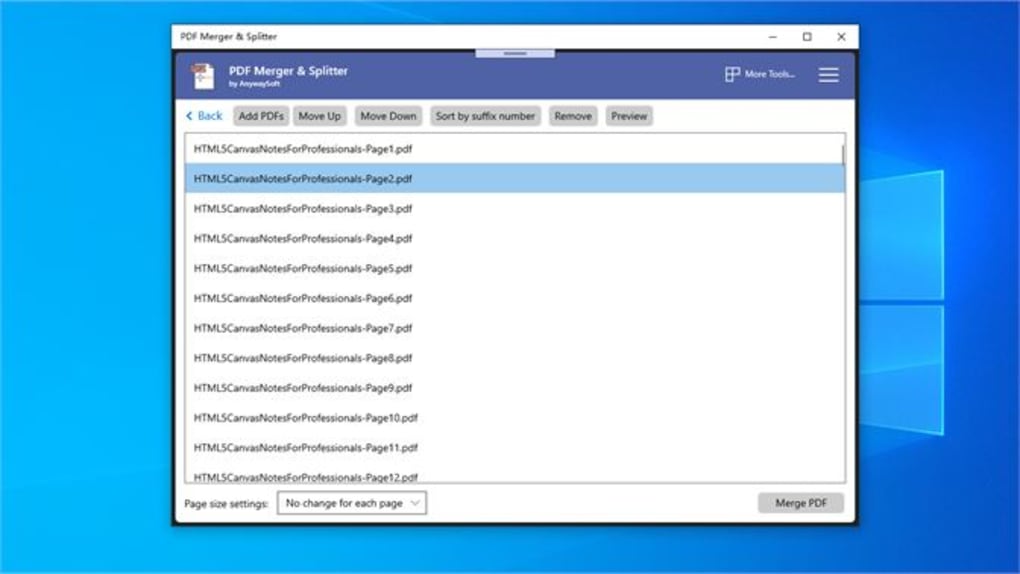
The process of merging is remarkably intuitive. Users simply select the desired PDF files, arrange them in the preferred order, and initiate the merging process. The software allows for dynamic reordering of files before merging, ensuring the final document reflects the intended sequence. This is especially helpful when dealing with numerous files, where manual reordering can be tedious and prone to errors. The ability to reorder based on file name suffixes adds another layer of sophistication, making large-scale document consolidation more manageable.
Furthermore, PDF Merger & Splitter cleverly handles variations in page sizes across different input PDFs. Users have the choice to either maintain the original dimensions of each page, preserving the unique formatting of individual documents, or to normalize all pages to a consistent size. The latter option is advantageous for creating a visually uniform final document, enhancing readability and overall aesthetic appeal. This feature provides flexibility, catering to diverse user needs and preferences.
Splitting PDF Documents: Precise Page Extraction and Removal
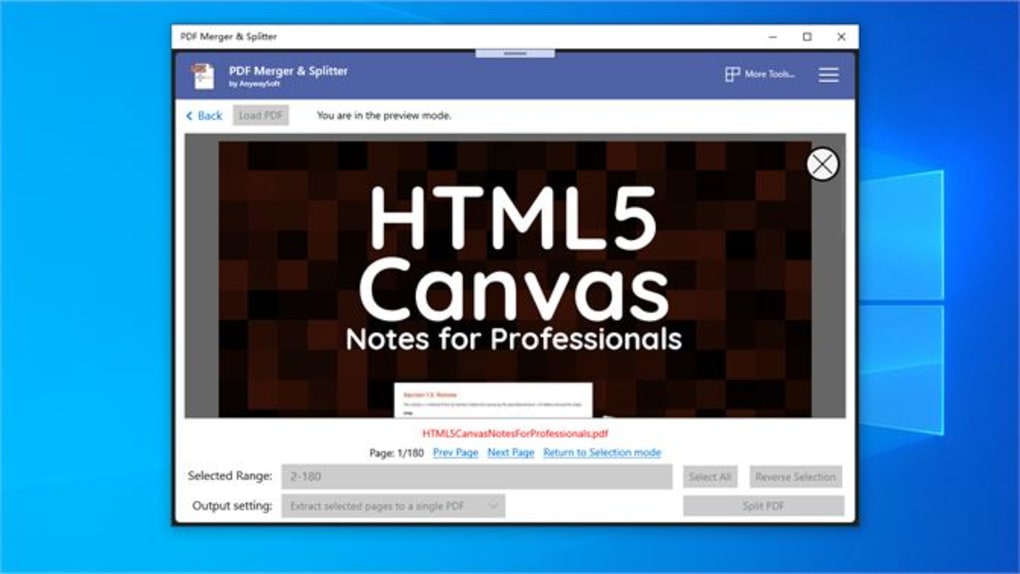
Beyond merging, PDF Merger & Splitter excels in its ability to split PDF documents. This functionality enables the extraction of specific pages or sections, facilitating the creation of smaller, more manageable files tailored to particular needs. Users can easily select individual pages or ranges of pages for extraction, generating new PDFs containing only the desired content.
The precision of splitting is greatly enhanced through the inclusion of page previews. This feature allows users to visually confirm their selections before initiating the split, minimizing the risk of accidental removal or incorrect extraction of pages. The clear visual representation ensures accuracy, eliminating the uncertainty associated with blindly selecting page numbers.
The software also offers a unique approach to page removal. Instead of directly deleting pages, users can select the pages to be removed, effectively inverting the selection to isolate the remaining pages. These selected pages can then be saved as a new PDF document, retaining the desired content while discarding the unwanted sections. This indirect method of page deletion provides an added layer of safety, ensuring that accidental deletions are less likely.
Advanced Features and Functionality
Beyond the core functionalities of merging and splitting, PDF Merger & Splitter incorporates several advanced features to further enhance its versatility and user experience. These features contribute to the software’s overall efficiency and user-friendliness, making it a powerful tool for a wide range of PDF manipulation tasks.
One such feature is the automatic handling of different page sizes within a single document during the merging process, already mentioned above. This eliminates the need for manual adjustment or pre-processing of individual files. The option to maintain original page sizes or normalize them to a uniform size caters to various workflow requirements, offering flexibility and control.
The page preview feature, already highlighted within the splitting section, also enhances the merging process. Users can verify the order of pages before merging, preventing potential errors and ensuring the final document is in the desired sequence. This visual confirmation step significantly improves the accuracy and efficiency of the merging process, especially when handling many files.
The intuitive user interface is designed to minimize the learning curve, allowing users of all skill levels to quickly master the software’s capabilities. The clean design and straightforward functionality ensure a smooth and efficient workflow, regardless of prior experience with PDF manipulation tools.
Comparison with Alternative Solutions
Several other PDF merging and splitting tools exist in the market. However, PDF Merger & Splitter distinguishes itself through its intuitive interface, robust feature set, and efficient performance. While other applications might offer similar basic functionality, PDF Merger & Splitter often provides a more streamlined and user-friendly experience. The ability to handle variations in page sizes seamlessly and the unique page removal functionality are key differentiators that contribute to its overall efficacy. Some competitors might offer more advanced features, such as editing capabilities within the PDF itself, but at the cost of increased complexity and possibly higher cost. PDF Merger & Splitter aims for a balance between ease of use and powerful functionality, making it a strong contender in its category.
Conclusion: Streamlining your PDF Workflow
PDF Merger & Splitter presents a highly effective and user-friendly solution for managing PDF documents. Its capabilities in merging and splitting, coupled with the advanced features such as page preview and page size handling, contribute to a streamlined workflow, significantly reducing the time and effort involved in manipulating PDF files. Whether you are a casual user or a power user, the intuitive interface and robust functionality of PDF Merger & Splitter make it a valuable asset for anyone working with PDF documents. The software’s focus on simplicity and efficiency make it an excellent choice for those seeking a reliable and easy-to-use PDF management tool. Its free availability further enhances its appeal, making it an accessible solution for a broad range of users and applications.
File Information
- License: “Free”
- Version: “2.0.1”
- Latest update: “February 6, 2024”
- Platform: “Windows”
- OS: “Windows 10”
- Language: “English”
- Downloads: “12.4K”


