
This in-depth review examines the PDF Reader App: Read All PDF application for Android, delving into its features, functionality, and overall user experience. Developed by Status Saver Video and Photo Status Downloader, this free app aims to be a comprehensive solution for managing and viewing various document formats on Android devices. We’ll explore its capabilities, comparing them to alternatives and addressing potential limitations.
Core Functionality: PDF Viewing and Beyond
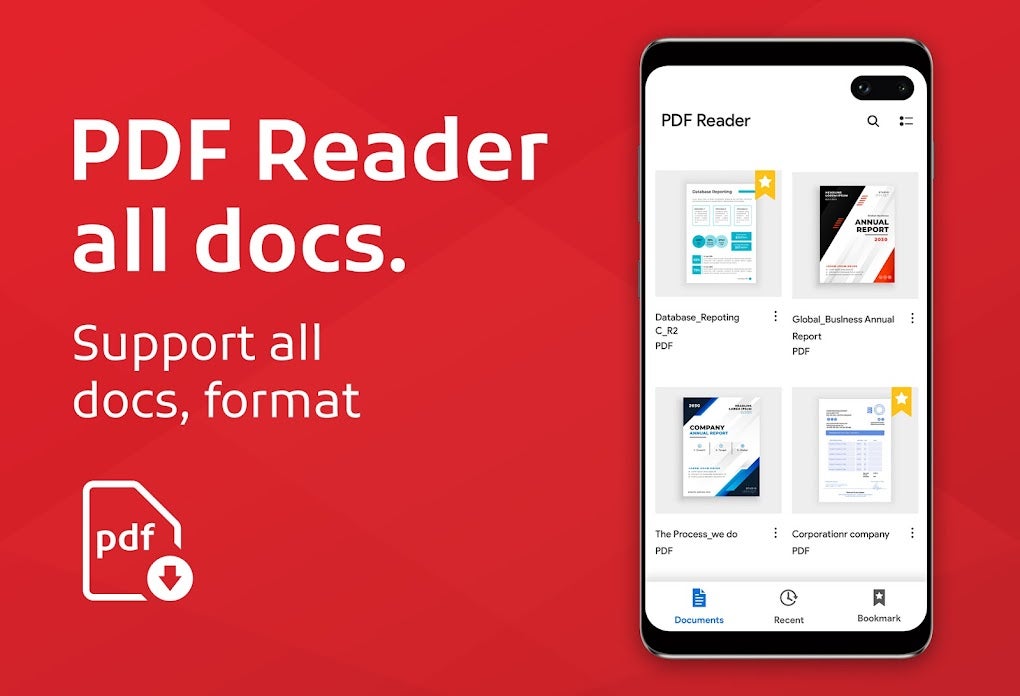
At its core, the PDF Reader App: Read All PDF functions as a robust PDF viewer. Users can seamlessly open and read PDF files stored on their Android devices. This basic function is executed efficiently, providing clear, readable text and image rendering. The app doesn’t simply limit itself to PDF files, however. Its “all-in-one” approach extends to support for other common office document formats, including Microsoft Word (.doc, .docx), Excel (.xls, .xlsx), and PowerPoint (.ppt, .pptx) files. This integrated approach eliminates the need for multiple applications to handle various document types, streamlining the document management process. The ability to view these formats offline is a particularly valuable feature, ensuring accessibility even without an internet connection.
The app’s interface is designed for intuitive navigation. Users can easily browse through their stored documents, organized for simple retrieval. A robust search function allows for quick location of specific files, saving valuable time. Beyond simple viewing, the app provides essential tools for document manipulation. Users can easily share documents via various platforms, delete unwanted files, and rotate documents for optimal viewing. This straightforward functionality makes the app accessible to users of all technical skill levels.
Enhanced Features: Editing and Conversion
The PDF Reader App goes beyond basic viewing and management. It incorporates a noteworthy suite of PDF editing features, transforming it from a simple viewer into a more comprehensive document management tool. These features include:
-
Image to PDF Conversion: Users can convert images stored on their device into easily shareable PDF files. This is particularly useful for combining multiple images into a single document or creating quick visual presentations.
-
Text to PDF Conversion: Similar to the image conversion, the app allows for converting text files into PDF format, offering a convenient way to archive and share text-based information.
-
PDF Locking: A crucial security feature, PDF locking allows users to password-protect sensitive PDF documents, preventing unauthorized access.
-
E-Signatures: The ability to add e-signatures directly within the app streamlines the document approval process, reducing reliance on external signature applications.
-
PDF Splitting and Merging: For managing large or complex PDF files, the app allows for splitting a single document into multiple files or combining several documents into a single, comprehensive PDF. This functionality provides greater control over organizing and manipulating documents.
These advanced editing features significantly enhance the app’s functionality, making it a more powerful and versatile tool than a simple PDF viewer. The inclusion of such a feature set makes it a compelling alternative to more resource-intensive desktop applications, especially for users on the go.
User Interface and Experience
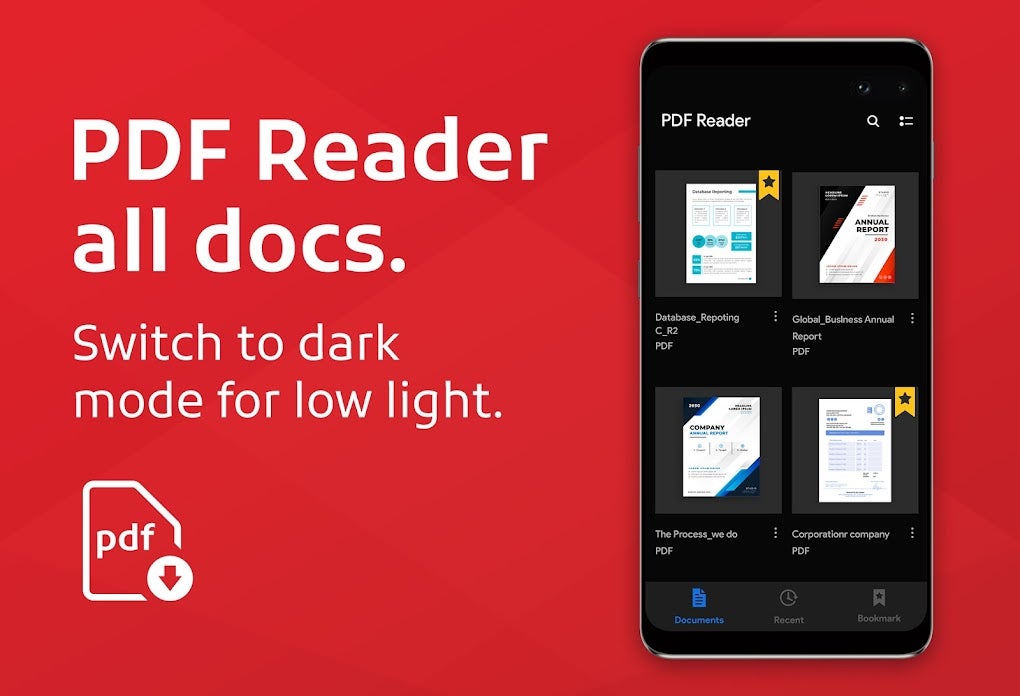
The app’s user interface is generally well-designed, emphasizing simplicity and ease of use. The layout is clean and uncluttered, making navigation intuitive even for first-time users. The dark mode option is a welcome addition, reducing eye strain during prolonged usage. However, user reviews (while limited at the time of this writing) should be consulted for insights into potential usability issues or areas for improvement. Future versions might benefit from user feedback to further refine the interface and enhance the overall user experience.
Comparison with Alternatives
The market for PDF reader and document management apps is saturated. Several well-established competitors, such as Adobe Acrobat Reader, exist. While Adobe offers a comprehensive and powerful solution, it often comes with a steeper learning curve and may be more resource-intensive on lower-end devices. The PDF Reader App: Read All PDF presents itself as a lighter, more accessible alternative, particularly beneficial for users prioritizing simplicity and ease of use.
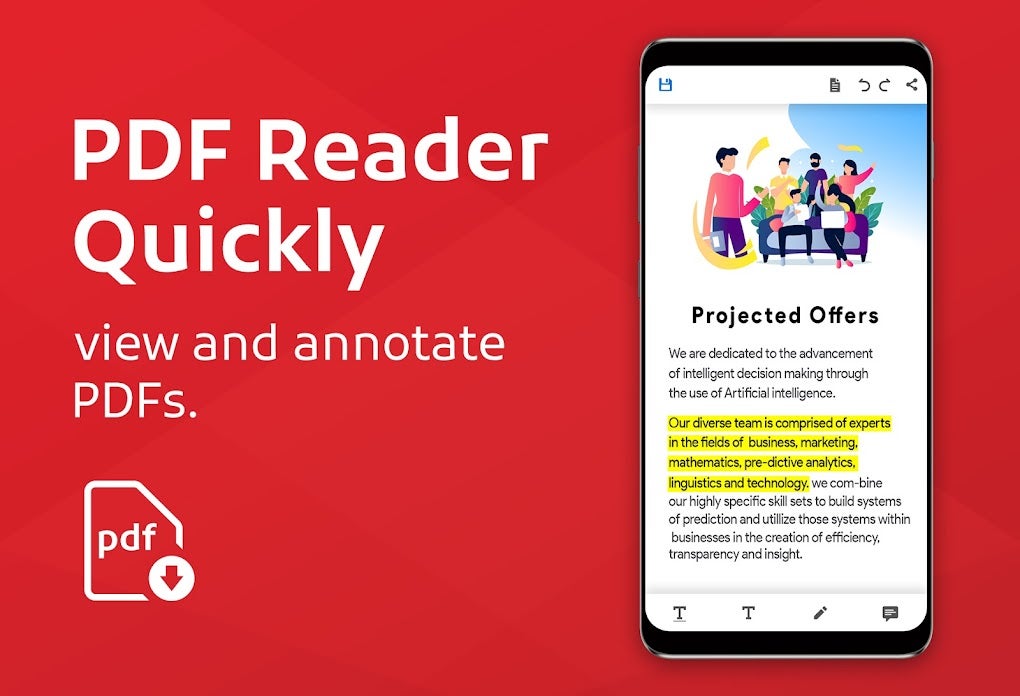
Other alternatives, like various free PDF readers available on the Google Play Store, often lack the extensive editing capabilities of this app. This makes the PDF Reader App a standout choice for users needing both viewing and editing functionality within a single, free application. The balance between feature set and simplicity is a key differentiator.
Performance and System Requirements
The app’s performance is generally smooth, even on devices with modest specifications. However, performance may vary depending on the size and complexity of the documents being processed. Very large PDF files or those with extensive multimedia content might experience some lag. This is typical of most mobile applications handling large files.
The minimum Android OS requirement should be checked on the app store before downloading. Keeping the application updated ensures access to bug fixes and performance improvements.
Conclusion: A Versatile and Accessible Option
The PDF Reader App: Read All PDF offers a strong combination of core functionality and advanced features. Its ability to handle multiple document types, coupled with its impressive editing capabilities, sets it apart from many competing applications. The intuitive user interface and offline accessibility add to its appeal. While not replacing the need for more specialized and powerful desktop solutions for intensive document manipulation, the app is an excellent choice for users seeking a comprehensive and readily accessible solution for viewing, managing, and even editing documents on their Android devices. Its free status further enhances its attractiveness. The lack of extensive user reviews currently limits a fully comprehensive assessment, but initial observations suggest a promising and practical application for Android users. Future updates and user feedback will be crucial in further refining and optimizing the application.
File Information
- License: “Free”
- Version: “1.30.35”
- Latest update: “June 23, 2025”
- Platform: “Android”
- OS: “Android 13.0”
- Language: “English”
- Downloads: “7K”
- Download Options: “Google Play”


