
PGP Desktop is a powerful data encryption software designed to safeguard sensitive information. This comprehensive guide delves into its functionalities, security features, and alternatives, providing a thorough understanding of its capabilities and limitations. Originally developed by PGP Corporation (now part of Broadcom), PGP Desktop utilizes robust cryptographic techniques to protect your data, making it a popular choice for individuals and organizations requiring a high level of security.
Understanding PGP Desktop’s Encryption Mechanism
PGP Desktop leverages asymmetric encryption, a method that employs two distinct keys: a public key and a private key. This system significantly enhances security compared to symmetric encryption, which relies on a single key for both encryption and decryption. The public key can be freely shared, used to encrypt data intended for a specific recipient. Only the corresponding private key, known solely to the recipient, can decrypt this data. This prevents unauthorized access even if the public key falls into the wrong hands.
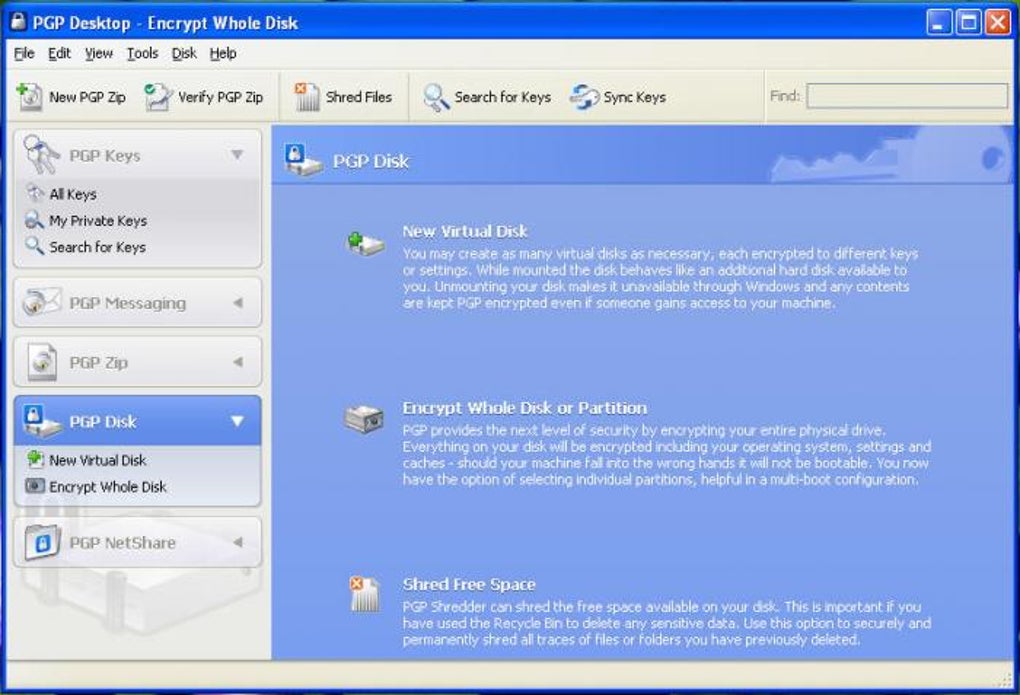
The process begins with the generation of a key pair within PGP Desktop. Users are prompted to specify key parameters such as length (typically 2048 bits or higher for strong security), the hashing algorithm (e.g., SHA-256, SHA-512), and an encryption algorithm (e.g., AES-256). A passphrase, a crucial element, protects the private key, providing an extra layer of security. Without the correct passphrase, even the rightful owner cannot access their encrypted data. This passphrase should be unique, strong, and securely stored, separate from the software itself.
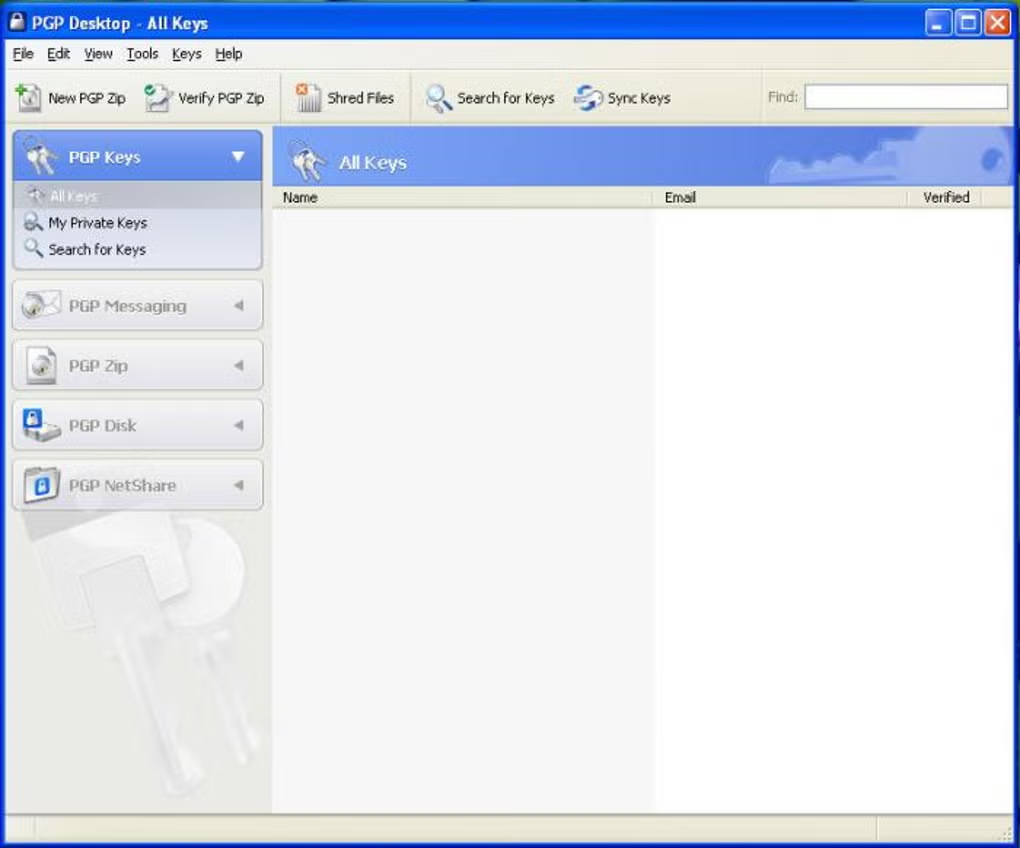
Once the keys are generated, PGP Desktop allows you to manage them through a user interface. You can export your public key to share it with others who want to send you encrypted messages or files. When encrypting data, PGP Desktop uses the recipient’s public key, ensuring only they can decrypt it using their corresponding private key. This two-key system underpins the robust security of PGP Desktop.
File Types and Encryption Capabilities
PGP Desktop’s encryption capabilities extend to a wide range of file types, including documents, images, videos, and other data. Its strength lies in its ability to encrypt entire files, folders, and even entire hard drives. This feature is invaluable for securing sensitive data residing on your computer. The encryption process itself is relatively straightforward, guided by the intuitive interface of the software. Despite the underlying complexities of asymmetric cryptography, PGP Desktop streamlines the process, making it accessible to a broad range of users.
Beyond file encryption, PGP Desktop integrates seamlessly with email clients, enabling the secure exchange of encrypted emails and attachments. This function is particularly beneficial for communicating confidential information, ensuring privacy and authenticity. When sending an encrypted email, PGP Desktop uses the recipient’s public key to encrypt the message. The recipient then uses their private key to decrypt and read the email.
Advanced Features and Applications
Beyond its core encryption functionality, PGP Desktop offers a suite of advanced features that enhance security and data management. The creation of encrypted virtual disks is a notable feature. This allows users to create virtual drives within their existing storage, where all stored data is automatically encrypted. This provides a dedicated, secure space for sensitive files, preventing unauthorized access even if the main hard drive is compromised.
Another crucial feature is the secure file deletion functionality, often referred to as “PGP Shredder.” This securely deletes files by overwriting the data multiple times, rendering it unrecoverable, even using advanced data recovery tools. This permanent deletion function ensures the complete removal of sensitive data, preventing its potential retrieval by malicious actors.
The ability to encrypt entire hard drives enhances security beyond individual files. This full-disk encryption feature provides an impenetrable barrier to unauthorized access, protecting all data on the drive. This is especially important for laptops and other portable devices where physical theft is a significant risk.
Security and Usability Considerations
PGP Desktop’s primary strength is its robust security. The asymmetric encryption algorithms it employs are widely considered to be highly secure and resistant to current attacks. The use of long key lengths and strong hashing algorithms contributes to this high level of protection. The integration of passphrases adds an extra layer of security, preventing access even if the private key is somehow obtained.
However, some users have criticized its user interface, deeming it less intuitive than some competing software. While the underlying cryptography is sophisticated, the user experience could be improved for easier navigation and comprehension, especially for less tech-savvy users. The learning curve associated with understanding and implementing asymmetric encryption can be a barrier for some.
Pricing and Alternatives
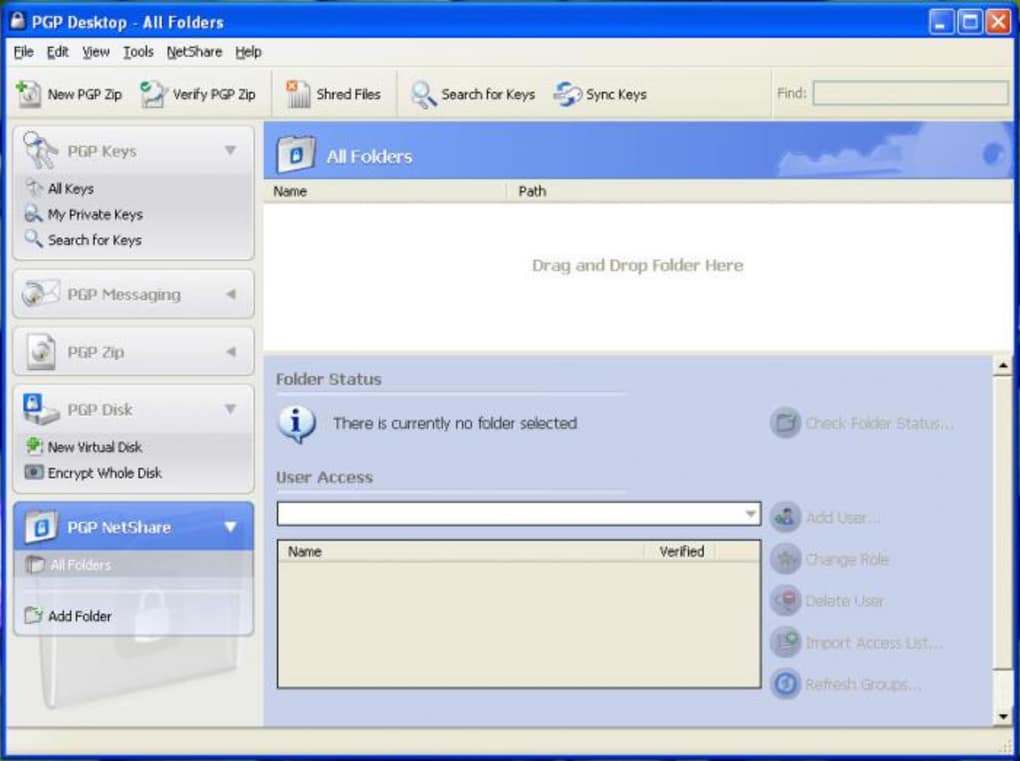
PGP Desktop operates on a freemium model. It offers a free trial period, allowing users to explore its features and functionality before committing to a purchase. After the trial expires, a subscription or one-time payment is required to continue using the software. The cost varies depending on the chosen license and features.
Several alternatives exist in the marketplace offering similar encryption functionalities. These alternatives often vary in their pricing models, user interfaces, and specific features. Some alternatives are completely free and open-source, while others offer different levels of functionality and support based on paid subscriptions. Choosing an alternative depends on individual needs, technical expertise, and budgetary considerations.
User Reviews and Feedback
User reviews for PGP Desktop are mixed. While many praise its robust security and ability to protect sensitive data, others express concerns about its user interface. Some users have reported issues with compatibility with specific software or operating systems, while others have praised the software’s ease of use. These varied experiences underscore the importance of considering individual needs and technical expertise when selecting encryption software. It is recommended to explore both the positive and negative feedback before making a purchasing decision.
Conclusion: Weighing Security and Usability
PGP Desktop remains a powerful tool for data encryption, offering a high level of security based on well-established cryptographic principles. Its capabilities extend beyond simple file encryption, encompassing entire hard drive encryption, secure deletion, and encrypted virtual disk creation. This functionality is valuable for individuals and organizations needing to protect sensitive information. However, potential users should carefully weigh the security benefits against the usability aspects, acknowledging the steeper learning curve compared to some alternative encryption solutions. Ultimately, the choice depends on the individual’s technical skills, security requirements, and budgetary constraints. Exploration of alternative solutions is encouraged to determine the optimal fit for specific needs.
File Information
- License: “Trial version”
- Version: “10.1.1”
- Latest update: “January 31, 2023”
- Platform: “Windows”
- OS: “Windows Vista”
- Language: “English”
- Downloads: “170.8K”
- Size: “15.87 MB”


