
Phone by Google, developed by Google LLC, is a free utilities and tools app designed to streamline and enhance your mobile calling experience. Available for Android devices, it offers a range of features aimed at improving call management, enhancing security, and increasing user convenience. This review delves into the app’s functionality, examining its strengths and weaknesses to provide a comprehensive assessment of its value to users.
Core Features and Functionality
At its heart, Phone by Google provides a robust platform for making and managing calls. Its interface is designed for simplicity and ease of use, placing frequently contacted individuals at your fingertips. The app’s core functionalities include:
-
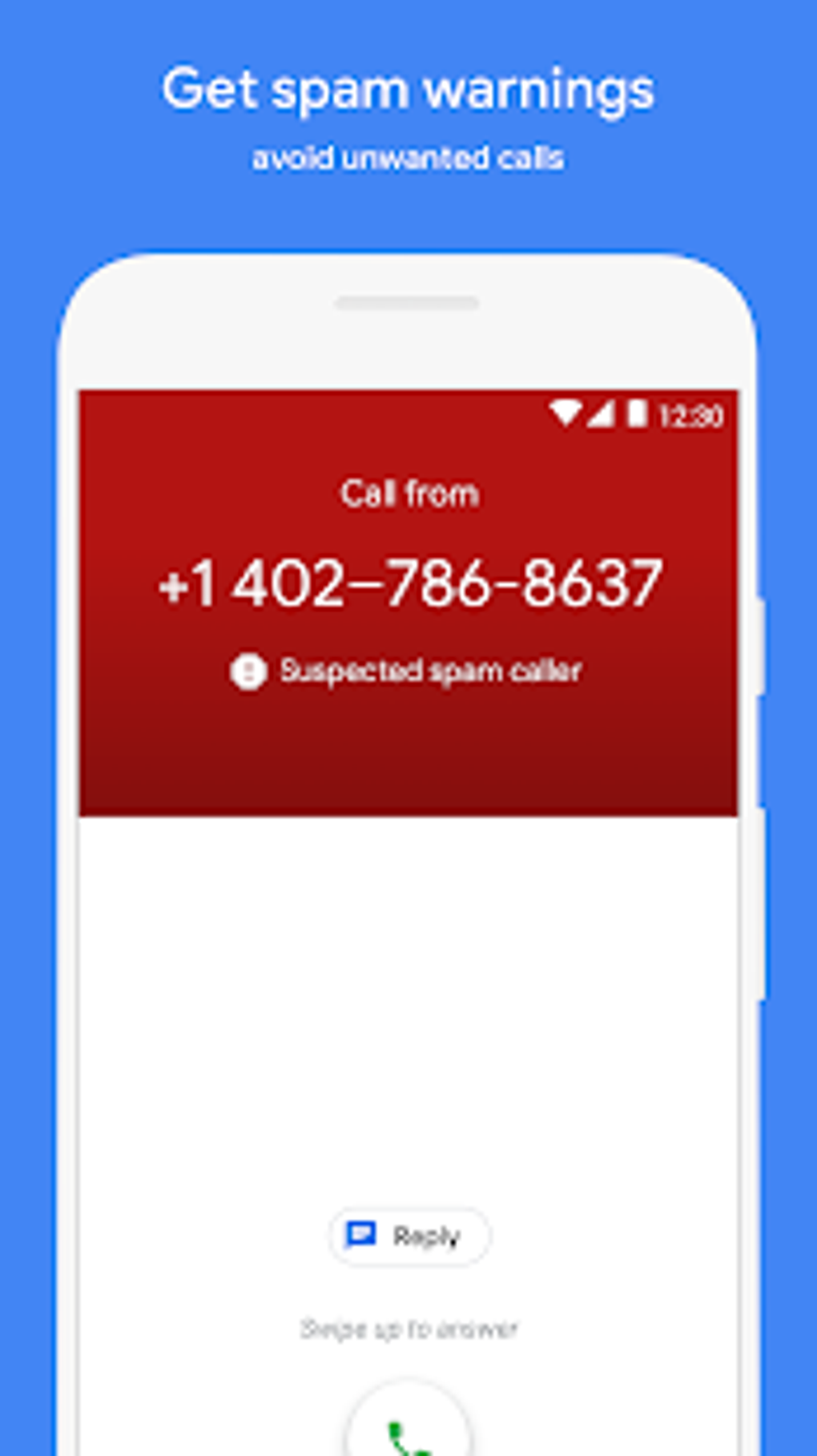
Call Blocking: A crucial feature in today’s digital landscape, Phone by Google effectively blocks spam and unwanted calls, filtering out nuisance numbers and preventing interruptions. This feature provides a significant improvement to user experience, reducing the frustration of persistent unsolicited calls. The effectiveness of the call-blocking system has been generally well-received by users.
-
Caller ID: The app’s caller ID functionality identifies incoming calls, providing information about the number’s origin – business, personal, or unknown. This allows users to make informed decisions about answering calls, offering peace of mind and reducing the risk of answering calls from potentially fraudulent or malicious sources.
-
Call Screening: This intelligent feature analyses incoming calls and identifies potential spam calls, alerting users before they answer. Users can even choose to engage with a call screening system, allowing Google Assistant to engage with the caller, reporting back to the user whether they wish to engage in the call or not. This helps avoid unwanted interactions without the hassle of manually blocking numbers.
-
Hold for Me: A truly innovative feature, “Hold for Me” leverages Google Assistant to manage lengthy hold times. When a call places you on hold, the Assistant patiently waits on the line, notifying you as soon as someone is available to speak. This saves users valuable time and eliminates the need to passively wait on hold.
-
Call Recording: The app also includes a built-in call recorder, allowing users to document important conversations. While helpful for various purposes – including reminders and record-keeping, it’s crucial to remember local laws and regulations regarding call recording, and to inform the other party that the call is being recorded.
-
Dark Mode: In line with modern design trends and user preferences, Phone by Google incorporates a dark mode option. This feature not only enhances the visual appeal of the app but also offers practical benefits by reducing eye strain and conserving battery life on devices with OLED screens. This simple feature, while seemingly minor, shows the app’s commitment to user comfort and accessibility.
-
Emergency Support: When making an emergency call, the app automatically shares your location with emergency services. It also offers the ability to silently share essential information with the dispatcher, crucial in situations where verbal communication may be limited or impossible. This feature highlights the app’s consideration for safety and responsiveness in critical situations.
Advanced Features and Enhancements
Beyond the core calling features, Phone by Google incorporates several advanced functionalities designed to enhance security and user experience:
-
Assisted Dialing: This feature simplifies international calls by automatically adding the appropriate country code. Users can select their default country from a list of options, ensuring correct dialing even when traveling abroad. The option to change the default country further enhances the app’s global usability.
-
Location-Based Search: With location access enabled, users can easily search for and call local businesses and services directly from the app’s search bar. Simply type the name of the establishment, and Phone by Google will provide the necessary contact information. This integrates seamlessly with other Google services, providing a unified user experience.
-
Favorites: The app allows users to add frequently contacted individuals to their favorites list, providing quick access to these contacts without navigating through the entire contact list. This simple but effective feature significantly improves the efficiency of making calls to regular contacts.
-
Real-Time Scam Detection: Leveraging Google’s artificial intelligence, this optional feature analyzes call conversations in real time and alerts users if a call appears suspicious. Importantly, no audio or transcripts are stored or sent to Google, emphasizing the app’s commitment to user privacy.
-
Google Play Protect Integration: Phone by Google integrates with Google Play Protect, a security feature that continuously monitors installed apps for suspicious activity. It alerts users to potentially harmful apps, safeguarding their data and device security. This proactive approach to security enhances the overall user protection within the Android ecosystem.
User Experience and Interface
The user interface is designed with simplicity in mind. The layout is intuitive and easy to navigate, even for users unfamiliar with the app. The clean design ensures a pleasant and efficient user experience, placing frequently used functions within easy reach. The app’s dark mode is a welcome addition, improving visibility in low-light conditions.
However, one recurring criticism revolves around the speed at which call notifications disappear. Users have reported that notifications vanish too quickly, sometimes leading to missed calls. While this is a minor drawback, it’s a significant enough usability issue to be acknowledged. Addressing this flaw would improve the overall user experience significantly.
Comparison with Alternative Apps
While Phone by Google offers a compelling suite of features, it’s essential to consider alternatives. Popular choices include OnePlus Dialer and other dialer apps available on the Google Play Store. These alternative apps offer their own strengths and may suit different user preferences. The best choice depends on the specific features and functionality a user prioritizes. For instance, users may prefer a different app for more extensive call recording features, or superior call customization options.
Conclusion: Strengths and Weaknesses
Phone by Google presents a robust and generally user-friendly platform for managing calls. Its key strengths lie in its integrated features: call screening, spam blocking, Hold for Me, and the added security provided by Google Play Protect and optional real-time scam detection. The simple, clean design and the integration with other Google services enhance usability.
However, the rapidly disappearing call notifications represent a notable weakness. Improving the notification system would significantly enhance user experience. Other minor drawbacks might include the potential preference of some users for more extensive call recording features or alternative customization options presented by competing apps.
Despite this minor issue, Phone by Google remains a strong contender in the mobile dialer market. It effectively addresses the needs of a wide range of users, particularly those seeking a secure and streamlined calling experience. The app’s integration with Google’s ecosystem and its proactive approach to security are significant advantages. Users seeking a simple, efficient, and secure dialer app will find Phone by Google to be a valuable asset. The app’s continued development and improvement based on user feedback will likely address remaining shortcomings and further enhance its usability and functionality.
File Information
- License: “Free”
- Latest update: “August 12, 2025”
- Platform: “Android”
- OS: “Android 15.0”
- Language: “English”
- Downloads: “34.2K”
- Download Options: “Google Play”


