
The modern smartphone has become an indispensable communication tool, and at the heart of this functionality lies the phone dialer. While basic dialers are built into every phone, dedicated apps offer enhanced features and a more refined user experience. This review delves into the capabilities and features of one such application: the Phone Call Dialer app for Android. We’ll examine its functionality, user interface, advantages, and disadvantages, and compare it to other similar applications on the market.
User Interface and Design
The Phone Call Dialer app prioritizes simplicity and ease of use. The interface is clean and intuitive, even for users unfamiliar with similar applications. The developers have clearly focused on creating a streamlined experience that minimizes distractions and allows users to quickly and efficiently make calls. The main screen features a prominent dialpad, easily accessible call logs, and a section for frequently contacted numbers. The color scheme is generally neutral and unobtrusive, preventing visual fatigue during extended use.
The layout is logically organized, placing commonly used functions within easy reach. The dialpad itself is well-designed, with large, clearly labeled buttons that minimize the chances of accidental misdials. The app successfully avoids cluttering the interface with unnecessary features, ensuring a smooth and efficient user experience. This minimalistic approach contrasts with some competing applications that incorporate a plethora of additional features, sometimes at the expense of ease of use. However, the simplicity is a major strength, especially for users who prioritize practicality over extensive customization options. Navigation between different sections of the app is seamless, requiring minimal effort to access call history, contacts, or settings.
One potential area for improvement could be the incorporation of theme customization. While the current design is aesthetically pleasing, offering users the ability to personalize the app’s appearance could enhance its appeal and cater to individual preferences. However, the current design prioritizes usability, and the lack of extensive customization options is not a significant detriment.
Core Features and Functionality
At its core, the Phone Call Dialer app provides the fundamental functionality expected from a phone dialer: making and receiving calls. However, it enhances this core functionality with several useful features. The app’s call log displays recent calls with a clear indication of missed calls, incoming calls, and outgoing calls, providing an organized record of communication activity. Detailed call information, including date, time, and duration, is easily accessible with a simple tap. Users can quickly initiate new calls from this log.
The integrated dialpad supports both numerical and alphabetical input, allowing for quick and easy dialing, even for contacts stored alphabetically. The app integrates with the device’s contact list, allowing users to easily select contacts for calls. Furthermore, the app handles making and managing international calls smoothly, allowing for efficient entry of country codes and area codes.
A noteworthy aspect is the app’s handling of call history. Many competing apps might overwhelm users with extensive call logs stretching back many years. The Phone Call Dialer app appears to maintain a well-organized and manageable call history, preventing clutter and streamlining the process of accessing relevant information. This attention to detail in managing call data is appreciated.
The app’s performance is also noteworthy. Making and receiving calls is typically seamless and without any noticeable lag or delay. The app efficiently handles calls without consuming excessive system resources, which is important for maintaining the overall responsiveness of the device.
Advanced Features and Integrations
While the app’s primary focus is on core dialer functionality, some additional features are integrated for enhanced user experience. While not explicitly stated, the app likely utilizes the device’s underlying telephony infrastructure for efficient call handling. The app doesn’t reinvent the wheel but instead enhances the existing system with a more user-friendly interface and more effective organization of call information.
The lack of additional, advanced features could be considered both an advantage and a disadvantage. The absence of unnecessary features keeps the app lightweight and responsive, preventing bloatware and unnecessary complications. However, some users might desire more advanced features like call recording, call blocking, or integration with other communication apps. This minimalistic approach leaves room for future development and expansion, allowing the app to remain focused on its core capabilities while potentially adding advanced features in future updates. The decision to prioritize simplicity over extensive feature sets is a strategic choice that likely resonates with users who value a clean and efficient interface.
Comparison with Other Dialer Apps
Many alternative dialer apps exist on the market, offering varying functionalities and designs. Some applications might offer extensive call blocking capabilities, advanced call recording features, or integration with social media platforms. Others prioritize visually appealing designs and customization options.
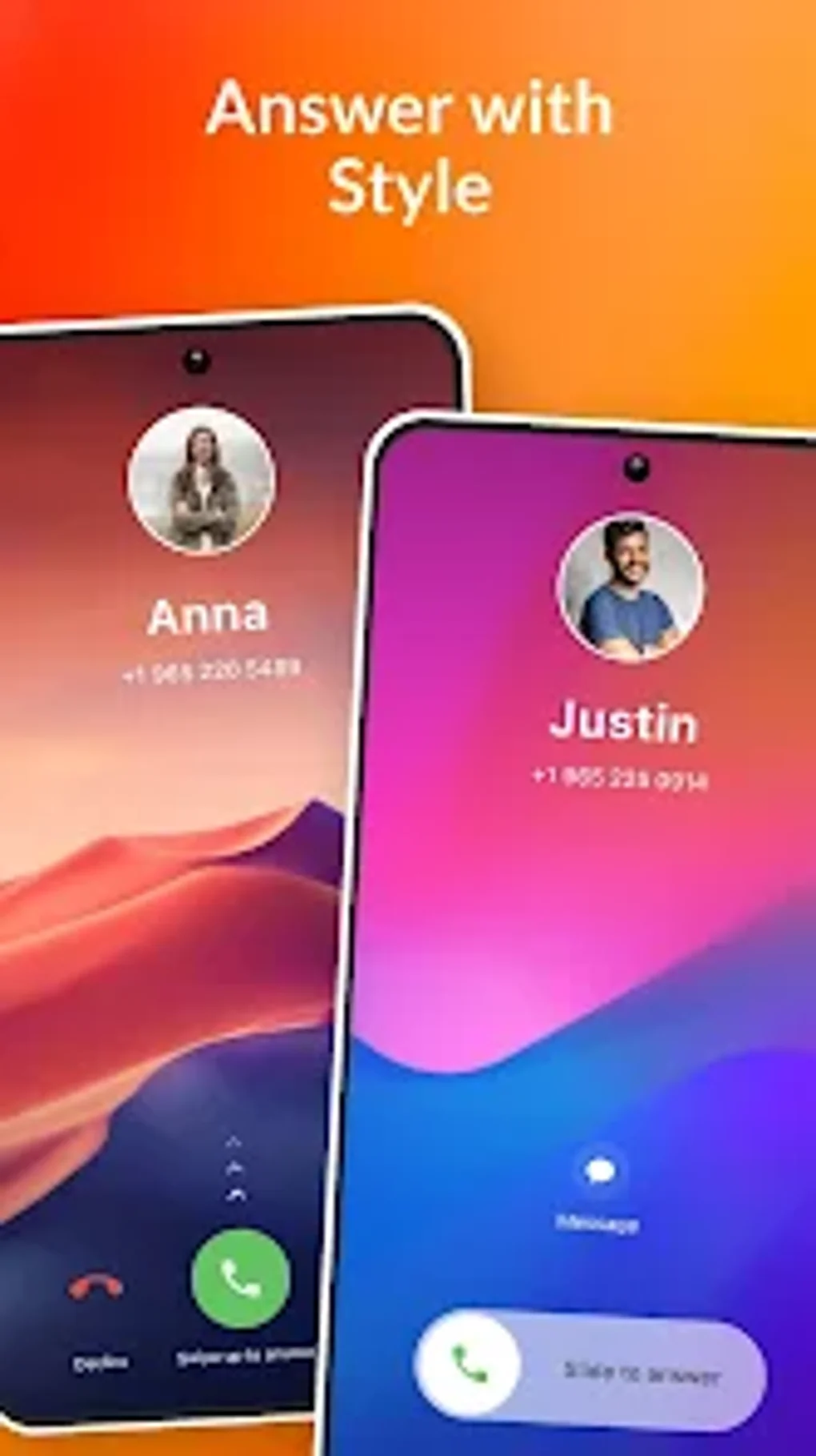
The Phone Call Dialer app distinguishes itself through its focus on simplicity and ease of use. While it lacks some advanced features, its clean interface and efficient functionality could appeal to users who prefer straightforward tools. Compared to applications with extensive feature sets, it is markedly less resource-intensive, resulting in a quicker and more responsive calling experience. Users who appreciate a minimalistic and efficient approach may find the Phone Call Dialer app a better option than some of its feature-heavy counterparts.
The ultimate choice of dialer app depends largely on individual preferences and priorities. Users who value a clean interface and efficient core functionality may find the Phone Call Dialer app an excellent choice. Users who prioritize advanced features such as call recording or call blocking may prefer applications that offer those functionalities.
Conclusion
The Phone Call Dialer app delivers a streamlined and efficient calling experience. Its clean interface, well-organized call logs, and smooth performance make it a practical and reliable choice for users who prefer a minimalistic approach to their phone dialer. While it may lack the extensive advanced features found in some competing applications, its focus on core functionality and ease of use is a significant strength. The app effectively manages the fundamental aspects of making and receiving calls, providing a polished and uncluttered user interface that enhances the overall user experience. For users seeking a simple, efficient, and reliable dialer, the Phone Call Dialer app is a strong contender. The developers’ commitment to a clean design and intuitive functionality makes this app a valuable addition to any Android device.
File Information
- License: “Free”
- Version: “1.0.49”
- Latest update: “August 5, 2025”
- Platform: “Android”
- OS: “Android 13.0”
- Language: “English”
- Downloads: “13.6K”
- Download Options: “Google Play”


