
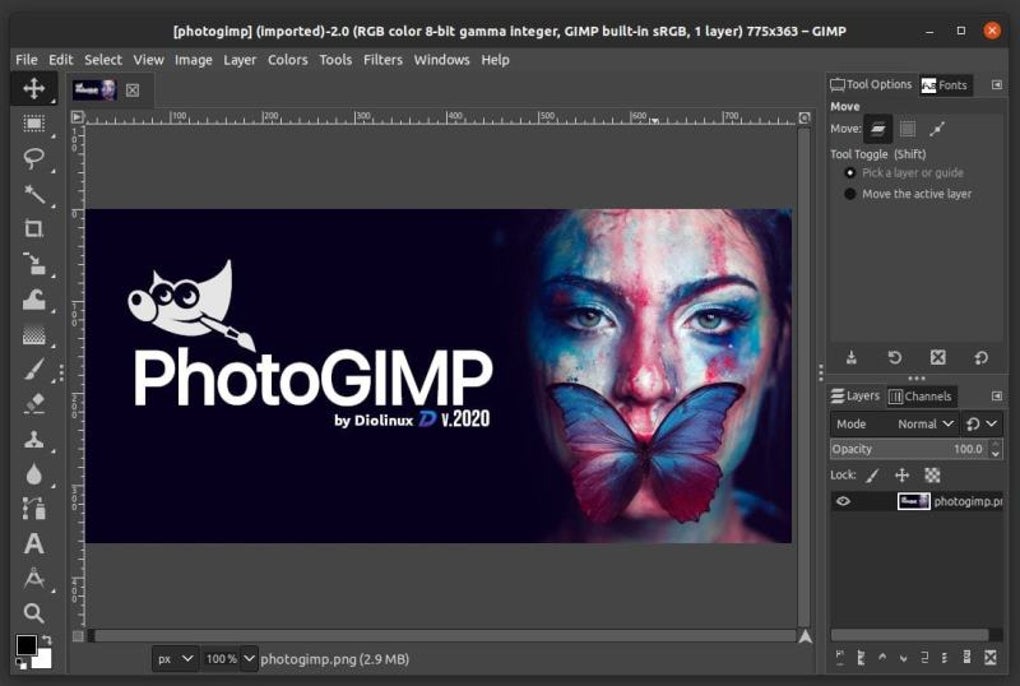
PhotoGIMP is an open-source patch designed to significantly enhance the user experience of the GNU Image Manipulation Program (GIMP). Developed by the Brazilian blog Diolinux, PhotoGIMP aims to bridge the gap between GIMP’s powerful functionality and the intuitive, familiar interface of Adobe Photoshop. It achieves this by adapting GIMP’s styling, organization, and layout to closely resemble Photoshop’s, while simultaneously improving upon GIMP’s sometimes-unpolished interface. This patch doesn’t add new core features to GIMP itself; instead, it refines the existing ones, making them more accessible and user-friendly.
A Photoshop-like Interface for GIMP
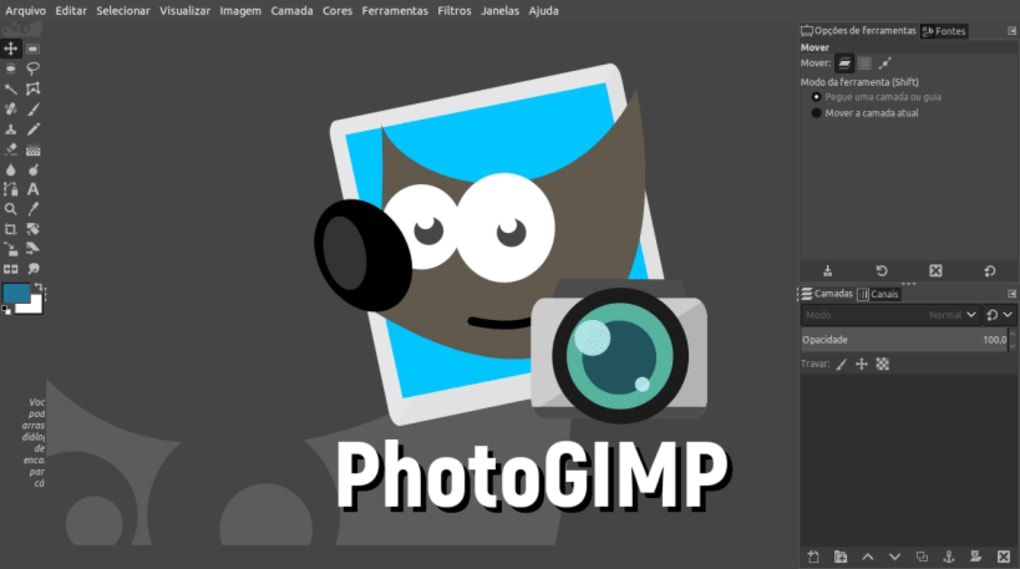
GIMP has long been a popular choice for professional and advanced photo editing, offering a robust feature set as a free and open-source alternative to the costly Adobe Photoshop. However, GIMP’s interface, while functional, can often feel daunting and unfamiliar to users accustomed to Photoshop’s workflow. PhotoGIMP directly addresses this issue. By meticulously reorganizing and restyling GIMP’s elements, PhotoGIMP creates a significantly more intuitive experience. The layout of tool palettes, menus, and options is redesigned to mirror Photoshop’s, making the transition smoother for users switching from the commercial software. This makes complex tasks more accessible to a broader range of users, without compromising GIMP’s capabilities.
The impact of PhotoGIMP’s interface overhaul is substantial. Tasks that previously required navigating through nested menus and complex dialogues become more streamlined and visually clear. The familiar arrangement of tools and options speeds up workflow and reduces the learning curve, allowing users to focus on the creative aspects of image editing rather than wrestling with the software’s interface. This is particularly beneficial for users who are already comfortable with Photoshop’s layout and want a free alternative without having to learn an entirely new system.
Installation and Compatibility: Navigating the Technicalities
While PhotoGIMP significantly improves the user experience, its installation process isn’t as straightforward as a typical software download. Compatibility is primarily focused on GIMP installations managed through Flatpak, a package manager designed for deploying applications in a consistent manner across different Linux distributions. If GIMP is installed using Flatpak, the installation of PhotoGIMP involves simply copying specific folders from the PhotoGIMP package into the user’s home directory. This relatively simple process directly integrates PhotoGIMP’s modifications into the existing GIMP configuration.
However, users who have installed GIMP via other methods, such as apt (Advanced Package Tool), snap (a universal package manager for Linux), or their distribution’s default package manager, will encounter a more involved installation. In these cases, users need to locate GIMP’s configuration folder manually, which can vary depending on the operating system and the specific installation path. This usually involves navigating through system directories to find the correct folder and then pasting the contents of PhotoGIMP’s configuration files into that location. This process requires a degree of technical proficiency and familiarity with file systems, making it potentially challenging for less experienced users.
This technical hurdle is a significant drawback of PhotoGIMP. While the improved interface dramatically improves usability, the installation complexities could deter many potential users, especially those seeking a simple, hassle-free upgrade to their GIMP experience. The lack of a user-friendly installer limits the accessibility of PhotoGIMP’s benefits, potentially excluding those who lack the necessary technical expertise. Clearer, more accessible installation instructions and perhaps the development of a dedicated installer would significantly enhance PhotoGIMP’s overall usability.
Beyond the Interface: Added Features and Enhancements
PhotoGIMP’s transformation extends beyond a mere reskinning of GIMP’s interface. The patch package includes a range of additional features intended to enrich the user experience and provide functionality not readily available in the standard GIMP distribution. One notable addition is the inclusion of hundreds of new fonts, expanding the typographic options available within GIMP for text-based elements within image edits. Furthermore, the patch introduces a custom splash screen, providing a more personalized and visually appealing start-up experience.
Perhaps the most significant enhancements are the addition of Python-based filters, specifically highlighting a “heal selection” filter. This type of filter is commonly found in professional image editing software and allows for advanced retouching and blemish removal, significantly improving the capabilities of GIMP for tasks requiring precise image manipulation. These extra features demonstrate PhotoGIMP’s commitment to enhancing GIMP’s functionality, going beyond simply improving the visual layout. They address some key shortcomings and provide users with a more comprehensive and professional image editing toolkit.
Advantages and Disadvantages: Weighing the Pros and Cons
PhotoGIMP offers a compelling proposition for GIMP users seeking a more streamlined and Photoshop-like workflow. Its primary advantage is the transformation of GIMP’s interface into a much more intuitive and user-friendly environment. This makes it easier to learn and use, especially for those already familiar with Photoshop’s layout. The inclusion of extra features such as new fonts, a custom splash screen, and advanced Python filters further enhances GIMP’s capabilities, offering a more comprehensive image editing experience. The fact that it’s entirely free and open-source is a crucial selling point, providing a powerful alternative to costly professional software.
However, PhotoGIMP’s technical installation requirements represent a significant disadvantage. The lack of a simple installer and the need for manual configuration within GIMP’s file system can be a substantial barrier for many users. This technical complexity limits its accessibility, potentially excluding a large segment of potential users who may lack the necessary technical knowledge or confidence to navigate the installation process. Furthermore, reliance on specific GIMP installation methods (primarily Flatpak) further restricts its compatibility and broader appeal.
Conclusion: A Powerful Patch with Accessibility Issues
PhotoGIMP successfully addresses a key weakness of GIMP: its unintuitive interface. By meticulously recreating the familiar layout of Adobe Photoshop, it makes GIMP significantly more user-friendly, particularly for users transitioning from commercial image editing software. The inclusion of additional features enhances GIMP’s capabilities, creating a more comprehensive and powerful tool.
However, PhotoGIMP’s complex installation process is a major drawback. The technical requirements and lack of a user-friendly installer limit its accessibility and potentially exclude a significant portion of users who might otherwise benefit from its improvements. While PhotoGIMP’s transformative impact on GIMP’s usability is undeniable, addressing the installation challenges is crucial to broadening its reach and realizing its full potential as a truly accessible and user-friendly alternative to commercial image editing software. Future development should prioritize simplifying the installation process to unlock PhotoGIMP’s benefits for a wider audience.
File Information
- License: “Free”
- Latest update: “July 12, 2023”
- Platform: “Windows”
- OS: “Windows 10”
- Language: “English”
- Downloads: “4.5K”
- Size: “52.53 MB”


