
Photo Image Viewer is a free image viewing application for Windows, offering a blend of speed, user-friendly design, and basic editing capabilities. While it presents a convenient solution for everyday image viewing needs, its significant drawback lies in the intrusive pop-up advertisements that frequently interrupt the user experience. This review delves into the software’s features, performance, and overall usability, providing a balanced assessment to help potential users decide if it’s the right choice for their needs.
Performance and Features: Speed and Simplicity
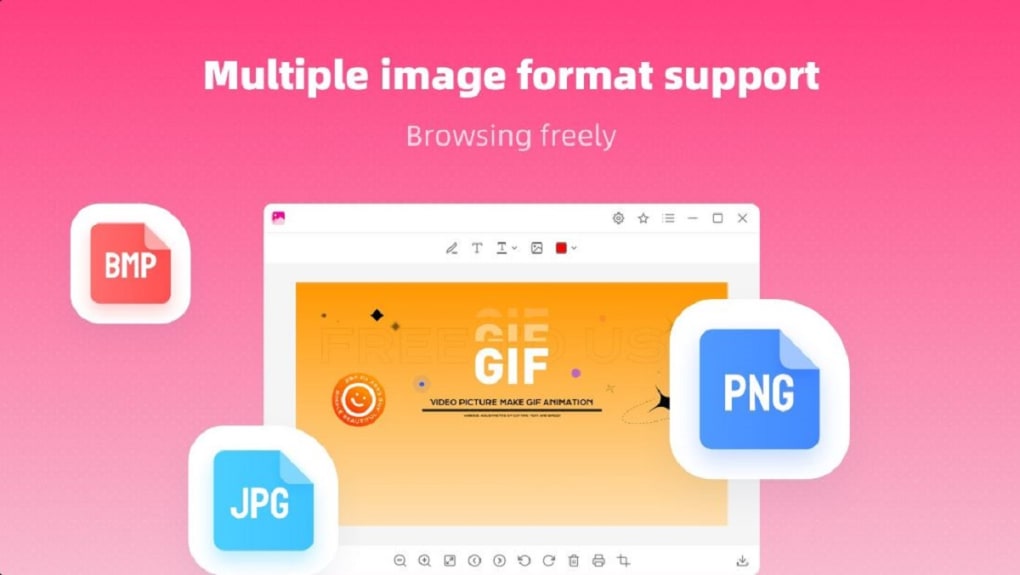
Photo Image Viewer boasts a fast loading engine, capable of quickly handling various image formats. This is a significant advantage, particularly when dealing with large image files or numerous images in quick succession. The quick loading times translate to a more efficient and enjoyable browsing experience, eliminating the frustrating delays associated with slower image viewers. The program’s compatibility extends to a wide range of common image formats, including but not limited to PNG, JPG, JPEG, and BMP. This broad support ensures that most users can readily open and view their images without compatibility issues.
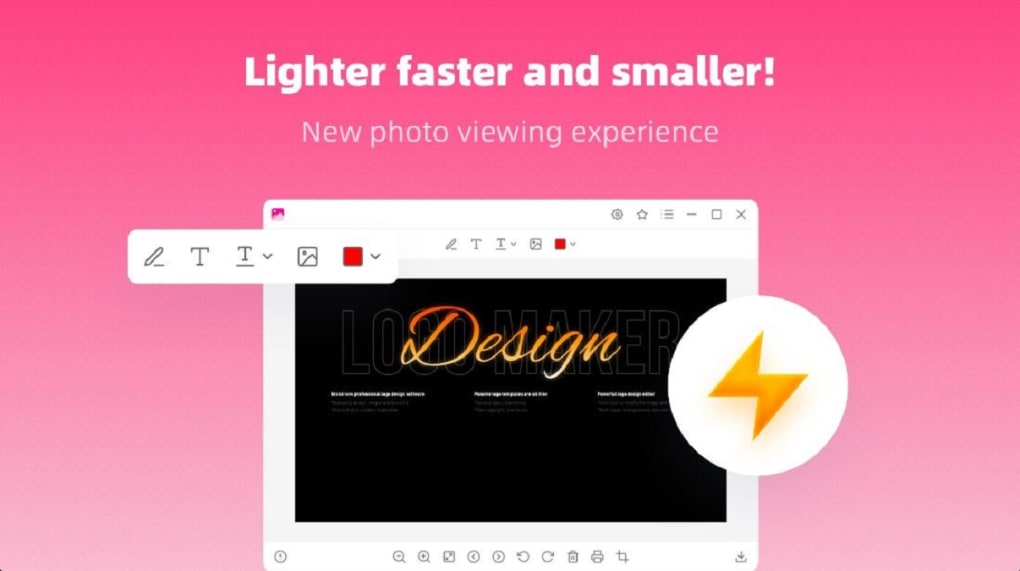
Beyond its speed and compatibility, the software also incorporates basic editing tools. Users can perform simple edits, such as cropping images, adding text, and labeling pictures. While these functions are not as extensive or sophisticated as those found in dedicated photo editing software, they offer sufficient functionality for basic image adjustments without requiring the user to switch to another application. This streamlined approach to editing maintains the program’s focus on speed and simplicity. The ease of use extends to the interface itself; the program features an intuitive layout, minimizing any learning curve for users unfamiliar with image viewing software. This simple and straightforward design is a key strength, enhancing the overall user experience.
User Interface and Experience: Ease of Use and Intrusive Ads
Photo Image Viewer’s strength lies in its clean and uncluttered user interface. The straightforward layout minimizes distractions and allows users to focus on their images. Navigation is intuitive, and finding the desired functionality is straightforward. The minimalistic design contributes to the program’s overall speed and responsiveness, adding to its appeal for users seeking a quick and efficient image viewing solution. This simplicity is a positive aspect for casual users who prioritize ease of use over advanced features.
However, this positive experience is significantly marred by the abundance of pop-up advertisements. These ads frequently appear, disrupting the workflow and frustrating users. The sheer volume of ads significantly detracts from the overall usability of the software. The constant interruptions make even simple tasks tedious, as users are constantly forced to dismiss intrusive promotional material. This persistent issue is a major drawback and a significant consideration for potential users. The aggressive monetization strategy implemented through these ads overshadows the positive aspects of the software’s speed and simplicity.
Comparison with Alternative Image Viewers
Photo Image Viewer is not alone in the market for free image viewers. Several alternative applications offer similar or enhanced functionalities, often with a more refined user experience. Comparing Photo Image Viewer with competitors reveals both its strengths and weaknesses more clearly. For example, JPEGView offers a similar level of speed and compatibility, often with superior image quality rendering. However, JPEGView may lack the basic editing tools found in Photo Image Viewer. Other alternatives such as FastStone Image Viewer provide a much broader range of advanced editing features but come with a steeper learning curve and potentially increased system resource consumption. Finally, commercial applications offer highly advanced features and professional-grade editing capabilities, although they come with a cost.
The choice between Photo Image Viewer and its competitors depends heavily on user priorities. If speed and basic editing are paramount, and the user is willing to tolerate intrusive advertising, Photo Image Viewer might suffice. However, if a more polished user experience with fewer interruptions or advanced editing features is desired, other free or commercial alternatives may be more suitable. The decision involves weighing the benefits of speed and simple editing against the disruptive nature of the incessant advertising. The value proposition is weakened by the ad experience, making the need for a better balance between monetization and user experience crucial.
Security and Privacy Concerns
As with any downloaded software, security and privacy are essential considerations. While Photo Image Viewer is offered as a free download, it’s vital to assess the potential risks. The intrusive advertising present within the application raises concerns about the potential collection of user data. The ads themselves may track user browsing habits and preferences, potentially leading to privacy violations. This lack of transparency regarding data collection practices is a significant concern. While the software itself has not been found to contain malicious code, the ads themselves may pose a risk, possibly containing links to malicious websites or incorporating malicious scripts.
Users should exercise caution and thoroughly review the software’s privacy policy before installation. Understanding the data collection practices is crucial to making an informed decision. While the primary function of the software is image viewing, the potential for data harvesting through advertising must be considered. Installing reputable anti-malware software is also recommended as an added layer of protection against potential threats. Overall, the privacy aspects surrounding Photo Image Viewer warrant careful scrutiny before use.
Conclusion: Weighing the Pros and Cons
Photo Image Viewer offers a fast and straightforward image viewing experience, complemented by basic editing capabilities. Its user-friendly interface and wide format compatibility are appealing. However, the significant drawback of incessant pop-up advertisements significantly diminishes its overall appeal. The disruptive nature of these ads overshadows the software’s positive attributes. Users must carefully consider whether the convenience of fast image loading and simple editing outweighs the frustrating and potentially risky advertising experience.
Alternatives exist, offering either comparable functionalities with a cleaner interface or more advanced features. Choosing the right image viewer depends on individual needs and tolerance for intrusive advertising. While Photo Image Viewer might be suitable for users with a high tolerance for ads and a need for only the most basic functionalities, many users will find other options to be more satisfactory in terms of overall user experience and privacy concerns. The ultimate decision rests on balancing the need for speed and ease of use with the undesirability of persistent and potentially risky advertising.
File Information
- License: “Free”
- Version: “2.2.1.0”
- Latest update: “February 14, 2024”
- Platform: “Windows”
- OS: “Windows 10”
- Language: “English”
- Downloads: “362K”
- Size: “573.32 KB”


