
Photo Pos Pro is a versatile and feature-rich photo editing software renowned for its extensive capabilities, making it a compelling alternative to more expensive professional tools. While its interface might initially appear cluttered to new users, the sheer breadth of its functionalities quickly outweighs this minor inconvenience. This comprehensive guide will delve into the strengths and weaknesses of Photo Pos Pro, exploring its features, ease of use, and overall effectiveness for both novice and experienced users.
A Deep Dive into Photo Pos Pro’s Features
Photo Pos Pro is far more than a simple image editor; it’s a complete digital darkroom and graphic design suite rolled into one. Its capabilities extend beyond basic photo enhancement, encompassing advanced editing tools, creative effects, and even graphic design capabilities. Let’s explore its core functionalities:
Image Editing & Enhancement: Photo Pos Pro provides a robust set of tools for adjusting brightness, contrast, saturation, and sharpness. Beyond these basic controls, it offers advanced options such as levels, curves, and color balance adjustments, allowing for precise control over image tonality and color. Users can selectively correct imperfections, remove blemishes, and retouch images with precision, thanks to a suite of tools including cloning, healing, and spot removal. Batch processing capabilities streamline the editing of multiple photos with consistent settings.
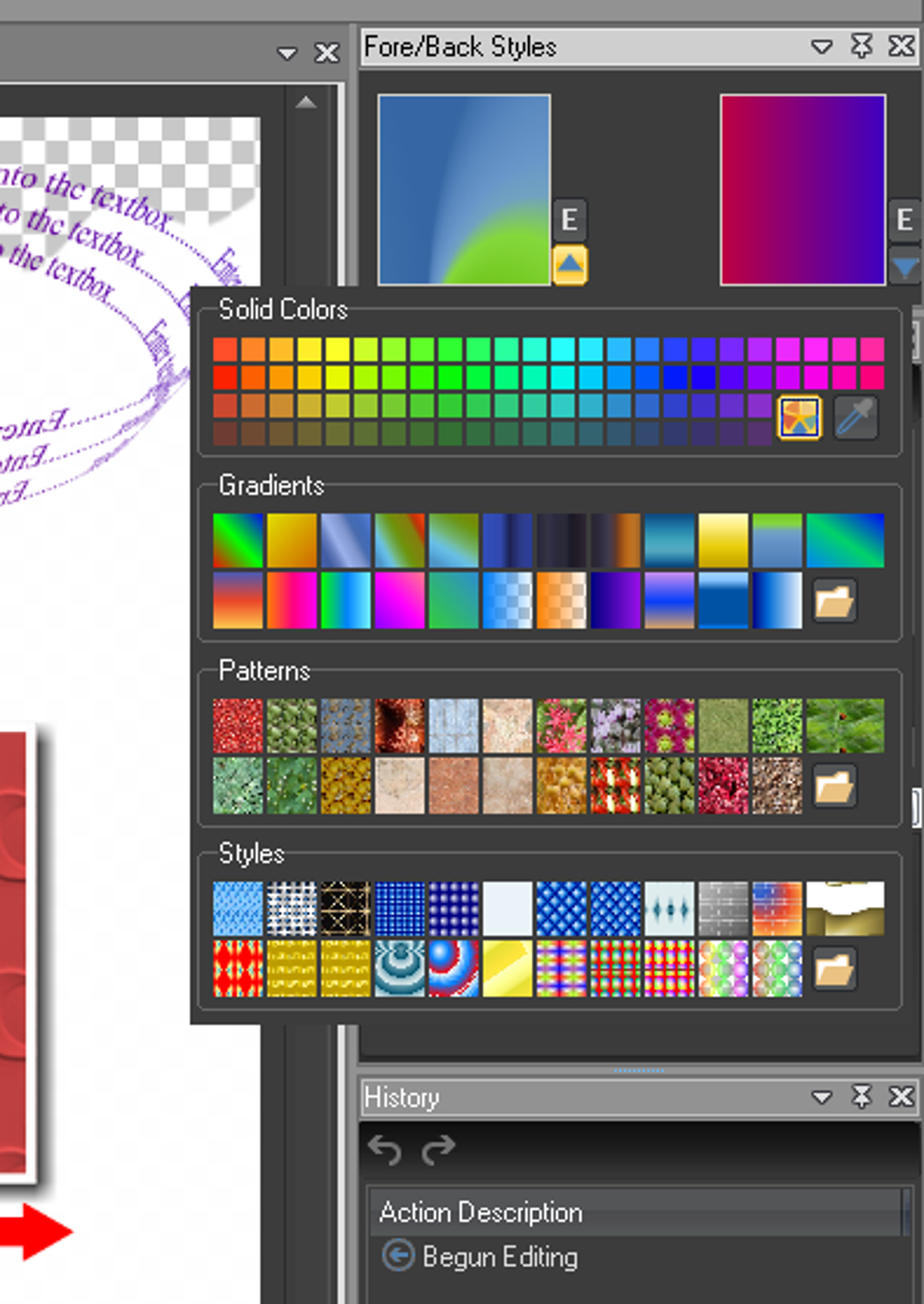
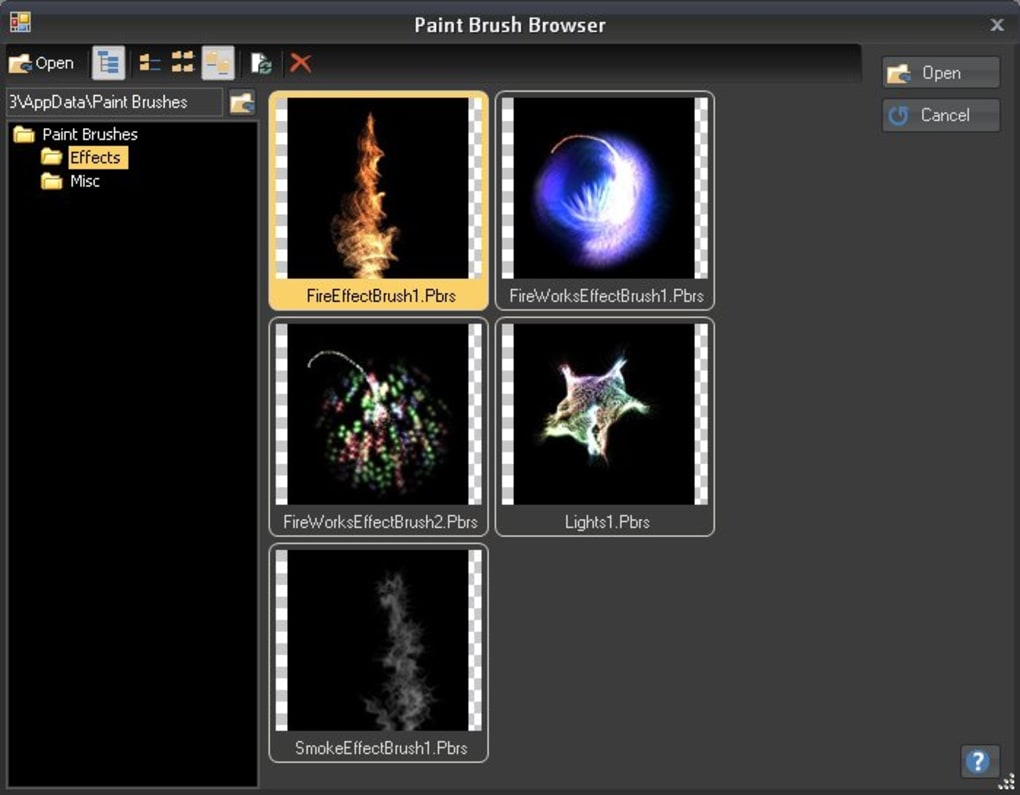
Special Effects & Filters: A vast library of filters and special effects transforms ordinary images into captivating artwork. Users can experiment with various artistic effects, ranging from subtle vintage filters to dramatic stylized looks. Photo Pos Pro also supports the creation and application of custom filters and effects, opening up limitless creative possibilities. These effects aren’t merely superficial; many offer nuanced controls for fine-tuning their intensity and application.
Advanced Tools & Techniques: Photo Pos Pro equips users with professional-level tools. The support for layers, masks, and layer styles allows for non-destructive editing, offering flexibility and control over image manipulation. The use of layers enables complex compositing, combining multiple images seamlessly and precisely. Masks provide selective editing within specific areas of a layer, preventing accidental modifications to other parts of the image. Layer styles add depth and visual interest through various effects, like drop shadows, inner glows, and bevels. The software’s support for vectorial objects allows for the creation of crisp lines, shapes, and text that maintain their quality regardless of scaling.
Drawing & Graphic Design Capabilities: Photo Pos Pro excels as a graphic design tool. Beyond image editing, users can create graphics from scratch using a diverse selection of brushes, shapes, and drawing tools. The precision tools available allow for creating high-quality logos, banners, and other design elements. The software supports various graphic formats, ensuring compatibility with other design software and printing services. The ability to work with gradients and textures further enhances design possibilities, providing visual richness and detail.
User Interface and Ease of Use
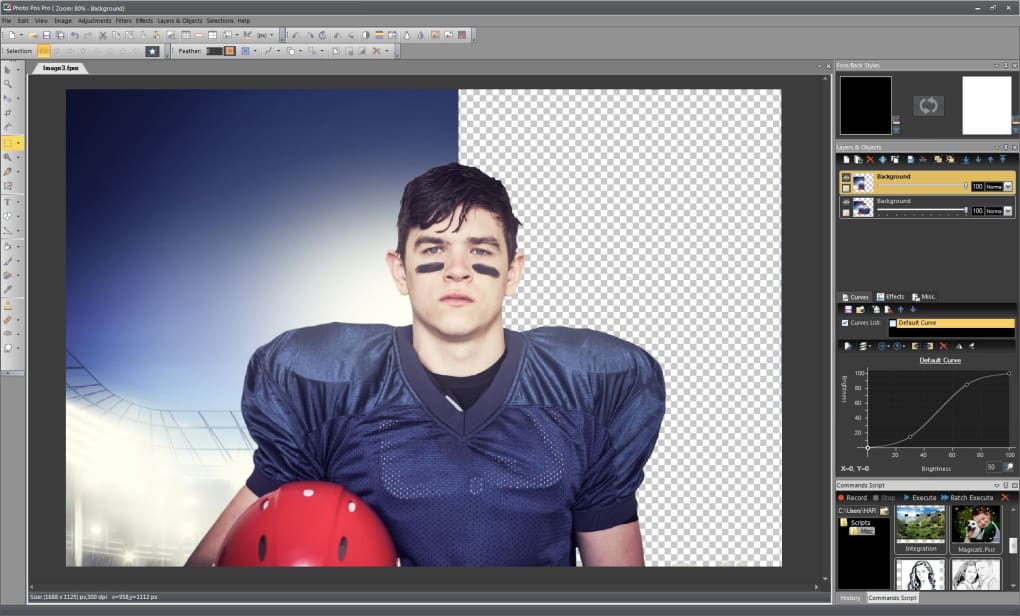
While Photo Pos Pro boasts an impressive feature set, its user interface has been a source of some criticism. The sheer number of tools and options can be overwhelming for first-time users, resulting in a steeper learning curve compared to some simpler photo editors. The arrangement of icons and buttons can appear cluttered, requiring users to navigate a somewhat dense workspace. However, many long-time users appreciate the comprehensive nature of the interface, finding that its complexity is offset by the vast array of available features. The software’s intuitive nature is debatable. While basic functions are reasonably straightforward, mastering more advanced features and techniques demands time and effort. The learning curve is significant; mastering all the functionalities is a process rather than a quick task.
Comparison to Other Photo Editors
Photo Pos Pro occupies a unique space within the photo editing software market. It competes with both free and paid alternatives, holding its own against many more established rivals. Compared to free options such as PhotoScape and GIMP, Photo Pos Pro’s advantage lies in its extensive features. While PhotoScape and GIMP are easy to use and understand, Photo Pos Pro offers a more powerful set of tools, extending its capabilities beyond basic image adjustments. When compared to commercial behemoths like Adobe Photoshop, the price is obviously a significant differentiator – Photo Pos Pro is free. Yet, while it may not match Photoshop’s sheer power and refined workflow in every aspect, it provides a reasonable and affordable alternative for many users. The key difference lies in the complexity and the depth of advanced features. Photoshop’s streamlined interface and refined tools often make complex tasks less cumbersome, whereas Photo Pos Pro, while capable of similar feats, requires a more hands-on approach.
System Requirements and Compatibility
Photo Pos Pro is primarily designed for Windows operating systems. While the exact specifications vary with each version, generally, a relatively modest system is required to run the software smoothly. Ensure your computer meets the minimum system requirements before installation, to avoid performance issues. The compatibility with various graphic formats is wide-ranging, supporting most common file types, facilitating seamless integration with other software and workflows.
User Reviews and Community Support
User reviews regarding Photo Pos Pro are mixed, reflecting the software’s duality: a powerful yet complex program. Many users praise its comprehensive feature set and free-of-charge nature, highlighting its value for both amateurs and more experienced users. Other criticisms often center on the interface’s initial learning curve and the occasional appearance of bugs or glitches, which are generally addressed in subsequent updates. Active community forums and online resources are available, providing support and assistance for users struggling with specific features or troubleshooting issues. While official support might be less readily available than for commercial software, the engaged user community often provides ample assistance and shares workarounds for commonly encountered problems.
Conclusion: Is Photo Pos Pro Right for You?
Photo Pos Pro represents a strong contender in the world of free photo editing and graphic design software. Its extensive features, capable of handling various tasks ranging from basic image adjustments to complex graphic design projects, make it an attractive option for users seeking a comprehensive and powerful free tool. However, its steep learning curve and potentially cluttered interface may deter users seeking a simpler, more intuitive experience. Those comfortable with slightly more complex software and willing to invest the time to learn its intricacies will undoubtedly discover Photo Pos Pro to be a valuable asset, capable of significantly enhancing their photo editing and graphic design workflow. If you are looking for a free, comprehensive suite with a lot of potential for growth as your skills grow, Photo Pos Pro is a strong choice. But if you prioritize ease of use above all else, other options may better fit your workflow.
File Information
- License: “Free”
- Latest update: “February 3, 2025”
- Platform: “Windows”
- OS: “Windows Vista”
- Language: “English”
- Downloads: “398.9K”
- Size: “56.35 MB”


