
PhotoDiva is a free, feature-rich photography software application designed for Windows users. Developed by AMS Software, it falls under the broader category of photography software and offers a robust suite of tools for enhancing and editing images. Whether you’re a casual user looking to touch up personal snapshots or a professional needing powerful editing capabilities for commercial projects, PhotoDiva caters to a diverse range of users and skill levels. Its intuitive interface simplifies the editing process, making it accessible to beginners while still providing the advanced features experienced photographers demand.
User-Friendly Interface and Functionality
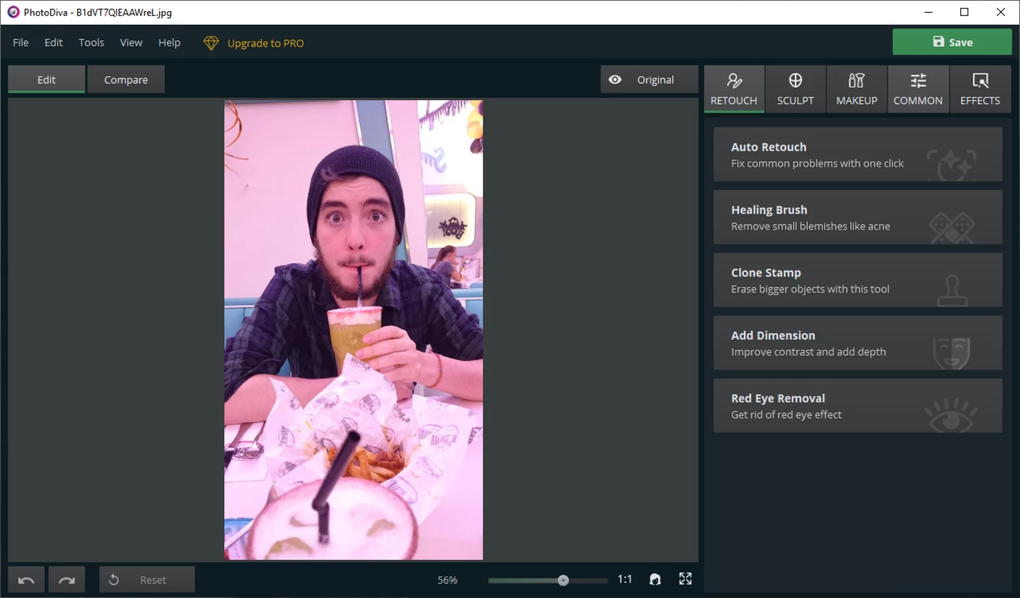
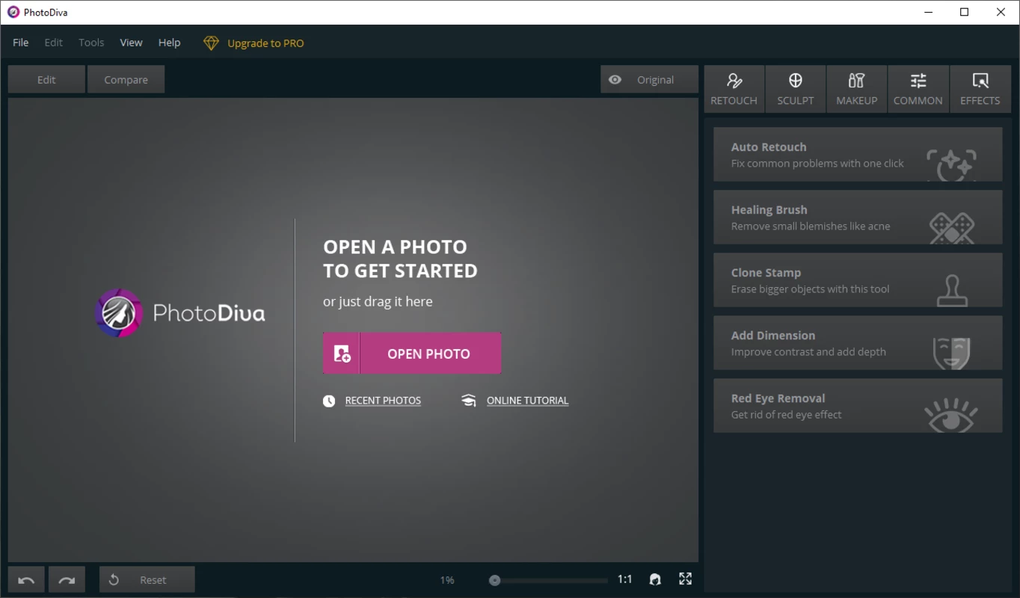
One of PhotoDiva’s key strengths is its user-friendly interface. The software is designed to be intuitive and easy to navigate, even for those with limited experience in photo editing software. The layout is clean and uncluttered, allowing users to quickly locate and utilize the tools they need. The straightforward design prevents a steep learning curve, enabling users to focus on their creative work rather than struggling with complex menus or confusing workflows.
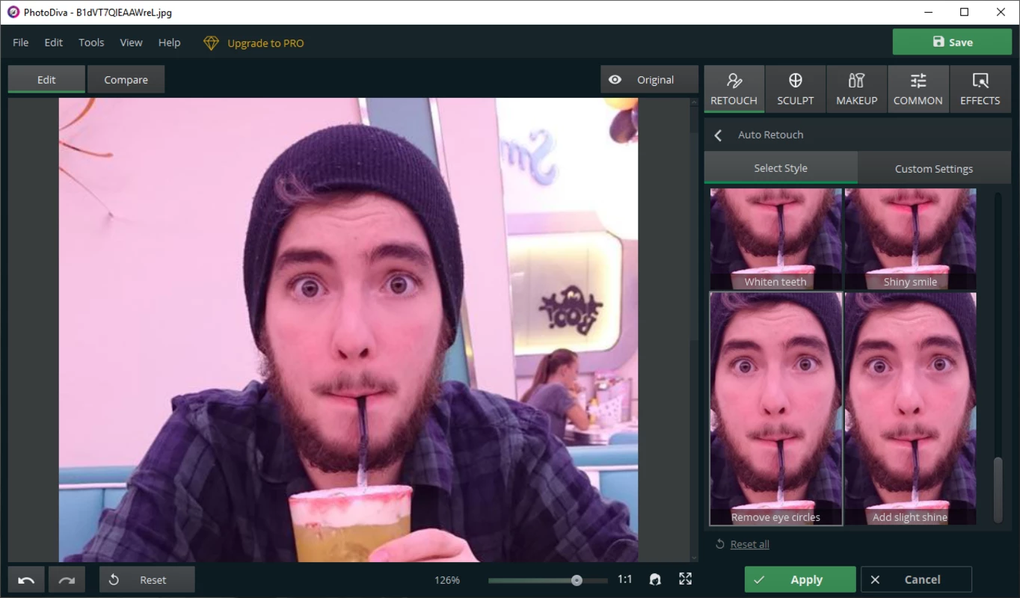
PhotoDiva’s functionality extends from basic image enhancements to more sophisticated editing tasks. Basic adjustments such as cropping, resizing, and rotating are readily available, providing the foundational tools for any image editing project. More advanced features include color correction, allowing users to fine-tune the vibrancy, saturation, and contrast of their images to achieve the desired aesthetic. Users can easily adjust brightness and shadows to enhance details and create a balanced exposure.
Beyond basic adjustments, PhotoDiva provides a range of filters and effects that can dramatically alter the look and feel of an image. These filters offer pre-set styles and artistic effects, allowing users to quickly apply specific looks to their photographs without requiring in-depth technical knowledge. These effects can range from subtle enhancements to bold stylistic changes, offering creative flexibility for users of all skill levels.
Advanced Editing Capabilities and Features
While PhotoDiva excels in its ease of use, it also boasts a collection of advanced editing features for more experienced users. These tools allow for more precise control over the image editing process, providing the flexibility to achieve highly refined results. The software’s advanced features include tools for detailed color correction, allowing users to manipulate individual color channels and achieve precise color grading.
Furthermore, PhotoDiva often incorporates specialized tools for specific editing tasks. These might include features for noise reduction, sharpening, or blemish removal. Noise reduction tools help to clean up images with excessive grain or digital noise, improving image clarity. Sharpening tools enhance the fine details within an image, bringing out textures and creating a crisper appearance. Blemish removal tools allow users to easily remove imperfections or unwanted elements from their photographs. These advanced features empower users to create professionally polished images.
System Requirements and Availability
PhotoDiva is primarily available for Windows operating systems, ensuring compatibility with a large segment of computer users. The system requirements are generally modest, allowing the software to run efficiently on a wide range of computer configurations. This broad compatibility makes PhotoDiva accessible to a large user base, regardless of their specific hardware specifications.
The software is regularly updated by AMS Software, ensuring users benefit from the latest bug fixes, performance improvements, and new features. These updates demonstrate AMS Software’s commitment to continually enhancing the user experience and providing users with a current, reliable piece of software. The availability of the software, both through direct download from the developer’s website and through reputable third-party app stores, enhances user access and ease of installation. This wide distribution channel simplifies the process of obtaining and installing PhotoDiva on Windows machines.
Comparison with Other Photography Software
PhotoDiva differentiates itself from other photography software through its unique combination of ease of use and powerful features. While some professional-grade software packages boast extensive capabilities, they often come with steep learning curves and high price tags. PhotoDiva offers a middle ground, providing a balance of user-friendliness and advanced features without the considerable costs associated with premium software.
Compared to simpler, free photo editing tools, PhotoDiva provides a much more comprehensive set of features. Many basic free editors offer limited functionality, restricting users to basic adjustments and filters. PhotoDiva surpasses these limitations by incorporating advanced editing tools and effects, making it a superior alternative for users seeking more control and creative possibilities. It provides a significant step up from simplistic apps while remaining free to use.
PhotoDiva: A Versatile Tool for Photography Enthusiasts and Professionals
In conclusion, PhotoDiva stands as a powerful and versatile tool for photography enthusiasts and professionals alike. Its intuitive interface, coupled with its comprehensive suite of features, makes it an ideal choice for users of all skill levels. Whether you’re a beginner looking to improve your photos or a seasoned professional seeking a reliable and efficient editing solution, PhotoDiva provides a compelling option. The software’s free availability further enhances its appeal, making high-quality photo editing accessible to a broader audience. The ongoing updates and commitment from the developers reinforce its position as a valuable asset in the world of digital photography. The software successfully bridges the gap between basic editing tools and expensive professional suites, offering a balanced and effective solution for a wide spectrum of users. Its user-friendly design ensures accessibility without compromising on functionality, solidifying its place as a valuable and effective tool in the world of digital image editing.
File Information
- License: “Free”
- Version: “5.0”
- Latest update: “June 20, 2024”
- Platform: “Windows”
- OS: “Windows 11”
- Language: “English”
- Downloads: “90”
- Size: “194.91 MB”


