
PhotoImpact X3, a powerful photo editor and digital art tool, occupies a unique space in the market. It caters to users who desire the robust capabilities of professional-grade software like Photoshop but without the steep learning curve and high price tag. This review delves into the software’s strengths and weaknesses, providing a balanced perspective for potential users.
Powerful Editing Capabilities: A Blend of Simplicity and Sophistication
PhotoImpact X3 distinguishes itself through its comprehensive suite of editing tools, balancing ease of use with advanced functionality. It’s not just a simple image enhancer; it’s a versatile tool capable of transforming ordinary photographs into stunning works of art. The software’s strength lies in its ability to handle a wide range of tasks, making it suitable for both casual users and those with more advanced photo editing skills.

The “ExpressFix” tab provides a user-friendly interface for applying quick fixes and adjustments. This is particularly helpful for beginners who may feel overwhelmed by the multitude of options available in the full editing mode. Users can experiment with different quick fixes and compare the results before settling on the desired outcome. This feature streamlines the editing process, saving time and effort for users who prioritize efficiency.
Moving beyond the ExpressFix, the full edit mode opens up a world of possibilities. Here, users have access to a comprehensive array of tools for more meticulous adjustments. From precise color correction and retouching to advanced cropping and layering techniques, PhotoImpact X3 offers the tools necessary to achieve professional-looking results. Its ability to create images from scratch further enhances its versatility, allowing users to design greeting cards, calendars, comic strips, and other creative projects without limitations.
Beyond Photo Editing: Unleashing Creativity with Artistic Projects
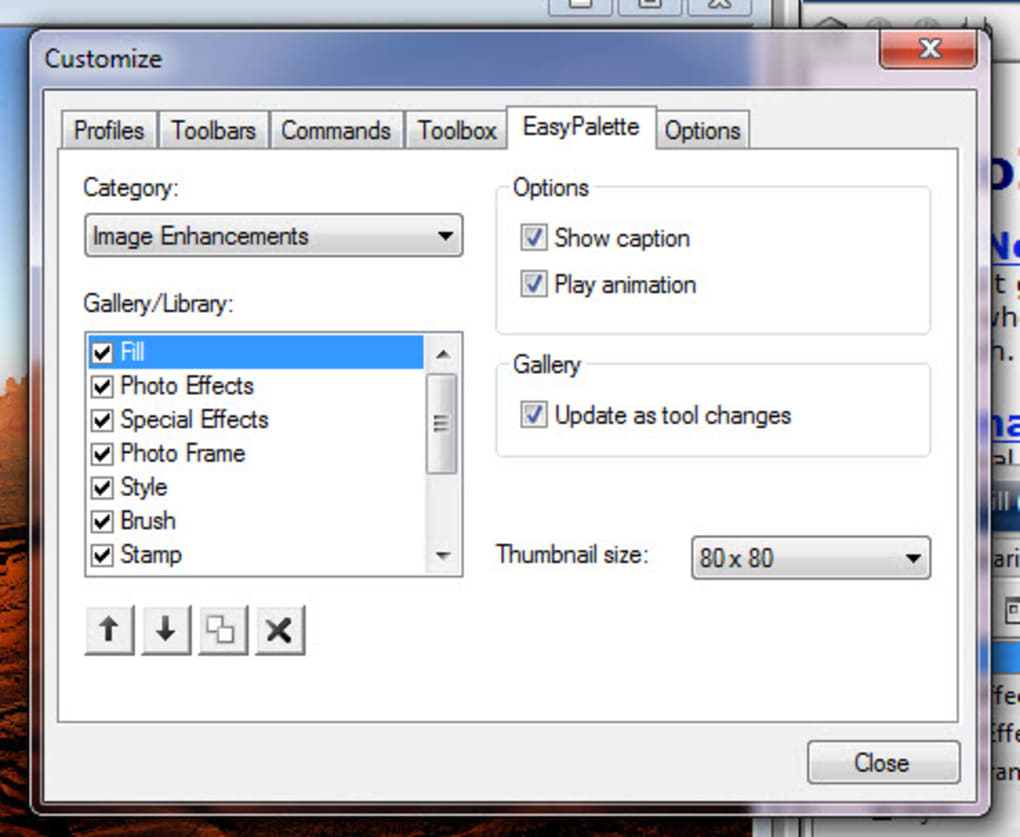
PhotoImpact X3 isn’t merely confined to photo editing; it empowers users to explore their creativity through a diverse range of artistic endeavors. The software provides a wealth of templates, exceeding 200 in number, to jumpstart creative projects. These templates offer a convenient starting point for users who may lack design experience, providing pre-designed layouts for various applications such as calendars, comic strips, greeting cards, and DVD covers.
This versatility is a key selling point of PhotoImpact X3. Users aren’t restricted to simply enhancing existing images; they can use the software to create entirely new visual content from scratch. The software’s ability to seamlessly integrate text and graphics allows for the creation of visually appealing designs for a wide range of personal and professional applications. This broad functionality makes PhotoImpact X3 a compelling option for users seeking a versatile creative tool.
The ability to merge, crop, cut, enlarge, and even paint over images adds another layer of artistic control. Users can manipulate photos with precision, enhancing the beauty of a picture while discreetly removing unwanted elements. This level of control is crucial for creating polished, professional-looking images. The software empowers users to refine and enhance their vision, ultimately resulting in high-quality outputs.
User Experience: Balancing Functionality with Usability
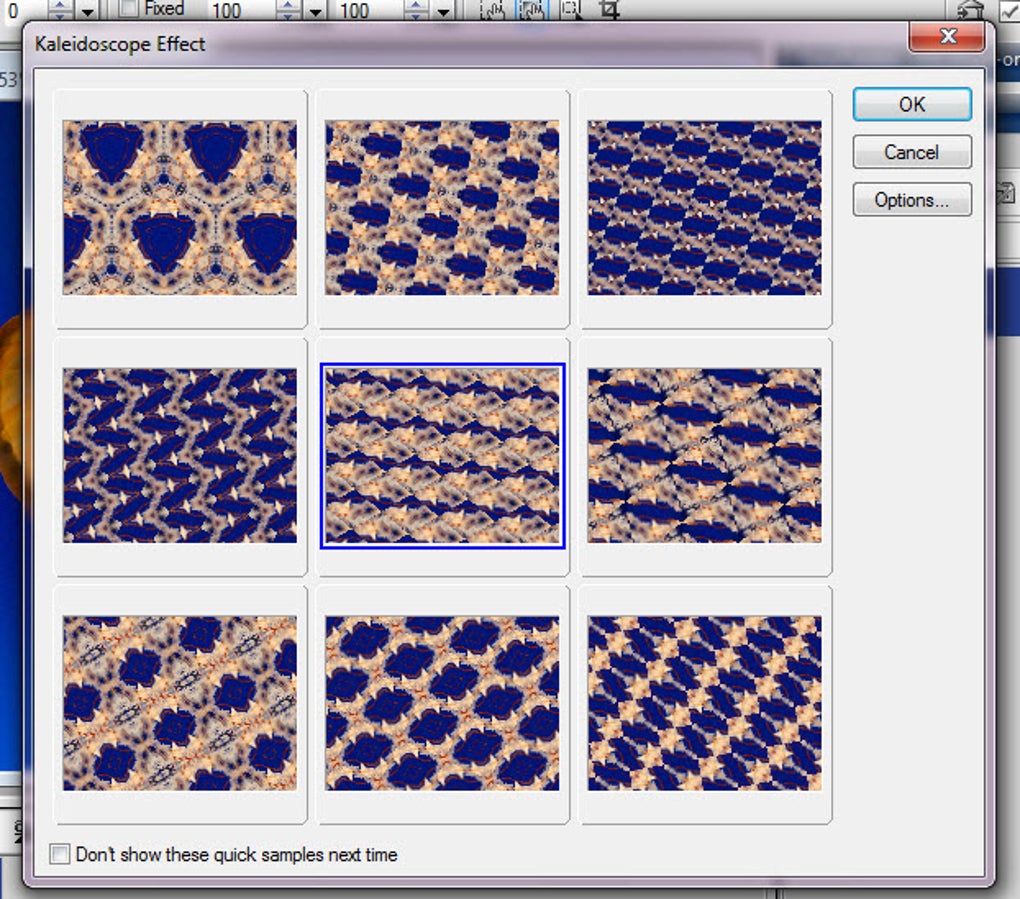
While PhotoImpact X3 boasts impressive functionality, its user experience is a point of contention. The software’s interface, characterized as “old-fashioned” and “clunky” in some reviews, may prove challenging for users accustomed to more modern, intuitive design aesthetics. The outdated appearance may initially detract from the user experience, leading to potential confusion and hindering the seamless workflow that users expect from modern software.
Despite the outdated visual presentation, the software’s intuitive design compensates for some of these drawbacks. While the interface might not be the most visually appealing, the well-organized layout and clear labeling of tools and options make navigation relatively straightforward. Furthermore, the comprehensive help files and online support provide ample assistance to users who may encounter challenges during the learning process. This robust support system minimizes the learning curve, helping users effectively navigate the software’s complex features.
The inclusion of a getting started wizard is particularly helpful for beginners. This feature provides a guided introduction to the software’s core functionalities, easing users into the editing process. Users can learn the basics at their own pace, gaining familiarity with the interface and essential tools. This phased approach to learning minimizes the initial intimidation factor, promoting confident engagement with the software.
Comparison with Alternatives: Finding the Right Fit
PhotoImpact X3’s position in the market is noteworthy. It effectively fills a niche between high-end professional software like Photoshop and simpler image editing applications. While it may lack the advanced features and extensive plugin support of Photoshop, it offers a compelling alternative for users who don’t require the latter’s complexity or price point.
Comparing PhotoImpact X3 to alternatives such as Corel PaintShop Pro highlights the software’s strengths and weaknesses. While PaintShop Pro often presents a more modern and polished interface, PhotoImpact X3 might be preferable for users who prioritize a more specific set of editing tools focused on creative projects. It’s a matter of finding the software that best matches the user’s individual needs and preferences.
The affordability of PhotoImpact X3 compared to professional-grade software is also a major factor. For budget-conscious users or those with specific creative requirements, PhotoImpact X3 offers excellent value. It provides a powerful set of tools without the significant financial commitment associated with more expensive alternatives.
Conclusion: PhotoImpact X3 - A Powerful Tool for Creative Individuals
PhotoImpact X3 presents a compelling case as a capable photo editing and digital art creation tool. Its wide array of features, encompassing photo enhancement, creative project development, and a variety of tools for image manipulation, cater to a wide range of users. While its outdated interface might pose a challenge for some, the software’s extensive functionality and supportive resources outweigh the visual limitations for many users. Its strength lies in its ability to balance ease of use with advanced capabilities, making it an ideal choice for individuals seeking a versatile and powerful photo editing software without the complexity and cost of professional-grade applications. The software remains a relevant option for those who value both robust functionality and creative freedom in their digital image creation processes.
File Information
- License: “Trial version”
- Version: “13”
- Latest update: “August 23, 2016”
- Platform: “Windows”
- OS: “Windows XP”
- Language: “English”
- Downloads: “279.9K”
- Size: “171.27 MB”


