
Photopea, developed by MerDroid, is a free, advanced photo editor available on Android and web platforms. This powerful tool offers a surprisingly robust feature set for a mobile application, making it a compelling alternative to more established software like Adobe Photoshop Touch for experienced users and simpler editors like PicsArt for casual users. Its extensive capabilities and wide-ranging format support make it a versatile choice for both amateur and professional graphic designers. This review delves into its strengths, weaknesses, and overall usability.
Feature-Rich Functionality in a Mobile Package
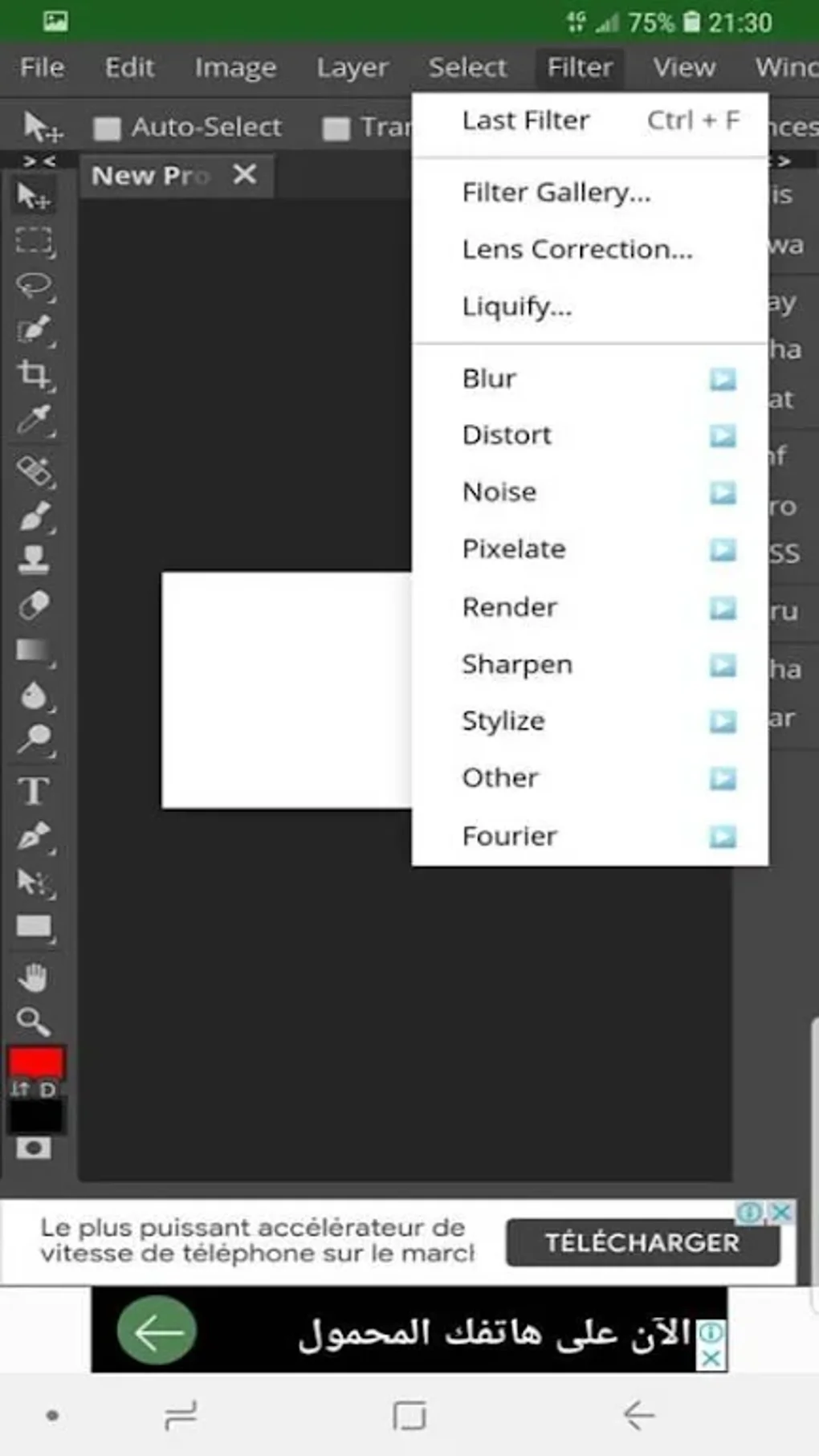
Photopea boasts a comprehensive suite of editing tools, numbering around 60 in total. These range from basic functionalities like cropping and brush adjustments to more advanced features such as layer manipulation and content-aware move. This broad spectrum of capabilities enables users to perform a wide array of edits, from simple touch-ups to complex image manipulations. The inclusion of advanced tools like layers allows for intricate compositing and non-destructive editing, a feature often absent in simpler mobile photo editors. Content-aware move, in particular, showcases Photopea’s sophisticated capabilities, allowing for the seamless integration and manipulation of elements within an image. This is a feature that significantly enhances the precision and efficiency of image editing workflows.
.webp)
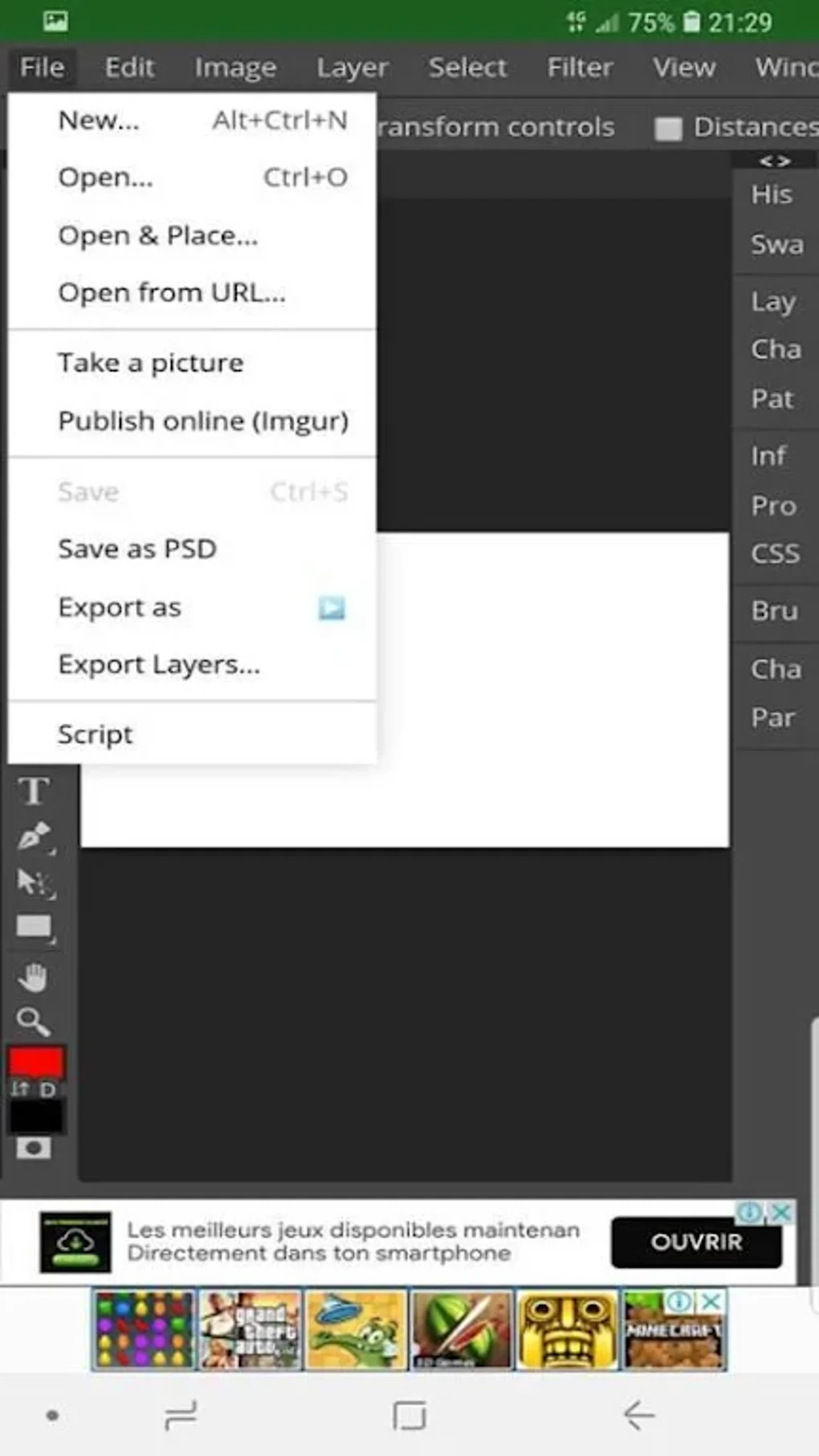
Beyond basic editing, Photopea offers impressive support for a vast array of image formats. This impressive compatibility includes, but is not limited to, PSD, AI, XD, Sketch, PDF, XCF, RAW, SVG, ICO, WebP, EMF, DXF, PSB, BMP, DCS 1.0 and 2.0, GIF, JPEG, PNG, SCT, TGA, and TIFF. This extensive list caters to users working with diverse file types, eliminating the need for format conversions before editing. The ability to handle RAW images directly is especially beneficial for photographers who prefer to work with the highest quality source material, allowing for greater control over post-processing. This level of format versatility is a significant advantage, making Photopea a truly universal image editing solution.
The application also provides convenient import and export options, allowing users to access files from various cloud storage services like PeaDrive, Dropbox, OneDrive, and Google Drive, in addition to local storage. This seamless integration with popular cloud platforms streamlines workflows and allows for easy collaboration and access to files across multiple devices. The ability to work directly with files stored in the cloud enhances convenience and accessibility for users who frequently work remotely or collaboratively.
.webp)
Furthermore, Photopea’s extensive library of PSD templates provides a valuable resource for users seeking to jumpstart their projects. These templates cover a variety of design topics, including social media graphics and print materials, making it a handy tool for users of all skill levels, from those starting out to more advanced designers seeking inspiration. The templates offer not only a visual starting point, but also provide insight into common design layouts and structures.
Navigating the Interface and Mastering the Tools
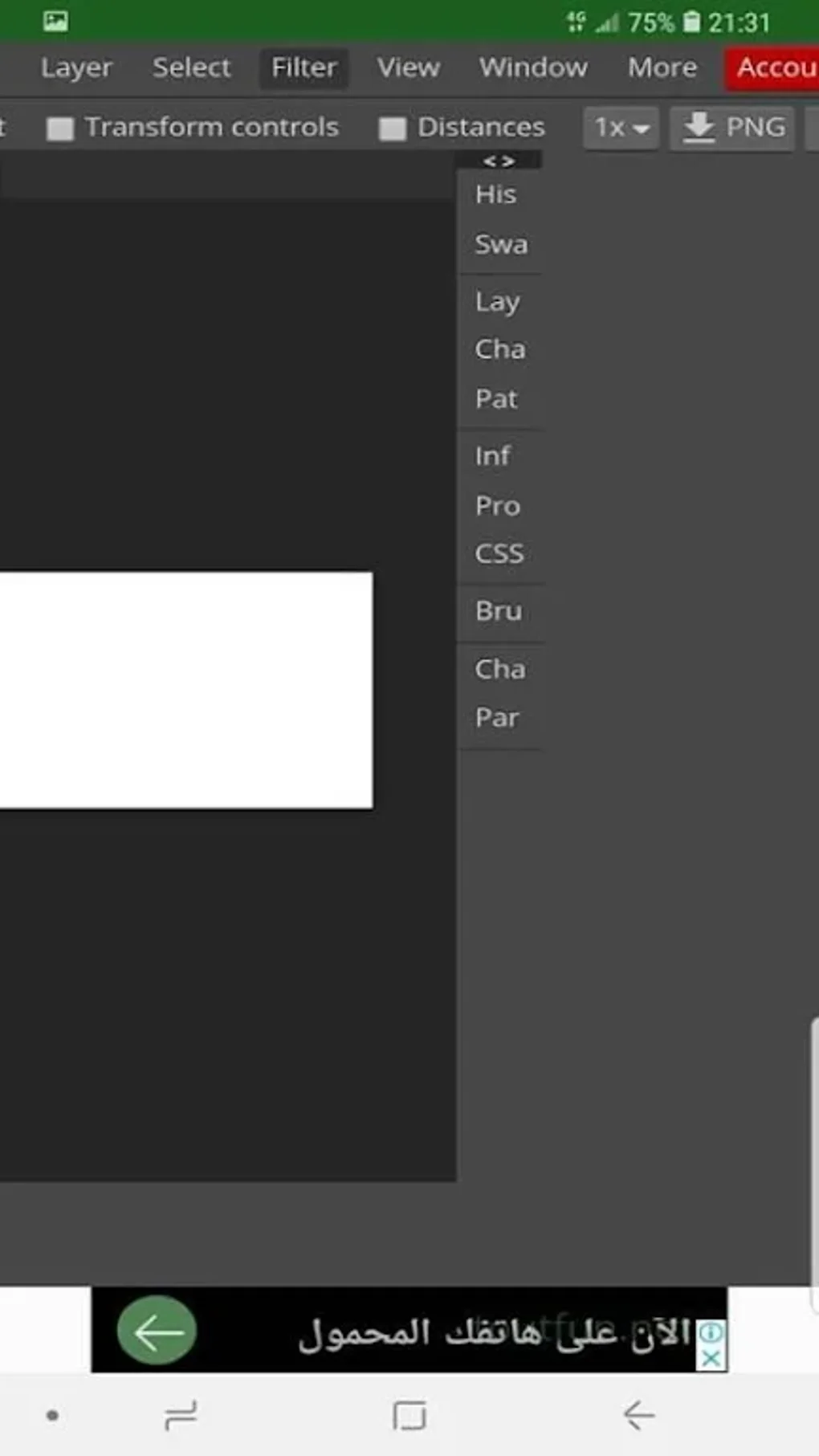
Photopea’s interface is designed to mimic that of Adobe Photoshop. While this offers familiarity to seasoned Photoshop users, it presents a steeper learning curve for novices. The software’s complexity can be overwhelming for beginners unfamiliar with the intricacies of layer-based image editing. Users unfamiliar with Photoshop’s layout and terminology may find themselves spending considerable time navigating the interface and understanding the function of various tools. While the software’s powerful functionality is a major strength, this can be a substantial barrier to entry.
The extensive array of tools and options, while impressive, contributes to the program’s complexity. Users might need to invest significant time in learning how to effectively utilize each tool and how they interact with each other. The extensive documentation or tutorials available online could be a helpful resource for users seeking to maximize their productivity. For novice users, considering a simpler image editor might be a more suitable approach.
.webp)
Performance Considerations and Limitations
Despite its powerful feature set, Photopea’s performance on mobile devices can be a point of contention. The app’s processing power may struggle, especially when handling large files or intricate projects. The app’s resource-intensive nature can lead to noticeable lag and slow processing times, especially on devices with less powerful processors or limited RAM. This performance limitation can impede the workflow, particularly when dealing with complex image manipulations or numerous layers. The increased demand on the device’s resources, compared to lighter photo editing apps, presents a notable drawback for users operating under constraints.
Another notable limitation is the lack of extensive 3D editing tools. While Photopea excels in 2D image editing, its 3D capabilities are significantly less developed compared to other more specialized software. This can be a limiting factor for users who require comprehensive 3D modelling or editing capabilities. The absence of advanced 3D tools restricts its suitability for projects involving 3D graphics or models, pushing users towards alternative software with more robust 3D features.
Recent Updates and Advanced Color Depth
A recent update to Photopea significantly enhanced its color capabilities. The integration of 16-bit and 32-bit color depth unlocks a vast spectrum of colors, expanding the creative possibilities for users significantly. This increased color depth allows for a level of color precision and nuance previously unavailable, opening up a multitude of possibilities for realistic and detailed images. The ability to work with 16-bit and 32-bit PSD, PNG, and TIFF files broadens the application’s compatibility and caters to professionals demanding the highest quality image output. The ability to convert RAW images into 16-bit documents is also a substantial upgrade.
This addition of advanced color depth marks a significant step forward in Photopea’s functionality, placing it on par with professional-level image editing software in terms of color precision and fidelity.
Is Photopea Worth Using?
Photopea offers a compelling combination of features and convenience. Its extensive toolset, vast format support, and PSD template library make it a powerful and versatile mobile image editor. However, its performance limitations on mobile devices and steep learning curve should be considered. The trade-off between its powerful functionality and the occasional sluggishness of the app requires careful evaluation.
For experienced users familiar with Photoshop’s interface, Photopea presents a viable mobile alternative, providing access to a professional-grade image editor on the go. However, for casual users or those seeking a simple, intuitive photo editing experience, other mobile applications might prove to be more user-friendly and less resource-intensive.
The ultimate value of Photopea depends on the user’s individual needs and priorities. Its powerful feature set is undeniable, yet its performance limitations and complex interface might hinder its effectiveness for certain users. Exploring alternative applications is recommended to find the perfect fit for specific workflows and skill levels.
Pros and Cons Summary
Pros:
- Extensive feature set: Offers a comprehensive range of editing tools, comparable to desktop software.
- Wide format support: Handles numerous image formats, including RAW, PSD, and many more.
- PSD templates: Provides a library of templates to jumpstart projects.
- Cloud storage integration: Allows for easy access to files from various cloud services.
- Advanced color depth: Supports 16-bit and 32-bit color for enhanced precision.
Cons:
- Performance limitations: Can be slow and laggy, particularly with large files or complex edits.
- Steep learning curve: Interface complexity may prove challenging for beginners.
- Limited 3D tools: Lacks the extensive 3D editing capabilities of dedicated 3D software.
In conclusion, Photopea is a powerful and versatile mobile photo editor with a broad appeal. Its extensive capabilities are counterbalanced by its demanding performance and complex interface, demanding careful consideration before adoption. The optimal choice depends on the specific needs and technical expertise of the individual user.
File Information
- License: “Free”
- Version: “1.0”
- Latest update: “July 10, 2024”
- Platform: “Android”
- OS: “Android 6.0”
- Language: “English”
- Downloads: “429.3K”
- Size: “14.12 MB”
- Download Options: “APK, Google Play”
- Filename: “photopea_1.0.apk”


