
In an age dominated by digital imagery and video content, managing, viewing, and enhancing our personal media libraries has become an essential aspect of our digital lives. For users of the Windows operating system, Microsoft offers a powerful, yet often underestimated, solution: the Photos application. This free multimedia utility, typically pre-installed on Windows devices, stands as a cornerstone for anyone looking to organize, view, and playfully edit their vast collections of images and videos. Far more than just a simple viewer, Photos integrates a suite of intuitive tools that rival many third-party applications, making it a comprehensive hub for your visual memories.
From its seamless integration with the Windows ecosystem to its capacity for intelligent organization and creative enhancement, Photos delivers a robust experience designed to cater to both casual users and those who desire more control over their media. You can effortlessly transform a disparate collection of captured moments into curated albums or craft compelling narratives from your recorded videos, all within a familiar and accessible interface. While dedicated professional software exists for highly specialized tasks, Photos positions itself as an excellent, free alternative to popular tools like IrfanView, XnView, and FastStone Image Viewer, offering a feature set that is more than sufficient for the everyday needs of most Windows users. This deep dive will explore the multifaceted capabilities of Photos, highlighting why it remains a significant utility within the Windows landscape and an indispensable tool for personal media management.
A Seamless Viewing Experience Across Devices
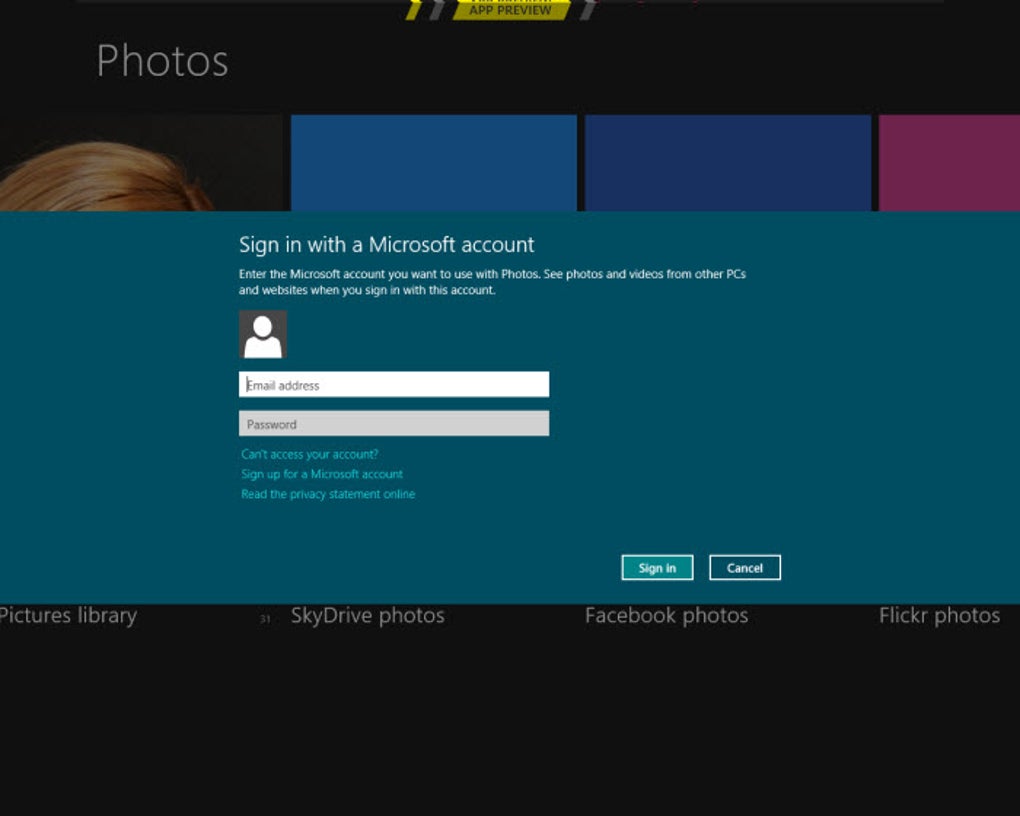
The primary function of the Photos application, as its name suggests, is to provide an exemplary viewing experience for your images and videos. However, it goes far beyond merely displaying files; it creates an integrated and adaptable viewing environment that ensures your memories are always at your fingertips, regardless of the device you’re using. This is largely facilitated by its intelligent integration with Microsoft OneDrive, the cloud storage service that allows you to access your entire media library from virtually any device. Whether you’re on your desktop PC, laptop, or even a different Windows device, your photos and videos remain synchronized and readily available, eliminating the need for cumbersome file transfers or maintaining multiple copies.
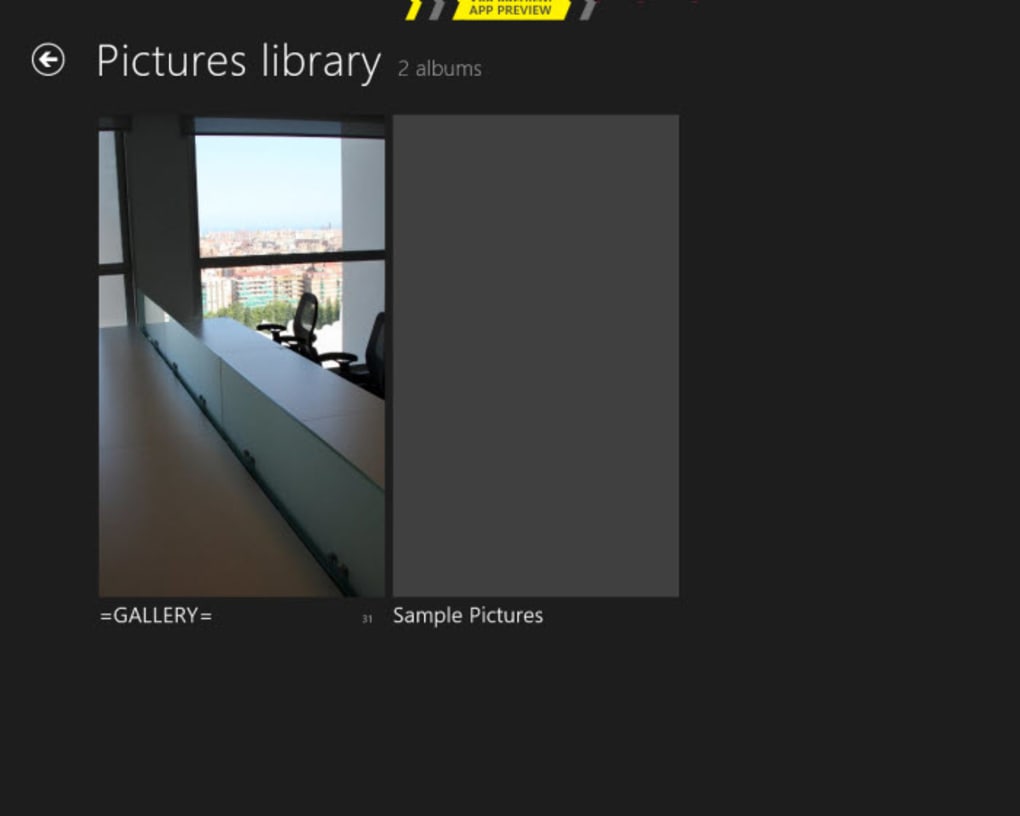
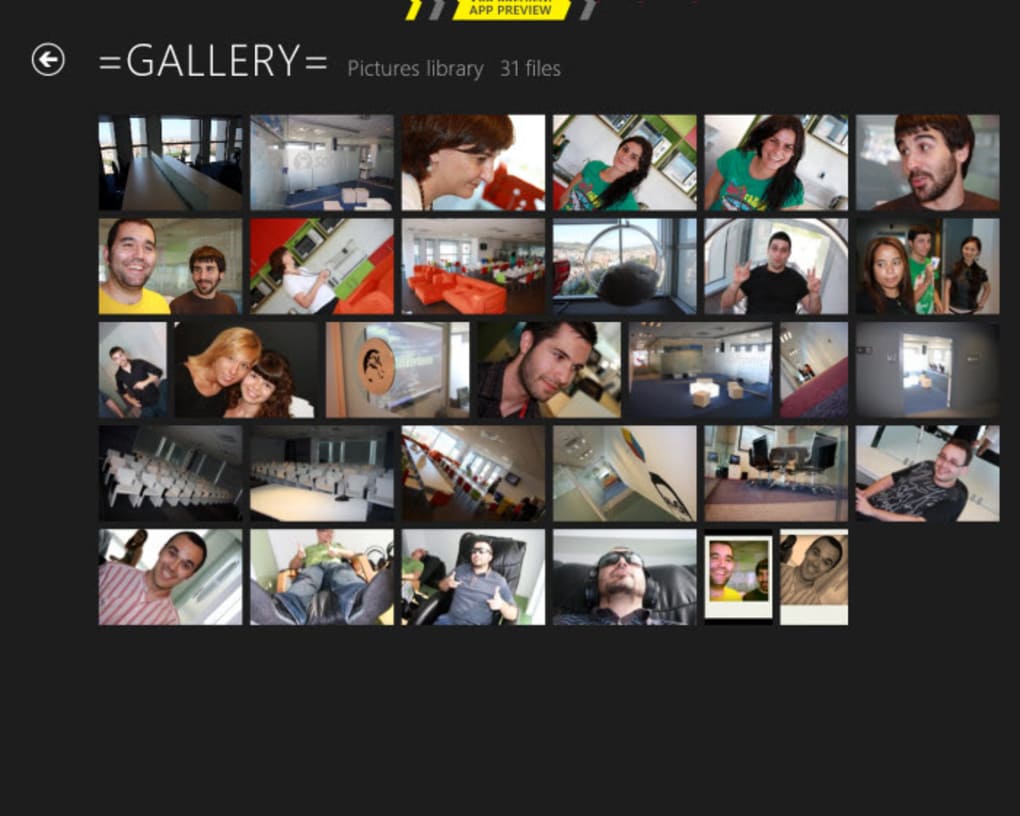
Navigating your collection within Photos is designed for both speed and detail. When browsing through a large number of images, you have the flexibility to adjust the thumbnail size, making them smaller for quicker scrolling and efficient content discovery, or larger to appreciate clearer details without needing to open each file individually. This granular control over the display allows for a personalized browsing experience, adapting to whether you’re quickly scanning for a specific event or meticulously reviewing a series of shots. The intuitive interface ensures that moving between images, zooming in, and panning across detailed photographs feels fluid and natural.
Beyond individual viewing, Photos excels at presenting your media in more engaging formats. The slideshow feature, for instance, allows you to effortlessly showcase a selection of images, transitioning smoothly from one to the next, often accompanied by background music or subtle animations. This is perfect for sharing memories with family and friends without having to manually click through each picture. Imagine hosting a casual gathering and having a beautifully curated slideshow playing on your monitor, cycling through holiday snaps or a child’s birthday party – Photos makes this a reality with minimal effort. Furthermore, for those cherished images that truly capture a moment, Photos offers the delightful option to set them as your desktop background or lock screen image. This personalization allows users to infuse their digital workspace with significant memories, transforming their computer into a dynamic canvas of personal expression and reminding them of precious moments every time they log in or minimize their applications. This depth of viewing functionality, combined with its ease of use and cross-device accessibility, cements Photos as a truly indispensable tool for the modern Windows user.
Empowering Your Creativity with Robust Editing Tools
While its viewing capabilities are commendable, the true power of the Photos application unfolds in its comprehensive suite of editing tools. Microsoft has meticulously crafted Photos to serve as an all-in-one editor for both images and videos, eliminating the frequent need for users to download and learn separate, often complex, third-party software. This integration of powerful editing features directly within a pre-installed application is a significant advantage, offering convenience and efficiency to users ranging from casual photographers to those who dabble in video creation.
For images, Photos provides a solid foundation of essential editing functions. You can easily perform basic adjustments such as cropping to improve composition or rotating to correct orientation. Beyond these fundamentals, the application offers more sophisticated controls to fine-tune the aesthetics of your photos. Users can adjust lighting parameters like brightness, contrast, highlights, and shadows, bringing out hidden details in underexposed areas or taming harsh glares. Color correction tools allow for precise adjustments to saturation, tint, and warmth, enabling you to set the perfect mood or correct color casts. A variety of artistic filters and effects are also available, transforming the look and feel of your images with a single click, from vintage sepia tones to vibrant, modern aesthetics. What sets Photos apart is its inclusion of targeted beauty tools, such as red-eye correction and blemish removal. These features are invaluable for perfecting portraits and ensuring that every person looks their best without requiring advanced photo manipulation skills.
The video editing capabilities within Photos are equally impressive, providing users with the tools to create engaging and polished video clips. You can easily trim unwanted segments, ensuring your videos are concise and impactful. The ability to change background music allows you to set the emotional tone for your footage, while options to adjust camera motion can stabilize shaky recordings or add dynamic visual flair. Adding text overlays is straightforward, perfect for titles, captions, or contextual information. A range of video filters can dramatically alter the visual style of your clips, much like with images, giving them a cinematic or artistic touch. Perhaps one of the most exciting features is the inclusion of 3D effects. Imagine adding a swarm of animated bees buzzing around a flower, a dramatic lightning strike illuminating a stormy sky, or a blazing fireball streaking across your action sequence. These dynamic visual elements can significantly elevate the production quality of your homemade videos, making them more immersive and entertaining.
Furthermore, both images and videos in Photos can be drawn upon, allowing for freehand annotations, doodling, or highlighting specific elements. This artistic freedom is particularly useful for personalized greeting cards or educational content. The animated playback feature brings these drawings to life, creating a dynamic visual story that enhances engagement. The comprehensive nature of these tools means that for most everyday editing tasks – whether it’s sprucing up a family photo album, creating a short social media video, or assembling a presentation – Photos offers more than enough functionality to achieve professional-looking results without the steep learning curve or cost associated with specialized software.
Intelligent Organization and Automatic Creation
One of the most compelling aspects of the Photos application, and a feature that truly elevates it beyond a mere viewer, is its intelligent approach to organizing vast media libraries and its capability for automatic content creation. For anyone with thousands of photos and videos scattered across various folders, the sheer thought of manually sorting through them can be daunting. Photos alleviates this burden by employing smart algorithms that analyze your media and proactively organize it in meaningful ways, saving users countless hours and ensuring their memories are easily retrievable.
The application automatically creates albums and movies based on a variety of contextual categories. This includes metadata like the date and time your photos and videos were captured, geographical location information (if available), and even recognizing faces of individuals. Imagine taking hundreds of photos over several years; Photos can automatically group all pictures from a specific vacation, combine all videos from a particular birthday party, or gather every photo of a beloved family member into their own dedicated album. This intelligent sorting capability transforms a chaotic collection into a well-structured archive, making it incredibly simple to revisit specific events or find particular moments without endless searching.
The power of this automatic organization extends into creative production as well. Photos doesn’t just categorize your media; it actively suggests and even drafts complete projects. For example, after a holiday or a significant event where you’ve captured numerous photos and videos, Photos might automatically assemble these into a “Story” or a “Video Project.” These automatically generated creations are often complete with background music, transitions, and effects, providing a surprisingly polished and coherent narrative. The beauty of this feature is that these auto-generated albums and movies serve as excellent starting points. Users are not locked into the automatic suggestions; instead, they are given a fully editable canvas. If you like the initial layout or the choice of music, you can save it as is. However, if you wish to refine it further, you have full control to edit every aspect: change the sequence of photos, swap out videos, alter the music, add more custom text, or apply different filters. This hybrid approach – automatic generation combined with complete user customization – offers the best of both worlds: convenience for quick results and flexibility for personalized perfection.
This intelligent organization goes a long way in managing the digital clutter that many users face. Instead of worrying about folder structures or manual tagging, Photos takes care of the heavy lifting, allowing you to spend more time enjoying your memories and less time managing them. It transforms the daunting task of media management into an enjoyable and creative process, ensuring that no precious moment gets lost in the digital abyss.
The Advantages and Minor Drawbacks of Photos for Windows
Microsoft’s Photos application, as a core component of the Windows operating system, offers a compelling package of features that makes it a significant utility for millions of users worldwide. Its advantages are numerous and often underscore why it has become the default choice for media management on Windows PCs. Foremost among these is its comprehensive nature: Photos serves as a powerful viewer and editor rolled into one, eliminating the need to juggle multiple applications for basic tasks. This seamless integration within the Windows environment ensures a smooth, consistent user experience from the moment you plug in a camera or open a downloaded image.
One of the most significant benefits is that Photos is completely free. This cost-effectiveness cannot be overstated, especially when compared to premium third-party photo and video editing suites that can carry substantial price tags. For the vast majority of everyday users, the functionalities offered by Photos—from basic cropping and color adjustments to more advanced video trimming and 3D effects—are more than sufficient for their needs. This makes it an incredibly accessible tool, democratizing media editing for anyone with a Windows PC. The inclusion of both basic and advanced editing tools means it can grow with the user; simple adjustments are easy to find for beginners, while more precise controls are available for those who want to delve deeper.
The application’s intelligent features, such as the automatic creation of albums and video projects based on dates, locations, and even facial recognition, are major time-savers. This proactive organization simplifies the often overwhelming task of managing a large media library, making it easy to find and revisit cherished memories without manual sorting. The integration with Microsoft OneDrive further enhances its utility, allowing for cross-device access and cloud backup, ensuring your media is safe and available wherever you are. For many, Photos provides a robust and reliable solution that perfectly balances ease of use with a rich feature set, often rendering the download of alternative applications unnecessary.
However, no software is without its limitations, and Photos is no exception. The most frequently cited drawback, particularly by users who are more accustomed to advanced photo editing software, is the absence of a direct “before-and-after” view for edits. While you can typically undo changes or reset an image, the inability to instantly compare your current edited version side-by-side with the original unedited file can be a minor inconvenience for precise adjustments. This feature is common in professional-grade editors and allows for a clearer assessment of the impact of each edit. For basic users, this might not be a deal-breaker, but for those seeking meticulous control and visual comparison during the editing process, it represents a noticeable omission. Despite this minor drawback, for the sheer convenience, power, and cost-free nature it offers, Photos for Windows remains an outstanding and indispensable tool for personal media management.
In conclusion, the Microsoft Photos application stands as a testament to the power of integrated software within the Windows ecosystem. More than just a simple image viewer, it has evolved into a dynamic and versatile multimedia hub capable of handling a wide array of tasks related to photo and video management and enhancement. From its intelligent organizational capabilities that effortlessly curate your memories to its robust suite of editing tools that empower creative expression, Photos offers a complete package that caters to the needs of virtually every Windows user. Whether you’re looking to quickly view a snapshot, craft a captivating video story, or simply keep your ever-growing digital library in order, Photos provides the functionality without the complexity or cost associated with third-party alternatives. It is an essential utility that continues to simplify and enrich the digital lives of Windows users, proving that powerful tools don’t always need to come with a premium price tag. For anyone operating on Windows, leveraging the full potential of Photos means unlocking a more organized, creative, and accessible world of personal media.
File Information
- License: “Free”
- Latest update: “February 1, 2023”
- Platform: “Windows”
- OS: “Windows 10”
- Language: “English”
- Downloads: “33K”


