
Pic Stitch - Collage Editor is a free iPhone application designed to simplify the process of creating stunning photo collages. This review delves into the app’s features, usability, pros and cons, and provides comparisons with alternative applications. We’ll examine its strengths as a photo editing and sharing tool, exploring its suitability for both casual users and those seeking more advanced editing capabilities.
Apps: Pic Stitch in the App Ecosystem
In the crowded landscape of photo editing apps, Pic Stitch carves a niche by offering a simple, intuitive interface coupled with a surprising depth of features. Its free availability makes it accessible to a wide audience, while in-app purchases provide options for those seeking expanded creative tools. The app’s ease of use sets it apart from some competitors, particularly for users less comfortable with complex editing software. Its integration with various social media platforms and cloud storage services further enhances its convenience, streamlining the process of sharing finished creations. However, its outdated interface graphics, as noted by some users, could benefit from a visual refresh to maintain a contemporary aesthetic.
Photography: Features and Functionality
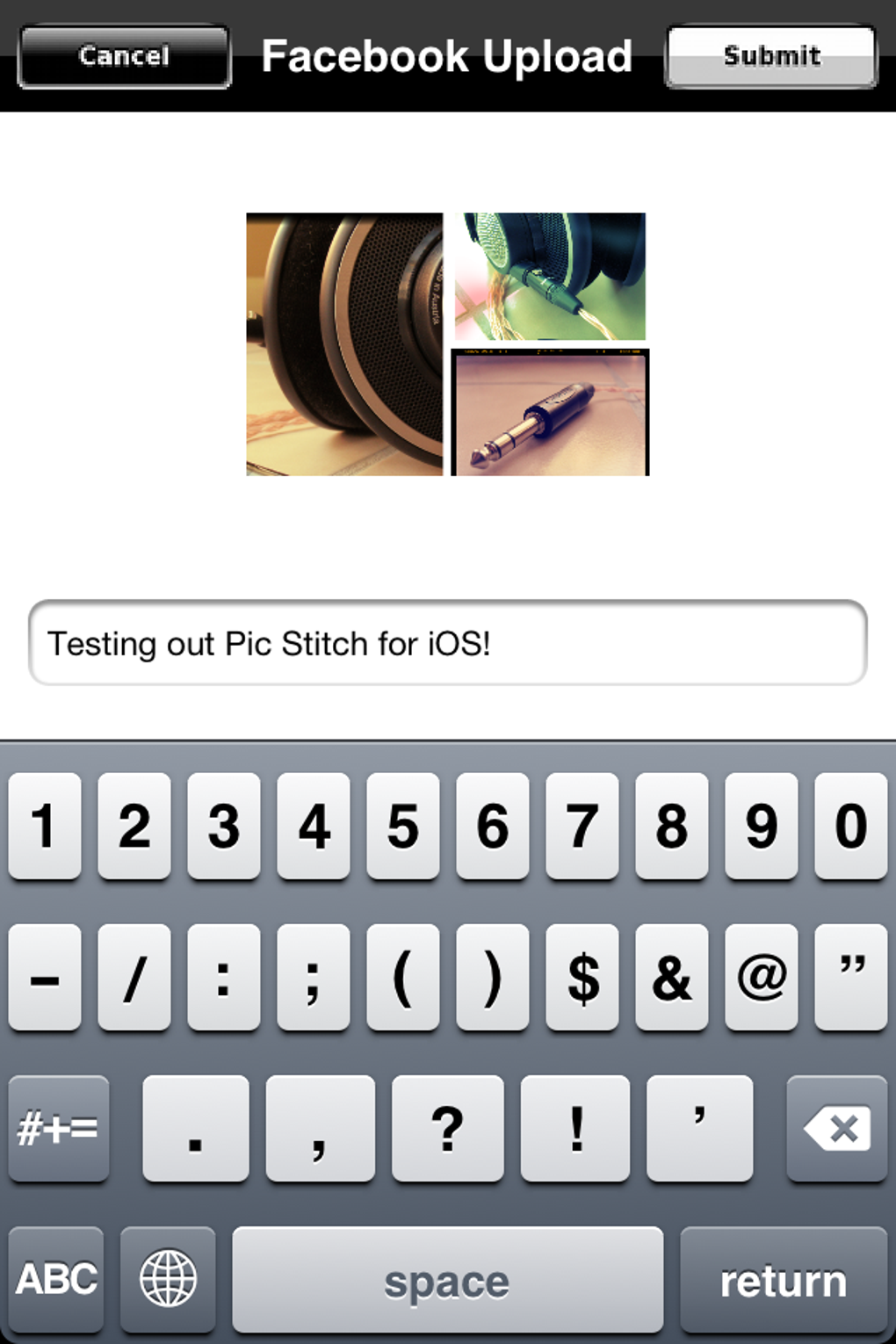
Pic Stitch’s core strength lies in its ability to transform multiple photos into visually appealing collages. Beyond simple arrangement, the app provides a comprehensive suite of editing tools. These include a variety of filters, effects, and adjustment options for brightness, contrast, and saturation. The inclusion of tools to address common photographic imperfections, such as red-eye removal and blemish correction, adds to its practicality. Users can easily drag, crop, and reposition photos within the collage, offering precise control over the final composition. The range of export options, including sharing to Facebook, Twitter, Instagram, email, and various cloud storage services, showcases the app’s adaptability to diverse sharing preferences. This seamless integration into existing workflows is a key advantage. The ability to open creations in external apps like Dropbox or Air Sharing provides further flexibility.
The app’s capacity to edit both single images and multiple photos simultaneously adds to its versatility. Whether it’s enhancing a single portrait or crafting a complex collage, Pic Stitch provides the necessary tools. The inclusion of stickers (as noted in the update) enhances creative possibilities, allowing for the addition of personalized elements to further personalize the collages.
While Pic Stitch offers a solid foundation of features, the availability of additional filters and effects through in-app purchases might be considered a drawback by some users who prefer a completely free and unrestricted experience. The balance between a generous free offering and the opportunity for expansion through paid upgrades appears to be a calculated strategy by the developer.
Multimedia: Beyond Still Images
While primarily focused on photo editing and collage creation, Pic Stitch indirectly touches upon multimedia elements through its sharing capabilities. The ability to export collages to various social media platforms introduces the possibility of incorporating these images into broader multimedia projects or presentations. Though it doesn’t directly support video editing or other multimedia formats, its integration with platforms supporting video and other content indirectly expands its reach within a wider multimedia context. This indirect involvement underscores the app’s role not just as an isolated editing tool, but as a component within a larger ecosystem of content creation and sharing.
iPhone: Optimization and User Experience
Pic Stitch is specifically designed for the iPhone operating system, showcasing optimization for iOS devices. Its intuitive interface is a major selling point, making the app accessible to users with varying levels of technical expertise. The ease of dragging and dropping photos, applying filters, and making adjustments contributes to a smooth and efficient user experience. While some users have pointed out the outdated interface graphics, the functionality remains streamlined and user-friendly. The app’s responsiveness and lack of noticeable lag during operation indicate a level of optimization geared towards providing a positive user experience on iOS.
For Business: Potential Applications
While Pic Stitch is primarily a consumer-facing app, its functionalities could find applications in certain business contexts. Small businesses, for instance, could leverage the app for creating visually appealing promotional materials, such as social media posts featuring product images or promotional offers. Real estate agencies might use it to showcase property photos in attractive collages. The app’s ability to quickly and easily create shareable content makes it suitable for rapid content production in various business contexts. The simplicity of its interface also makes it accessible to employees with varying degrees of technical skills. However, for high-volume professional use or projects requiring advanced editing capabilities, dedicated professional-grade software might be more appropriate. Pic Stitch’s strength lies in its ability to provide a quick and efficient solution for relatively simple business needs.
Pic Stitch: A Verdict
Pic Stitch - Collage Editor presents a compelling blend of simplicity and functionality. Its free availability and user-friendly interface makes it accessible to a broad range of users. While the outdated interface graphics are a valid point of criticism, the app’s core strengths – its ease of use, comprehensive editing tools, and seamless integration with various platforms – more than compensate for this minor aesthetic drawback. For casual users seeking a straightforward way to create visually appealing photo collages and share them across social media, Pic Stitch remains a highly recommended choice. The app’s extensive feature set and ease of use make it a valuable tool for both personal use and for some basic business applications. While dedicated professional-grade software offers more advanced features, Pic Stitch excels in its niche as a readily accessible and user-friendly solution for creating visually engaging photo collages.
File Information
- License: “Free”
- Version: “8.3.22”
- Latest update: “August 13, 2025”
- Platform: “iPhone”
- OS: “iOS 16.4”
- Language: “English”
- Downloads: “55.6K”


