
Pick:shine Movies Side Shows is a free iPhone video editing app designed for users of all skill levels, from casual content creators to seasoned professionals. This application focuses on simplifying the creation of compelling side-by-side videos, enabling users to effortlessly combine multiple video clips into a single, engaging output. Its intuitive interface and straightforward features make it accessible to a wide audience, while its robust capabilities offer considerable creative flexibility. However, certain limitations regarding advanced editing features should be considered before adopting it as a primary video editing tool. This review delves into the app’s strengths and weaknesses, providing a balanced perspective on its overall usefulness and potential.
Intuitive Design and Ease of Use
One of Pick:shine Movies Side Shows’s most significant strengths lies in its user-friendly interface. The app’s design prioritizes simplicity and ease of navigation. Users are guided through the process of importing videos, selecting layouts, and applying basic editing tools with minimal difficulty. The intuitive layout minimizes the learning curve, allowing users to quickly grasp the core functionalities and begin creating their side-by-side videos almost immediately. This accessibility is a significant advantage, particularly for users who may be unfamiliar with more complex video editing software. The process of importing multiple video clips is straightforward, and the app provides clear visual cues throughout the editing process, making it easy to follow even for novice users.
Versatile Layout Options and Customization
Pick:shine Movies Side Shows offers a range of versatile layout options for combining videos. Users can seamlessly merge two to four video clips, choosing from several pre-defined layouts that allow for various arrangements and proportions. This flexibility is crucial for creating different visual effects and storytelling approaches. The option to customize the arrangement of the videos allows for creative control over the final product’s visual appeal. For instance, users can create a comparison video showing two different perspectives of an event or use side-by-side layouts to highlight key moments within a single event. This level of control empowers users to tailor the visual presentation to their specific needs and artistic vision, enhancing the overall impact of their videos.
Robust Editing Features and Enhancements
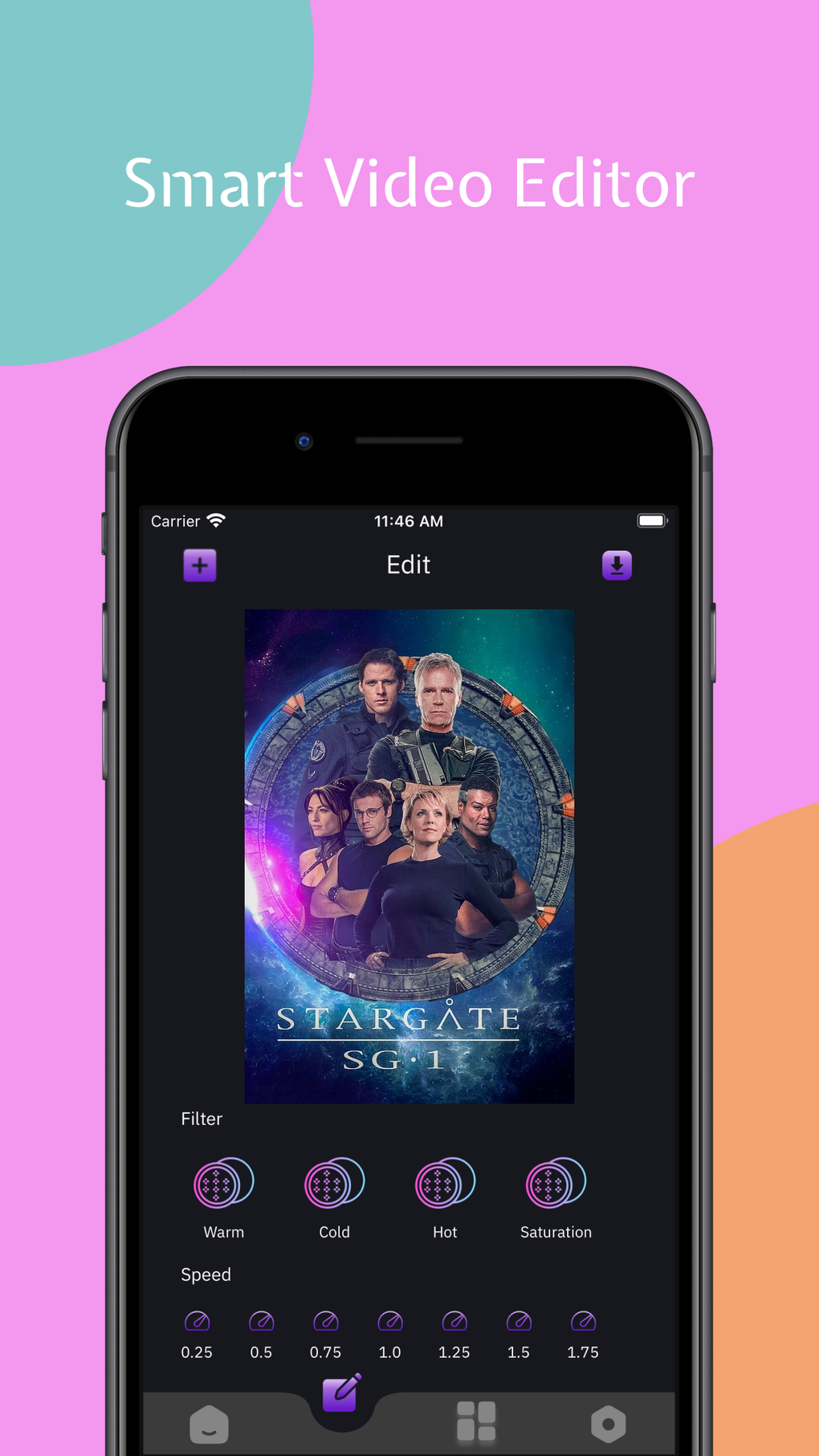
Beyond its layout options, Pick:shine Movies Side Shows provides a suite of useful editing tools to enhance the final product. Users can adjust the playback speed of individual video clips, allowing for the creation of slow-motion or time-lapse effects. This capability greatly expands the creative possibilities, adding another dimension to the storytelling potential. Furthermore, the app includes a selection of stylish filters that can be applied to enhance the visuals and create a specific mood or atmosphere. The inclusion of a curated music library is also a significant advantage, providing users with access to royalty-free background music to complement their video projects. This eliminates the need to source music independently, streamlining the workflow and saving users time and effort. However, the lack of flexibility to upload custom audio tracks is a noticeable limitation.
Limitations and Areas for Improvement
While Pick:shine Movies Side Shows offers a compelling suite of features, it also has certain limitations that users should be aware of. The app currently lacks advanced editing features, such as precise frame-by-frame editing, complex transitions, and keyframing. These omissions may hinder users seeking fine-grained control over their video editing process. The absence of more sophisticated transition effects limits the stylistic options available to users, potentially impacting the overall professional look and feel of the final video. The lack of keyframing prevents users from animating elements within the video, thereby restricting more advanced animation or visual effects. Similarly, the inability to upload custom audio files restricts the user’s ability to integrate their own preferred soundtracks or sound effects, potentially limiting creativity and personalization. These limitations primarily impact users aiming for professional-level video editing.
Comparison with Other Video Editing Apps
When compared to other video editing applications, Pick:shine Movies Side Shows offers a competitive advantage in its streamlined focus on side-by-side video creation. More comprehensive apps like iMovie or LumaFusion offer a broader range of features, including more advanced editing tools, keyframing, and a wider array of transitions and effects. However, these apps often come with a steeper learning curve and are generally more complex to navigate. Pick:shine Movies Side Shows occupies a niche by providing a user-friendly interface dedicated to side-by-side video editing, simplifying the process for users who prioritize ease of use over a vast array of features. Its strength lies in its simplicity and user-friendliness, making it ideal for users who need a quick and easy way to create professional-looking side-by-side videos without getting bogged down in complex tools and settings.
Conclusion: Who Should Use Pick:shine Movies Side Shows?
Pick:shine Movies Side Shows is an excellent choice for users who require a straightforward and user-friendly app for creating side-by-side videos. Its intuitive interface, customizable layouts, and basic editing tools make it perfect for casual content creators, social media users, and anyone seeking a simple yet effective way to combine multiple videos into a single engaging output. Its streamlined approach makes video creation accessible even to those without prior video editing experience. However, users who need advanced editing capabilities, such as precise frame-by-frame control, complex transitions, or the ability to upload custom audio tracks, might find the app’s limitations frustrating. For professional video editors or those working on complex projects, more comprehensive applications might be a better fit. Ultimately, Pick:shine Movies Side Shows provides a valuable service for a specific user base, simplifying a task that can be otherwise complex and time-consuming with other software. Its strengths lie in its ease of use and focus on a specific video editing style. The app’s future development could greatly benefit from incorporating some of the advanced features missing in the current iteration.
File Information
- License: “Free”
- Version: “2.6”
- Latest update: “December 23, 2024”
- Platform: “iPhone”
- OS: “iOS 16.4”
- Language: “English”
- Downloads: “8.6K”


