
PLAYit is a versatile multimedia application designed for Android devices, functioning as a video player, music player, downloader, and converter all within a single, user-friendly interface. This comprehensive suite of tools offers users a convenient and integrated solution for managing and enjoying their multimedia content. While boasting a range of features, PLAYit also presents certain limitations that users should be aware of before downloading and utilizing the application.
Core Functionality: Playing and Downloading Media
At its heart, PLAYit serves as a robust media player, capable of handling a wide array of video and audio formats. This means users can easily watch their favorite videos and listen to their music collection, regardless of the file type. The application supports popular formats, ensuring compatibility with most media files stored on the device. Beyond simple playback, PLAYit enhances the user experience with added functionalities such as multi-play options and intuitive gesture control, allowing for smoother and more personalized media consumption. A particularly useful feature is the floating player, which allows users to continue watching videos while simultaneously using other apps on their device, enhancing multitasking capabilities.
Furthermore, PLAYit differentiates itself from competing applications like VLC and MX Player by incorporating a built-in video downloader. This functionality simplifies the process of saving videos from various online platforms and social media websites, eliminating the need for separate downloading tools. The download process is straightforward, requiring only a single tap on the designated download icon within the application. However, it’s crucial to acknowledge that download speeds tend to be slower than those offered by dedicated download managers, and this is further exacerbated by the presence of numerous advertisements that frequently interrupt the downloading process.
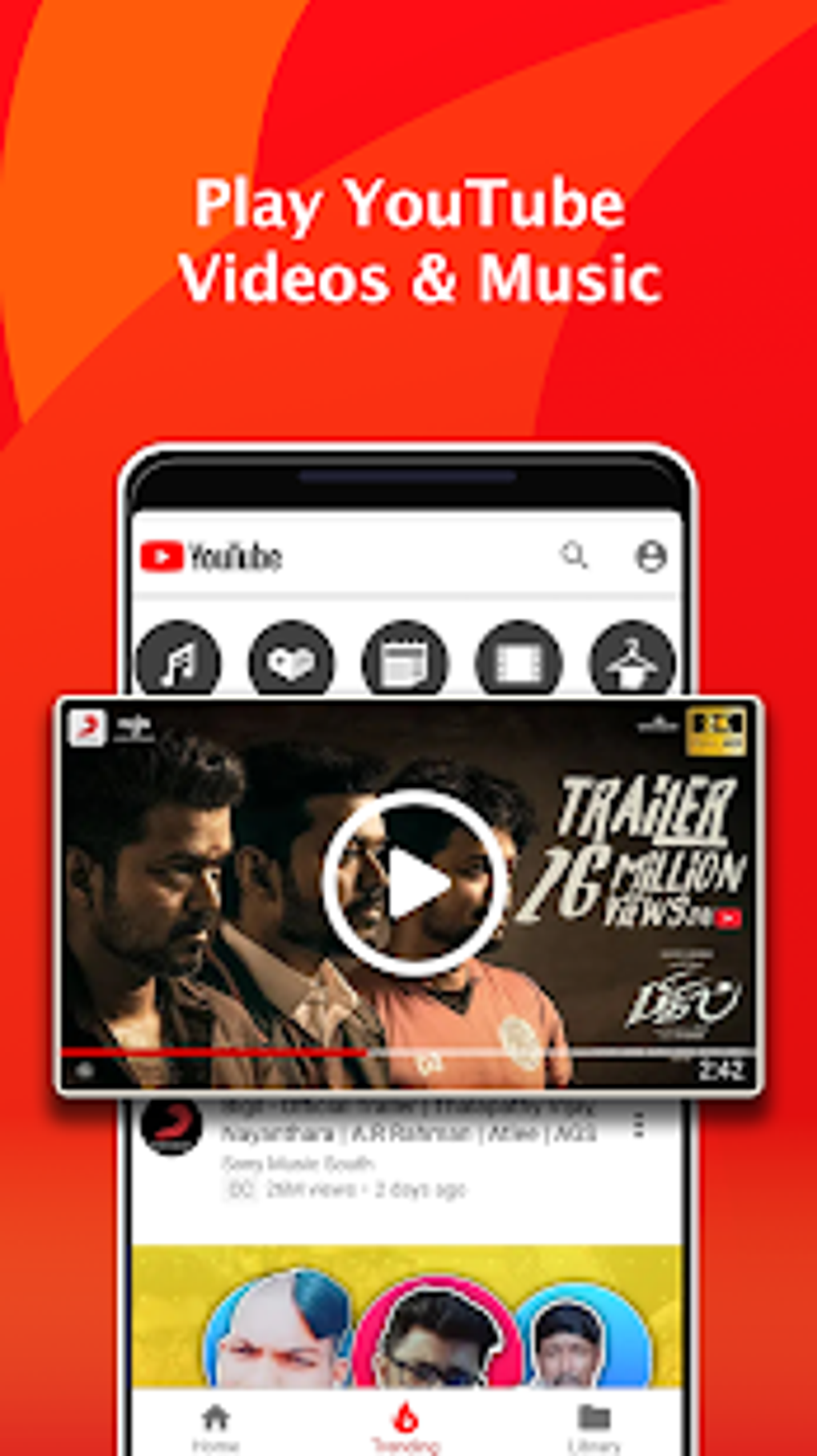
The application also includes a valuable MP3 converter, enabling users to extract audio tracks from downloaded videos in MP4 format. This functionality adds another layer of convenience for managing and enjoying audio content. It is, however, important to emphasize that PLAYit does not support downloading videos from YouTube, a significant limitation for users who rely on the platform for video content.
User Interface and Experience
PLAYit presents a clean and intuitive interface, ensuring easy navigation and effortless access to its various features. The simple design prioritizes ease of use, minimizing the learning curve for users unfamiliar with the application. This user-friendly interface contributes to a smoother overall user experience. Despite this simplicity, the application is plagued by intrusive advertisements that pop up frequently, interrupting the viewing and downloading processes. This constant barrage of advertisements can significantly detract from the user experience and impact download speeds, impacting user satisfaction.
Additional Features and Limitations
Beyond its core functionalities, PLAYit offers several supplemental features that enhance the overall multimedia experience. It includes a dedicated music player section, enabling users to easily browse and play their audio files. Similar to other music players, PLAYit allows background playback, allowing users to listen to music while using other applications. Its unique capability to extract and play only the audio track from videos adds further flexibility in managing audio content.
While the application offers a compelling combination of features, it is vital to consider its shortcomings. The slower download speeds compared to dedicated downloaders and the persistent interruptions caused by advertisements significantly hinder the overall functionality. Furthermore, the application’s video editing capabilities are limited, providing no extensive editing tools for users seeking advanced features. Moreover, the casting functionality to external devices, such as TVs, often presents difficulties, potentially causing frustration for users attempting to stream content to larger screens.
Comparison with Alternative Applications
Compared to other popular multimedia players, PLAYit stands out due to its integrated downloader and converter functionalities. However, its slower download speeds and intrusive advertisements present a notable disadvantage compared to dedicated download managers and ad-free applications. Alternatives like VLC and MX Player offer superior performance and a cleaner user experience, lacking the pervasive ads found in PLAYit. While PLAYit aims for a comprehensive all-in-one solution, these alternative applications excel in specific areas, offering specialized features and superior performance without the compromise of frequent advertisements.
The choice between PLAYit and other applications ultimately depends on user priorities. If the integrated download and conversion features outweigh concerns about slower speeds and advertisements, PLAYit might be a suitable option. However, users prioritizing smooth performance and an ad-free experience should consider alternative applications offering greater speed and a cleaner user interface.
Conclusion: Weighing the Pros and Cons
PLAYit presents a comprehensive approach to multimedia management on Android devices, combining video and music playback with download and conversion capabilities. Its user-friendly interface simplifies navigation and access to its various functions. However, significant drawbacks exist, primarily concerning slower download speeds and persistent advertisements that disrupt the user experience. These shortcomings must be carefully weighed against the conveniences offered by the integrated features. Users seeking a streamlined and ad-free experience may find alternative applications better suited to their needs, while those valuing the convenience of an all-in-one solution may find PLAYit’s functionalities, despite its limitations, acceptable. Ultimately, the decision of whether to download and use PLAYit depends on individual preferences and tolerance for the application’s drawbacks. A thorough consideration of both its advantages and disadvantages is crucial before deciding whether it meets personal needs and expectations. It is advisable to explore alternative options and compare their functionalities and user experiences before making a final decision.
File Information
- License: “Free”
- Latest update: “August 11, 2025”
- Platform: “Android”
- OS: “Android 15.0”
- Language: “English”
- Downloads: “343.7K”
- Download Options: “Google Play”


