
The PlayStation App, a free application developed by Sony Interactive Entertainment, seamlessly extends the PlayStation experience from your console to your smartphone or tablet. This comprehensive utility acts as a central hub, connecting you to your PlayStation 4 (PS4) and PlayStation 5 (PS5) consoles, allowing you to manage various aspects of your gaming life from the convenience of your mobile device. Whether you’re checking your friends list, browsing the PlayStation Store, or remotely downloading games, the PlayStation App offers a streamlined and accessible way to stay connected to your gaming world.
Staying Connected: Friends, Messages, and More
One of the core functions of the PlayStation App is its robust social features. The app mirrors many of the social capabilities of the PlayStation consoles, providing a convenient way to interact with your friends and gaming community. You can easily access your friends list, send and receive messages, and participate in both individual and group chats. This feature is invaluable for coordinating multiplayer sessions, discussing game strategies, or simply keeping in touch with your gaming buddies.
Beyond instant messaging, the app also provides a comprehensive overview of your recent gaming accomplishments. You can check your trophy list, viewing recently earned trophies and tracking your progress toward completing specific game challenges. This functionality allows you to showcase your gaming achievements and compare your progress with friends, adding another layer to the competitive and social aspects of your gaming experience. The integrated notification system alerts you to new friend requests, messages, and other important updates, ensuring you never miss crucial interactions.
Managing Your Game Library and Downloads
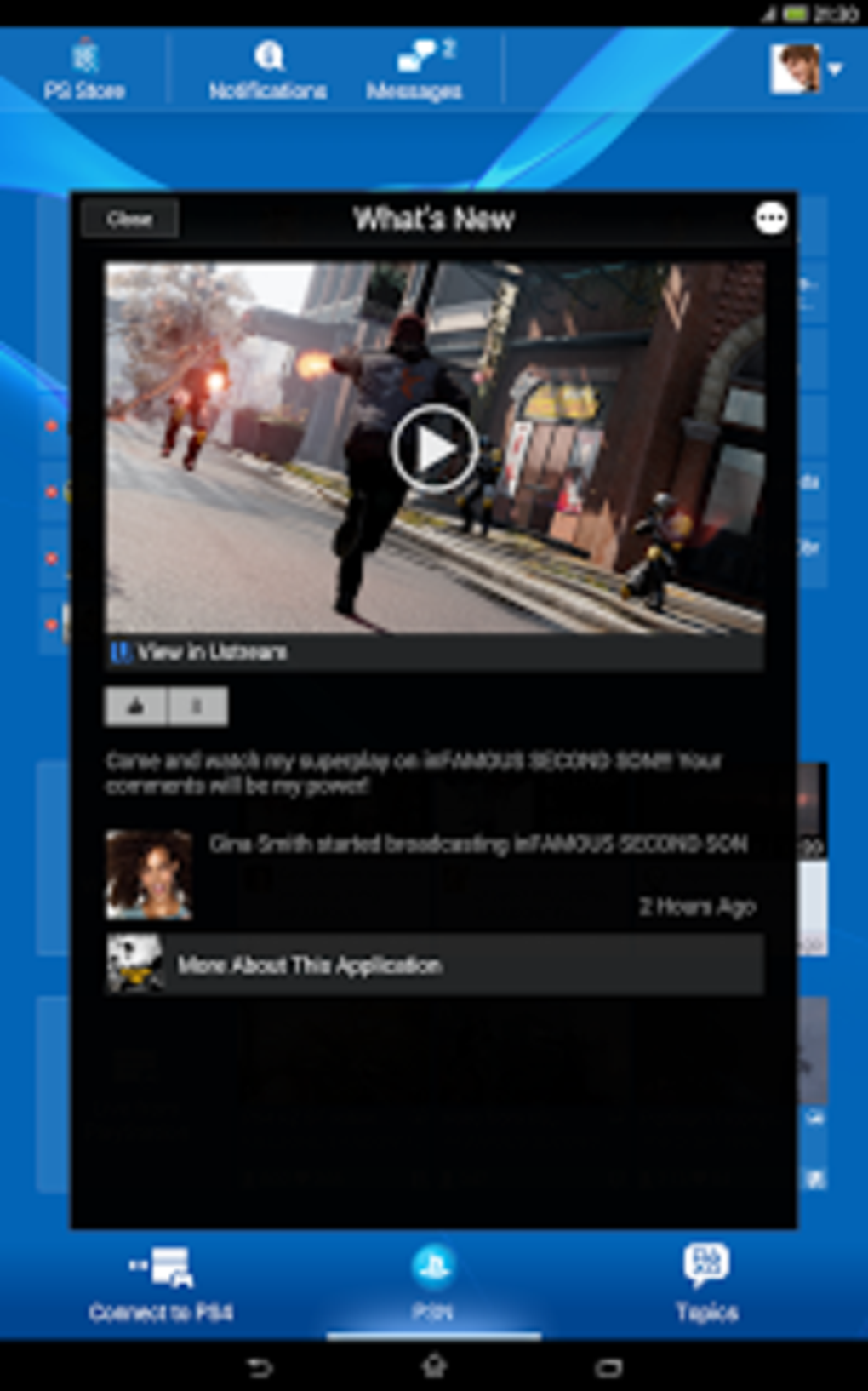
The PlayStation App simplifies game management, offering a convenient platform for browsing, purchasing, and downloading games. You can browse the PlayStation Store directly from the app, exploring new releases, searching for specific titles, and perusing the vast library of available games. The app allows you to view detailed game information, including trailers, screenshots, and user reviews, helping you make informed decisions about your next purchase.
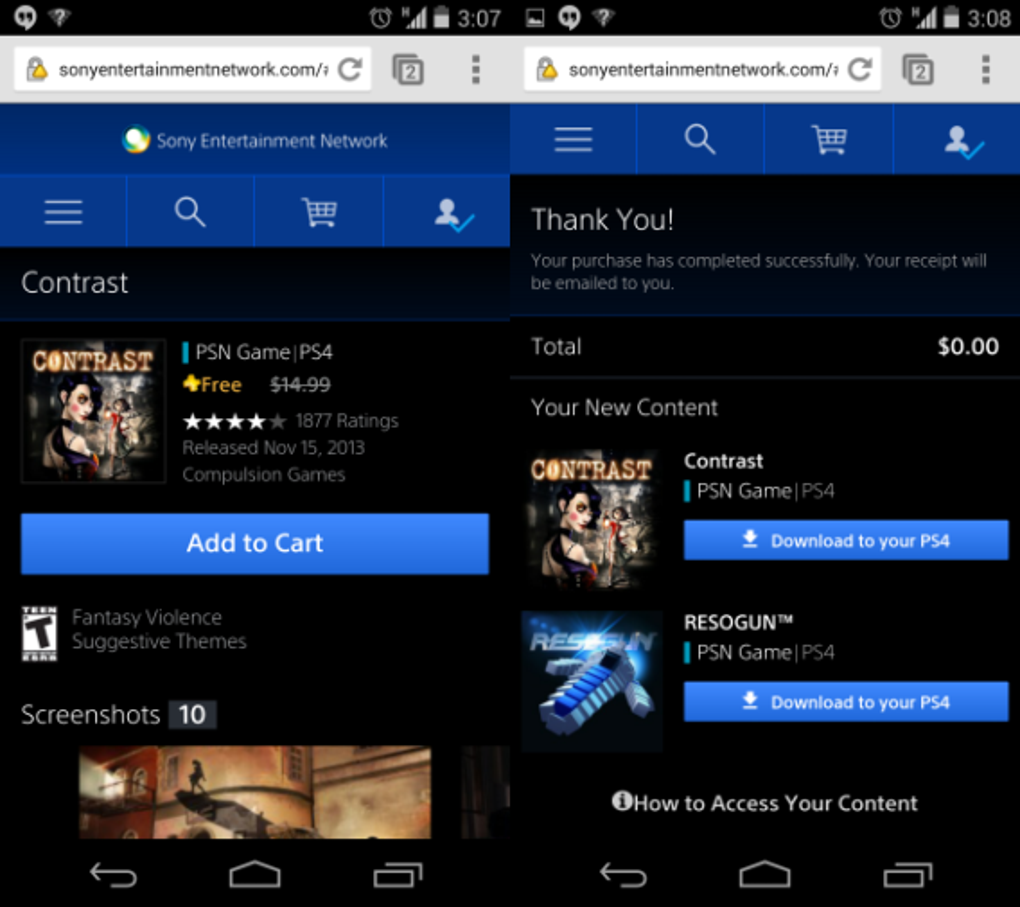
Once you’ve chosen a game, the PlayStation App makes the purchasing and downloading process remarkably straightforward. You can purchase games directly through the app using your registered PlayStation Network payment methods. This is particularly beneficial for pre-ordering games, ensuring your game is ready to play the moment it’s released. Furthermore, the app’s integration with your PS4 or PS5 console allows for remote downloads. This means you can initiate downloads while away from your console, ensuring the game is ready to play by the time you return. This feature is especially valuable for large game downloads, eliminating the waiting time when you are ready to start playing.
The app’s library feature provides a complete catalog of your owned games, making it easy to manage your entire digital library. You can quickly view your game collection, launch games directly from the app (when connected to your console), and easily check your game download progress. The library feature is highly customizable, allowing you to sort and filter your games, making it easier to locate specific titles.
Remote Play: Bringing Your Console to Your Pocket
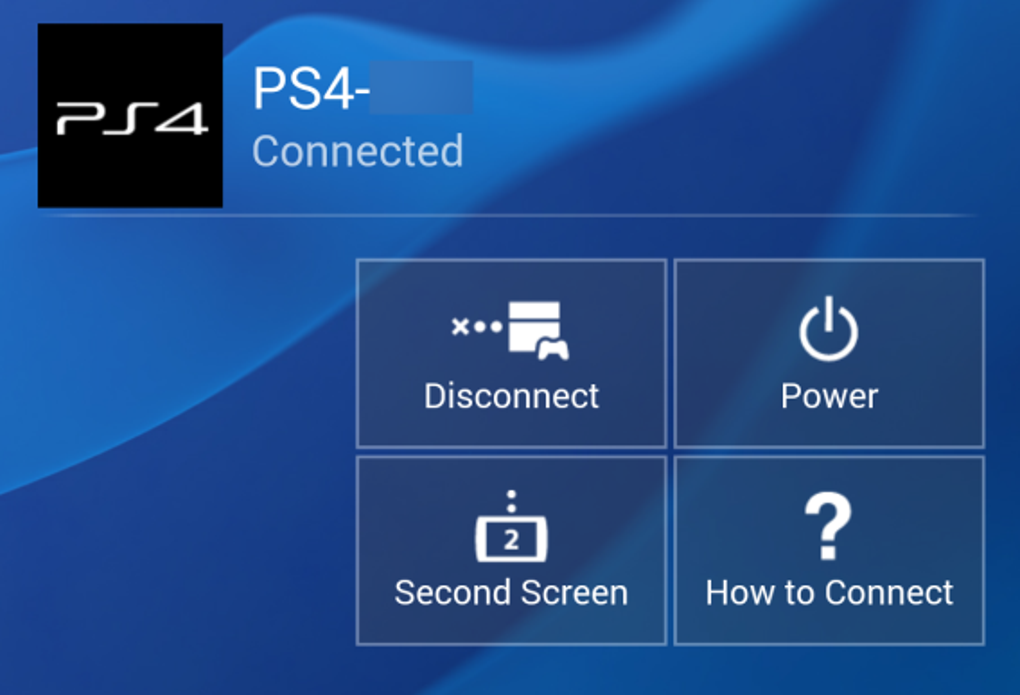
The PlayStation App’s remote play functionality is a standout feature, allowing you to remotely control your PS4 or PS5 from your mobile device. Using a stable Wi-Fi connection, you can seamlessly stream your gameplay from your console to your smartphone or tablet, providing unparalleled freedom and flexibility. This function allows you to continue your gaming session even when away from your console, providing a convenient option for playing on the go.
While offering extraordinary convenience, the success of remote play is heavily dependent on a strong and stable internet connection. A robust and consistent Wi-Fi network is essential for a smooth and lag-free gaming experience. Performance can be negatively affected by weaker connections, resulting in lag or reduced visual quality, making a strong, consistent Wi-Fi signal crucial for a smooth gaming experience. While the app compensates for network fluctuations, high-quality remote play demands optimal network conditions.
The remote play functionality integrates seamlessly into the app’s interface, providing a straightforward and user-friendly control scheme. The controls are customized to optimize the gameplay experience on mobile devices, ensuring a comfortable and intuitive gaming experience. While a physical controller offers improved accuracy and responsiveness, the on-screen touch controls within the app are remarkably responsive and well-designed for casual gameplay.
PlayStation Store Integration and Rewards
Beyond game downloads, the PlayStation App provides easy access to the PlayStation Store. This allows you to browse new releases, search for specific games, and check out deals and promotions. The app provides detailed game information, including trailers, screenshots, user reviews, and ratings, helping you make informed purchasing decisions. Furthermore, the integration with the PlayStation Store provides a seamless transition from browsing to purchasing games, eliminating the cumbersome process of switching between devices.
The PlayStation App also integrates with the PlayStation Stars loyalty program, allowing you to track your points and redeem rewards. This allows you to earn points for playing games, purchasing items from the PlayStation Store, and participating in various activities. These points can then be redeemed for rewards, such as digital items, discounts, and unique experiences.
The app displays your current points balance, provides an overview of available rewards, and allows you to redeem points for chosen rewards. This integration simplifies the process of managing your loyalty points, maximizing the rewards you can unlock through your participation in the PlayStation Stars program.
User Interface and Design
The PlayStation App boasts a sleek and intuitive interface. The app’s dark theme matches the aesthetic of the PlayStation consoles, providing a visually consistent experience across all platforms. The interface is easy to navigate, with clearly defined tabs for accessing different features. The main tabs – home, store, library, and friends – are easily accessible and logically organized, providing a clean and uncluttered user experience. Even for users unfamiliar with companion apps, the navigation is intuitive and straightforward.
Sony’s streamlined menu design prioritizes core features, minimizing clutter and ensuring essential functions are readily available. The layout is efficient and uncluttered, providing a visually pleasing and functional interface. This approach avoids information overload and enhances the ease of use, making the app accessible to both experienced and novice users. The design is both modern and visually appealing, offering a polished and professional user experience.
Conclusion: An Indispensable Companion for PlayStation Gamers
The PlayStation App stands as a valuable addition to the PlayStation ecosystem. Its functionality extends the console experience to mobile devices, enhancing convenience and connectivity. The app’s intuitive design, remote play capabilities, and seamless store integration make it an invaluable tool for PlayStation gamers. While some minor performance issues, such as lag during remote play under less-than-ideal network conditions, may occasionally arise, these are generally outweighed by the many advantages the app provides.
The app’s strengths lie in its comprehensive features and seamless integration with the PlayStation consoles, making it a worthwhile download for any PlayStation owner. Whether you’re managing downloads, communicating with friends, or simply keeping abreast of the latest gaming news, the PlayStation App serves as a central hub, streamlining the overall PlayStation experience. Its ability to extend the PlayStation universe beyond the console, placing it right in your pocket, makes it an indispensable tool for modern gamers.
File Information
- License: “Free”
- Latest update: “August 14, 2025”
- Platform: “Android”
- OS: “Android 15.0”
- Language: “English”
- Downloads: “179.7K”
- Size: “78.93 MB”
- Download Options: “APK, Google Play”
- Filename: “com.scee.psxandroid_25.7.1.apk”


