
Plex Media Server is a powerful and versatile free software application that transforms your personal computer into a centralized media server. This means you can access your movies, TV shows, music, photos, and more from virtually any device, anywhere in the world. Whether you’re a casual user looking for a simple way to stream your media or a tech enthusiast seeking advanced customization options, Plex offers a compelling solution for managing and enjoying your digital library.
Setting Up and Configuring Your Plex Media Server
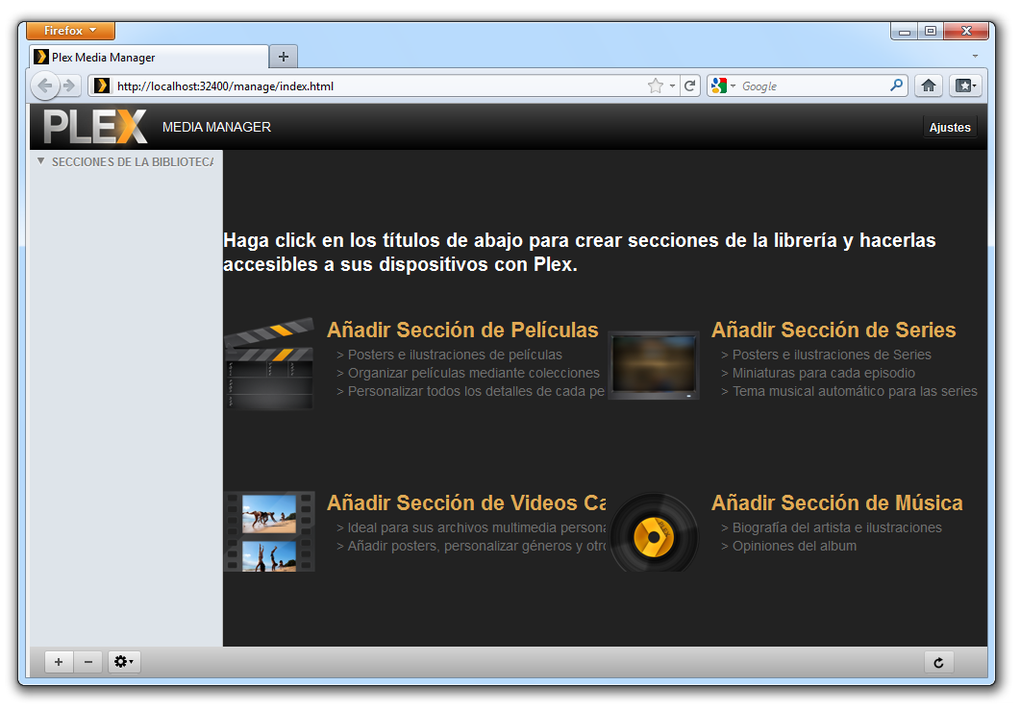
Getting started with Plex Media Server is relatively straightforward, even for users with limited technical experience. The installation process is simple and intuitive, guiding you through each step. Once installed, the server needs to be configured to access your media files. This involves specifying the location of your movie library, TV show library, music library, and any other media folders on your computer’s hard drive or external storage.
Plex automatically scans your designated folders, recognizing file types and generating metadata, including titles, descriptions, cast information, and artwork. This metadata enhances the viewing experience, creating a visually appealing and organized interface that is easy to navigate. You can customize metadata options further, allowing for the selection of specific artwork or alternative naming conventions for your media.
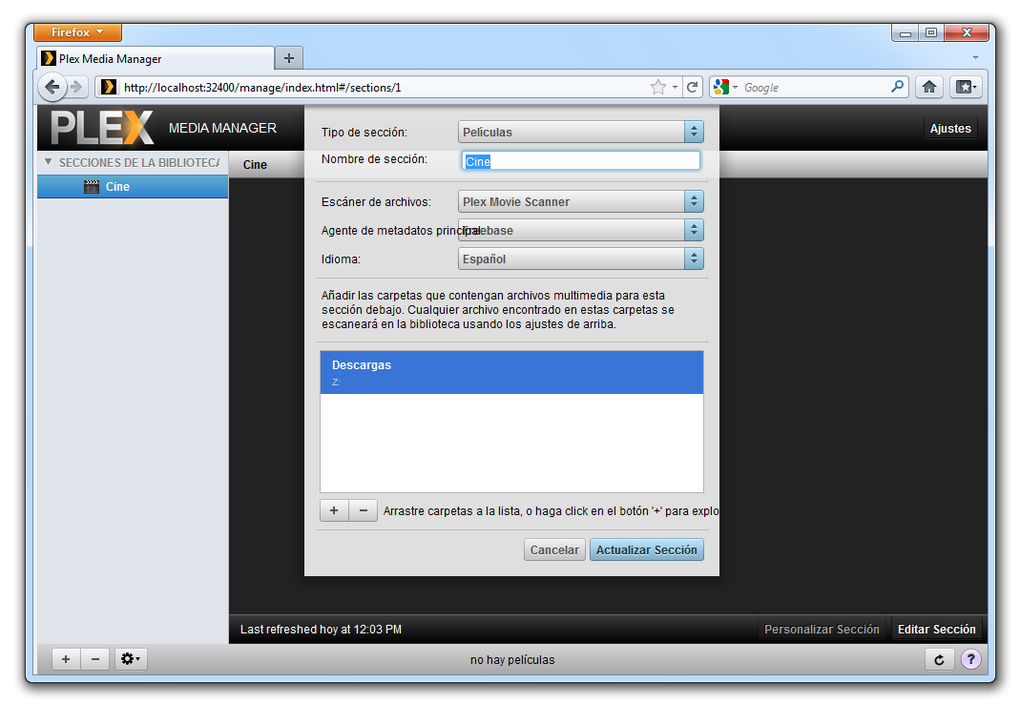
Advanced users can delve into detailed settings, adjusting streaming quality, transcoding options, and server-side functionality. Options for managing user accounts, creating shared libraries, and setting access controls enhance the collaborative use of the server across multiple users. The Plex user interface is well-designed, providing clear and concise guidance throughout the configuration process.
Accessing Your Media from Any Device
The true power of Plex Media Server lies in its cross-platform compatibility. Once your media library is organized and accessible through the server, you can stream your content to a wide array of devices, including smart TVs, streaming sticks (like Roku, Amazon Fire TV, Chromecast), game consoles (PlayStation, Xbox), mobile phones (Android and iOS), and computers (Windows, macOS, Linux). The Plex app, available for nearly every platform, provides a consistent and user-friendly experience across all your devices.
Accessing your media is seamless. Simply launch the Plex app on your desired device, log in with your Plex account, and browse your library. The app seamlessly integrates with your server, providing a synchronized view of your media regardless of location. Whether you’re at home or on the go, you can easily access and enjoy your personal entertainment collection.
Plex also allows for the creation of shared libraries, allowing you to grant access to specific folders or your entire collection to family members or friends. You can control access levels, ensuring the appropriate permissions for each user. This shared access makes Plex an excellent solution for households or groups wanting to easily share and manage their collective media collections.
Advanced Features and Integrations
Beyond its core functionality, Plex offers a range of advanced features to enhance the user experience. These features contribute to the comprehensive nature of Plex and cater to a diverse range of users, from casual viewers to media enthusiasts.
Remote Access: Plex allows for remote access to your media library, enabling you to stream content from anywhere with an internet connection. This means you can watch your favorite movies and TV shows while traveling, at work, or simply relaxing in a different room. This remote access functionality is easily enabled within the server settings, making it readily accessible to all users.
Transcoding: Plex’s transcoding feature allows it to convert your media files into a format compatible with the device you are using. This is especially useful for streaming to older or less powerful devices that may not support the original file format. Transcoding is handled seamlessly by the server, ensuring smooth playback without requiring any manual intervention on the user’s part.
Subtitles and Closed Captions: Plex supports the use of subtitles and closed captions, improving accessibility for users with hearing impairments or those who prefer to watch movies with subtitles. The server automatically detects and integrates available subtitle files for your media, offering various language options. Users can select their preferred subtitle track within the Plex app.
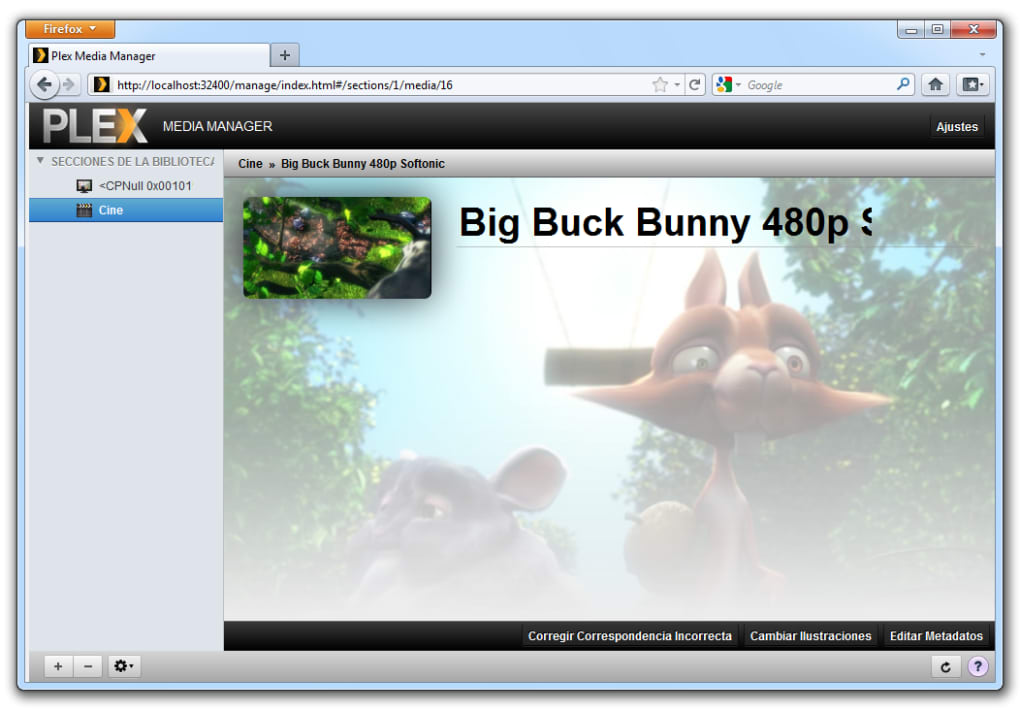
Metadata Management: Plex allows for extensive customization of metadata. Beyond the automatic tagging, users can manually adjust or replace metadata, such as artwork, descriptions, and episode information. This ensures accuracy and consistency, especially for older or less-commonly known media.
Plugins and Extensions: The Plex ecosystem extends beyond the core application. Various plugins and extensions add functionalities, including support for additional media sources, integration with other streaming services, and access to news and weather updates. These plugins can significantly expand the capabilities of Plex, offering new ways to personalize your home entertainment experience.
Live TV and DVR: Plex also offers the functionality to integrate live TV and DVR capabilities. This allows users to connect their antenna or cable TV service, watch live television, and record programs for later viewing. This expands Plex’s capabilities, allowing it to function as a complete home entertainment center, combining streaming media with live television. This feature requires additional hardware and a compatible TV tuner, but it adds significant value for those who wish to consolidate their entertainment sources.
Plex Media Server: A Comparison to Other Media Servers
Several other media server applications exist in the market, each with its unique strengths and weaknesses. While a detailed comparison is beyond the scope of this article, comparing Plex to some key competitors highlights its advantages.
Compared to alternatives like Emby or Jellyfin, Plex stands out due to its user-friendly interface and extensive device compatibility. While Emby and Jellyfin offer advanced customization and are open-source alternatives, Plex offers a superior user experience for the average consumer. The ease of use and seamless integration across devices make it a more accessible choice.
Furthermore, the Plex ecosystem, with its vast library of plugins and extensions, surpasses the capabilities of many alternative solutions. The inclusion of features like live TV and DVR, enhanced metadata management, and direct integration with various streaming services strengthens its position as a comprehensive media management platform.
Conclusion: Plex Media Server – Your Personalized Entertainment Solution
Plex Media Server offers a compelling and multifaceted approach to managing and enjoying your personal media library. Its intuitive interface, extensive cross-platform compatibility, and advanced features make it a highly attractive option for users of all technical skill levels. Whether you’re a casual user seeking a simple solution to stream your media or a tech enthusiast looking for a powerful and customizable server, Plex offers a robust and versatile platform to cater to your entertainment needs. Its continuous updates and community support ensure ongoing improvement and feature additions, making it a continuously evolving and valuable tool for managing and enjoying your digital media collection. The addition of features like live TV and DVR, alongside the continually expanding plugin ecosystem, solidifies Plex’s position as a leading solution in the media server landscape.
File Information
- License: “Free”
- Latest update: “February 4, 2025”
- Platform: “Windows”
- OS: “Windows 8.1”
- Language: “English”
- Downloads: “23.4K”
- Size: “102.39 MB”


