
Polaroid Dust & Scratch Removal Software is a free, lightweight Windows application designed to restore the clarity and vibrancy of damaged photographs, particularly those taken with older Polaroid cameras. While the software is no longer actively updated (its last update was in February 2019), its simplicity and effectiveness continue to make it a valuable tool for many users, particularly those working with scanned images or digital reproductions of older Polaroid prints. This review will delve into its features, limitations, user experiences, and its place within the broader landscape of digital image restoration software.
Understanding the Software’s Functionality
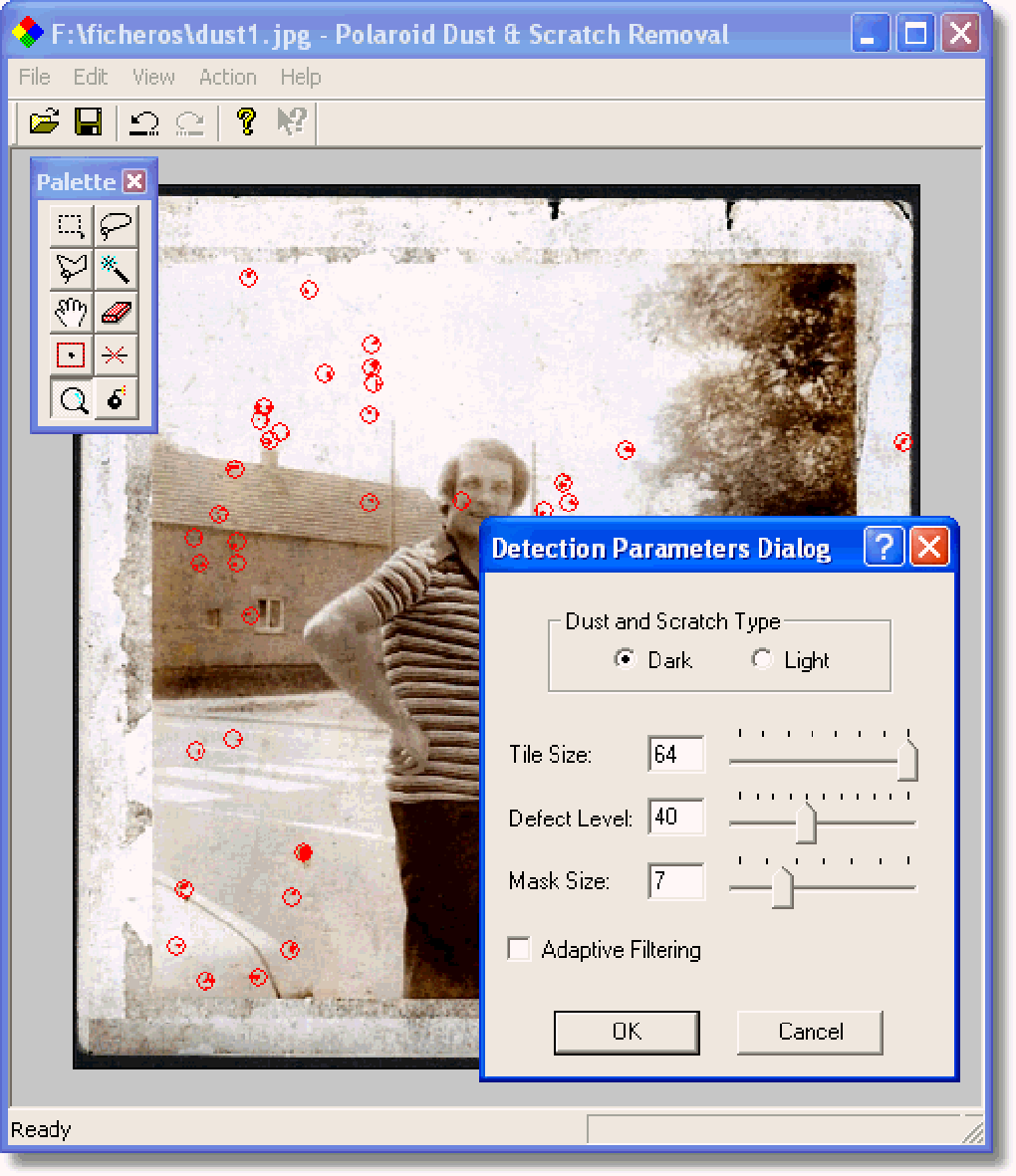
Polaroid Dust & Scratch Removal Software tackles the common issues of dust and scratches that often plague older photographs. These imperfections can significantly detract from the overall aesthetic appeal and historical value of a picture. The software employs a relatively straightforward algorithm designed to identify and mitigate these blemishes without significantly altering the original image’s characteristics. This is crucial as overly aggressive restoration can lead to unnatural smoothing or loss of detail. The software aims for a balance: effectively removing imperfections while retaining as much of the original texture and character as possible.
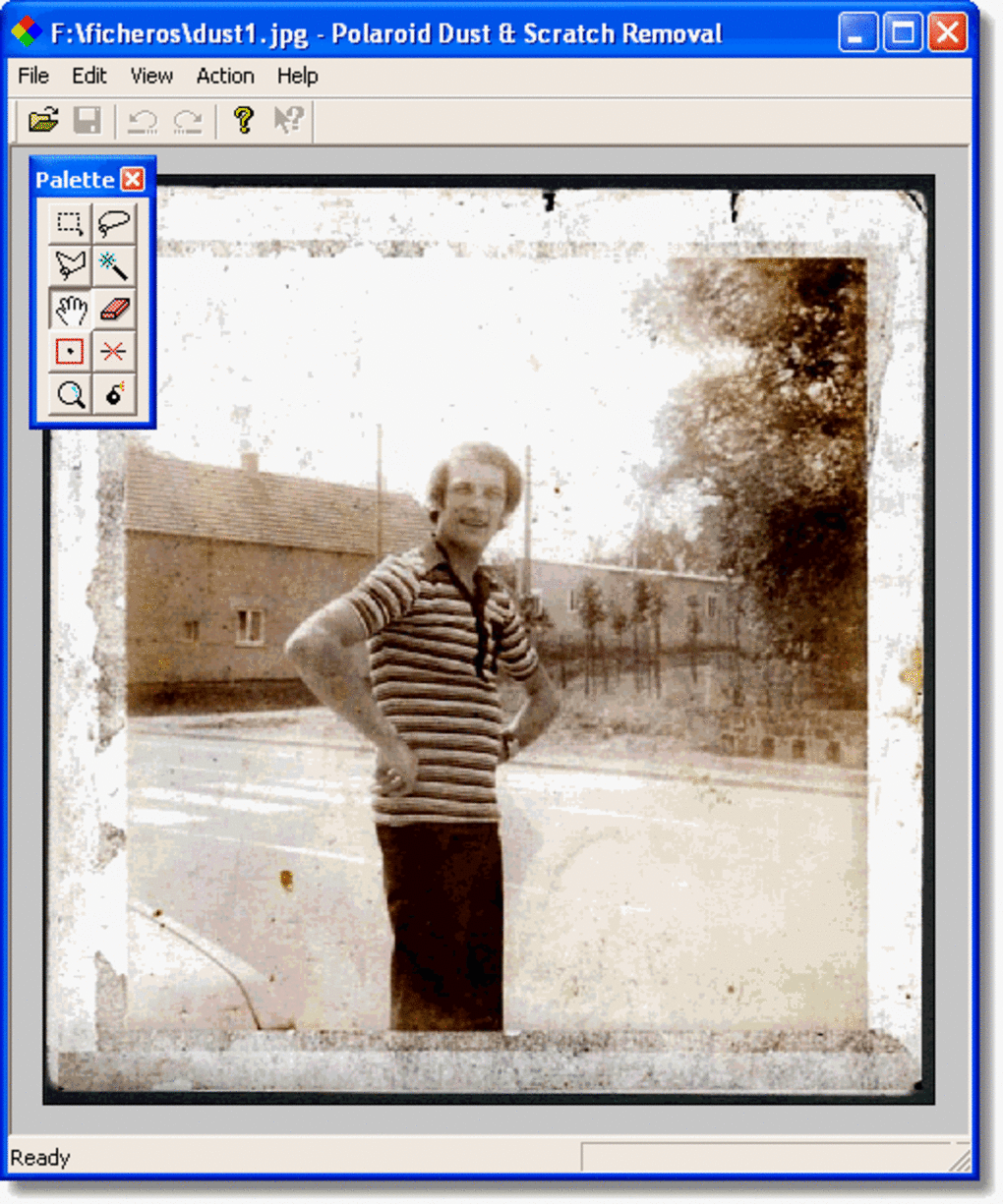
The software’s primary strength lies in its ease of use. The interface is remarkably intuitive, requiring minimal technical expertise to operate. This accessibility makes it an ideal choice for casual users who may not be comfortable with more complex photo editing programs. The simple layout prioritizes the core functionality—dust and scratch removal—making the process quick and efficient. This is a significant advantage for users who need to process a large number of images, as it streamlines the workflow and minimizes the time investment required.
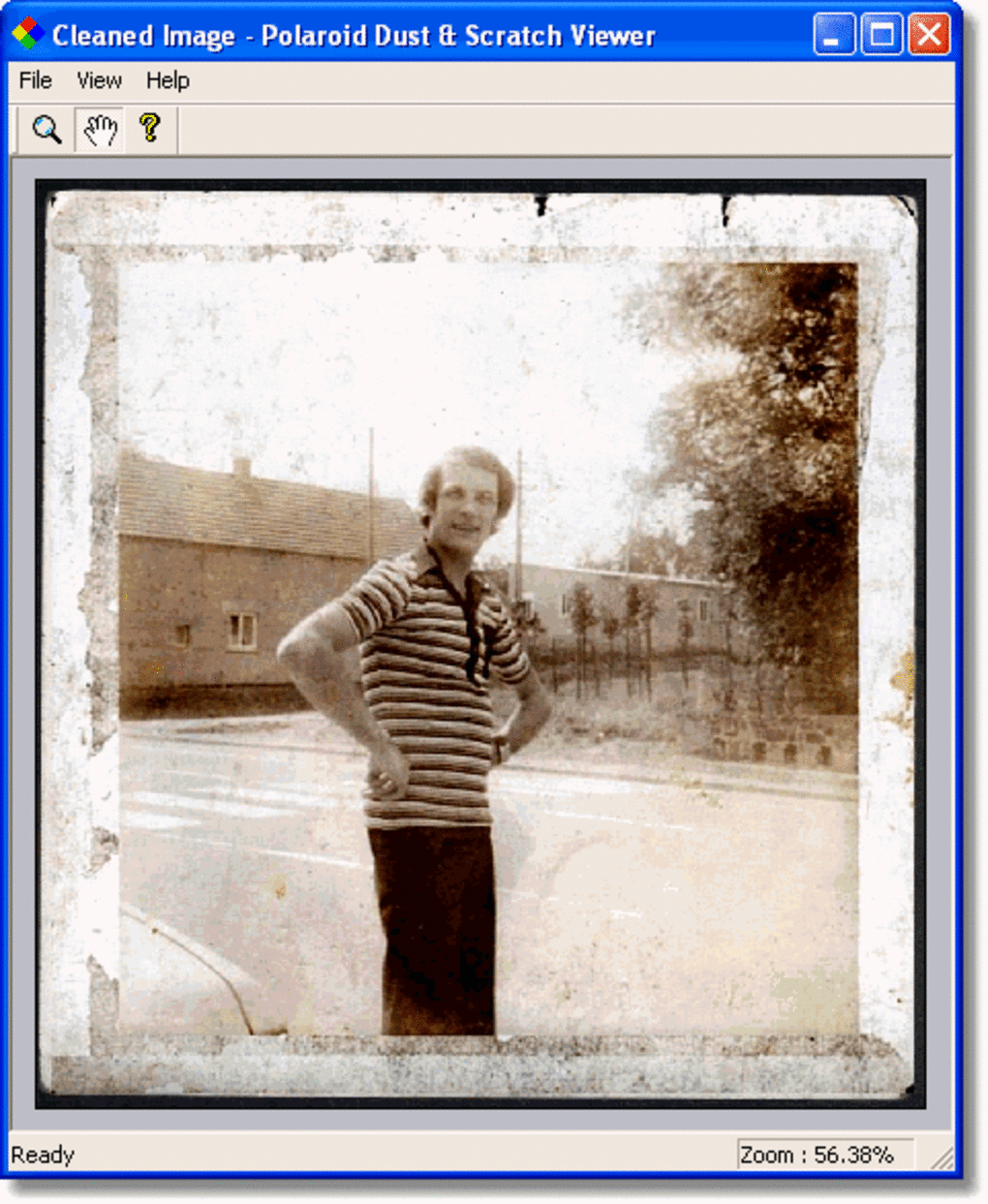
While the software excels at removing smaller imperfections, larger scratches or significant damage may present a greater challenge. The algorithm’s effectiveness is inherently tied to the nature and severity of the damage. While it can significantly improve the overall appearance of images, it might not be the ideal solution for extensively damaged photographs requiring more sophisticated restoration techniques. In such cases, more advanced image editing software, with capabilities for manual retouching and more advanced noise reduction algorithms, may be necessary.
User Experiences and Reviews
User reviews generally paint a positive picture of the software. Many praise its effectiveness in removing dust and light scratches, highlighting its user-friendly interface as a significant advantage. The software’s ability to work with older versions of Windows (Windows 98 and earlier) is also often mentioned as a notable feature, allowing users with older systems access to this type of image restoration. While the lack of a 64-bit version is sometimes cited as a limitation, this is often offset by its effectiveness on 32-bit systems and its relatively low system resource requirements.
One recurring theme in user feedback is the software’s occasional production of minor artifacts. These artifacts, while typically minor, can necessitate some manual cleanup. This isn’t unusual in image restoration software, and experienced users generally find these artifacts easy to remove with simple tools within the program or by using more advanced image editors if necessary.
The overwhelmingly positive feedback underscores the software’s practical value for users seeking a straightforward and effective solution for removing common photographic imperfections. Its simplicity and ease of use clearly resonate with users, making it a popular choice for those who prefer a straightforward approach to digital image enhancement.
Comparing Polaroid Dust & Scratch Removal Software to Alternatives
The market offers a range of software for image restoration, from freeware options to professional-grade packages with extensive features and sophisticated algorithms. Comparing Polaroid Dust & Scratch Removal Software to other options requires considering its strengths and weaknesses in context.
Free Alternatives: Several free image editing programs offer basic dust and scratch removal features. However, these often lack the dedicated focus and intuitive interface of the Polaroid software. While some free alternatives might incorporate more advanced tools, they typically demand a steeper learning curve, making them less suitable for casual users.
Commercial Alternatives: Professional image editing software packages, such as Adobe Photoshop, offer far more extensive tools for image restoration and manipulation. These programs often employ advanced algorithms capable of handling more complex damage. However, these programs come at a significant cost and have a steep learning curve, making them an impractical choice for users seeking a quick and easy solution for minor dust and scratch removal.
Polaroid Dust & Scratch Removal Software occupies a unique niche. It serves as a bridge between simple image viewers with limited editing capabilities and complex professional tools. Its strengths lie in its ease of use, effectiveness for common imperfections, and its low system requirements. It’s an excellent choice for those who prioritize simplicity and efficiency without requiring the extensive features found in more advanced (and expensive) alternatives.
Limitations and Potential Improvements
Despite its strengths, Polaroid Dust & Scratch Removal Software isn’t without its limitations. The lack of a 64-bit version is a significant drawback, limiting its compatibility with modern systems. Furthermore, while effective for common dust and scratches, it may struggle with more extensive damage. More advanced algorithms for handling complex imperfections would be a welcome addition.
While the software’s simplicity is a key selling point, offering a few more advanced features—such as adjustable intensity settings for the dust and scratch removal, or the ability to selectively target specific areas—would enhance its versatility without sacrificing its user-friendly nature.
Future updates, if ever released, could greatly benefit from incorporating these improvements. The inclusion of a 64-bit version would significantly broaden its compatibility, and enhanced algorithms could address more complex restoration tasks. A refined interface with customizable settings would cater to a wider range of user needs and skill levels.
Conclusion: A Practical Tool for Everyday Use
Polaroid Dust & Scratch Removal Software is a valuable tool for anyone looking to easily improve the appearance of older photographs with minor dust and scratch damage. Its user-friendly interface, effective algorithms, and minimal system requirements make it a practical choice for both casual and experienced users. While it may not be suitable for all restoration needs, its strengths in simplicity and efficiency make it an excellent option for users who prioritize speed and ease of use. Although lacking in the advanced features of professional-grade software, it effectively fills the gap for those seeking a straightforward and efficient solution for common photographic imperfections. The software’s legacy underscores the enduring need for accessible and easy-to-use image restoration tools.
File Information
- License: “Free”
- Version: “1.0”
- Latest update: “February 13, 2019”
- Platform: “Windows”
- OS: “Windows ME”
- Language: “English”
- Downloads: “24.2K”
- Size: “1.65 MB”


