
PotPlayer 32-bit is a free, versatile media player renowned for its extensive feature set and broad compatibility with various media formats. While its abundance of features might present a slightly steeper learning curve for novice users, the rewards for mastering its capabilities are significant, making it a compelling choice for both casual and serious media enthusiasts. This review delves into the software’s strengths and weaknesses, exploring its functionality, user interface, performance, and overall user experience.
Feature-Rich Functionality: Playing Virtually Anything
One of PotPlayer’s most significant advantages lies in its remarkable compatibility. Unlike many free media players that struggle with niche or less common formats, PotPlayer 32-bit handles a wide array of video and audio codecs with ease. This includes support for specialized formats, such as 3D films, which are often problematic for other players. This broad compatibility eliminates the need for users to convert their media files before playback, streamlining the viewing process considerably. The player effortlessly handles various video codecs, ensuring compatibility with a vast library of media. Its ability to play unusual or less common file types is a standout feature that significantly enhances its appeal for users with diverse media collections.
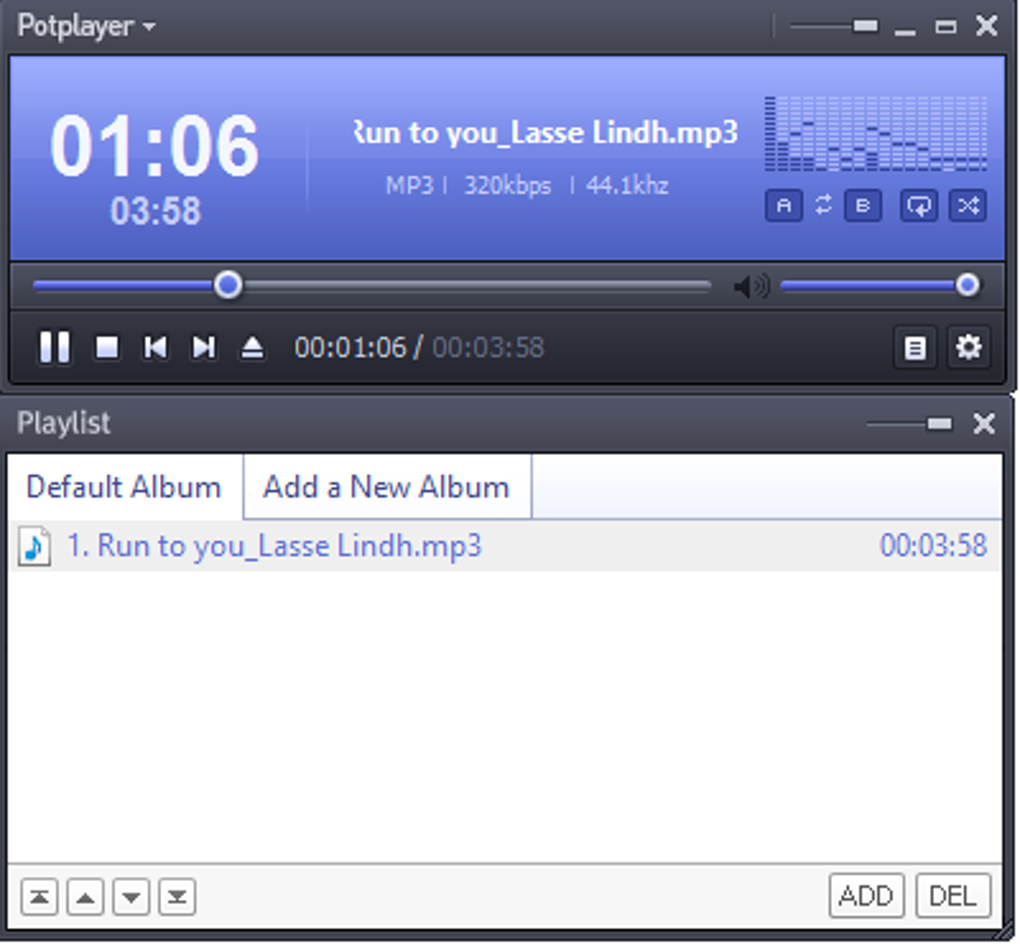
Furthermore, PotPlayer offers impressive support for different subtitle formats. Whether it’s standard text-based subtitles (like SMI and SRT), DVD (VobSub) or Blu-ray subtitles, or even more advanced formats like ASS/SSA animation with SMI Ruby tags, PotPlayer accommodates them all. This versatile subtitle support is crucial for users consuming media with multiple language options or relying on closed captions.
Beyond basic playback, PotPlayer provides extensive customization options to fine-tune the viewing experience. Users can adjust video and audio settings with granular control, ensuring optimal output based on their hardware and preferences. This control extends to advanced settings like hardware acceleration (utilizing DXVA, CUDA, and QuickSync for improved performance and reduced resource consumption) and the ability to manage multiple audio streams for multilingual content. The incorporation of these features significantly enhances the overall user experience, allowing for precise customization to cater to individual needs and preferences.
User Interface and Experience: A Blend of Power and Accessibility
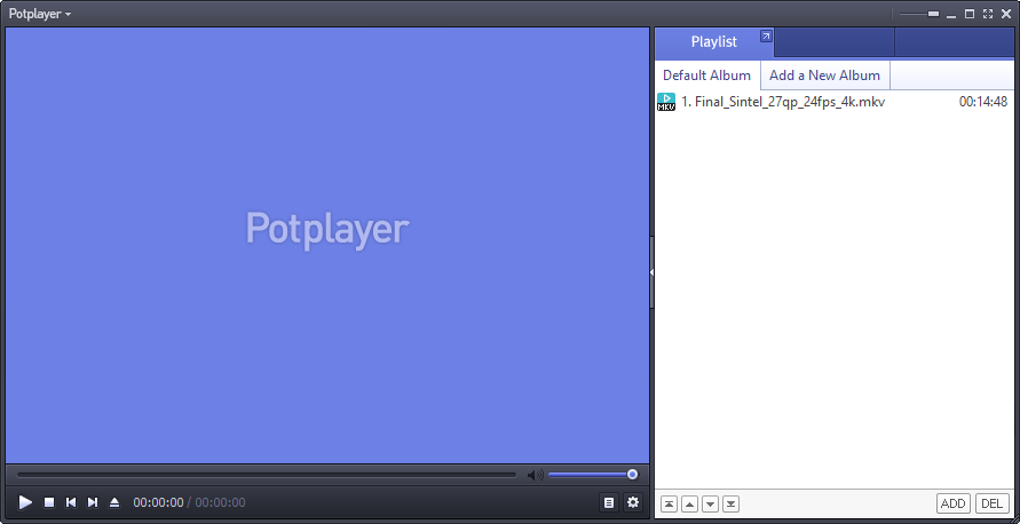
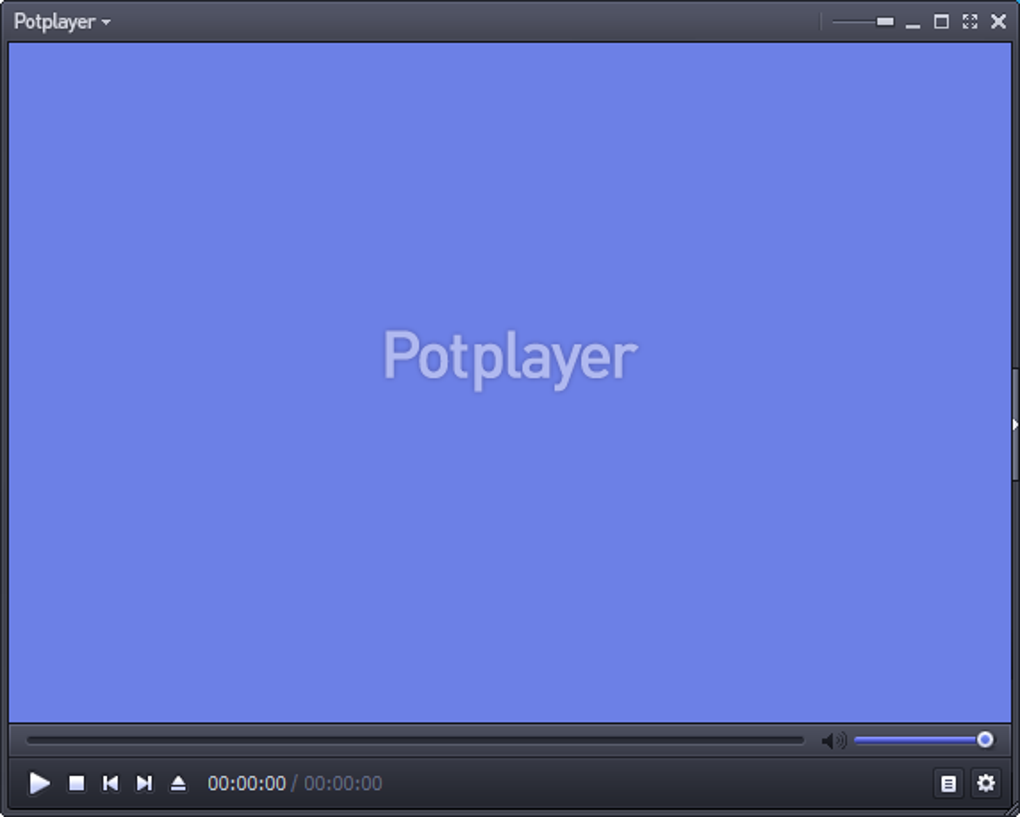
PotPlayer 32-bit presents a user interface that is both intuitive and powerful. While its comprehensive feature set might initially appear overwhelming, the interface is logically structured, allowing users to gradually explore and master its functionalities. The default dark theme is aesthetically pleasing and easy on the eyes during extended viewing sessions. While the sheer number of settings can appear daunting initially, a user-friendly interface makes navigation relatively simple and efficient. However, users unfamiliar with advanced media player settings might require some time to familiarize themselves with the software’s extensive options.
The player’s intuitive controls are another highlight, providing quick access to common playback functions, volume adjustments, and subtitle management. While many features are readily accessible through the primary interface, advanced settings and customizations can be found within a detailed settings menu. This menu is thoroughly organized and clearly labeled, making it easier to navigate than the complex settings menus found in some rival applications. However, the extensive array of options might still pose a challenge for users who prefer a more streamlined experience.
Performance and Resource Utilization: Optimized for Efficiency
PotPlayer is designed for efficient performance, particularly evident in its utilization of hardware acceleration. This feature significantly enhances playback fluidity, particularly for high-definition and resource-intensive media. The player’s optimized engine ensures smooth playback even with demanding formats, minimizing lag and buffering issues. Users with lower-end systems will appreciate PotPlayer’s resource-friendly nature, while those with more powerful hardware can take advantage of the advanced features to maximize performance. The ability to adjust settings to optimize performance based on individual hardware configurations further contributes to its adaptability and user-friendliness.
The efficient handling of various codecs and formats contributes to the overall performance. There is no noticeable lag or stuttering, even with large files, demonstrating the software’s optimized engine and effective management of system resources. This smooth playback is a testament to the developer’s focus on providing a seamless viewing experience.
Comparison to Other Media Players: Standing Out from the Crowd
Compared to other popular media players, such as VLC Media Player, PotPlayer distinguishes itself through its unique combination of broad format support, powerful customization options, and efficient resource management. While VLC is also a highly versatile and widely used media player, it lacks some of PotPlayer’s advanced features and customization options. VLC may appeal to users seeking a simpler, more straightforward experience. In contrast, PotPlayer caters to those who demand extensive control over their media playback.
PotPlayer’s superior hardware acceleration capabilities often provide smoother playback of demanding video formats than some competing applications. This difference is particularly noticeable when playing high-resolution 4K or 8K video, where PotPlayer’s optimized rendering frequently outperforms less efficient alternatives.
Conclusion: A Powerful Choice for Discerning Users
PotPlayer 32-bit offers a compelling combination of features, performance, and versatility that makes it a strong contender in the crowded field of media players. Its extensive format support, robust customization options, and efficient resource management make it an ideal choice for users who demand a high level of control and performance from their media playback software. While the learning curve might be steeper for less experienced users, the rewards of mastering this powerful software are substantial. Its free availability further enhances its appeal, offering a powerful and feature-rich alternative to many commercial media players. The careful balance between power and usability makes PotPlayer a truly exceptional media player for users who appreciate both flexibility and efficiency.
File Information
- License: “Free”
- Latest update: “January 31, 2025”
- Platform: “Windows”
- OS: “Windows 7”
- Language: “English”
- Downloads: “352.5K”
- Size: “32.99 MB”


