
CyberLink PowerDVD is a leading media player renowned for its premium viewing experience on Microsoft Windows operating systems, including the latest Windows 11. It delivers heightened audio and video quality, designed for seamless playback on PCs and televisions, encompassing a wide range of formats from standard DVDs to high-definition Blu-rays and even 8K Ultra HD content. Its user-friendly interface ensures easy navigation and access to its extensive features, making it a popular choice for both casual users and media enthusiasts.
Is CyberLink PowerDVD Free? Pricing and Features
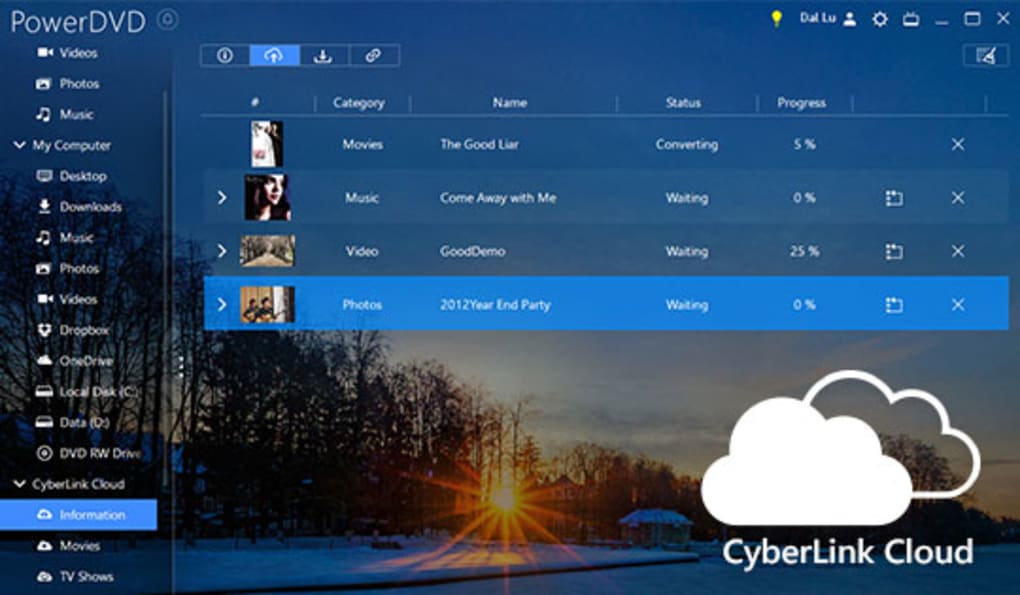
CyberLink PowerDVD is not a free application; however, a free trial version is available for download, allowing users to experience its capabilities before committing to a purchase. Following the trial period, a paid subscription or one-time purchase is required to continue using the software. A key benefit of purchasing PowerDVD is the inclusion of CyberLink Cloud storage, enabling users to access and manage their media library from any device with an internet connection.
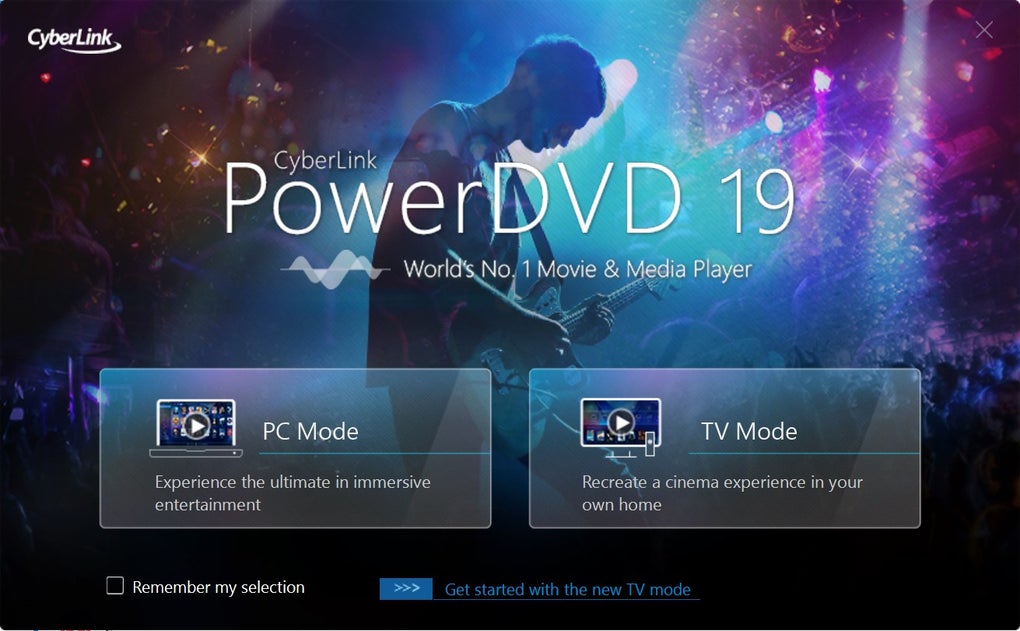
The software’s core functionality revolves around enhancing the media playback experience. It supports a wide array of formats, including movies, TV shows, videos, photos, and music, whether from digital files or physical discs. PowerDVD optimizes the content for the best possible viewing and listening experience, automatically adjusting settings to match the source material and the user’s hardware.
Connecting and Streaming with CyberLink PowerDVD
A significant advantage of CyberLink PowerDVD is its wireless connectivity capabilities. Users can seamlessly stream their media content to various devices, including TVs, smartphones, and tablets, using tools such as Apple TV or other compatible streaming platforms. This allows for flexible media consumption, both at home and on the go. The Power Media Player app extends this functionality to mobile devices, granting access to cloud storage and local media files stored on smartphones or tablets. This cloud integration extends the user’s media storage beyond the limitations of local hard drives.
CyberLink’s TrueTheater technology plays a crucial role in elevating the visual and audio experience. This suite of enhancements optimizes the playback of various video resolutions, from 1080p Full HD to 4K Ultra HD and even 8K Ultra HD. Furthermore, TrueTheater facilitates HDR playback on compatible TVs and offers advanced features for Blu-ray disc playback.
Navigating and Using CyberLink PowerDVD: A Step-by-Step Guide
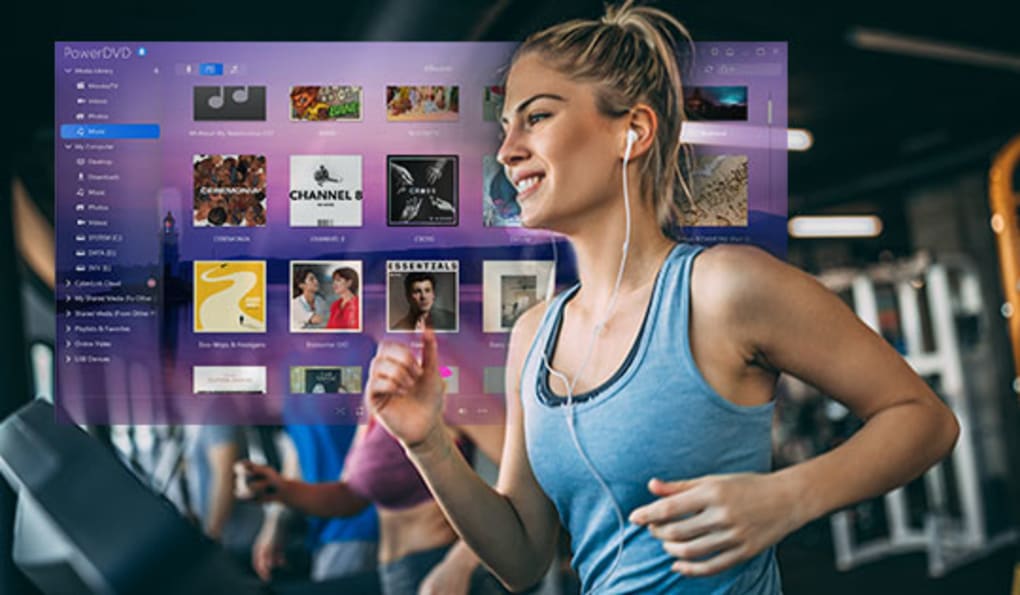
The PowerDVD interface offers two distinct modes: PC Mode and TV Mode. PC Mode is optimized for desktop or laptop use, while TV Mode provides a streamlined experience for use with televisions. In PC Mode, the left panel provides easy access to various sections:
-
Media Library: This section serves as the central hub for accessing and managing personal media files, including the ability to play DVDs directly from the library.
-
My Computer: This tab allows users to browse and select media files directly from their computer’s file system.
-
Playlists: PowerDVD enables users to organize their media into custom playlists for convenient access to their favorite content, by simply dragging and dropping media files into new or existing playlists.
-
My Shared Media and CyberLink Cloud: These allow users to access media stored remotely via network shares or in the CyberLink Cloud.
-
Online Video: This section integrates access to online video platforms such as YouTube and Vimeo, allowing direct viewing of content from these sources within the PowerDVD interface.
PowerDVD supports playback of media files in resolutions up to 8K, with advanced visual and audio enhancements enabled by default. Users can easily pin videos for offline viewing by hovering over the video and selecting the pin button, ensuring access to content even without an active internet connection.
Enhancing Your Viewing Experience with TrueTheater
During video playback, the TrueTheater enhancement suite is accessible via an easily identifiable eye icon located at the bottom of the user interface. Clicking this icon opens a pop-up window with two tabs offering distinct enhancement options:
-
Smart Enhancement: This automated option optimizes the audio and video quality, automatically adjusting settings such as color balance, sharpness, and sound amplification, based on the source material.
-
Advanced Enhancement: This provides more granular control, allowing users to manually adjust settings such as noise reduction, color saturation, and other parameters to customize the playback to their preferences, including selecting different display modes for optimal viewing.
The bottom bar during playback offers standard controls including backward, stop, play, forward, volume adjustment, zoom, and full-screen functionality. To the right of the control bar, users find the sharing options, allowing the distribution of media via YouTube, Vimeo, or CyberLink Cloud.
3D and VR Capabilities: Immersive Media Experience
CyberLink PowerDVD supports 3D playback with compatible devices and glasses. TrueTheater can convert 2D content into 3D, creating an enhanced sense of depth and realism. Furthermore, PowerDVD leverages 360-degree technology to transform 2D content into immersive virtual reality experiences. This feature seamlessly integrates with VR headsets; right-clicking a video and selecting “Play to” followed by “VR Headset” will initiate the playback in the selected headset. This VR functionality is not limited to video playback, but can also be utilized while navigating the CyberLink PowerDVD interface.
CyberLink PowerDVD Security and Safety
CyberLink PowerDVD Ultra is considered a safe application. Its closed-source nature means the software originates solely from CyberLink, limiting potential vulnerabilities associated with open-source projects. For any concerns or questions regarding the software’s security, CyberLink provides a dedicated support center to address user inquiries. While PowerDVD itself maintains a strong security record, CyberLink develops other software applications, such as FaceMe (facial recognition software), which has raised some safety questions regarding its application in smart surveillance. It’s imperative to research any application before using it, and to understand the privacy implications of its features.
Alternatives to CyberLink PowerDVD
Several alternative media players offer comparable functionality, each with its own strengths and weaknesses:
-
Windows Media Player: A pre-installed application on Windows systems, it’s widely accessible but offers fewer advanced features than PowerDVD.
-
VLC Media Player: A versatile, open-source and free media player that supports a vast array of formats and is available across multiple platforms (Windows, macOS, Linux, Android, iOS).
-
Corel WinDVD: Another proprietary media player, it is primarily focused on DVD and Blu-ray playback.
While Windows Media Player and Corel WinDVD primarily focus on Windows operating systems, VLC stands out for its cross-platform compatibility. PowerDVD, Windows Media Player, and WinDVD all offer user-friendly playlist features.
CyberLink PowerDVD: Conclusion – An Ultimate Media Enhancer
CyberLink PowerDVD Ultra excels as a comprehensive media player and enhancer, focusing on improving the quality and accessibility of multimedia content. It features advanced audio and video processing capabilities using TrueTheater, enabling the enhancement of color, lighting, sound, and other visual and audio components. The ease of sharing media via cloud services and online platforms such as YouTube and Vimeo further solidifies its position as a versatile tool for multimedia management and enjoyment. Regular updates from CyberLink ensure the software remains compatible with the latest technology and formats, and users can easily check for updates by accessing the “About” section and selecting the “Upgrade” option within the software. The user-friendly interface and range of customization options make it ideal for users of all technical skill levels, providing an exceptional multimedia experience. However, its Windows-exclusivity and pricing should be considered before purchase.
File Information
- License: “Trial version”
- Latest update: “December 20, 2024”
- Platform: “Windows”
- OS: “Windows 10”
- Language: “English”
- Downloads: “2.6M”
- Size: “430.11 MB”


