
Prism Video Converter is a free, cross-platform video conversion tool designed for Windows. This software allows users to convert various video formats, offering a user-friendly interface and a range of customization options, despite some limitations in speed and format support. This review delves into the features, performance, pros and cons, and overall user experience of Prism Video Converter.
Features and Functionality
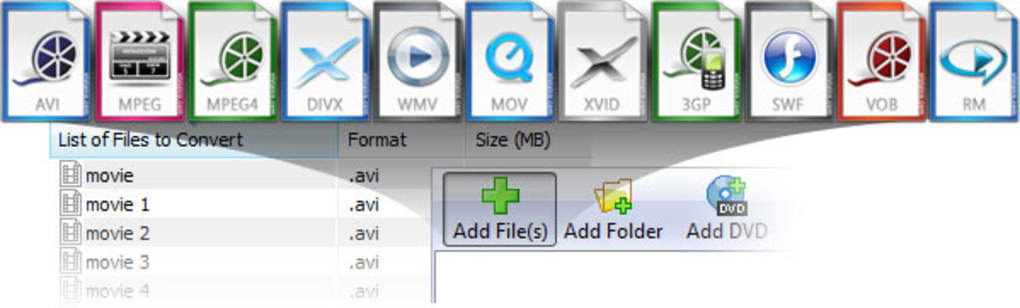
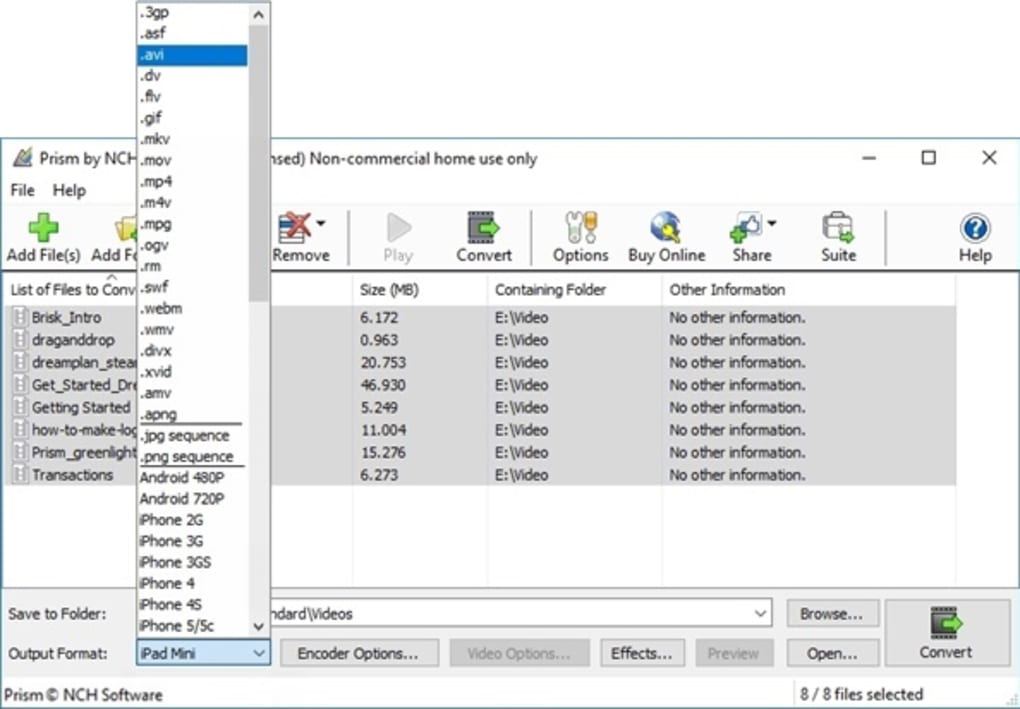
Prism Video Converter boasts a straightforward interface, making it accessible to users of all technical skill levels. Its core functionality revolves around converting video files between a selection of common formats, including AVI, MP4, WMV, MOV, MPEG, FLV, and others. The program’s ability to handle various input formats, including those utilizing DirectShow codecs, extends its usefulness to a wide range of video files playable within Windows Media Player. This means that if a video file can be played on Windows Media Player, there’s a high likelihood Prism can convert it.
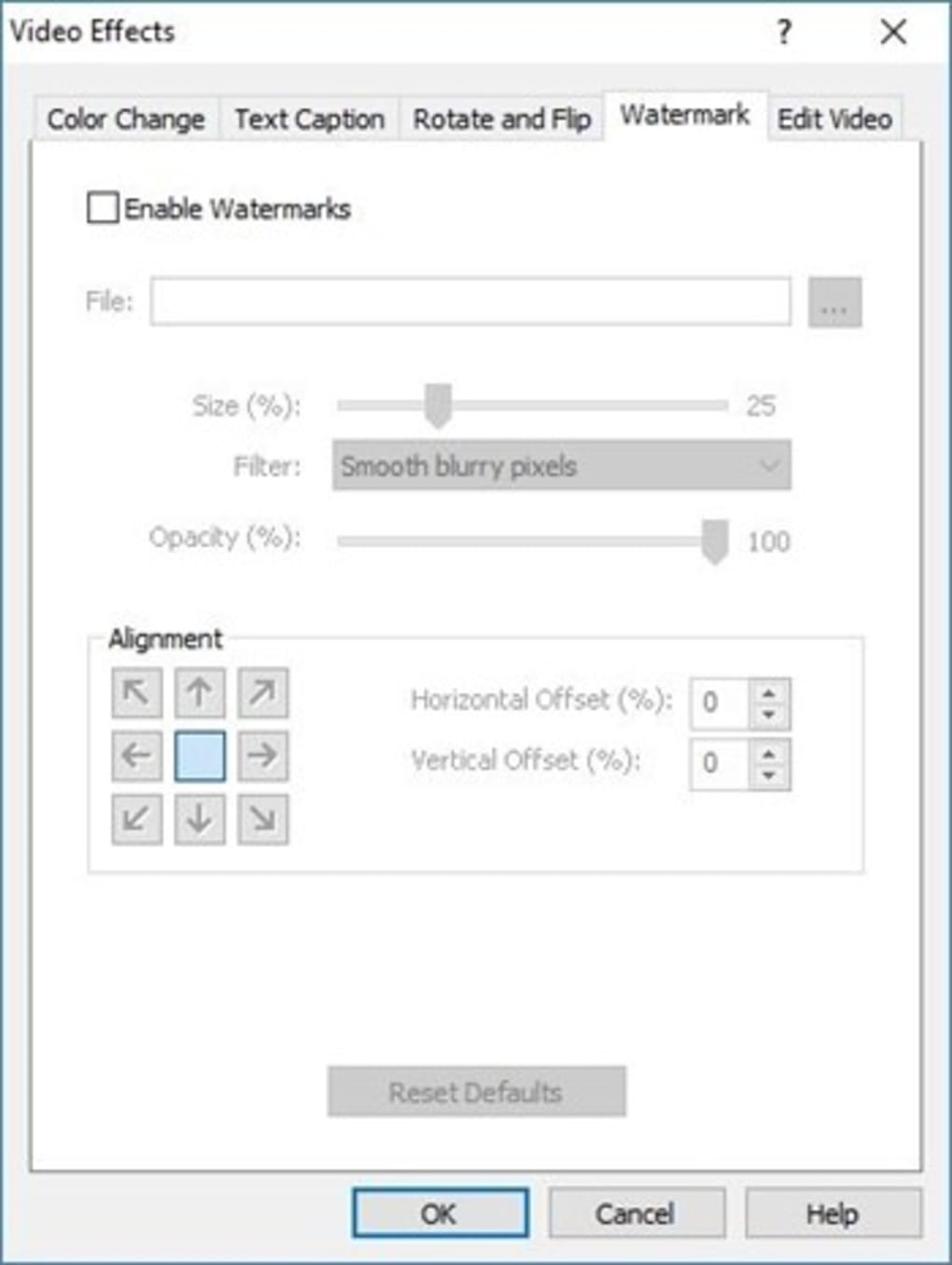
Beyond basic conversion, Prism Video Converter provides several valuable customization features. Users can fine-tune the output video quality by adjusting compression/encoder rates, resolution, frame rate, and even the final file size. This level of control allows users to optimize their converted videos for specific devices or platforms, ensuring optimal viewing experiences. For example, converting a high-resolution video for mobile playback might require compression and resizing to maintain acceptable file size and playback smoothness.
Another noteworthy feature is the batch conversion capability. Users can add multiple files to a conversion queue, allowing Prism to process them sequentially without manual intervention. This significantly streamlines the conversion of large numbers of video files, a major advantage for users with extensive video libraries or those frequently dealing with bulk video conversions. The batch processing function eliminates the need to process each video individually, saving considerable time and effort.
Furthermore, Prism integrates with Express Burn Plus, a DVD burning software. This integration allows users to seamlessly create DVDs from their converted video files. This integration makes the entire process of converting and burning videos to DVDs incredibly smooth and efficient, removing the need to switch between different applications. The direct integration minimizes the steps involved, simplifying the process and improving workflow.
For added convenience, Prism Video Converter can be integrated into the Windows right-click context menu. This allows users to quickly access the conversion tool directly from their file explorer, speeding up their workflow. The right-click integration is a thoughtful addition that enhances the overall usability of the software.
Performance and Limitations
While Prism Video Converter offers a versatile set of features, its performance can be a limiting factor. Conversion speeds are often reported to be slow, particularly when dealing with large video files or complex conversion tasks. The processing time largely depends on the input file size, output format, and the user’s computer hardware specifications. While the application itself is lightweight and doesn’t consume excessive system resources, the underlying conversion process can be demanding, resulting in prolonged waiting times.
The software’s format support, while extensive, doesn’t encompass all video formats. Although it handles many common formats, users might encounter limitations when trying to convert less-common or highly specialized formats. The lack of support for some niche formats could pose a challenge for users working with less-common video files.
Another potential drawback, as evidenced by user reviews, is the trial version’s limitations. Some users have reported that the trial version has limitations on conversion length, processing only short segments of video. While the free version offers core functionality, it could be significantly limited in its actual usability without an upgrade.
User Experience and Interface
Prism Video Converter is praised for its intuitive and user-friendly interface. The clean and straightforward design makes it easy for even novice users to navigate the program’s features and perform video conversions. The simple layout ensures a minimal learning curve, enabling users to quickly grasp the program’s functionalities and effectively utilize its features.
The clear labeling of options and a logical workflow contributes to its ease of use. There is little ambiguity in the options presented, which is critical for user-friendly software. The efficient layout and clear instructions minimize potential confusion, ensuring a smooth user experience.
The lack of complex settings or overwhelming options makes it accessible for casual users while offering enough customization for power users. The balance between simplicity and customization is a key element of the software’s success. This approach allows both novice and expert users to benefit from the software’s capabilities.
Comparison with Alternative Software
Prism Video Converter is just one of many video conversion tools available. Several alternative programs offer similar functionalities with varying strengths and weaknesses. Some alternatives might provide faster conversion speeds, support a wider range of formats, or offer additional advanced features such as video editing capabilities. However, Prism’s simplicity and ease of use remain compelling advantages for users prioritizing a straightforward and uncomplicated video conversion experience. The choice of software often depends on the user’s individual needs and priorities. Users may need to consider other tools if speed or support for highly specialized formats is crucial.
Overall Conclusion
Prism Video Converter presents a solid solution for basic video conversion needs. Its user-friendly interface, straightforward functionality, and useful customization options make it an attractive choice for casual users. However, the limitations in conversion speed and format support might discourage users requiring high-performance or support for a wider range of formats. The decision of whether to use Prism Video Converter ultimately depends on the user’s specific requirements and tolerance for potential limitations in processing speed. While it excels in simplicity and ease of use, users should consider alternative options if high-speed conversion and broad format support are paramount. For users prioritizing ease of use and a simple interface, Prism is a very effective tool. For those who need faster conversions or extensive format support, more advanced software may be necessary.
File Information
- License: “Free”
- Latest update: “May 6, 2025”
- Platform: “Windows”
- OS: “Windows 8”
- Language: “English”
- Downloads: “262.8K”
- Size: “2.08 MB”


