
Procreate has rapidly become a favorite among digital artists, offering a powerful and intuitive painting and sketching experience directly on mobile devices. This in-depth review explores its features, strengths, and limitations, helping you decide if it’s the right tool for your creative endeavors.
A Mobile Studio in Your Pocket
Procreate is a graphic design application designed for iOS and iPadOS devices, allowing users to sketch, paint, and create digital art using a stylus or their fingers. Its accessibility, coupled with its surprisingly robust feature set, has made it a popular choice for both amateur and professional artists. The app boasts hundreds of customizable brushes, catering to a wide range of styles and techniques, from basic sketching to intricate painting and inking. Beyond the core brush library, Procreate allows users to further personalize their tools, adjusting parameters such as texture, opacity, and flow to achieve unique artistic effects. The extensive brush customization extends beyond pre-set options; users can import brushes from other applications, such as Photoshop, ensuring a seamless transition for those already familiar with established workflows. This level of customization gives artists unprecedented control over their creative process, allowing them to tailor their tools precisely to their needs and artistic vision.
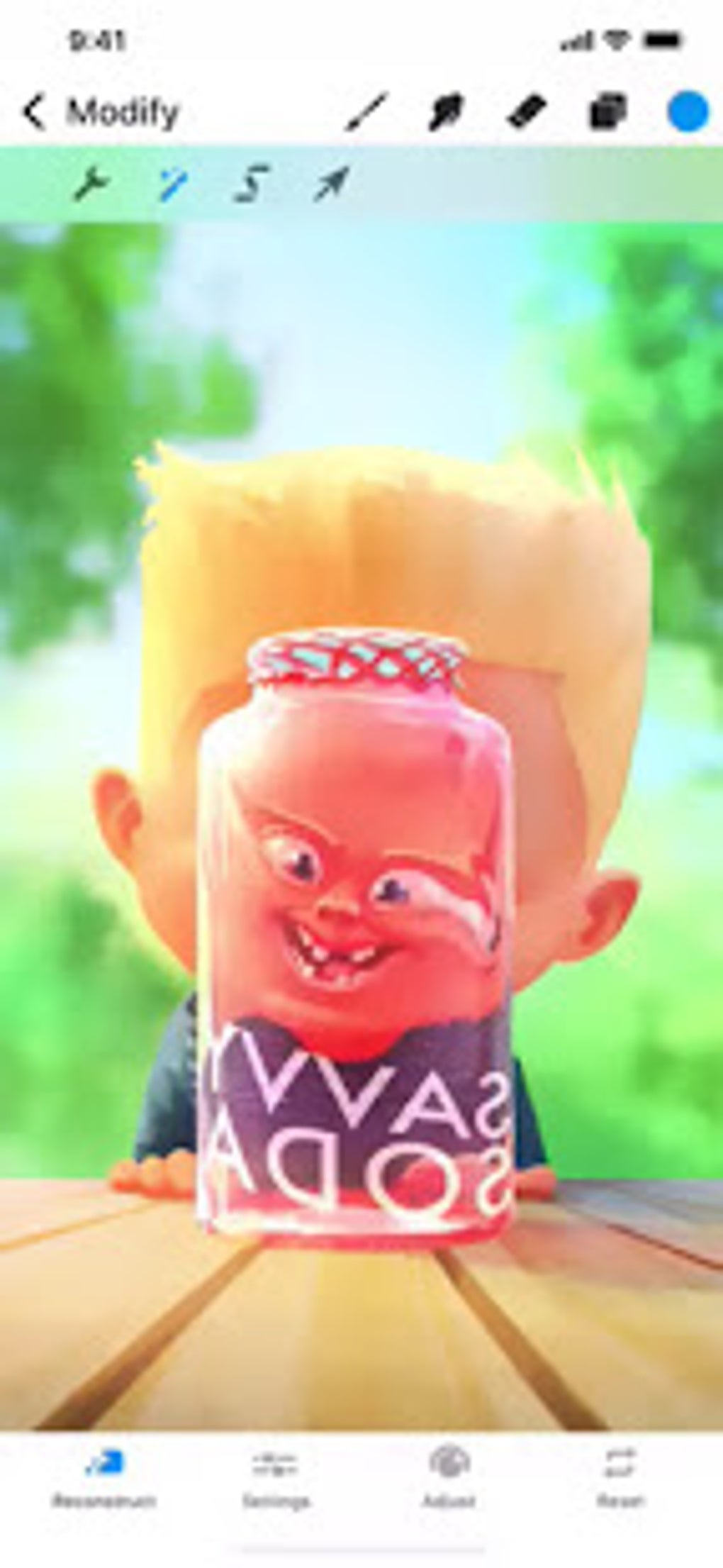
Workflow and Performance: Smooth Sailing or Choppy Seas?
One of Procreate’s standout features is its smooth and responsive workflow. Zooming in and out, rotating the canvas, and navigating between layers all operate seamlessly, even on complex projects with numerous layers and intricate details. This responsiveness is critical for a fluid creative process, preventing frustrating lags and delays that can disrupt the artistic flow. The app’s performance is further enhanced by its time-lapse recording feature. This allows artists to record their entire workflow, creating a visual record of their creative journey. This functionality is invaluable for self-reflection, identifying areas for improvement, and sharing the creative process with others. It can also be a useful teaching tool, allowing artists to demonstrate their techniques and approaches in a clear and engaging way.
Feature Set: Strengths and Limitations
While Procreate excels in many areas, it’s essential to acknowledge its limitations. While its brush system and workflow are superb, certain advanced features found in professional desktop applications like Photoshop or Illustrator are absent. The app currently lacks vector capabilities, meaning that creating scalable vector graphics is not possible. This can limit its usefulness for projects requiring high-resolution output or those needing precise, infinitely scalable lines and shapes. Furthermore, the layer adjustment options in Procreate are relatively basic. While sufficient for many artistic projects, users accustomed to the sophisticated layer controls in Photoshop may find themselves restricted. The layer masks, while functional, lack the advanced features found in more comprehensive editing suites, such as the ability to invert or detach masks from layers. This limitation could be a significant drawback for artists relying on advanced layer manipulation techniques for their workflow.
Comparison to Industry Standards: Photoshop and Illustrator
It’s natural to compare Procreate to industry-standard applications like Adobe Photoshop and Illustrator. While Procreate offers a streamlined and intuitive experience, it is not a direct replacement for these powerful desktop programs. Photoshop, with its extensive photo editing capabilities, and Illustrator, with its focus on vector graphics, offer a much broader range of tools and functionalities. Procreate shines in its mobile-first design, making it ideal for on-the-go sketching and painting, but it lacks the power and versatility of these established desktop programs for complex projects. For intricate illustrations requiring precise vector work or extensive photo manipulation, Photoshop or Illustrator remain superior choices. However, Procreate’s strength lies in its ease of use and its focus on a streamlined, intuitive interface, making it perfect for artists who prioritize a smooth and enjoyable creative workflow. Choosing between Procreate and these desktop giants ultimately depends on the specific needs and priorities of the artist.
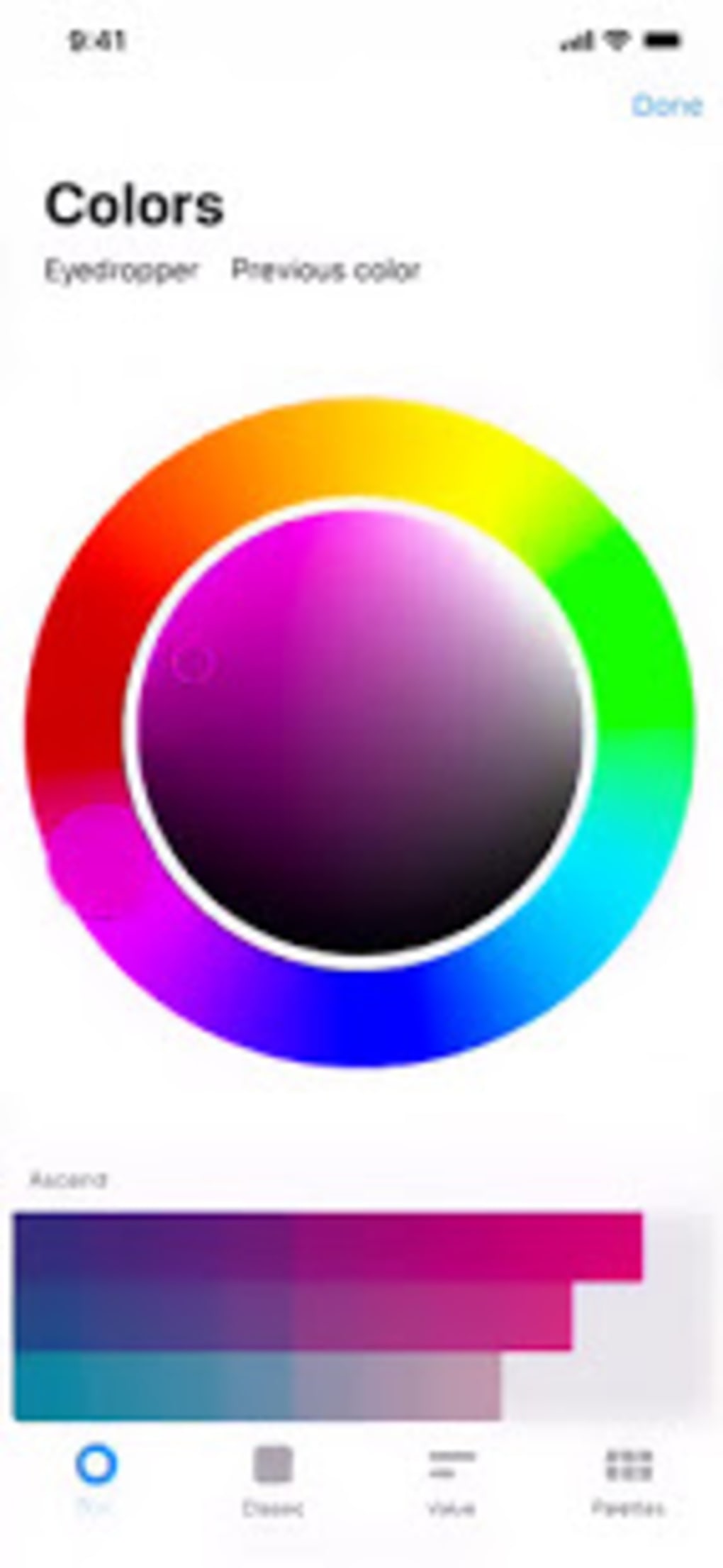
The Procreate User Experience: Intuitive and Accessible
Despite its powerful features, Procreate maintains a remarkably user-friendly interface. Even artists new to digital art will find the app’s layout intuitive and easy to navigate. This ease of use is a significant advantage, especially for beginners who might be overwhelmed by the complexity of professional software. The app’s accessibility extends beyond its simple interface; it also offers a wealth of tutorials and resources, ensuring that users can quickly grasp its functionalities and harness its creative potential. This accessibility makes Procreate an ideal entry point for those interested in exploring digital art.
Procreate’s Community and Ecosystem
Procreate benefits from a thriving online community of artists who share their creations, tips, and tutorials. This vibrant ecosystem fosters collaboration, inspiration, and continuous learning. The app’s support for brush sharing allows users to download and utilize brushes created by other artists, significantly expanding the available toolset. This communal aspect enriches the Procreate experience, creating a supportive and collaborative environment for artists of all skill levels.
Conclusion: A Powerful Tool for the Modern Artist
Procreate is a powerful and versatile digital art application that offers a compelling combination of accessibility, performance, and creative potential. While it may not possess the extensive feature set of professional desktop software, its intuitive interface, smooth workflow, and vast brush library make it an excellent choice for artists of all levels, especially those who prefer a mobile-first approach to their creative work. Its limitations in areas like vector graphics and advanced layer adjustments are notable, but for many artists, the ease of use and overall artistic experience outweigh these drawbacks. Procreate’s strengths lie in its seamless mobile integration, its vast community support, and its focus on providing a fluid and enjoyable creative process. It’s a truly valuable tool for anyone looking to explore digital art, regardless of experience level. Whether you’re a seasoned professional or just starting your artistic journey, Procreate is worth exploring.
File Information
- License: “Free”
- Version: “1.0”
- Latest update: “November 4, 2021”
- Platform: “Android”
- OS: “Android 9.0”
- Language: “English”
- Downloads: “771.8K”
- Size: “25.42 MB”
- Download Options: “APK, Google Play”
- Filename: “Procreate_v1.0.apk”


