
Finding the perfect profile picture for WhatsApp can feel like searching for a needle in a haystack. Your DP is often the first impression you make on others, so choosing the right image is crucial, whether you’re aiming for professional, playful, or personal. This guide explores the world of WhatsApp profile pictures, offering insights into finding and using the perfect image to represent yourself or your business. We’ll delve into apps dedicated to providing high-quality DPs, touch upon the various categories available, and offer advice on making the most of this important visual element of your WhatsApp presence.
Finding the Perfect WhatsApp Profile Picture: Apps and Resources
The sheer variety of images available online can be overwhelming. Luckily, numerous apps are dedicated to curating and providing high-quality profile pictures specifically for WhatsApp. One such example is “Profile Pictures DP for WhatsApp,” an Android application offering a vast collection of images categorized for easy browsing. This app, available for free download, boasts a user-friendly interface and a diverse selection of high-resolution photos. The developers emphasize the ease of downloading and sharing images across various social media platforms, including WhatsApp, Facebook, Twitter, and Google+.
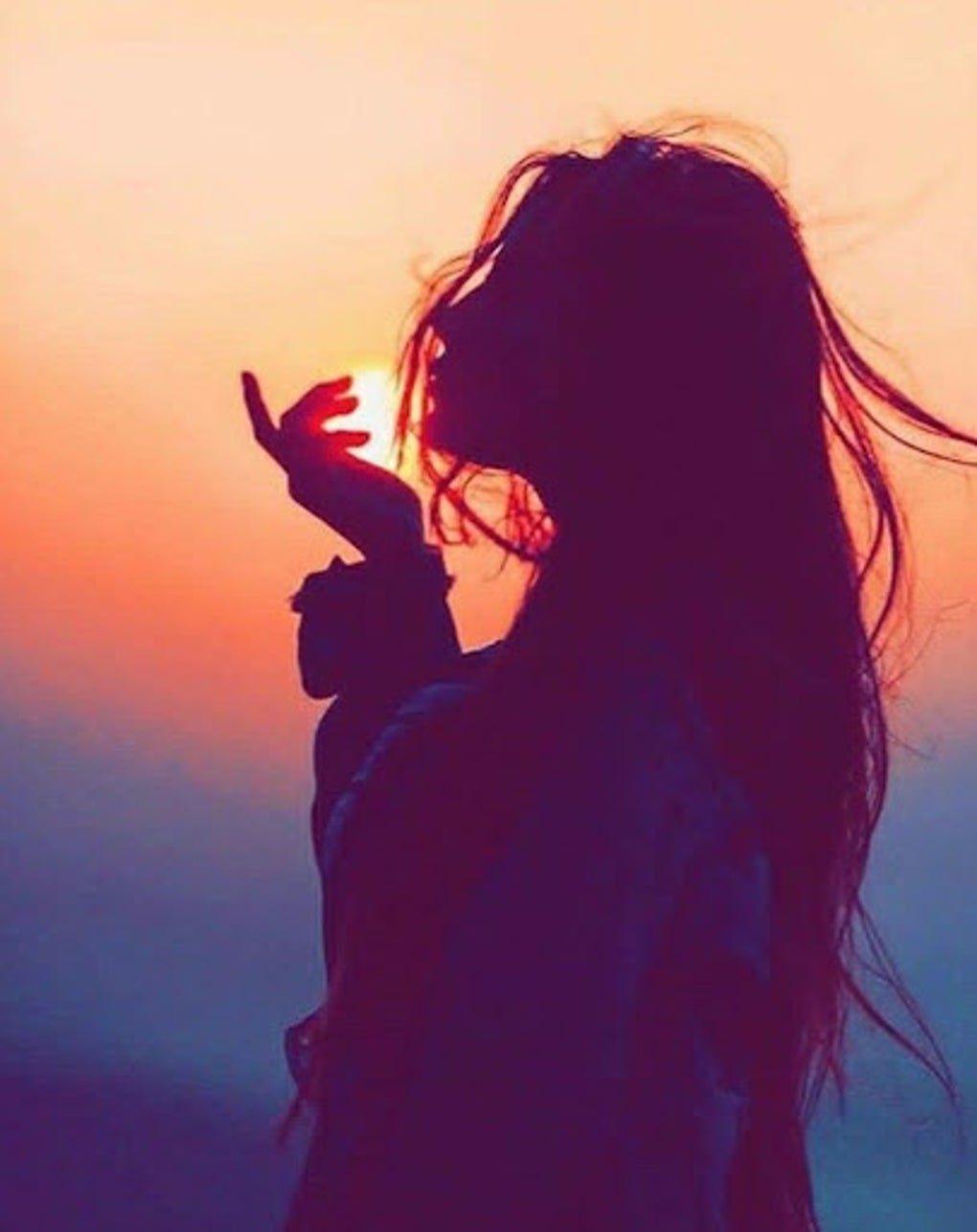
The app’s strength lies in its comprehensive categorization. Instead of a random assortment of images, “Profile Pictures DP for WhatsApp” organizes its library into easily navigable categories. This means you can quickly locate exactly what you’re looking for, whether you’re searching for cute animals, stunning landscapes, stylish portraits of men or women, delicious food photography, or something else entirely. Each category features a selection of high-quality images, ensuring you’ll find options that match your preferred aesthetic.
While “Profile Pictures DP for WhatsApp” is a convenient resource, it’s far from the only option. Many other apps and websites offer similar functionalities, often with specialized collections or features. Some apps may focus on specific styles, such as minimalist designs or cartoonish illustrations. Others might specialize in providing images for specific professions or interests. Exploring different options will allow you to discover the perfect app that suits your individual needs and preferences.
Beyond dedicated apps, you can explore general image resources like stock photography websites or social media platforms. However, it’s essential to be mindful of copyright and usage rights when using images from these sources. Always ensure you have the right to use the image as your profile picture before downloading and uploading it.
Beyond the Basics: Categories and Styles of WhatsApp Profile Pictures

The “Profile Pictures DP for WhatsApp” app highlights the diverse range of categories available for WhatsApp profile pictures. These categories aren’t merely arbitrary; they reflect the diverse ways people want to present themselves online. Understanding these categories can help you select an image that accurately reflects your personality, brand, or purpose.
Common categories frequently found in profile picture apps include:
- Cute Animals: This category often features adorable pets, wildlife, or cartoon animals. It’s a popular choice for those seeking a lighthearted and friendly profile picture.
-
Beautiful Women/Cool Men: These categories cater to those wanting to use a stylish or attractive portrait as their profile picture. Images range from casual snapshots to professionally taken photographs.
-
Girls/Boys: These categories offer a broader range of images, encompassing various styles, ages, and expressions.
-
Landscapes: Stunning natural scenery, from mountains and forests to beaches and deserts, can be a great choice for those who appreciate nature or wish to project a sense of peace and tranquility.
-
Food: Delicious-looking food photography can be a fun and engaging option, especially for foodies or individuals working in the culinary industry.
-
Abstract/Artistic: This category features abstract art, geometric designs, or other visually interesting images. It’s perfect for users who prefer a less literal representation of themselves.
-
Motivational/Inspirational: These images often feature quotes, inspirational messages, or imagery designed to uplift and inspire. They’re often used to create a positive and encouraging vibe.
Choosing a category is just the first step. Within each category, consider the style of the image. A photo’s mood, color palette, and overall aesthetic significantly impact how viewers perceive you. A vibrant and colorful image might convey energy and enthusiasm, while a more muted and minimalist image might project a sense of calm and sophistication. Pay attention to these subtleties to ensure your profile picture aligns with the image you wish to project.
Using Profile Pictures for Business on WhatsApp
WhatsApp isn’t solely a platform for personal communication; it’s also a powerful tool for businesses. Your profile picture plays a crucial role in creating a professional and trustworthy online presence. A well-chosen profile picture can significantly impact how potential customers perceive your business.

When selecting a profile picture for your business WhatsApp account, consider the following:
-
Brand Consistency: Your profile picture should align with your overall brand identity. Use your logo or a high-quality image that reflects your brand’s colors, style, and values.
-
Professionalism: Avoid using casual or informal images. Opt for a high-resolution, clear image that projects a professional image.
-
Clarity: Ensure the image is easy to understand and clearly represents your business. Avoid using overly complex or ambiguous images.
-
Visual Appeal: Use an image that is aesthetically pleasing and eye-catching. A high-quality, well-composed image will attract more attention.
For businesses, a professional-looking logo is often the best choice. However, you can also consider using a high-quality photo of your product or service if it effectively represents your brand. If your business involves people, consider using a photograph of your team or a headshot of a key representative. Remember, the image should be easily identifiable and create a positive first impression.
Profile Pictures DP for WhatsApp: Technical Aspects and User Experience
The “Profile Pictures DP for WhatsApp” app, as mentioned, emphasizes ease of use and high-quality images. The app’s success lies in its intuitive interface, allowing users to easily browse and download images. The high-resolution images ensure that the profile pictures remain crisp and clear even on smaller screens. The ability to share directly to various social media platforms streamlines the process.
User reviews for similar applications are essential for understanding the user experience. Factors like ease of navigation, image quality, and the overall aesthetic of the app contribute to user satisfaction. Before downloading any app, it’s always a good idea to check user reviews and ratings on platforms like Phanmemfree.org (or Softonic) to gauge the overall quality and reliability of the application.
Addressing technical considerations:
-
Image Resolution: High-resolution images are crucial for ensuring your profile picture looks sharp and clear on different devices and screen sizes.
-
File Size: While high resolution is important, you should also consider file size. Large file sizes can take longer to upload and download. Choose images that are appropriately sized for optimal performance.
-
Image Format: Common image formats like JPG and PNG are widely compatible with WhatsApp.
-
Compatibility: Ensure the app you are using is compatible with your device’s operating system (Android in this case).
By considering these factors, you can ensure a smooth and enjoyable experience when selecting and using your WhatsApp profile picture.
In conclusion, selecting the perfect WhatsApp profile picture is a blend of personal expression and strategic consideration. Whether you’re choosing an image for personal use or for your business, understanding the various options available and making informed decisions can significantly impact your online presence. Utilizing apps like “Profile Pictures DP for WhatsApp” can simplify the process, offering a diverse selection of high-quality images that are ready to be used. Remember to always prioritize quality, relevance, and brand consistency, ensuring your WhatsApp profile picture accurately reflects you or your business.
File Information
- License: “Free”
- Version: “2.8.2”
- Latest update: “July 21, 2025”
- Platform: “Android”
- OS: “Android 13.0”
- Language: “English”
- Downloads: “50”
- Download Options: “Google Play”


